> ## Documentation Index
> Fetch the complete documentation index at: https://www.ayrshare.com/docs/llms.txt
> Use this file to discover all available pages before exploring further.
# ربط LinkedIn
> تفويض LinkedIn مع Ayrshare
## كيفية ربط LinkedIn مع Ayrshare
يمكنك ربط إما صفحة شركة LinkedIn أو حساب LinkedIn الشخصي.
عند تفويض LinkedIn مع Ayrshare، سيتم إعادة توجيهك إلى LinkedIn لتسجيل الدخول وتفويض Ayrshare للوصول إلى حساب LinkedIn الخاص بك.
انقر على أيقونة LinkedIn في صفحة Social Accounts.
 سيتم إعادة توجيه الصفحة إلى LinkedIn وطلب تسجيل الدخول إلى حساب
LinkedIn الخاص بك. إذا كنت قد قمت بتفويض Ayrshare مع LinkedIn سابقًا،
فقد يتم تخطي هذه الخطوة.
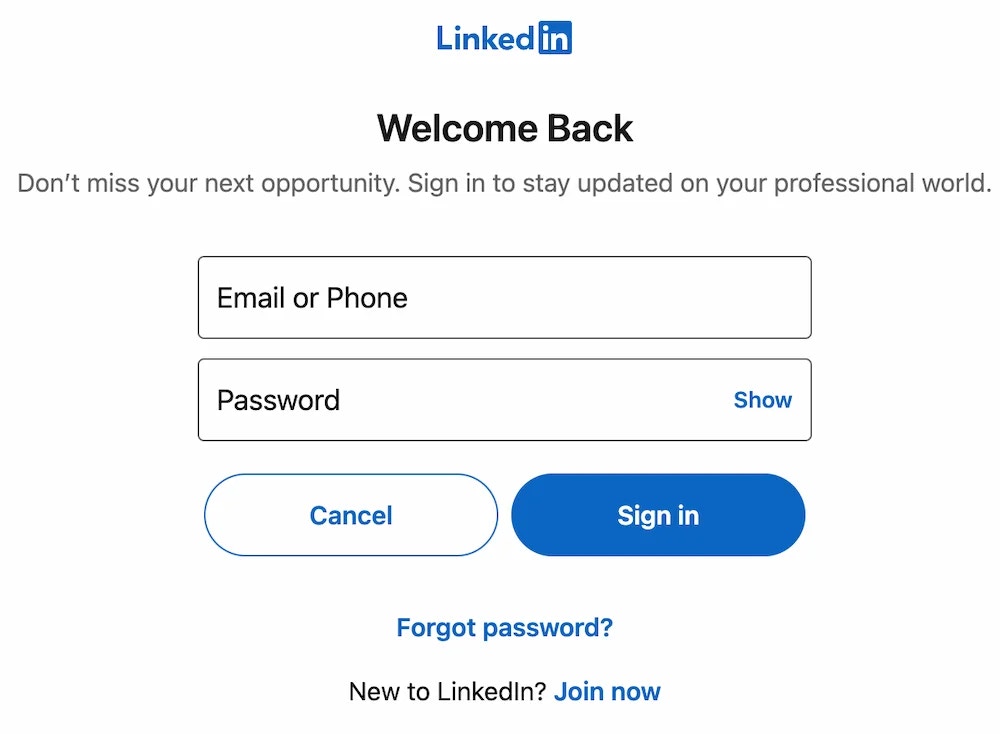
سيتم إعادة توجيه الصفحة إلى LinkedIn وطلب تسجيل الدخول إلى حساب
LinkedIn الخاص بك. إذا كنت قد قمت بتفويض Ayrshare مع LinkedIn سابقًا،
فقد يتم تخطي هذه الخطوة.
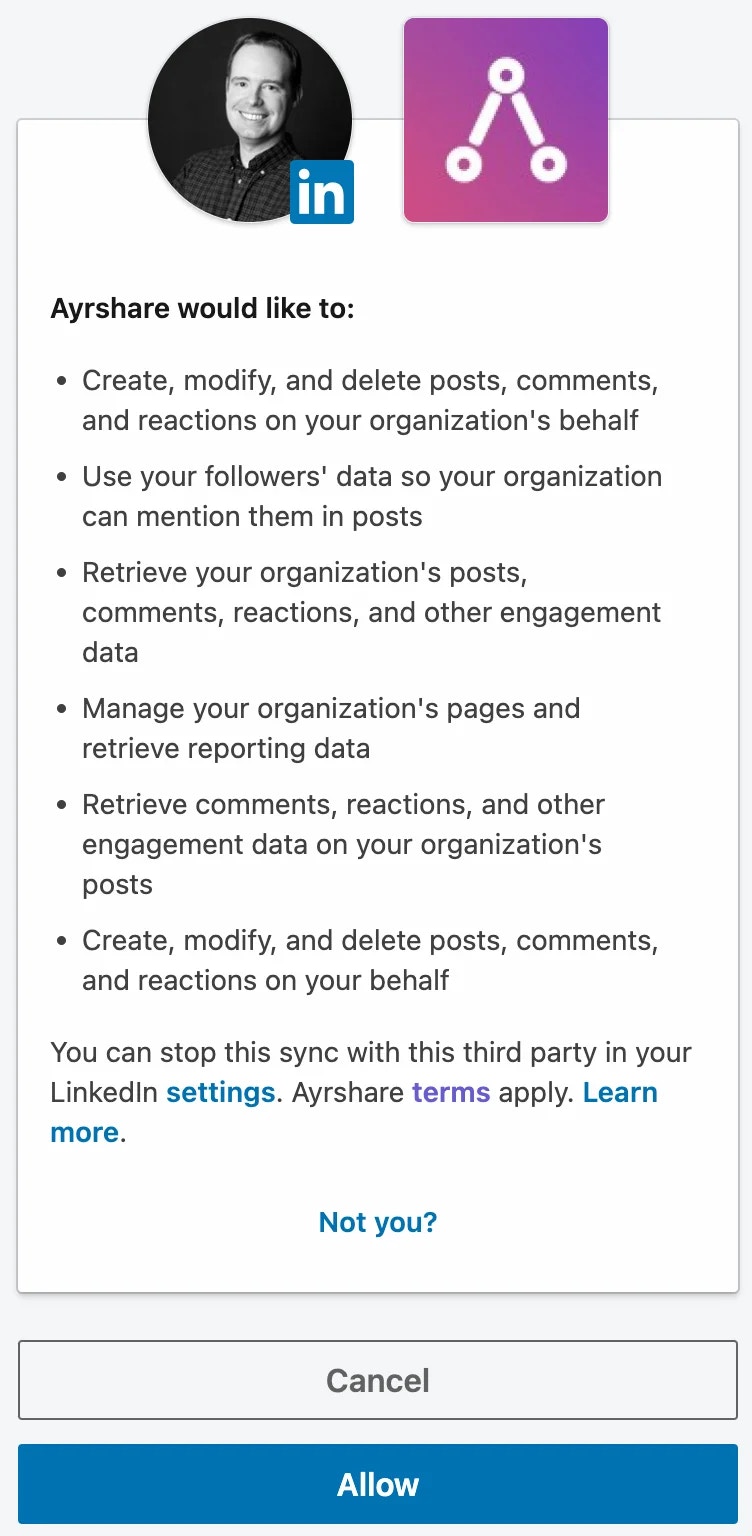
 اقبل أذونات التفويض التي تطلبها Ayrshare.
 ستتم إعادة توجيهك إلى Ayrshare حيث يمكنك تحديد نوع حساب LinkedIn
الذي ترغب في ربطه مع Ayrshare. يمكنك اختيار إما صفحة شركة LinkedIn أو حساب LinkedIn الشخصي.
إذا اخترت ربط صفحة شركة، فيجب أن يكون مستخدم LinkedIn Super Admin
أو Content Admin لصفحة الشركة لربطها مع Ayrshare.
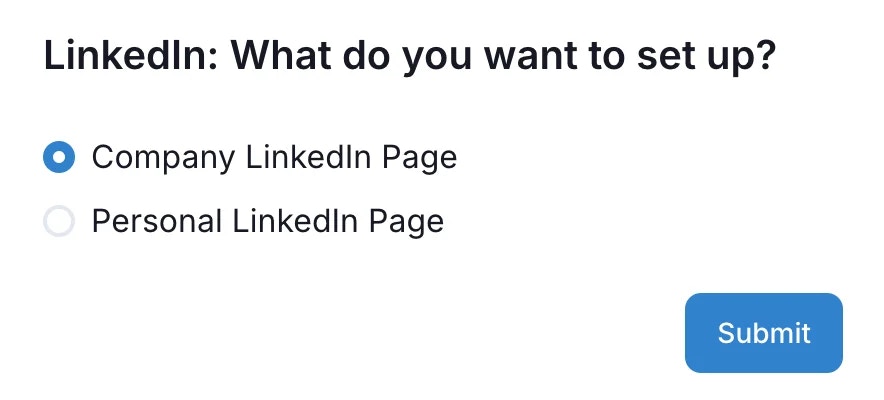
ستتم إعادة توجيهك إلى Ayrshare حيث يمكنك تحديد نوع حساب LinkedIn
الذي ترغب في ربطه مع Ayrshare. يمكنك اختيار إما صفحة شركة LinkedIn أو حساب LinkedIn الشخصي.
إذا اخترت ربط صفحة شركة، فيجب أن يكون مستخدم LinkedIn Super Admin
أو Content Admin لصفحة الشركة لربطها مع Ayrshare.
 إذا اخترت "Company Page"، فسترى قائمة بصفحات الشركة التي يمكنك الاختيار من بينها.
تذكر أن مستخدم LinkedIn يجب أن يكون Super Admin أو Content Admin لصفحة الشركة لربطها مع Ayrshare.
إذا اخترت "Company Page"، فسترى قائمة بصفحات الشركة التي يمكنك الاختيار من بينها.
تذكر أن مستخدم LinkedIn يجب أن يكون Super Admin أو Content Admin لصفحة الشركة لربطها مع Ayrshare.
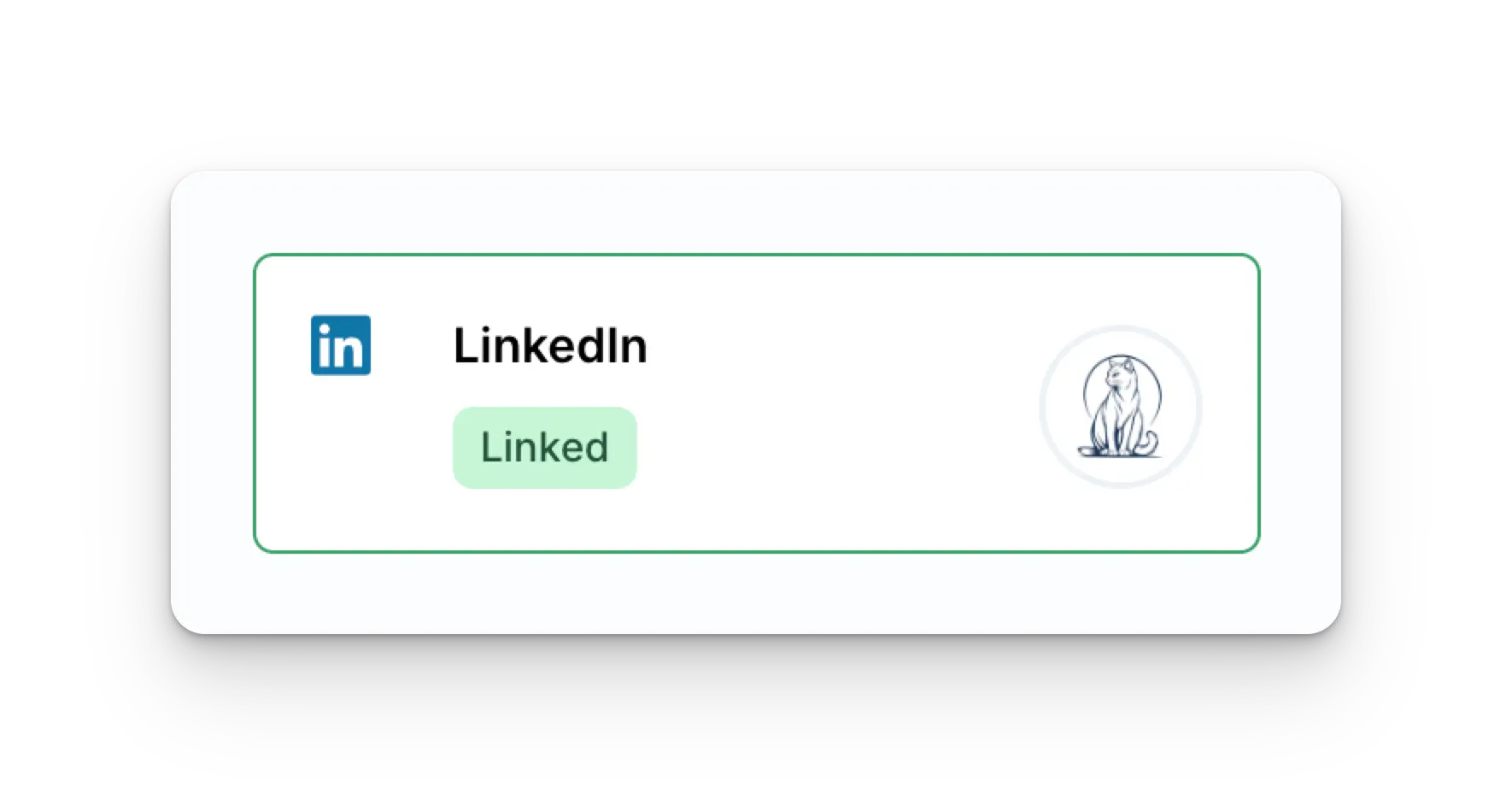
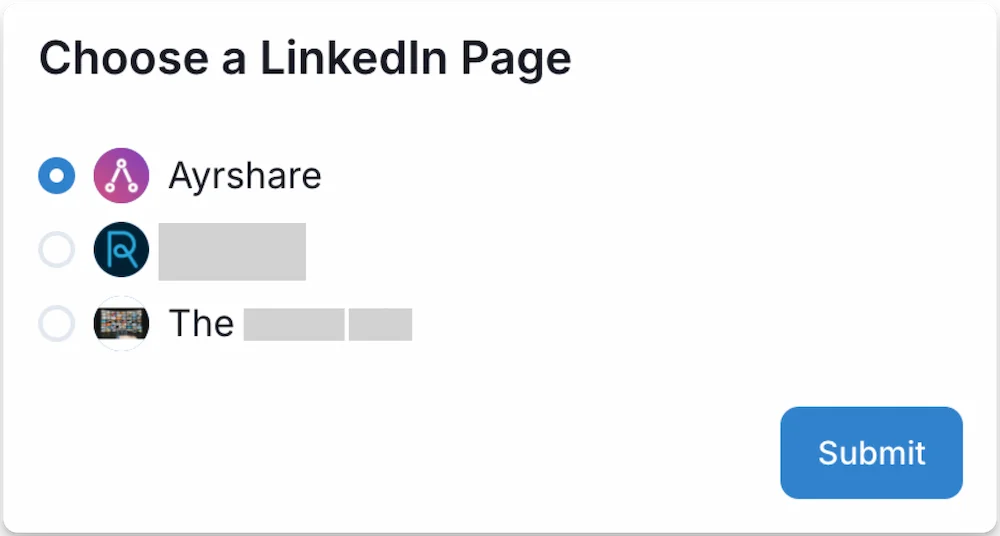 سيتم الآن تحديث صفحة Social Accounts بحسابك على LinkedIn.
 ## استكشاف أخطاء LinkedIn وإصلاحها
الخطأ الأكثر شيوعًا الذي قد تواجهه هو عدم ظهور صفحة الشركة في قائمة الشركات المتاحة.
يمكن أن يحدث هذا بسبب أن مستخدم LinkedIn ليس Super Admin أو Content Admin لصفحة الشركة، ويمكن إصلاحه من قِبل Super Admin لصفحة الشركة عبر [تحديث دور الصفحة للمستخدم](https://www.linkedin.com/help/linkedin/answer/a1481267).
## انتهاء صلاحية ربط LinkedIn
يجب إعادة ربط LinkedIn كل 365 يومًا.
يرجى الاطلاع على [نقطة نهاية user](/apis/user/profile-details) للحصول على تاريخ التحديث المطلوب والأيام المتبقية.
## معلومات إضافية عن LinkedIn
* يرجى الاطلاع هنا للتفاصيل حول
[النشر على LinkedIn](/apis/post/social-networks/linkedin)،
[الحصول على التحليلات](/apis/analytics/overview)،
[إدارة التعليقات](/apis/comments/overview)، أو
[استرداد السجل.](/apis/history/overview)
* لمزيد من المعلومات حول أحجام الصور الموصى بها، يرجى مراجعة:
## استكشاف أخطاء LinkedIn وإصلاحها
الخطأ الأكثر شيوعًا الذي قد تواجهه هو عدم ظهور صفحة الشركة في قائمة الشركات المتاحة.
يمكن أن يحدث هذا بسبب أن مستخدم LinkedIn ليس Super Admin أو Content Admin لصفحة الشركة، ويمكن إصلاحه من قِبل Super Admin لصفحة الشركة عبر [تحديث دور الصفحة للمستخدم](https://www.linkedin.com/help/linkedin/answer/a1481267).
## انتهاء صلاحية ربط LinkedIn
يجب إعادة ربط LinkedIn كل 365 يومًا.
يرجى الاطلاع على [نقطة نهاية user](/apis/user/profile-details) للحصول على تاريخ التحديث المطلوب والأيام المتبقية.
## معلومات إضافية عن LinkedIn
* يرجى الاطلاع هنا للتفاصيل حول
[النشر على LinkedIn](/apis/post/social-networks/linkedin)،
[الحصول على التحليلات](/apis/analytics/overview)،
[إدارة التعليقات](/apis/comments/overview)، أو
[استرداد السجل.](/apis/history/overview)
* لمزيد من المعلومات حول أحجام الصور الموصى بها، يرجى مراجعة: