> ## Documentation Index
> Fetch the complete documentation index at: https://www.ayrshare.com/docs/llms.txt
> Use this file to discover all available pages before exploring further.
# ربط Snapchat
> تفويض Snapchat مع Ayrshare
## كيفية ربط Snapchat مع Ayrshare
### إعداد Snapchat Public Profile
قبل ربط حساب Snapchat الخاص بك، يجب أن يكون لديك Snapchat Public Profile مُعدّ.
الحسابات غير العامة لا يمكن ربطها بـ Ayrshare.
بالإضافة إلى ذلك، يجب تحويل الملف الشخصي العام إلى Professional Profile.
بدون Professional Profile، لا يُسمح ببعض الميزات مثل نشر Stories.
إذا لم يكن لديك ملف شخصي عام بعد، يُرجى اتباع الخطوات أدناه.
إذا كان لديك ملف شخصي عام بالفعل، يُرجى الانتقال إلى الخطوة 3.
إذا كان ملفك الشخصي العام هو Professional Profile بالفعل، يُرجى الانتقال إلى [ربط Snapchat](/dashboard/connect-social-accounts/snapchat#linking-snapchat).
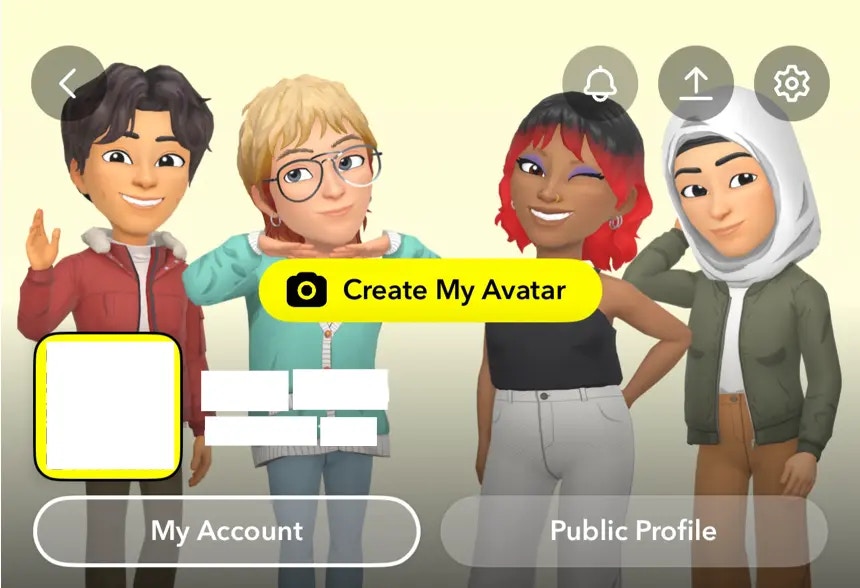
افتح Snapchat وانقر على أيقونتك في الزاوية العلوية اليسرى.
 انقر على زر **Public Profile** واتّبع التعليمات لإعداد ملفك الشخصي العام.
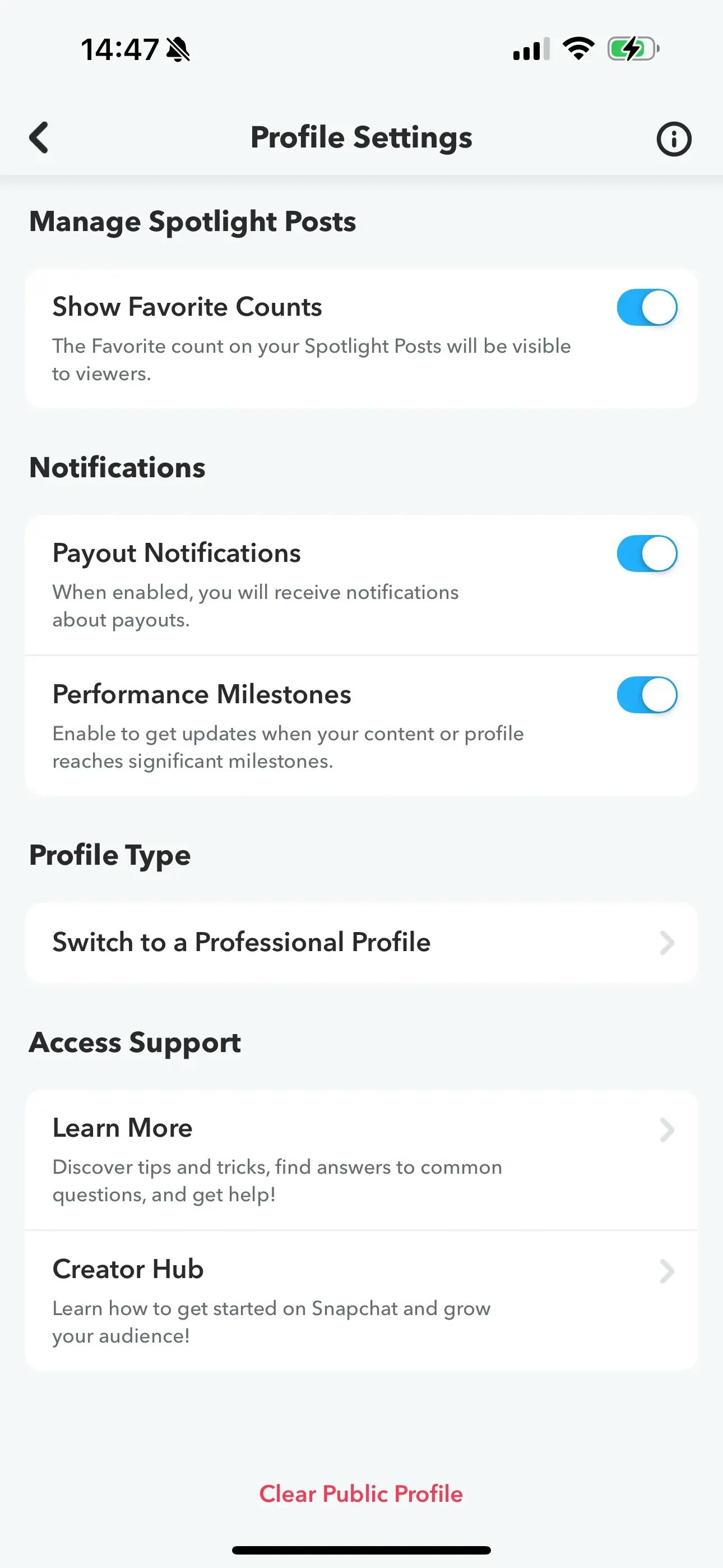
 انتقل إلى خيار **Switch to a Professional Profile** في إعدادات الملف الشخصي.
اتّبع التعليمات، وحدّد فئة، وانقر على **Confirm** للتحويل
إلى Professional Profile.
انتقل إلى خيار **Switch to a Professional Profile** في إعدادات الملف الشخصي.
اتّبع التعليمات، وحدّد فئة، وانقر على **Confirm** للتحويل
إلى Professional Profile.
 ### ربط Snapchat
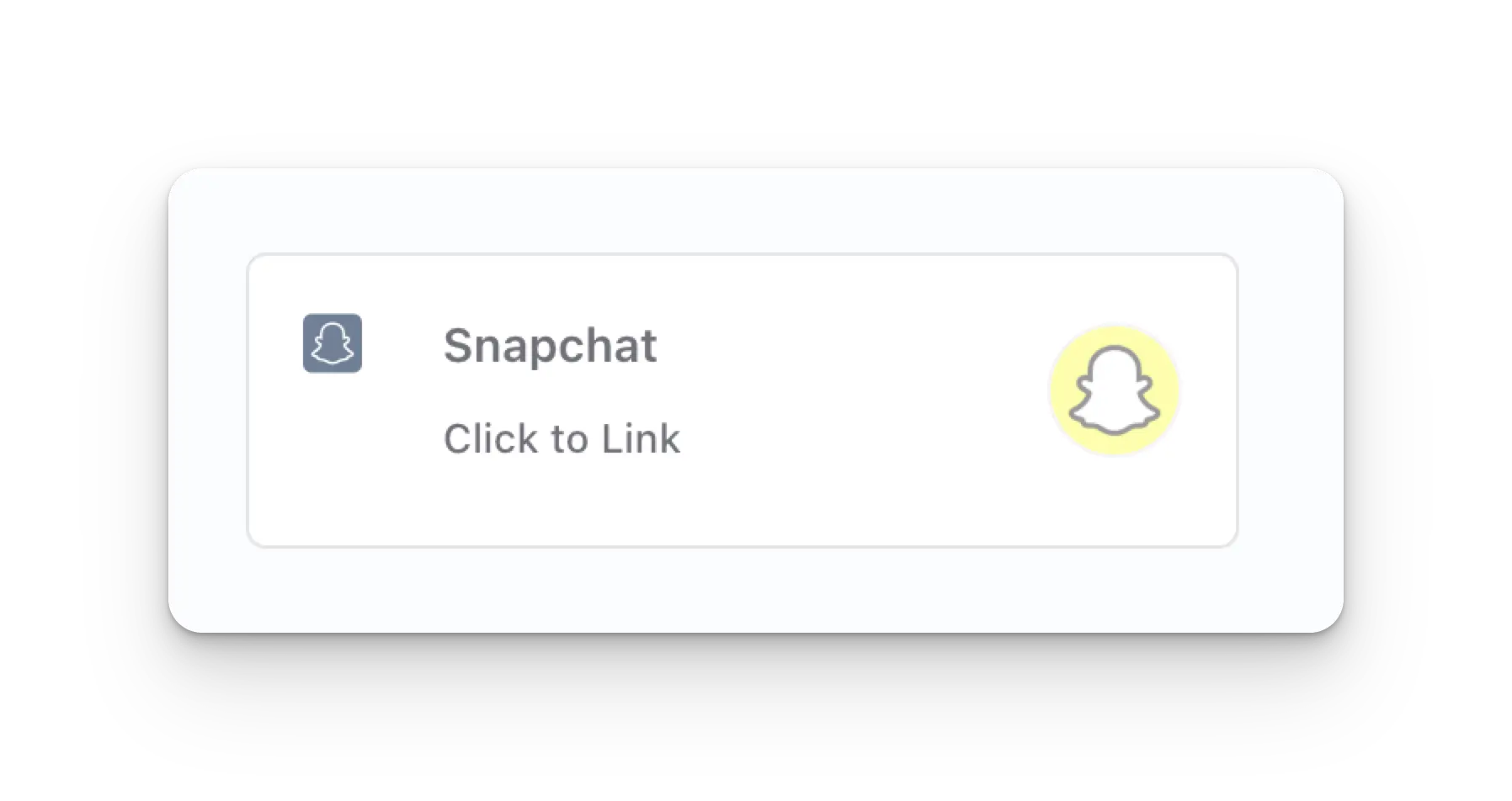
انقر على أيقونة Snapchat في صفحة Social Accounts.
### ربط Snapchat
انقر على أيقونة Snapchat في صفحة Social Accounts.
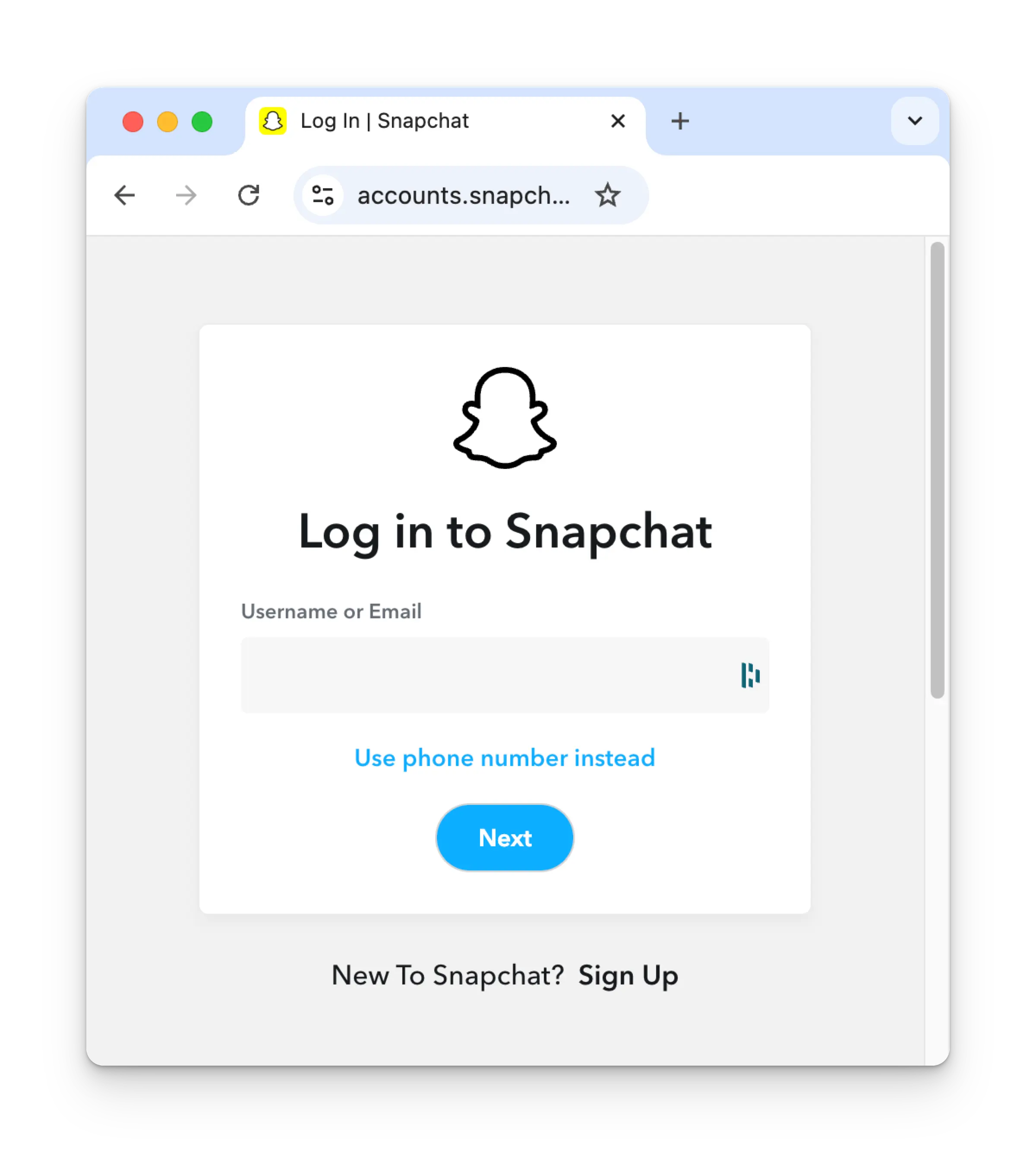
 إذا لم تكن قد سجّلت دخولك بعد، فستنتقل إلى صفحة تسجيل الدخول في Snapchat. أدخل بيانات
اعتمادك وفقًا لذلك. إذا كنت قد سجّلت دخولك بالفعل، يُرجى الانتقال إلى الخطوة التالية.
إذا لم تكن قد سجّلت دخولك بعد، فستنتقل إلى صفحة تسجيل الدخول في Snapchat. أدخل بيانات
اعتمادك وفقًا لذلك. إذا كنت قد سجّلت دخولك بالفعل، يُرجى الانتقال إلى الخطوة التالية.
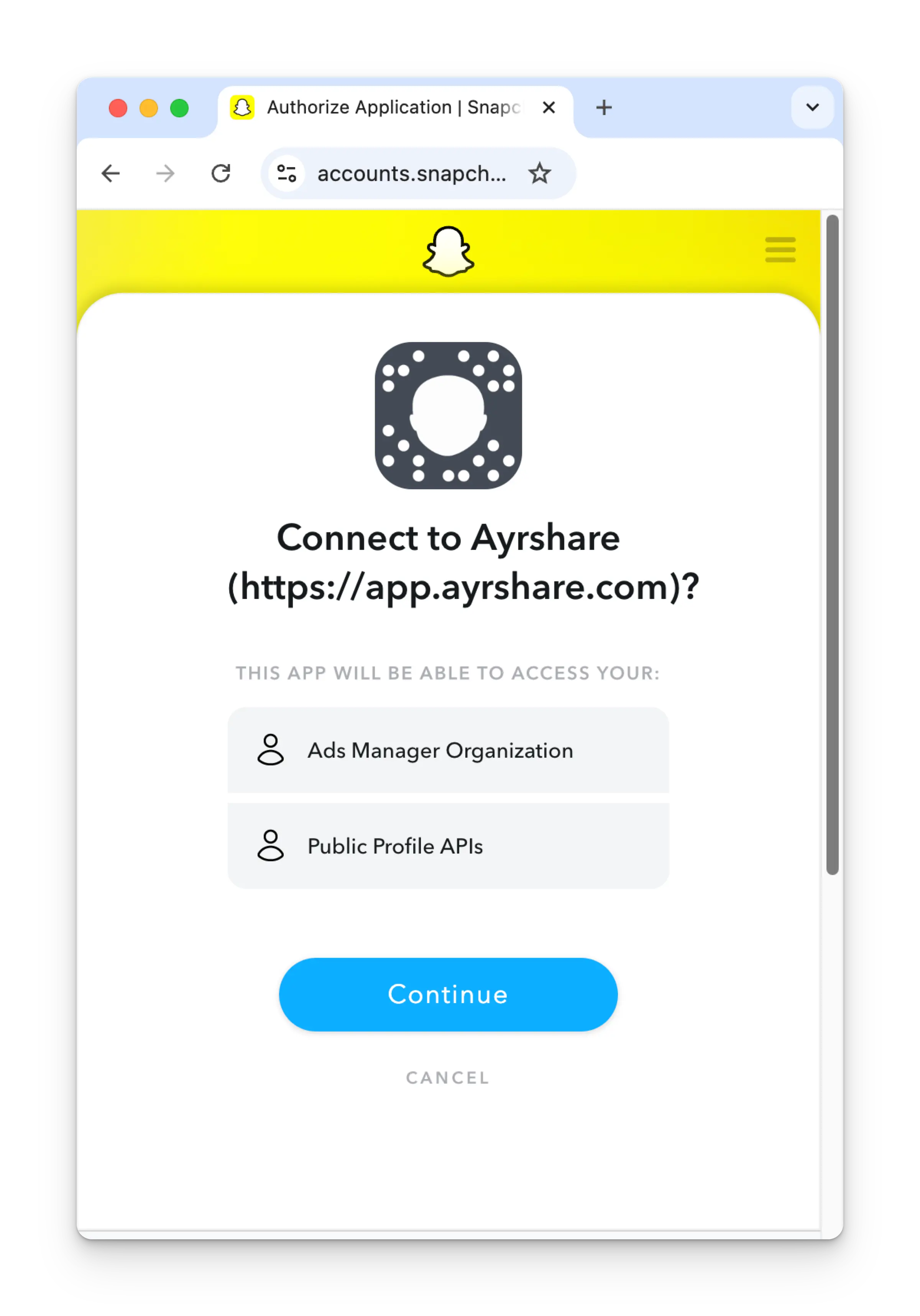
 راجع الأذونات وانقر على **Continue** في صفحة التفويض.
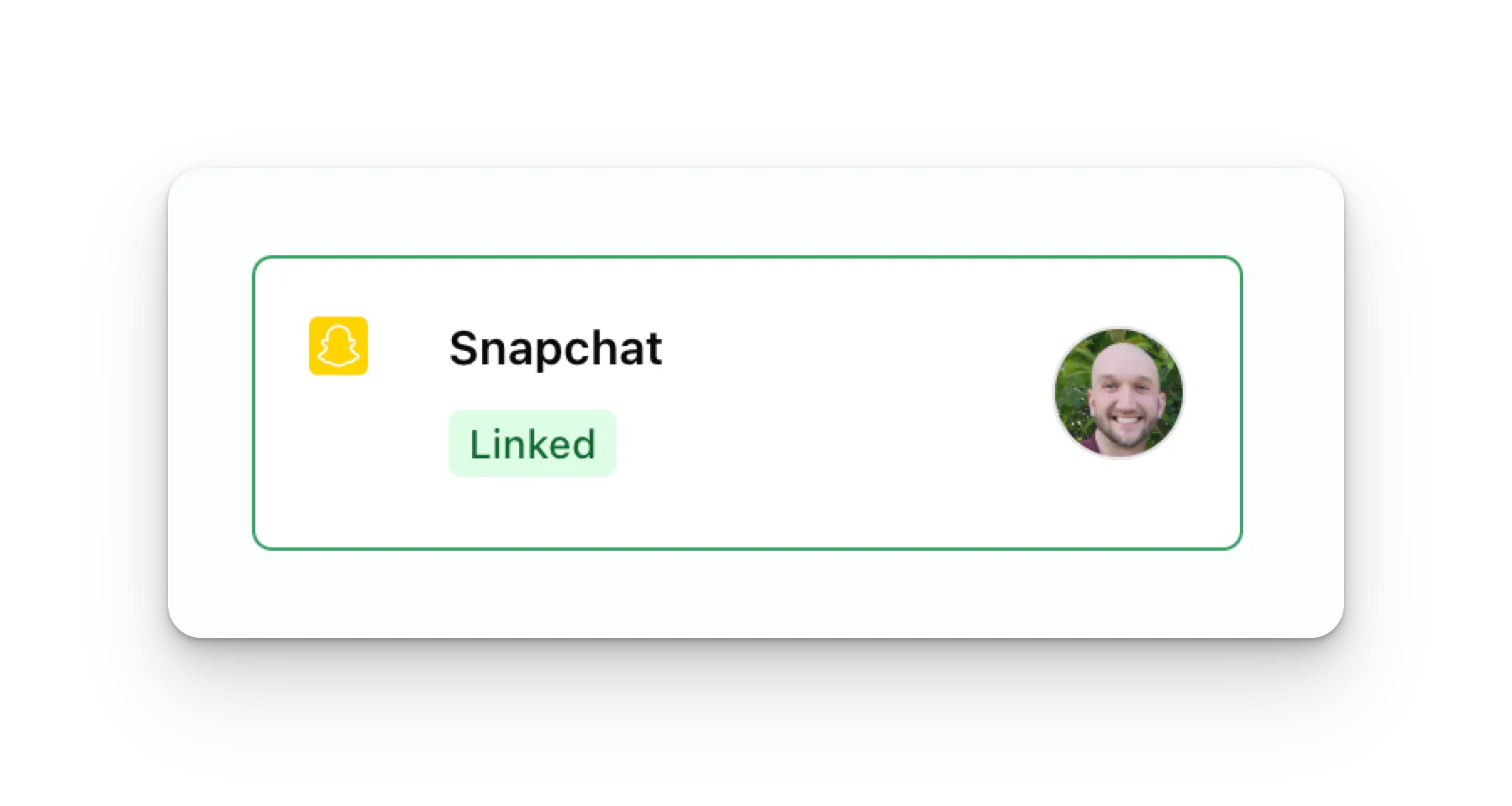
 ستُحدَّث الآن صفحة Social Accounts الخاصة بك بحساب Snapchat الخاص بك.
 ## معلومات إضافية عن Snapchat
* يُرجى الاطلاع هنا للحصول على تفاصيل حول
[النشر إلى Snapchat](/apis/post/social-networks/snapchat)،
[الحصول على التحليلات](/apis/analytics/overview)،
[إدارة التعليقات](/apis/comments/overview)، أو
[استرجاع السجل](/apis/history/overview).
* لمزيد من المعلومات حول أحجام الصور والفيديو الموصى بها، يُرجى الاطلاع على:
## معلومات إضافية عن Snapchat
* يُرجى الاطلاع هنا للحصول على تفاصيل حول
[النشر إلى Snapchat](/apis/post/social-networks/snapchat)،
[الحصول على التحليلات](/apis/analytics/overview)،
[إدارة التعليقات](/apis/comments/overview)، أو
[استرجاع السجل](/apis/history/overview).
* لمزيد من المعلومات حول أحجام الصور والفيديو الموصى بها، يُرجى الاطلاع على: