> ## Documentation Index
> Fetch the complete documentation index at: https://www.ayrshare.com/docs/llms.txt
> Use this file to discover all available pages before exploring further.
# ربط YouTube
> تصريح YouTube مع Ayrshare
## كيفية ربط قناة YouTube مع Ayrshare
يمكنك ربط قناة YouTube مع Ayrshare.
عند تصريح YouTube مع Ayrshare، ستُعاد إلى Google لتسجيل الدخول والتصريح لـ Ayrshare واختيار قناة YouTube.
يُرجى التأكد من أن حساب Google الخاص بك لديه صلاحية إدارة قناة YouTube التي تريد الاتصال بها وأن القناة عامة.
إذا كانت لديك مشكلات في ربط قناة YouTube، يُرجى الاطلاع على [دليل صلاحيات قناة YouTube](/help-center/technical-support/youtube_channels_not_showing) لمزيد من المعلومات.
لا يدعم YouTube حسابات الخدمة (Service Accounts).
حسابات الخدمة لا تعمل مع استدعاءات YouTube Data API لأن حسابات الخدمة تتطلب قناة YouTube مرتبطة، ولا يمكنك ربط قنوات جديدة أو موجودة بحسابات الخدمة.
انقر على أيقونة YouTube في صفحة ربط الحساب الاجتماعي في Ayrshare.
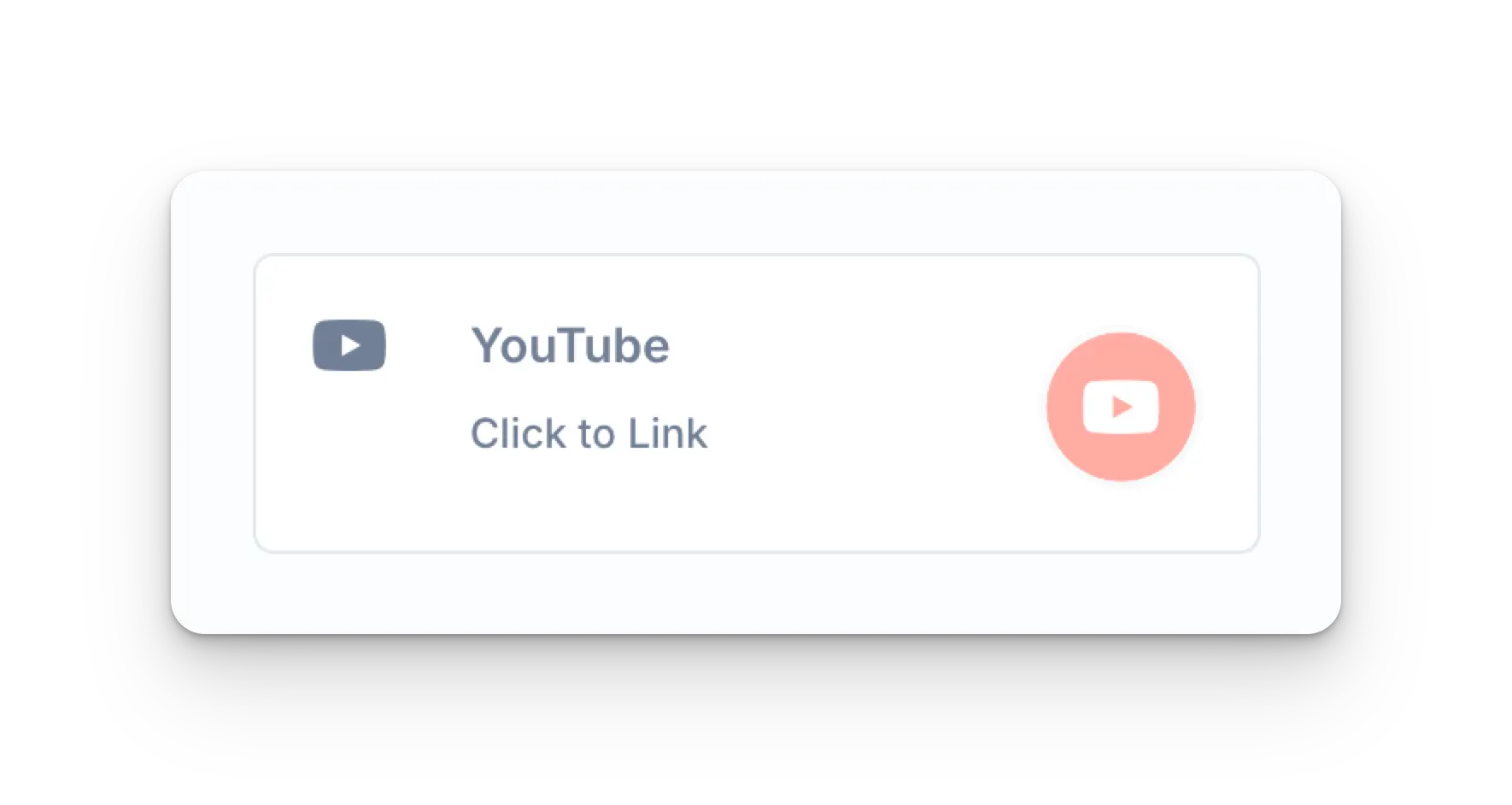 ستُعاد الصفحة إما إلى صفحة تسجيل دخول Google أو قائمة بحسابات Google المسجلة حاليًا.
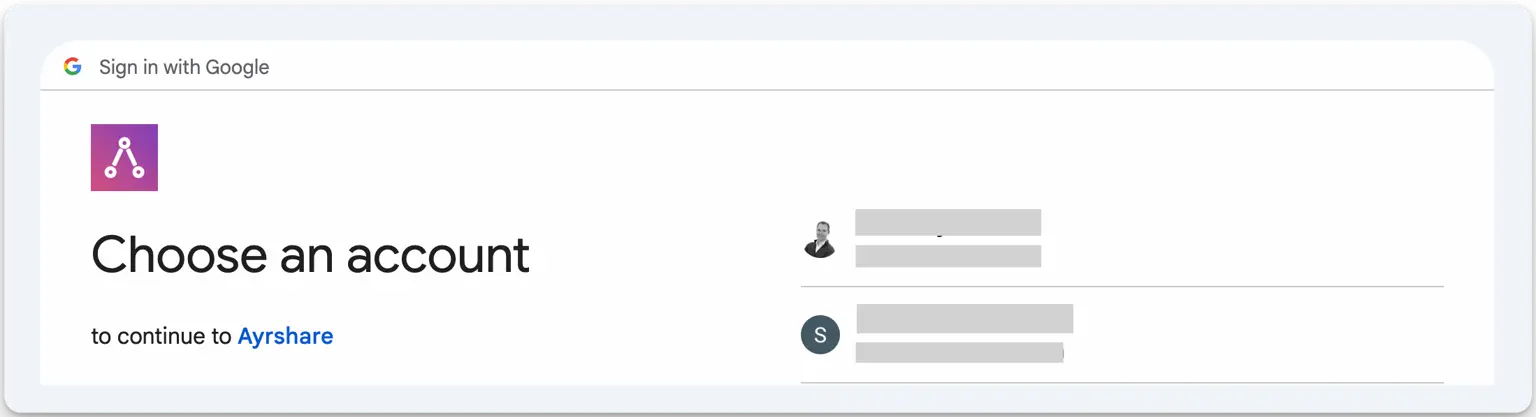 اختر حساب Google المرتبط بقناة YouTube التي تريد الاتصال بها.
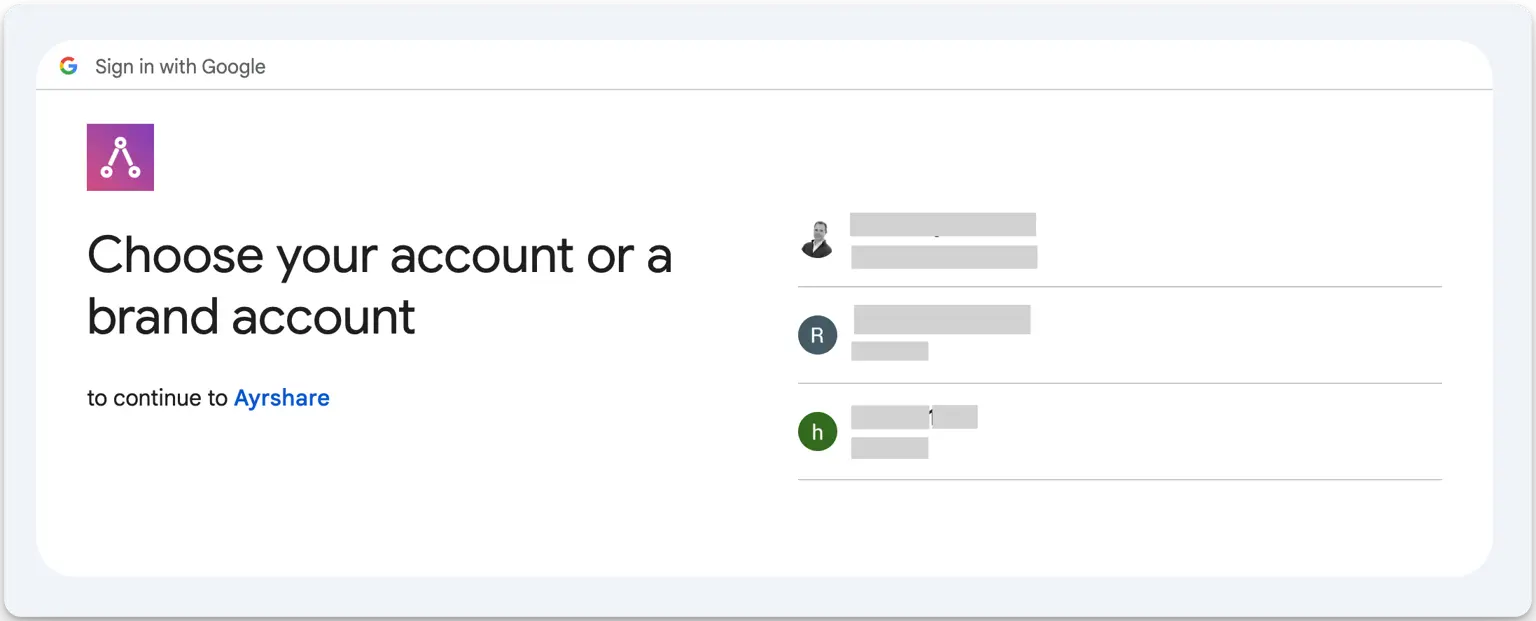 حدّد قناة YouTube التي تريد الاتصال بها.
قد تظهر لك بعد ذلك شاشة أو شاشتان تطلبان الأذونات. انقر *Continue* على كل شاشة.
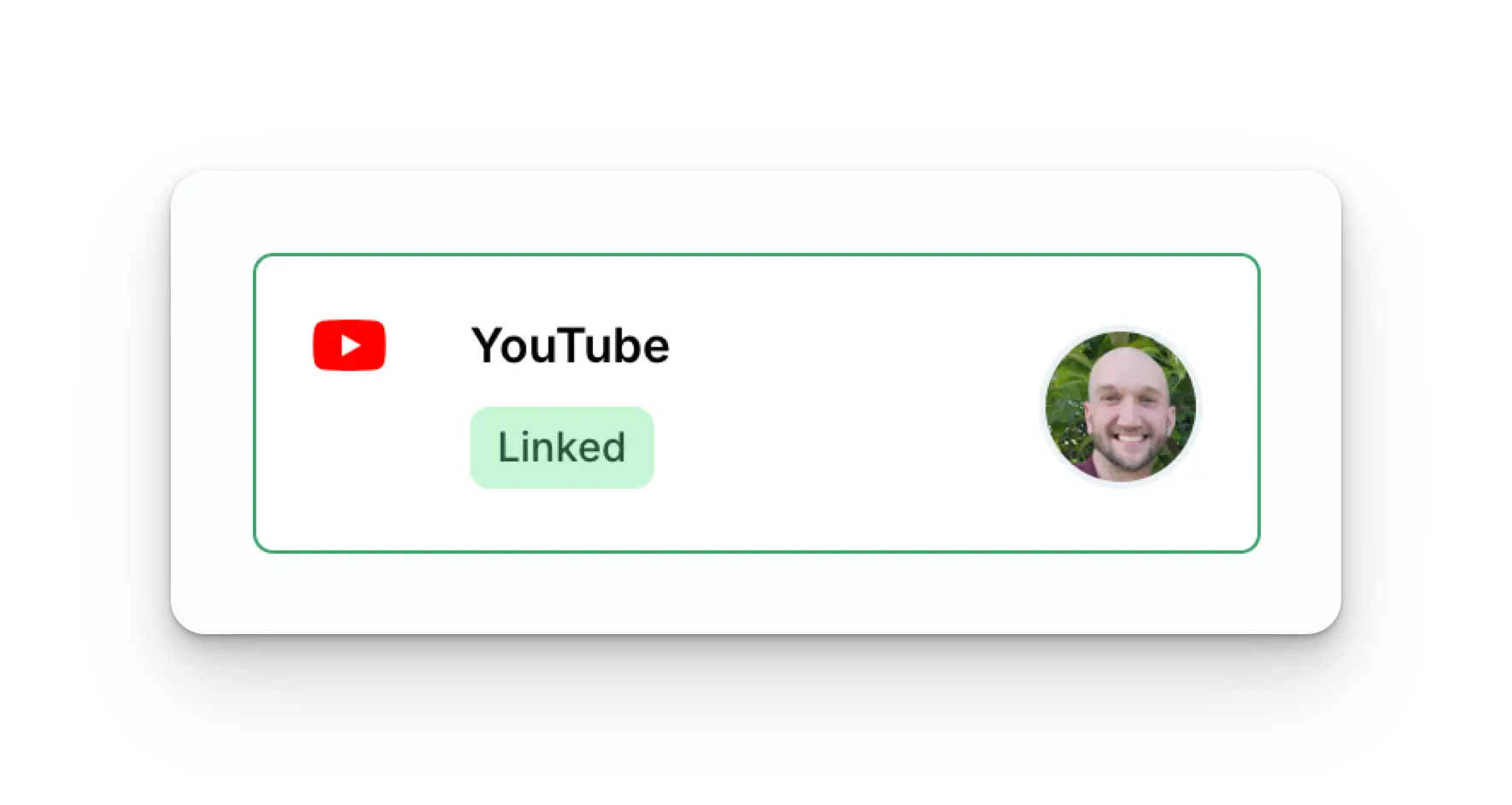
عند الاكتمال، ستُعاد إلى صفحة الربط الاجتماعي في Ayrshare.
سيتم الآن تحديث صفحة Social Accounts بحساب YouTube الخاص بك.
حدّد قناة YouTube التي تريد الاتصال بها.
قد تظهر لك بعد ذلك شاشة أو شاشتان تطلبان الأذونات. انقر *Continue* على كل شاشة.
عند الاكتمال، ستُعاد إلى صفحة الربط الاجتماعي في Ayrshare.
سيتم الآن تحديث صفحة Social Accounts بحساب YouTube الخاص بك.
 ## استكشاف أخطاء ربط YouTube
يتطلب النشر على YouTube أن يكون لحساب YouTube الخاص بك على الأقل قناة واحدة وأن تكون مالكًا للقناة.
لإنشاء قناة YouTube، انقر على ملفك الشخصي في لوحة تحكم YouTube واختر "Create a Channel".
يمكنك أيضًا استخدام هذا الرابط المباشر لإنشاء قناة YouTube إذا لم يكن لديك واحدة: [http://m.youtube.com/create\_channel](http://m.youtube.com/create_channel)
إذا كانت لديك مشكلات في عرض قنوات YouTube، يُرجى الاطلاع على [دليل استكشاف الأخطاء وإصلاحها](/help-center/technical-support/youtube_channels_not_showing).
## معلومات إضافية عن YouTube
* راجع هنا التفاصيل حول [النشر على YouTube](/apis/post/social-networks/youtube) و[الحصول على التحليلات](/apis/analytics/overview) و[إدارة التعليقات](/apis/comments/overview) أو [استرجاع السجل.](/apis/history/overview)
* لمزيد من المعلومات حول أحجام الصور الموصى بها، يُرجى الاطلاع على:
## استكشاف أخطاء ربط YouTube
يتطلب النشر على YouTube أن يكون لحساب YouTube الخاص بك على الأقل قناة واحدة وأن تكون مالكًا للقناة.
لإنشاء قناة YouTube، انقر على ملفك الشخصي في لوحة تحكم YouTube واختر "Create a Channel".
يمكنك أيضًا استخدام هذا الرابط المباشر لإنشاء قناة YouTube إذا لم يكن لديك واحدة: [http://m.youtube.com/create\_channel](http://m.youtube.com/create_channel)
إذا كانت لديك مشكلات في عرض قنوات YouTube، يُرجى الاطلاع على [دليل استكشاف الأخطاء وإصلاحها](/help-center/technical-support/youtube_channels_not_showing).
## معلومات إضافية عن YouTube
* راجع هنا التفاصيل حول [النشر على YouTube](/apis/post/social-networks/youtube) و[الحصول على التحليلات](/apis/analytics/overview) و[إدارة التعليقات](/apis/comments/overview) أو [استرجاع السجل.](/apis/history/overview)
* لمزيد من المعلومات حول أحجام الصور الموصى بها، يُرجى الاطلاع على: