> ## Documentation Index
> Fetch the complete documentation index at: https://www.ayrshare.com/docs/llms.txt
> Use this file to discover all available pages before exploring further.
# LinkedIn 关联
> 授权 LinkedIn 与 Ayrshare 建立连接
## 如何将 LinkedIn 与 Ayrshare 关联
你既可以关联 LinkedIn 公司主页,也可以关联个人 LinkedIn 账号。
在授权 LinkedIn 与 Ayrshare 关联时,你会被重定向到 LinkedIn 登录并授权 Ayrshare 访问你的 LinkedIn 账号。
在 Social Accounts 页面点击 LinkedIn 图标。
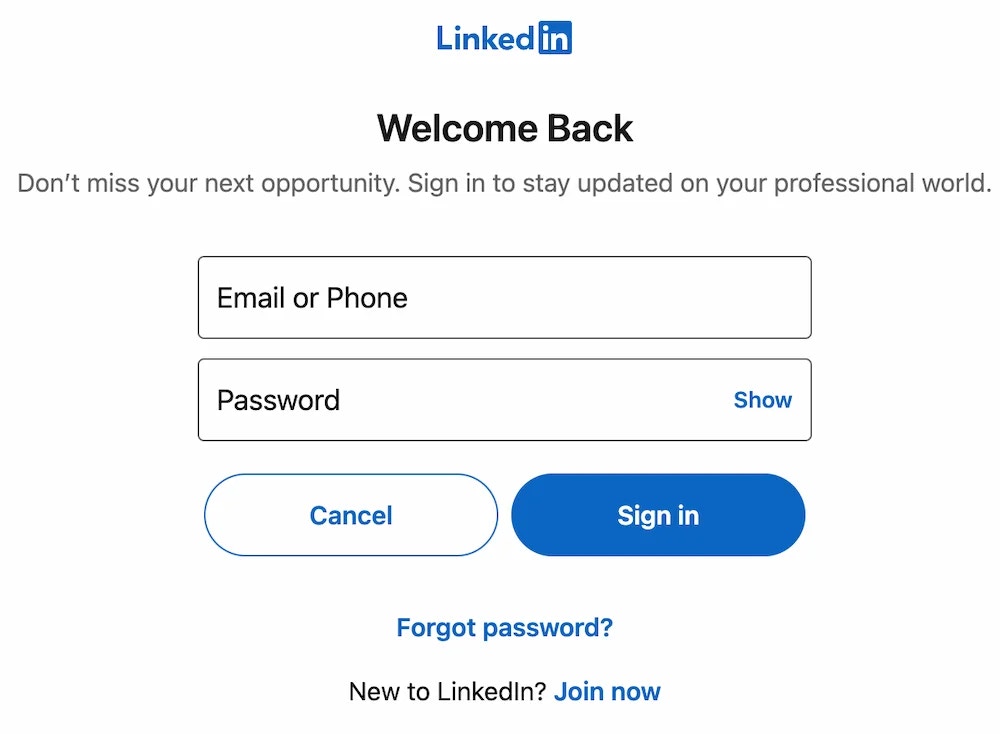
 页面会跳转到 LinkedIn,并要求你登录你的
LinkedIn 账号。如果你之前已经授权过 Ayrshare 访问 LinkedIn,
该步骤可能会被跳过。
页面会跳转到 LinkedIn,并要求你登录你的
LinkedIn 账号。如果你之前已经授权过 Ayrshare 访问 LinkedIn,
该步骤可能会被跳过。
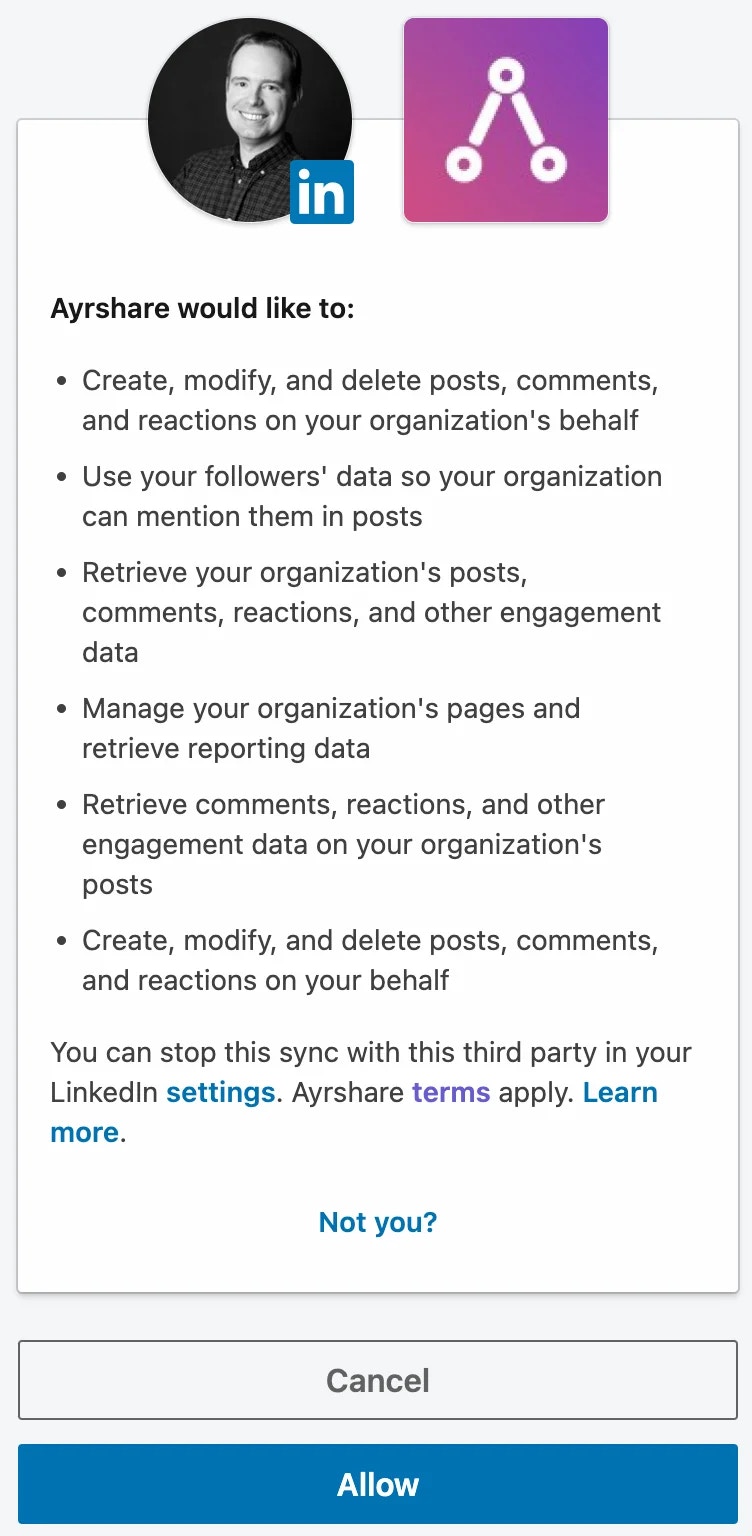
 接受 Ayrshare 所请求的授权权限。
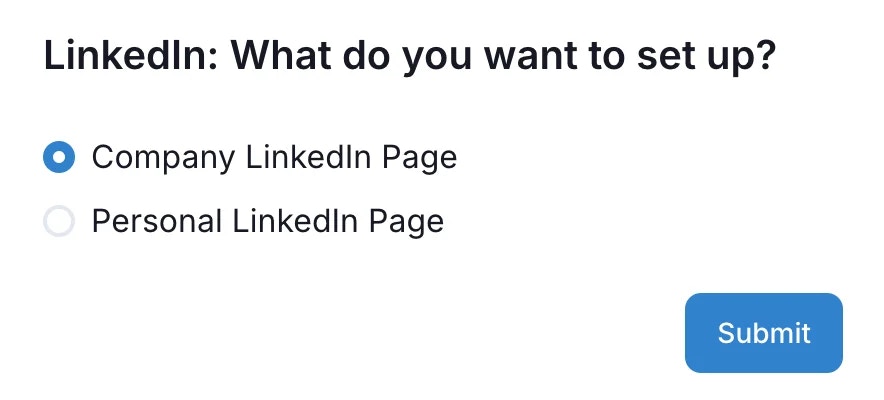
 你会被重定向回 Ayrshare,可以在这里选择要与 Ayrshare 关联的
LinkedIn 账号类型。你可以选择 LinkedIn 公司主页或个人 LinkedIn 账号。
如果选择关联公司主页,该 LinkedIn 用户必须是该公司主页的 Super Admin
或 Content Admin,才能将其与 Ayrshare 关联。
你会被重定向回 Ayrshare,可以在这里选择要与 Ayrshare 关联的
LinkedIn 账号类型。你可以选择 LinkedIn 公司主页或个人 LinkedIn 账号。
如果选择关联公司主页,该 LinkedIn 用户必须是该公司主页的 Super Admin
或 Content Admin,才能将其与 Ayrshare 关联。
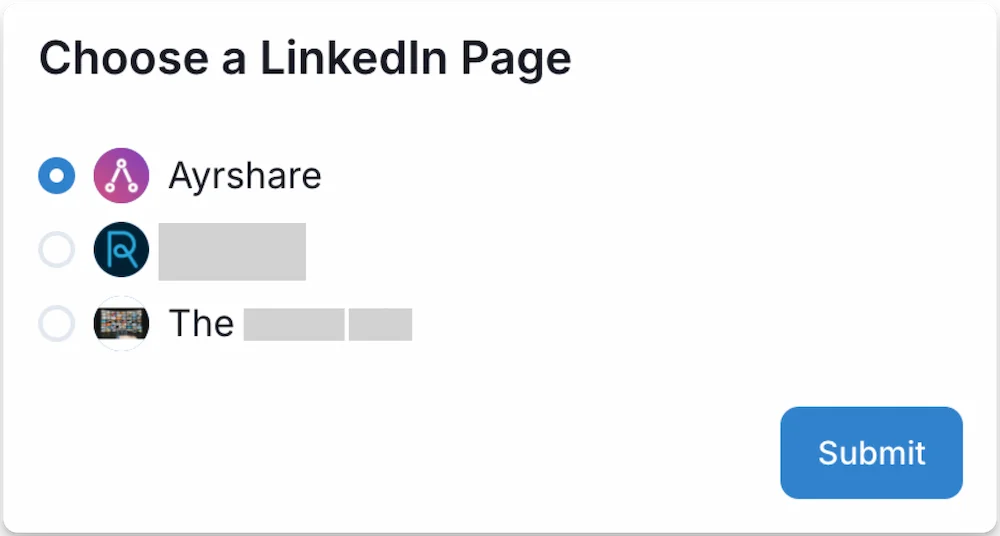
 如果你选择了 "Company Page",你会看到一个可供选择的公司主页列表。
请记住,该 LinkedIn 用户必须是该公司主页的 Super Admin 或 Content Admin 才能与 Ayrshare 关联。
如果你选择了 "Company Page",你会看到一个可供选择的公司主页列表。
请记住,该 LinkedIn 用户必须是该公司主页的 Super Admin 或 Content Admin 才能与 Ayrshare 关联。
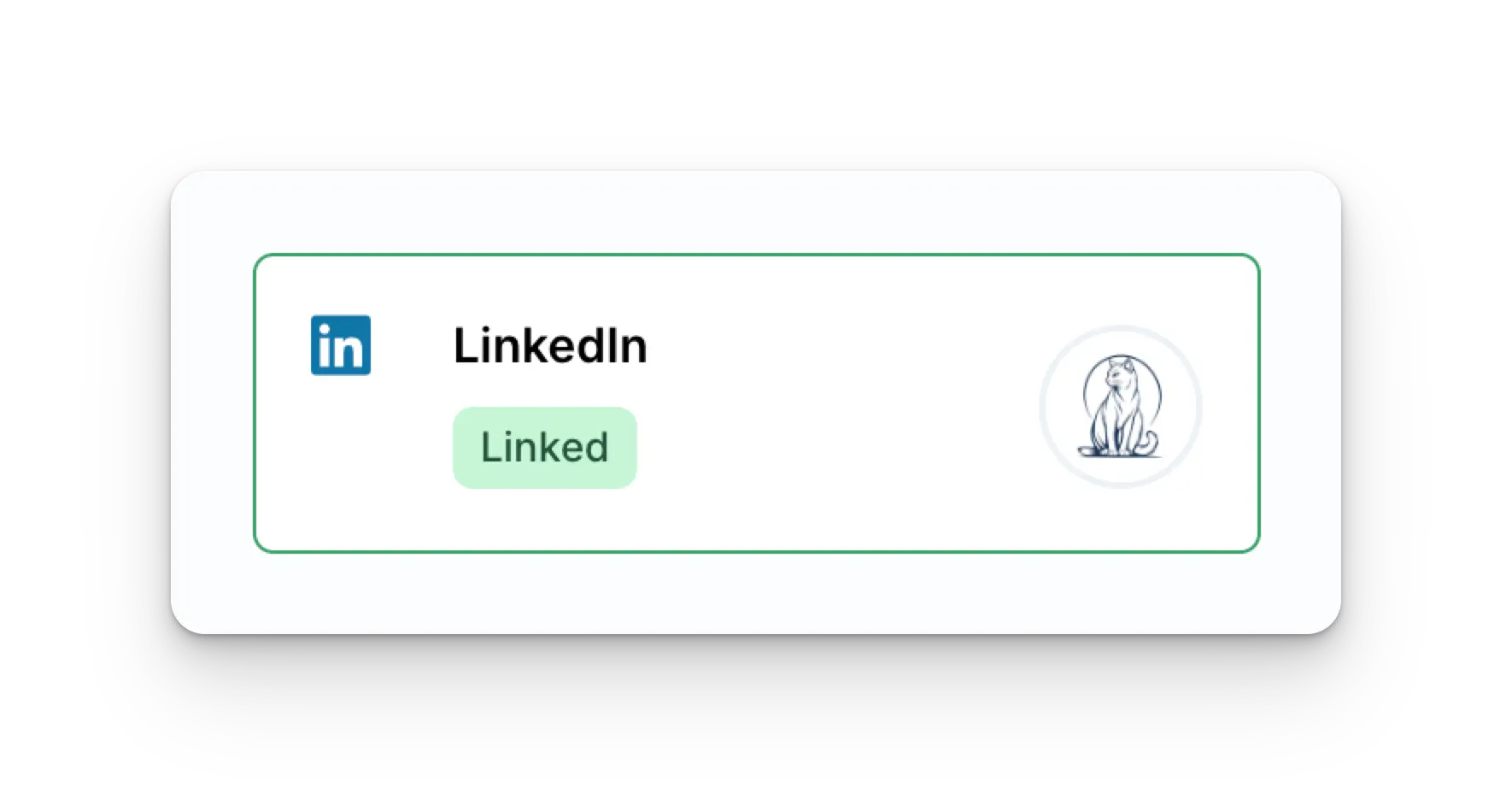
 你的 Social Accounts 页面现在将显示你的 LinkedIn 账号。
 ## LinkedIn 故障排查
最常见的错误是可选公司列表中未显示某个公司主页。
造成该问题的原因通常是该 LinkedIn 用户不是该公司主页的 Super Admin 或 Content Admin,可由该公司主页的 Super Admin [更新该用户的页面角色](https://www.linkedin.com/help/linkedin/answer/a1481267) 来解决。
## LinkedIn 关联过期
LinkedIn 必须每 365 天重新关联一次。
请参见 [user 接口](/apis/user/profile-details),获取需刷新的日期与剩余天数。
## 更多 LinkedIn 信息
* 请参见以下文档,了解
[发布到 LinkedIn](/apis/post/social-networks/linkedin)、
[获取分析数据](/apis/analytics/overview)、
[管理评论](/apis/comments/overview) 或
[获取历史记录](/apis/history/overview) 的详情。
* 关于推荐图片尺寸的更多信息,请参见:
## LinkedIn 故障排查
最常见的错误是可选公司列表中未显示某个公司主页。
造成该问题的原因通常是该 LinkedIn 用户不是该公司主页的 Super Admin 或 Content Admin,可由该公司主页的 Super Admin [更新该用户的页面角色](https://www.linkedin.com/help/linkedin/answer/a1481267) 来解决。
## LinkedIn 关联过期
LinkedIn 必须每 365 天重新关联一次。
请参见 [user 接口](/apis/user/profile-details),获取需刷新的日期与剩余天数。
## 更多 LinkedIn 信息
* 请参见以下文档,了解
[发布到 LinkedIn](/apis/post/social-networks/linkedin)、
[获取分析数据](/apis/analytics/overview)、
[管理评论](/apis/comments/overview) 或
[获取历史记录](/apis/history/overview) 的详情。
* 关于推荐图片尺寸的更多信息,请参见: