> ## Documentation Index
> Fetch the complete documentation index at: https://www.ayrshare.com/docs/llms.txt
> Use this file to discover all available pages before exploring further.
# TikTok 关联
> 授权 TikTok 与 Ayrshare 建立连接
## 如何将 TikTok 与 Ayrshare 关联
你可以将 TikTok 个人账号或商家账号与 Ayrshare 关联。
在授权 TikTok 与 Ayrshare 关联时,你会被重定向到 TikTok 登录并授权 Ayrshare 访问你的 TikTok 账号。
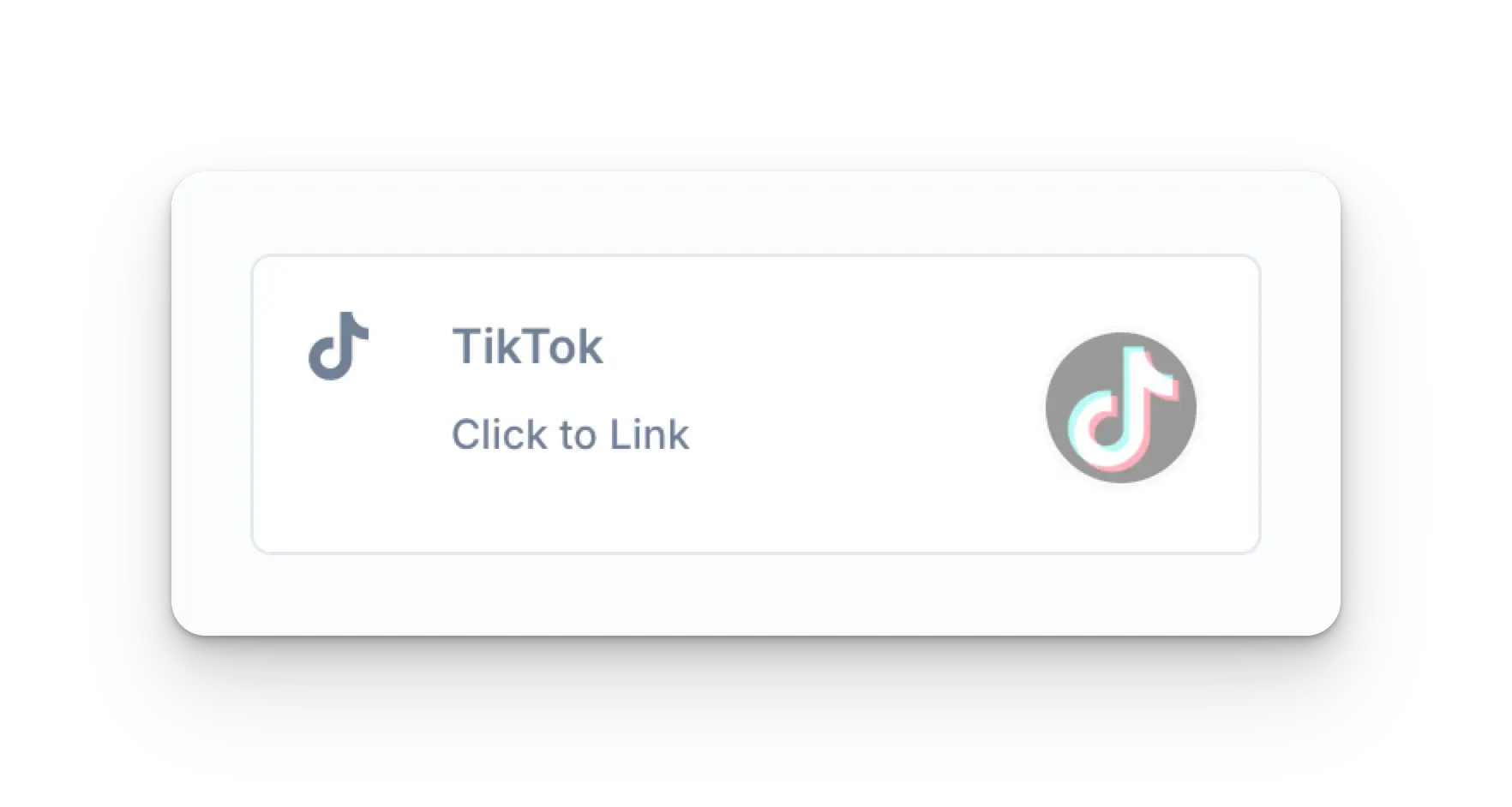
在 Social Accounts 页面点击 TikTok 图标。
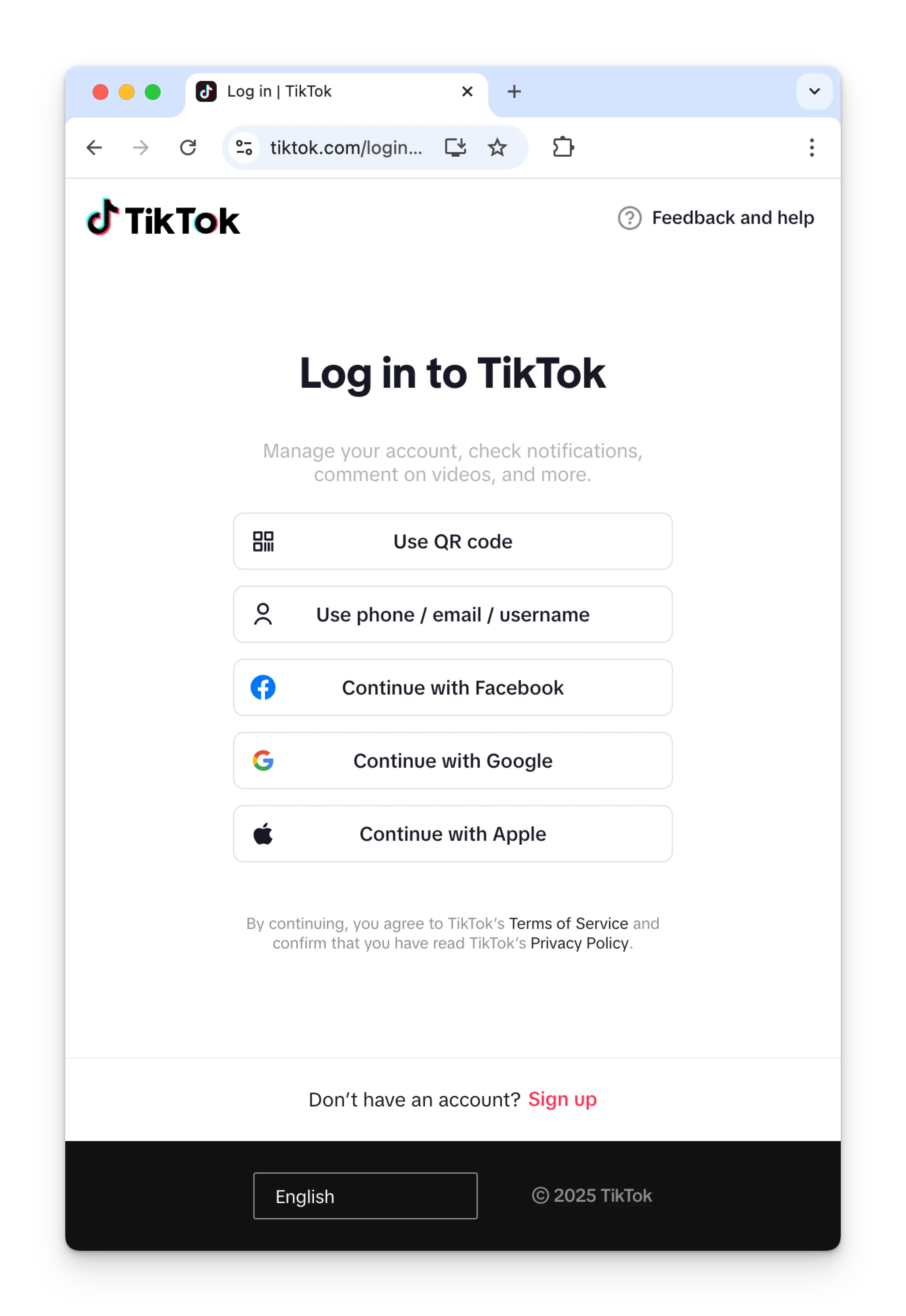
 如果你尚未登录 TikTok,会看到 TikTok 登录页面。
请输入账号凭据登录 TikTok。
如果你已经登录,请直接进入下一步。
如果你尚未登录 TikTok,会看到 TikTok 登录页面。
请输入账号凭据登录 TikTok。
如果你已经登录,请直接进入下一步。
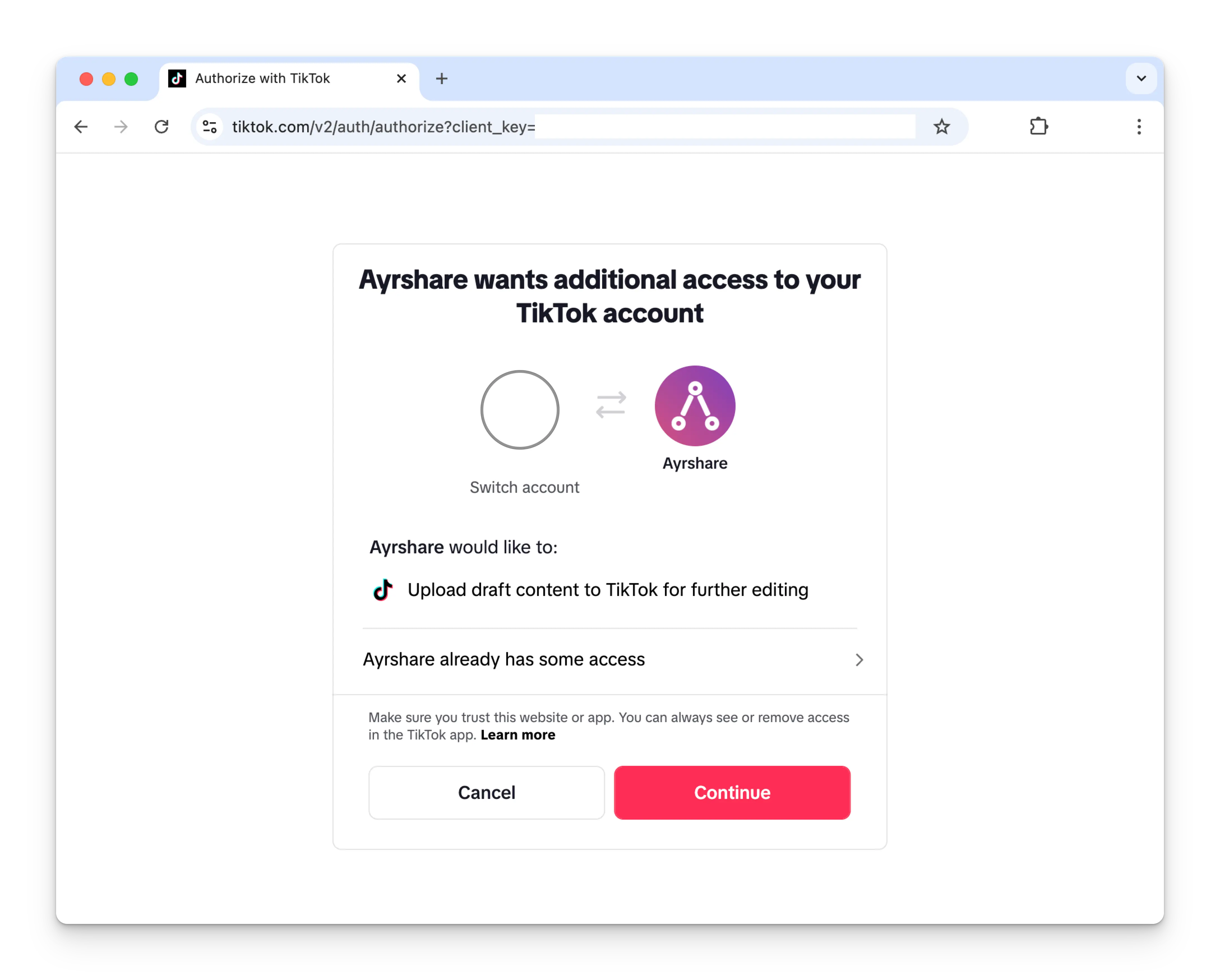
 点击 **Continue** 允许 Ayrshare 连接你的 TikTok 账号。
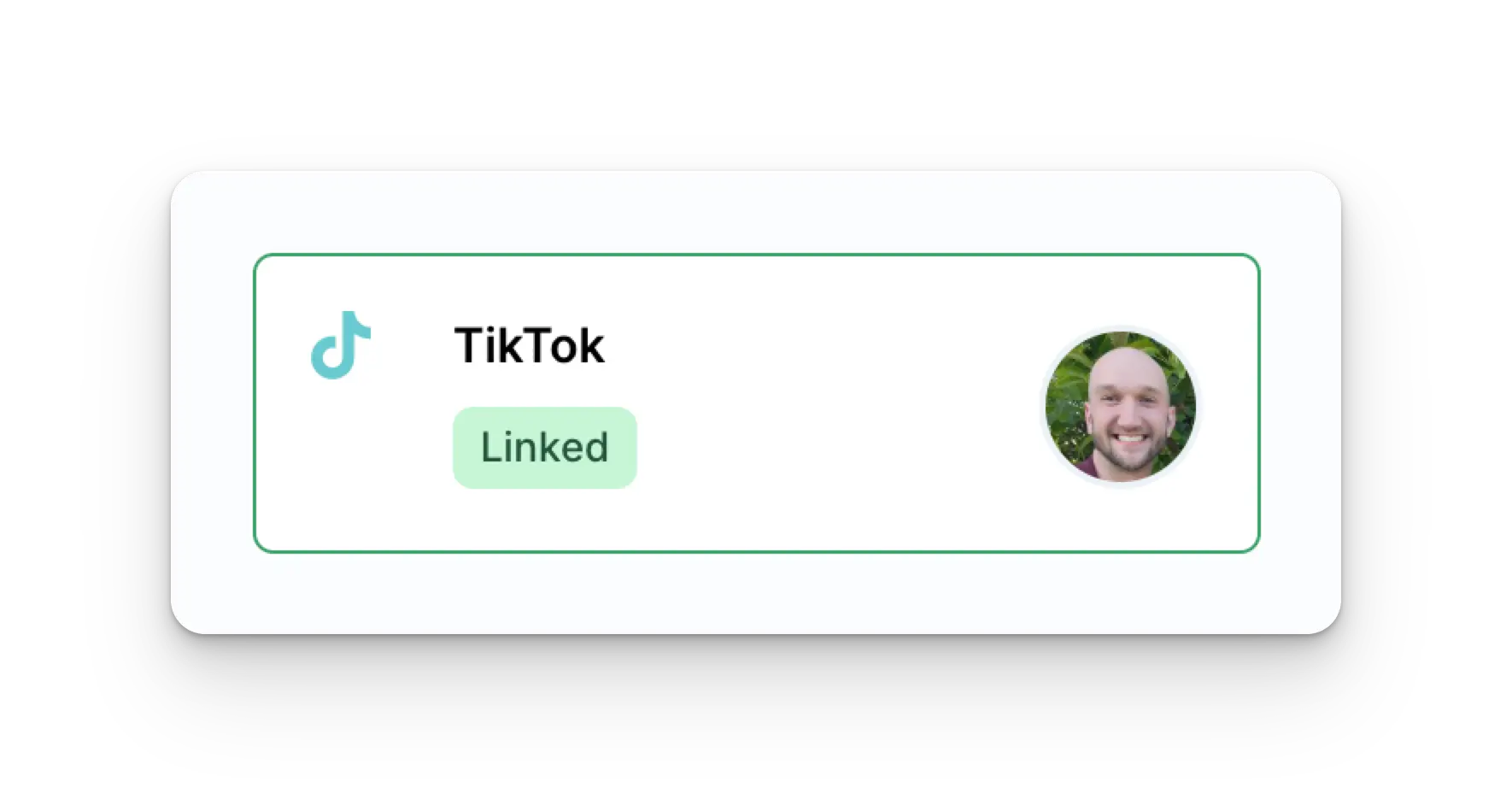
 你的 Social Accounts 页面现在将显示你的 TikTok 账号。
 ## TikTok 关联过期
TikTok 必须每 365 天重新关联一次。
请参见 [user 接口](/apis/user/profile-details),获取需刷新的日期与剩余天数。
## TikTok 故障排查
如果你在使用 TikTok 时遇到问题,请参见[故障排查指南](/help-center/technical-support/tiktok_account_restricted)。
## 更多 TikTok 信息
* 请参见以下文档,了解
[发布到 TikTok](/apis/post/social-networks/tiktok)、
[获取分析数据](/apis/analytics/overview)、
[管理评论](/apis/comments/overview) 或
[获取历史记录](/apis/history/overview) 的详情。
* 关于推荐图片尺寸的更多信息,请参见:
## TikTok 关联过期
TikTok 必须每 365 天重新关联一次。
请参见 [user 接口](/apis/user/profile-details),获取需刷新的日期与剩余天数。
## TikTok 故障排查
如果你在使用 TikTok 时遇到问题,请参见[故障排查指南](/help-center/technical-support/tiktok_account_restricted)。
## 更多 TikTok 信息
* 请参见以下文档,了解
[发布到 TikTok](/apis/post/social-networks/tiktok)、
[获取分析数据](/apis/analytics/overview)、
[管理评论](/apis/comments/overview) 或
[获取历史记录](/apis/history/overview) 的详情。
* 关于推荐图片尺寸的更多信息,请参见: