> ## Documentation Index
> Fetch the complete documentation index at: https://www.ayrshare.com/docs/llms.txt
> Use this file to discover all available pages before exploring further.
# X 关联
> 授权 X 与 Ayrshare 建立连接
**自 2026 年 3 月 31 日起**,通过 Ayrshare 进行的所有 X 操作都需要使用你自己的 API 凭证。如果你是 API 用户,现在就可以开始使用自己的凭证。分步指南请参见 [X BYO Key 配置指南](/dashboard/connect-social-accounts/x-twitter-byo-keys)。
## 如何将 X(Twitter)与 Ayrshare 关联
你可以将 X(原名 Twitter)账号与 Ayrshare 关联。
在授权 X 与 Ayrshare 关联时,你会被重定向到 X 登录并授权 Ayrshare 访问你的 X 账号。
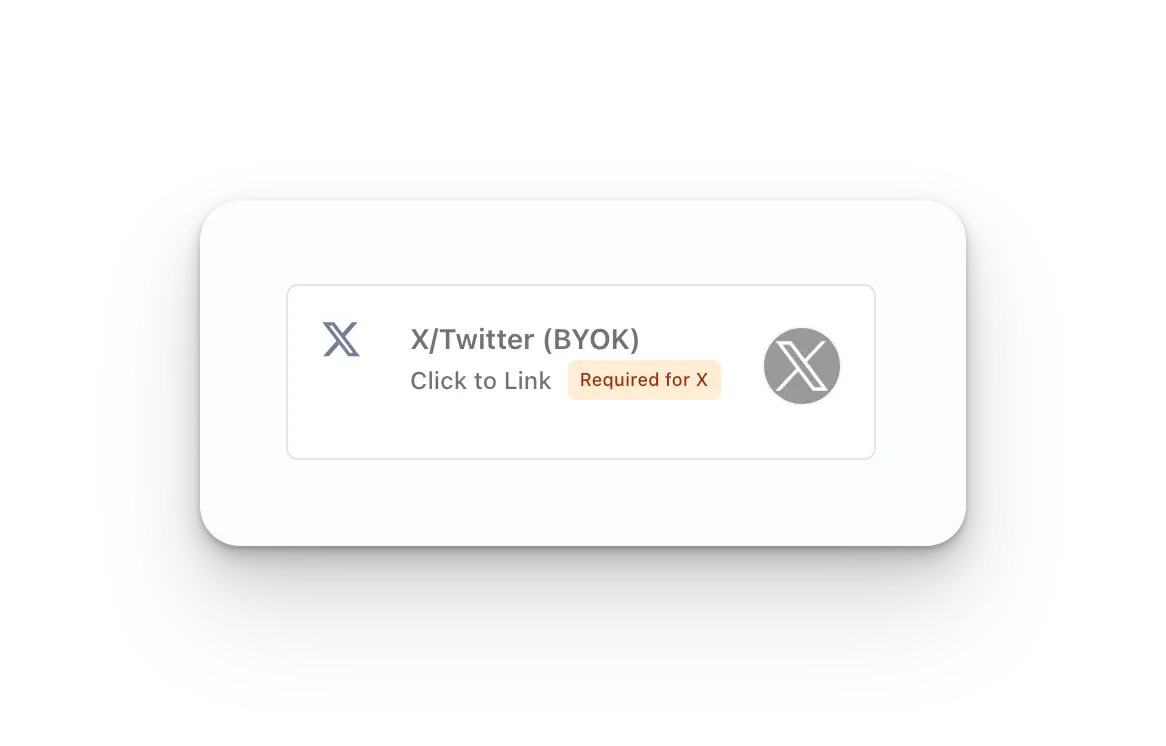
在 Social Accounts 页面点击 **X/Twitter - Click to Link** 按钮。
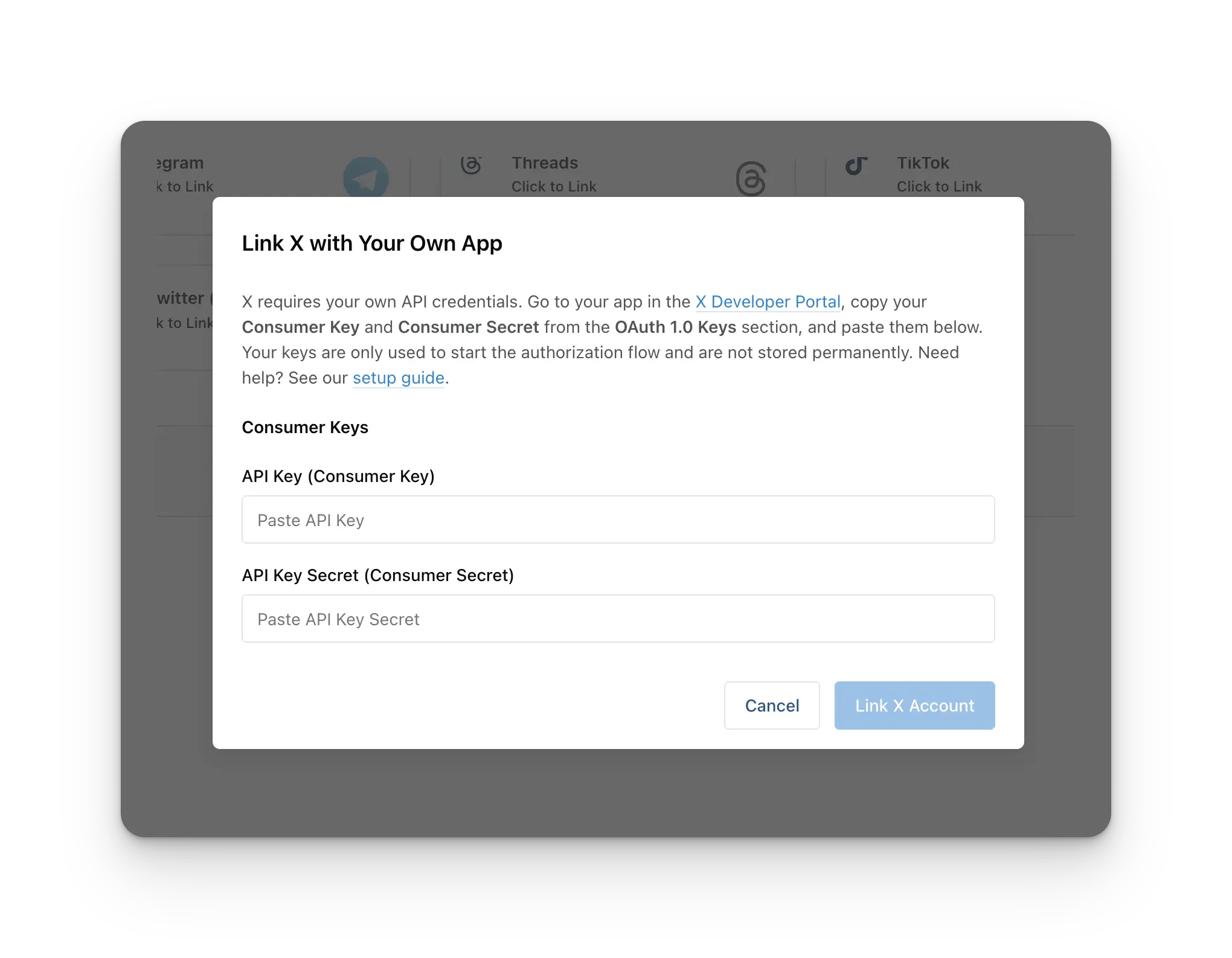
 在关联之前,系统会提示你输入你的 **X Consumer Key**(API Key)和 **X Consumer Secret**(API Secret)。X 现在要求每个 Ayrshare 账号必须注册一个 X 开发者应用,并提供其 API Key 与 API Secret,才能关联 X 账号。
**每个 Ayrshare 账号一次性配置。** 你只需**一次**创建 X 开发者应用,同一组 API Key + API Secret 之后可用于你关联的每一个 X 账号,包括所有子资料或最终用户。你**不需要**为每个客户单独创建开发者应用。
如果你还没有这些凭证,请按照 [X BYO Key 配置指南](/dashboard/connect-social-accounts/x-twitter-byo-keys) 创建一个 X 开发者应用并获取你的 API Key 与 API Secret。将两个值粘贴到弹窗中,然后继续关联你的账号。
在关联之前,系统会提示你输入你的 **X Consumer Key**(API Key)和 **X Consumer Secret**(API Secret)。X 现在要求每个 Ayrshare 账号必须注册一个 X 开发者应用,并提供其 API Key 与 API Secret,才能关联 X 账号。
**每个 Ayrshare 账号一次性配置。** 你只需**一次**创建 X 开发者应用,同一组 API Key + API Secret 之后可用于你关联的每一个 X 账号,包括所有子资料或最终用户。你**不需要**为每个客户单独创建开发者应用。
如果你还没有这些凭证,请按照 [X BYO Key 配置指南](/dashboard/connect-social-accounts/x-twitter-byo-keys) 创建一个 X 开发者应用并获取你的 API Key 与 API Secret。将两个值粘贴到弹窗中,然后继续关联你的账号。
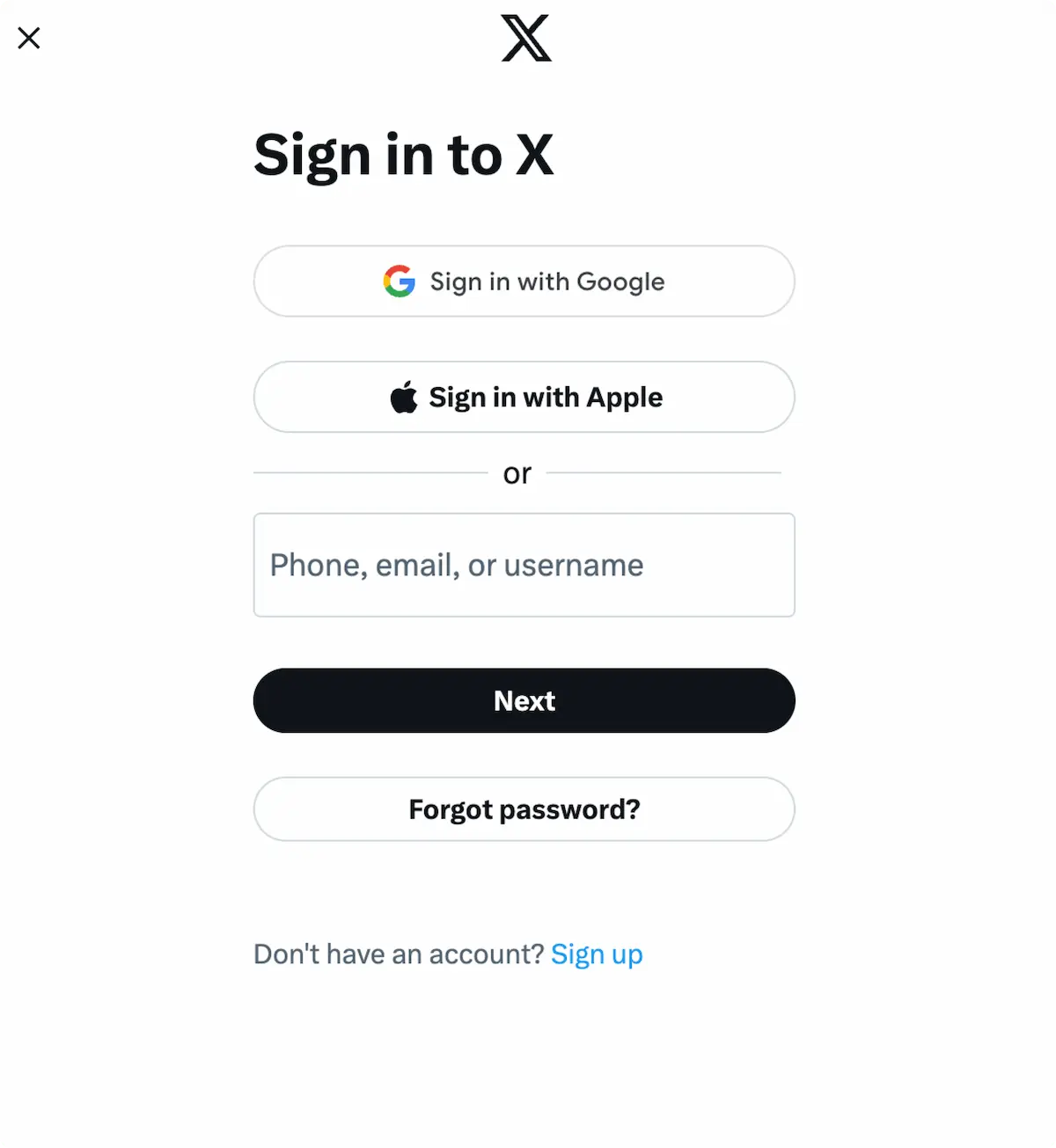
 当你在 Social Accounts 页面点击 X 图标时,会弹出 X
登录窗口——*请确保允许弹窗*。如果你已经
登录,请直接进行下一步。
点击 *Sign In*,按照指引输入相应的登录凭据。
当你在 Social Accounts 页面点击 X 图标时,会弹出 X
登录窗口——*请确保允许弹窗*。如果你已经
登录,请直接进行下一步。
点击 *Sign In*,按照指引输入相应的登录凭据。
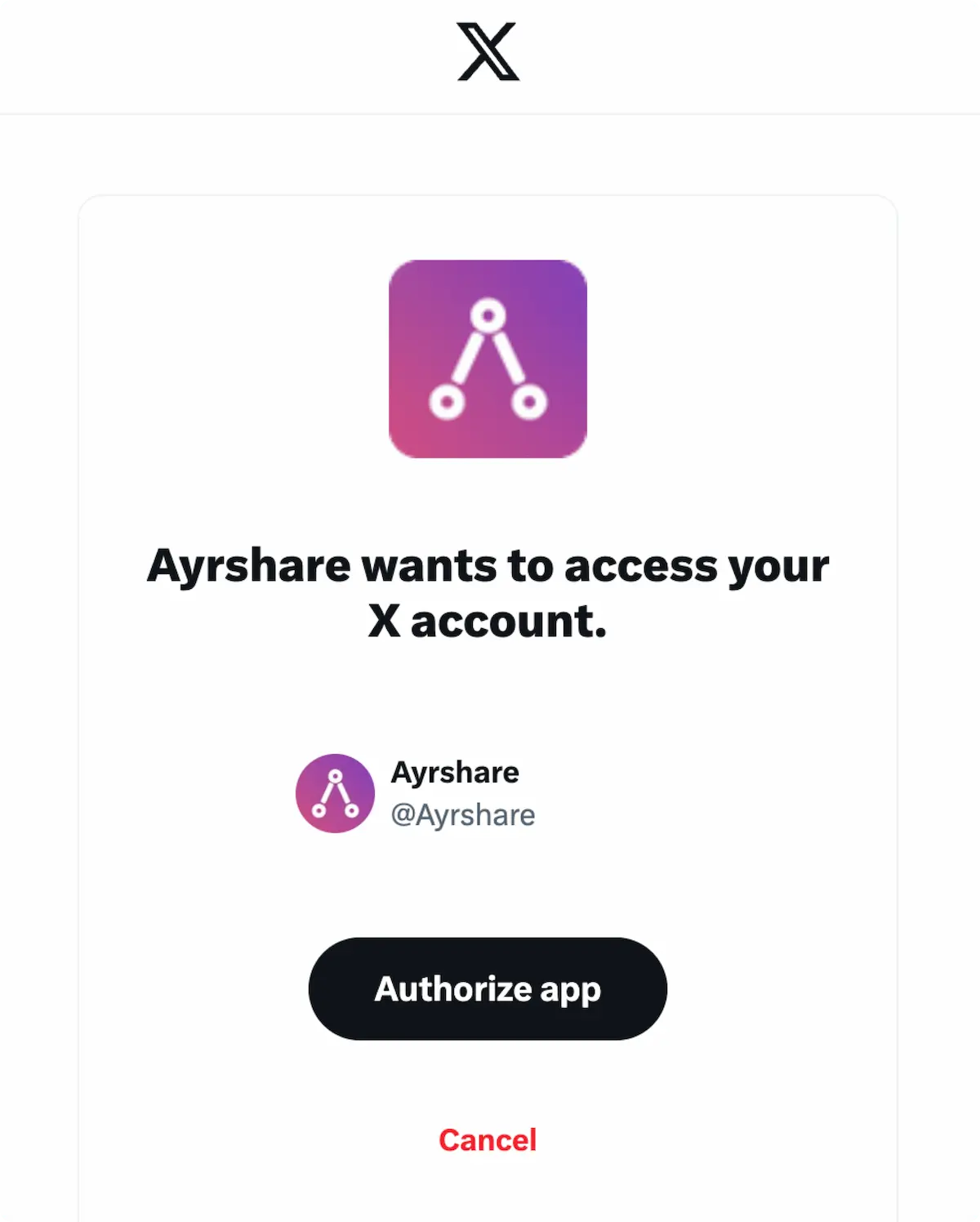
 如果你已经登录,请在弹窗中点击 **Authorize app**。
这将授权 Ayrshare 访问你的 X 账号。
如果你已经登录,请在弹窗中点击 **Authorize app**。
这将授权 Ayrshare 访问你的 X 账号。
 你的 Social Accounts 页面现在将显示你的 X 账号。
 ## 更多 X 信息
* 请参见以下文档,了解
[发布到 X](/apis/post/social-networks/x-twitter)、
[获取分析数据](/apis/analytics/overview)、
[管理评论](/apis/comments/overview) 或
[获取历史记录](/apis/history/overview) 的详情。
* 关于推荐图片尺寸的更多信息,请参见:
## 更多 X 信息
* 请参见以下文档,了解
[发布到 X](/apis/post/social-networks/x-twitter)、
[获取分析数据](/apis/analytics/overview)、
[管理评论](/apis/comments/overview) 或
[获取历史记录](/apis/history/overview) 的详情。
* 关于推荐图片尺寸的更多信息,请参见: