> ## Documentation Index
> Fetch the complete documentation index at: https://www.ayrshare.com/docs/llms.txt
> Use this file to discover all available pages before exploring further.
# YouTube 关联
> 授权 YouTube 与 Ayrshare 建立连接
## 如何将 YouTube 频道与 Ayrshare 关联
你可以将一个 YouTube 频道与 Ayrshare 关联。
在授权 YouTube 与 Ayrshare 关联时,你会被重定向到 Google 进行登录、授权 Ayrshare,并选择一个 YouTube 频道。
请确保你的 Google 账号拥有管理该 YouTube 频道的权限,且该频道为公开状态。
如果你在关联 YouTube 频道时遇到问题,请参见 [YouTube 频道权限指南](/help-center/technical-support/youtube_channels_not_showing) 了解更多信息。
YouTube 不支持 Service Account(服务账号)。
Service Account 无法用于 YouTube Data API 调用,因为 Service Account 需要一个关联的 YouTube 频道,而你无法将新的或已有的频道与 Service Account 关联。
在 Ayrshare 的 Social Account 关联页面点击 YouTube 图标。
 页面将跳转到 Google 登录页面或当前已登录的 Google 账号列表。
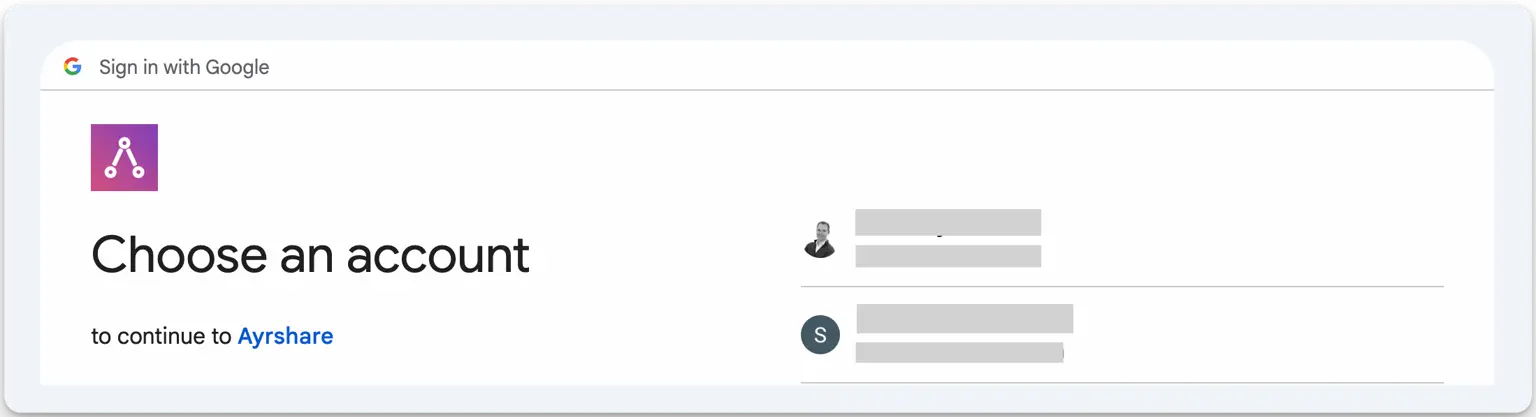 选择一个与你想要关联的 YouTube 频道相关联的 Google 账号。
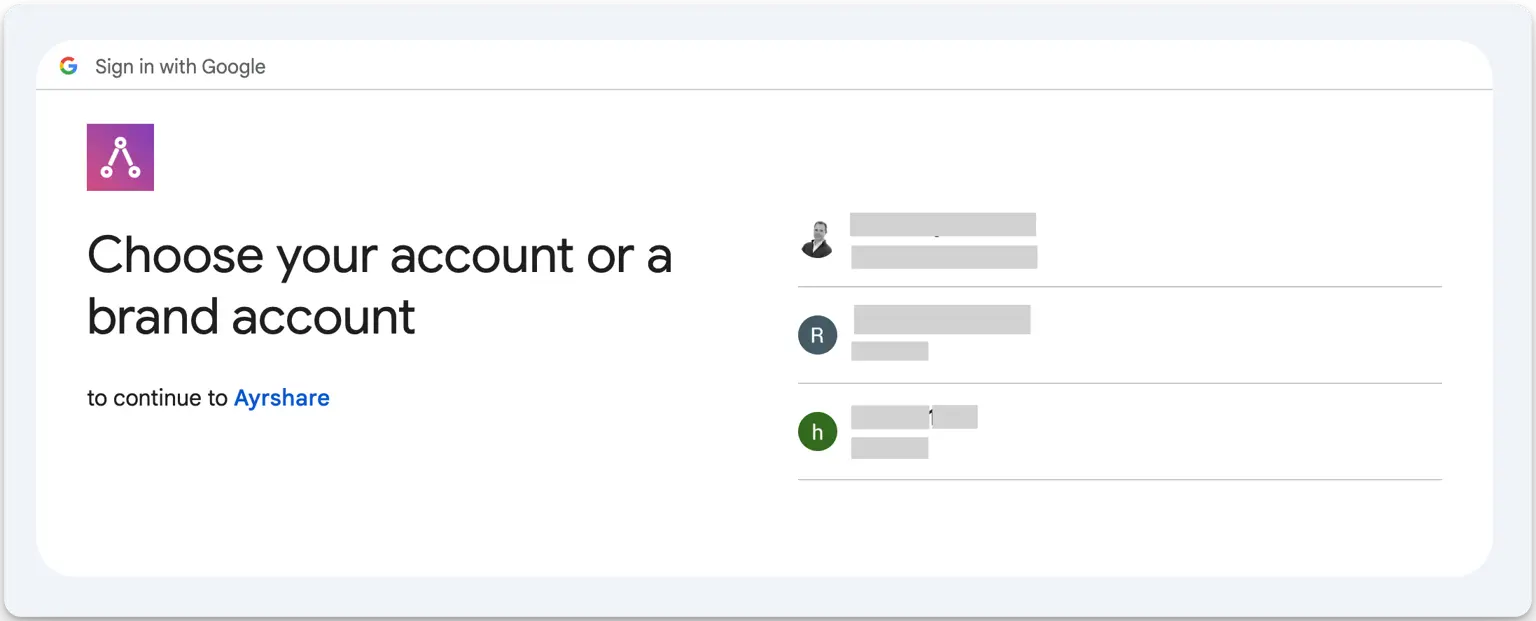 选择你想要关联的 YouTube 频道。
随后你可能会看到一到两个请求权限的界面。在每个界面点击 *Continue*。
完成后你会被带回 Ayrshare 的社交账号关联页面。
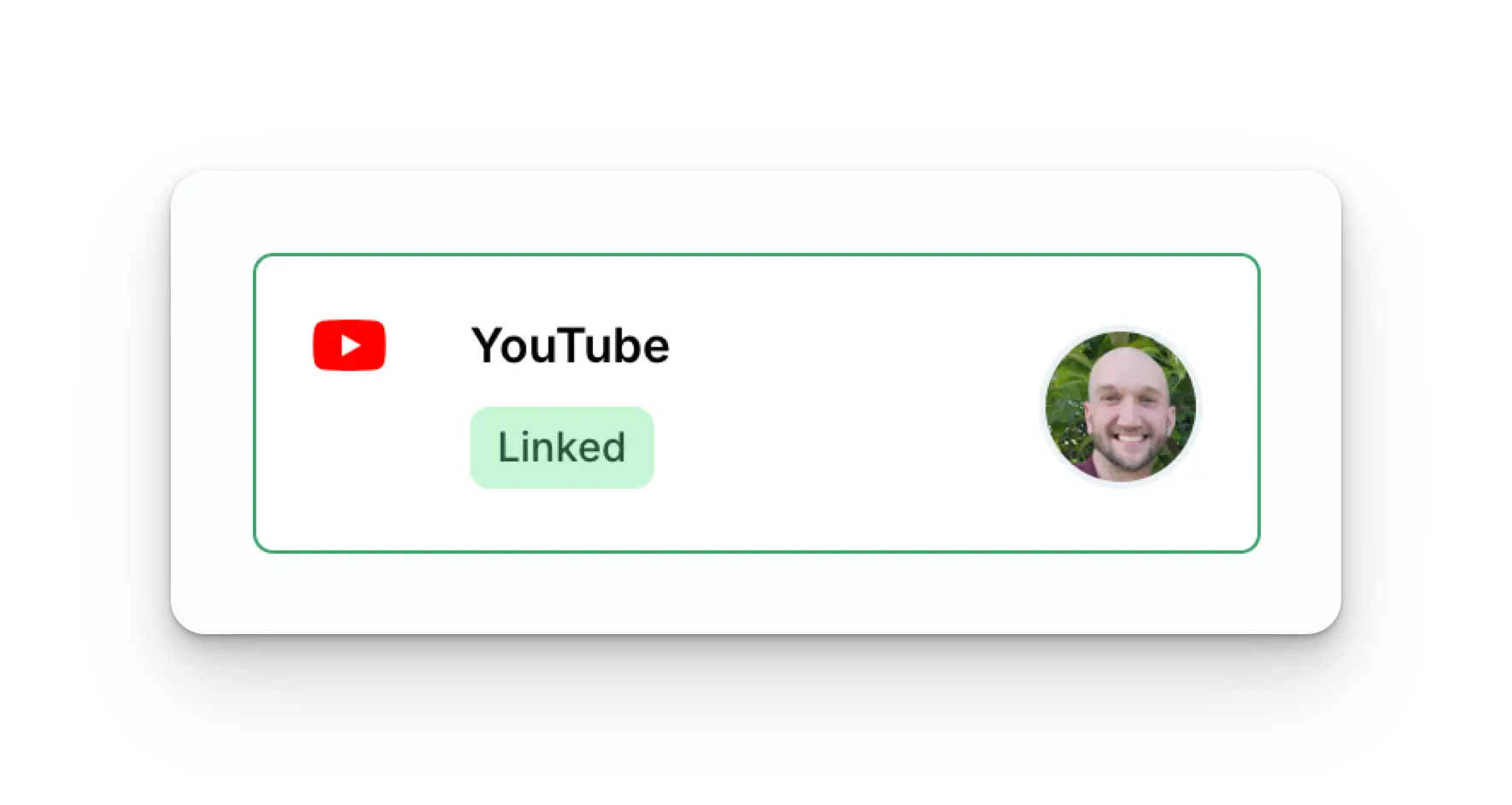
你的 Social Accounts 页面现在将显示你的 YouTube 账号。
选择你想要关联的 YouTube 频道。
随后你可能会看到一到两个请求权限的界面。在每个界面点击 *Continue*。
完成后你会被带回 Ayrshare 的社交账号关联页面。
你的 Social Accounts 页面现在将显示你的 YouTube 账号。
 ## YouTube 关联故障排查
发布到 YouTube 需要你的 YouTube 账号至少拥有一个频道,且你是该频道的所有者。
要创建 YouTube 频道,在 YouTube Dashboard 中点击你的个人资料并选择 "Create a Channel"。
如果尚不存在 YouTube 频道,也可以通过此直接链接来创建:[http://m.youtube.com/create\_channel](http://m.youtube.com/create_channel)
如果你在查看 YouTube 频道时遇到问题,请参见[故障排查指南](/help-center/technical-support/youtube_channels_not_showing)。
## 更多 YouTube 信息
* 请参见以下文档,了解[发布到 YouTube](/apis/post/social-networks/youtube)、[获取分析数据](/apis/analytics/overview)、[管理评论](/apis/comments/overview) 或 [获取历史记录](/apis/history/overview) 的详情。
* 关于推荐图片尺寸的更多信息,请参见:
## YouTube 关联故障排查
发布到 YouTube 需要你的 YouTube 账号至少拥有一个频道,且你是该频道的所有者。
要创建 YouTube 频道,在 YouTube Dashboard 中点击你的个人资料并选择 "Create a Channel"。
如果尚不存在 YouTube 频道,也可以通过此直接链接来创建:[http://m.youtube.com/create\_channel](http://m.youtube.com/create_channel)
如果你在查看 YouTube 频道时遇到问题,请参见[故障排查指南](/help-center/technical-support/youtube_channels_not_showing)。
## 更多 YouTube 信息
* 请参见以下文档,了解[发布到 YouTube](/apis/post/social-networks/youtube)、[获取分析数据](/apis/analytics/overview)、[管理评论](/apis/comments/overview) 或 [获取历史记录](/apis/history/overview) 的详情。
* 关于推荐图片尺寸的更多信息,请参见: