> ## Documentation Index
> Fetch the complete documentation index at: https://www.ayrshare.com/docs/llms.txt
> Use this file to discover all available pages before exploring further.
# 如何查看你的发票 - Ayrshare API 文档
> 从控制台查找并下载你的 Ayrshare 账单发票。本指南将向你展示如何查看付款历史、以及如何为记录访问发票。
你可以在控制台的 Account 页面访问你的发票。
如果你是付费账户用户,请前往[控制台](https://app.ayrshare.com)。如果你使用的是 Business Plan 或 Launch Plan,请在 "User Profiles" 页面切换到 **Primary Profile**,然后进入 "Account" 页面。
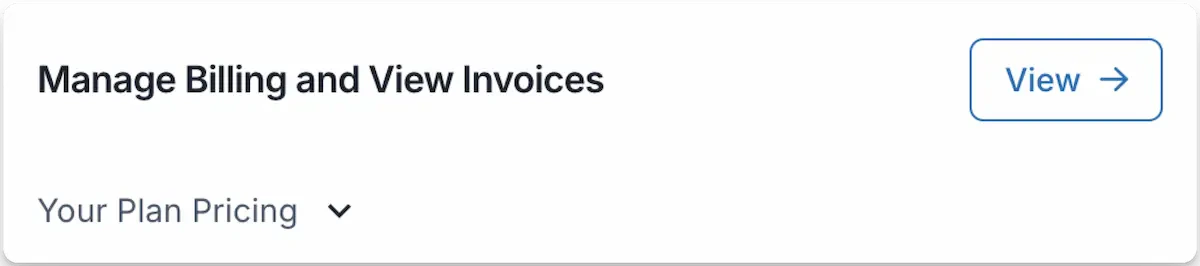
在 Account 页面点击 "View ->",即可查看历史发票、下期发票,为未来的发票更新税号,或更新账单详情。
 出于审计合规要求,我们的支付服务提供商不允许对已完成并处理过的发票进行修改。
对账单详情的任何变更都将在你的下一张发票上体现。
有关发票如何计算的说明,请查看发票底部的详情信息。
出于审计合规要求,我们的支付服务提供商不允许对已完成并处理过的发票进行修改。
对账单详情的任何变更都将在你的下一张发票上体现。
有关发票如何计算的说明,请查看发票底部的详情信息。