> ## Documentation Index
> Fetch the complete documentation index at: https://www.ayrshare.com/docs/llms.txt
> Use this file to discover all available pages before exploring further.
# Facebook Page 授权指南 | Ayrshare 文档
> 了解如何为 Ayrshare 授权正确的 Facebook Page 权限、授权的重要性,以及如何解决发布时出现的权限缺失错误。
如果你在向 Facebook 或 Instagram 发帖时收到以下错误信息:
"Please visit facebook.com from a desktop browser and complete the required
security check or confirmation steps. Once confirmed, try your call again. If
problems persist, try unlinking and then relinking your account with Ayrshare."
这可能是因为 Meta 为增强高潜在触达的 Facebook Page 的责任性而要求这些 Page 进行安全检查。如果未通过授权,该 Facebook Page 将无法发布帖子。
Facebook Page 及连接到 Facebook Page 的 Instagram 账号都会受到影响。
### 如何完成授权
在桌面浏览器中登录你的 Facebook 账号。完成所需的安全检查或确认步骤。这些步骤可能包括:
-
为你的 Facebook 账号启用[两步验证](https://www.facebook.com/help/148233965247823)。
-
在移动设备上启用[位置服务(Location Services)](https://www.facebook.com/help/275925085769221)
来确认你的位置。更新 Facebook Page 上显示的当前城市,然后在当前位置打开
Facebook,可以帮助 Facebook 判断你所在的国家。Facebook 可能需要一些时间才能确认你的位置。
-
如果你的 Facebook Page 有系统用户(System User),请验证所有 Business Manager
账号,以便系统用户能在你的 Page 上发布内容。更多信息请参见
[如何在 Meta 上验证你的业务](https://www.facebook.com/business/help/2058515294227817)。
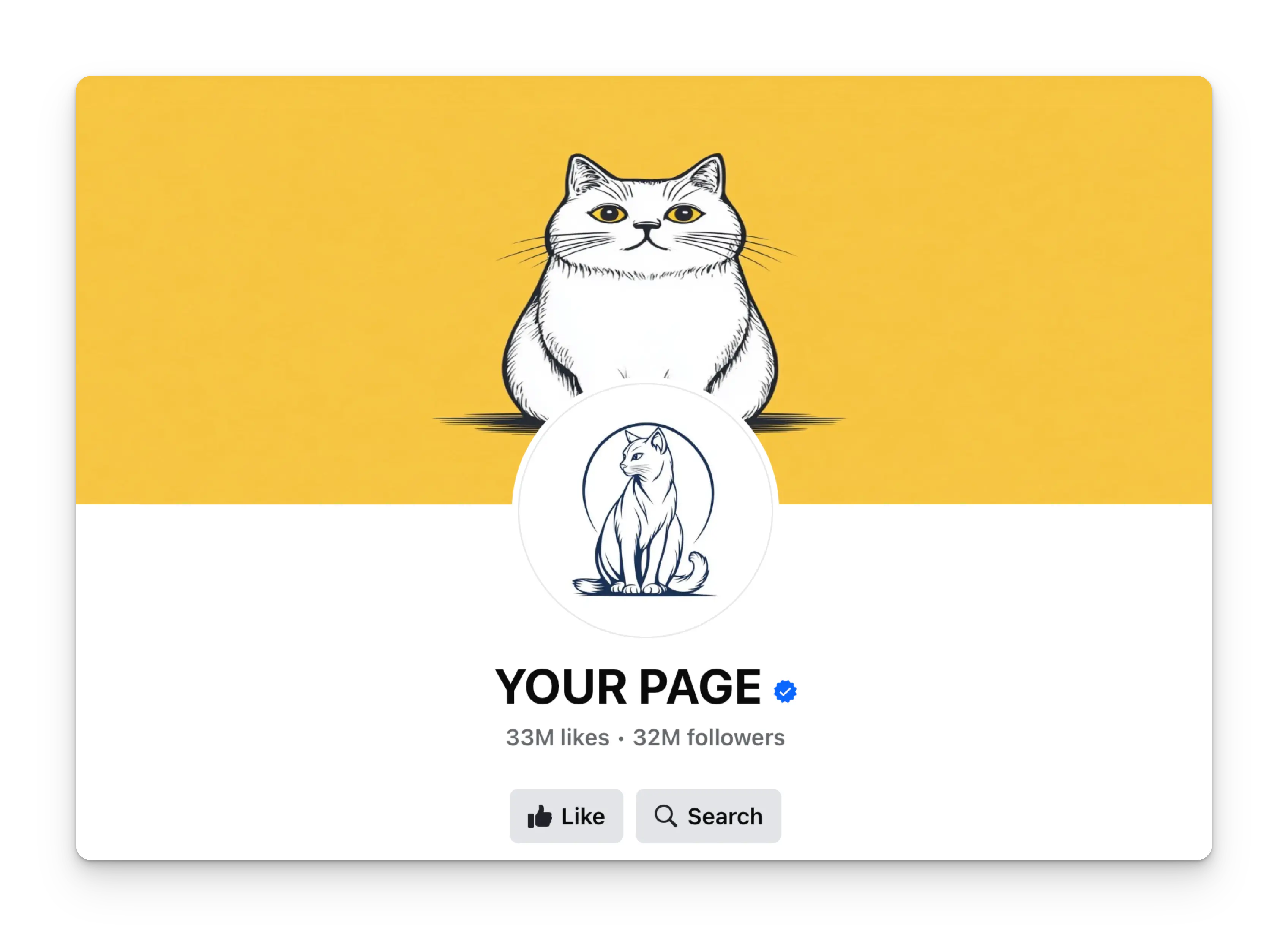
授权完成后,你的 Facebook Page 名称旁会显示一个带白色对勾的蓝色徽章。