> ## Documentation Index
> Fetch the complete documentation index at: https://www.ayrshare.com/docs/llms.txt
> Use this file to discover all available pages before exploring further.
# Threads Linking
> Authorizing Threads with Ayrshare
## How to Link Threads with Ayrshare
Authorizing Threads with Ayrshare is simple. During the authentication process,
you will be required to sign in with an Instagram account in order to leverage
Threads's full capabilities. Please see the below steps for more information.
## Authenticating Threads
On the Social Accounts page, click the Threads icon.
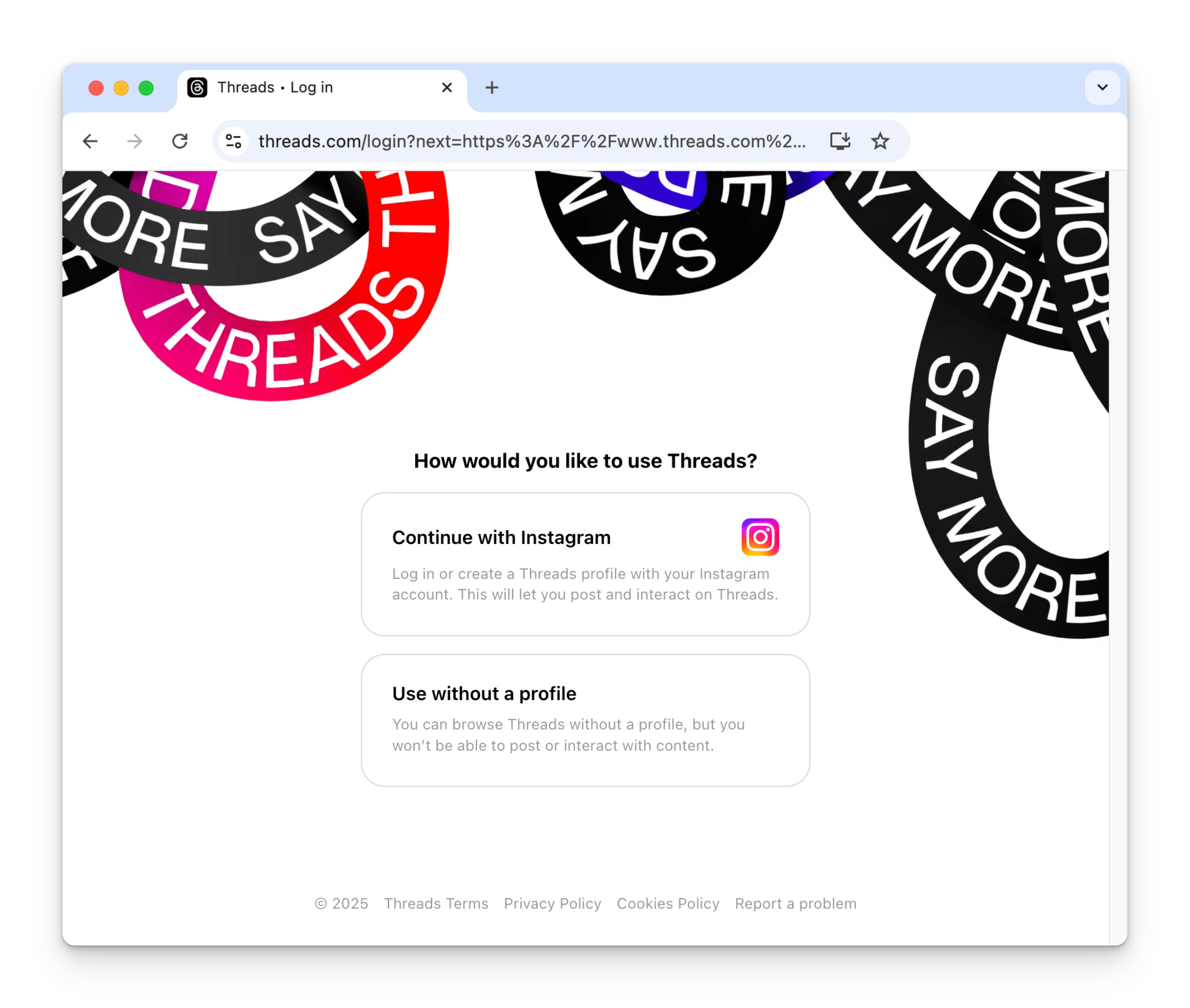
 The first time you link Threads, you will be asked to authenticate with your
Instagram account. An Instagram account is required in order to post to
Threads.
If you have previously connected Ayrshare with Threads and don't see this
image, skip to step 4.
The first time you link Threads, you will be asked to authenticate with your
Instagram account. An Instagram account is required in order to post to
Threads.
If you have previously connected Ayrshare with Threads and don't see this
image, skip to step 4.
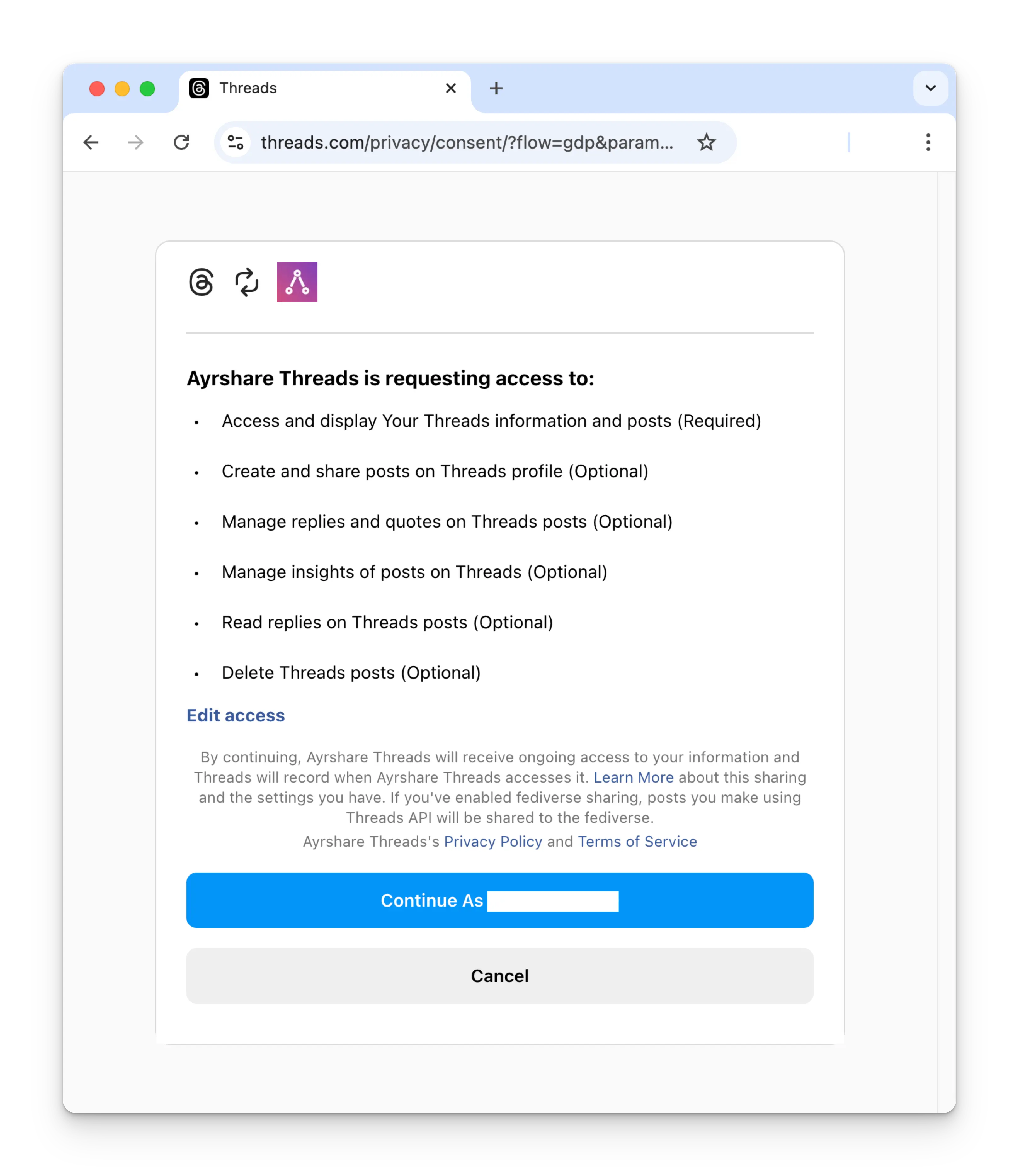
 After login, you'll be required to grant Ayrshare access to your Threads
account. Please provide all requested permissions in order to continue. (If
required permissions are not granted, you can re-enable them on the
[Website Permissions Page](https://www.threads.com/settings/website_permissions)
in your Threads settings)
After login, you'll be required to grant Ayrshare access to your Threads
account. Please provide all requested permissions in order to continue. (If
required permissions are not granted, you can re-enable them on the
[Website Permissions Page](https://www.threads.com/settings/website_permissions)
in your Threads settings)
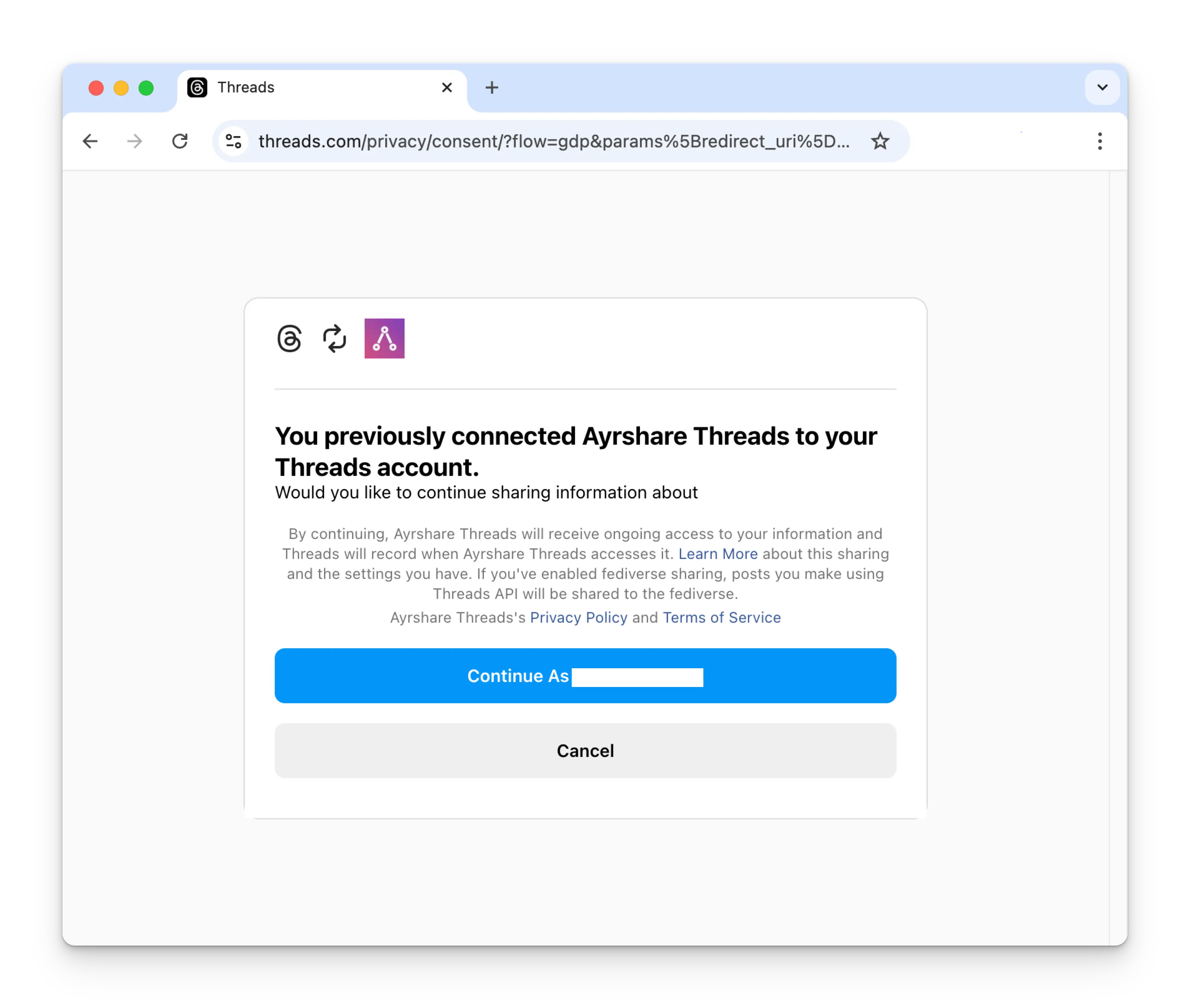
 If you have previously connected Ayrshare with Threads, please click the
Continue button to relink your Threads account.
If you have previously connected Ayrshare with Threads, please click the
Continue button to relink your Threads account.
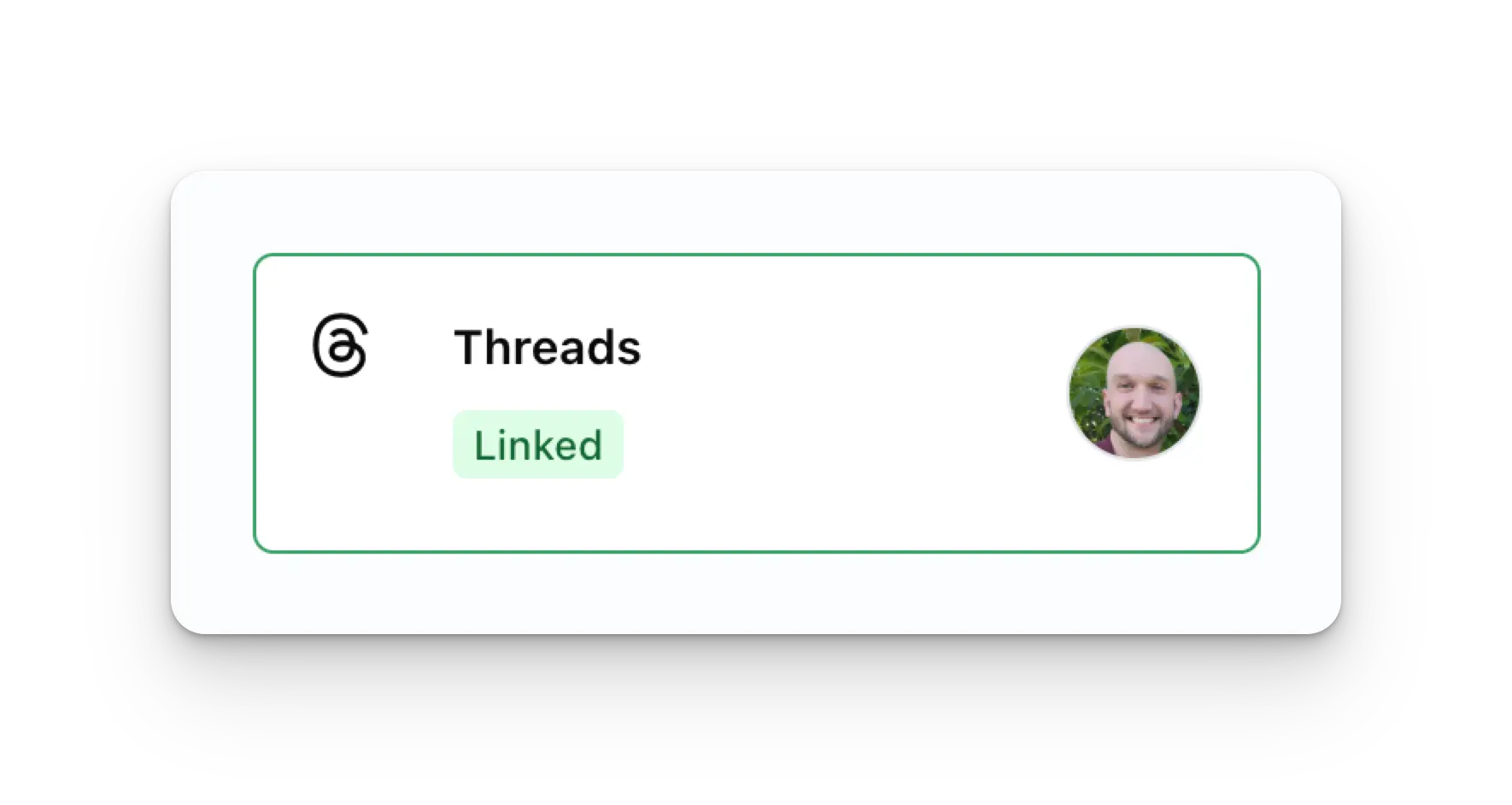
 Your Social Accounts page will now be updated with your Threads account.
 You can publish Threads posts, get Threads analytics, and manage Threads
comments.
## Additional Threads Information
* Please see here for details on
[posting to Threads](/apis/post/social-networks/threads),
[getting analytics](/apis/analytics/overview),
[managing comments](/apis/comments/overview), or
[retrieving history.](/apis/history/overview)
* For more information on recommended image sizes, please see:
You can publish Threads posts, get Threads analytics, and manage Threads
comments.
## Additional Threads Information
* Please see here for details on
[posting to Threads](/apis/post/social-networks/threads),
[getting analytics](/apis/analytics/overview),
[managing comments](/apis/comments/overview), or
[retrieving history.](/apis/history/overview)
* For more information on recommended image sizes, please see: