> ## Documentation Index
> Fetch the complete documentation index at: https://www.ayrshare.com/docs/llms.txt
> Use this file to discover all available pages before exploring further.
# YouTube Linking
> Authorizing YouTube with Ayrshare
## How to Link a YouTube Channel with Ayrshare
You can link a YouTube channel with Ayrshare.
When authorizing YouTube with Ayrshare, you will be redirected to Google to login, authorize Ayrshare, and select a YouTube channel.
Please be sure your Google account permissioned to manage the YouTube channel you want to connect and the channel is public.
If you're having issues linking your YouTube channel, please see the [YouTube channel permissions guide](/help-center/technical-support/youtube_channels_not_showing) for more information.
YouTube does not support Service Accounts.
Service accounts do not work for YouTube Data API calls because service accounts require an associated YouTube channel, and you cannot associate new or existing channels with service accounts.
Click the YouTube icon on the Ayrshare Social Account linking page.
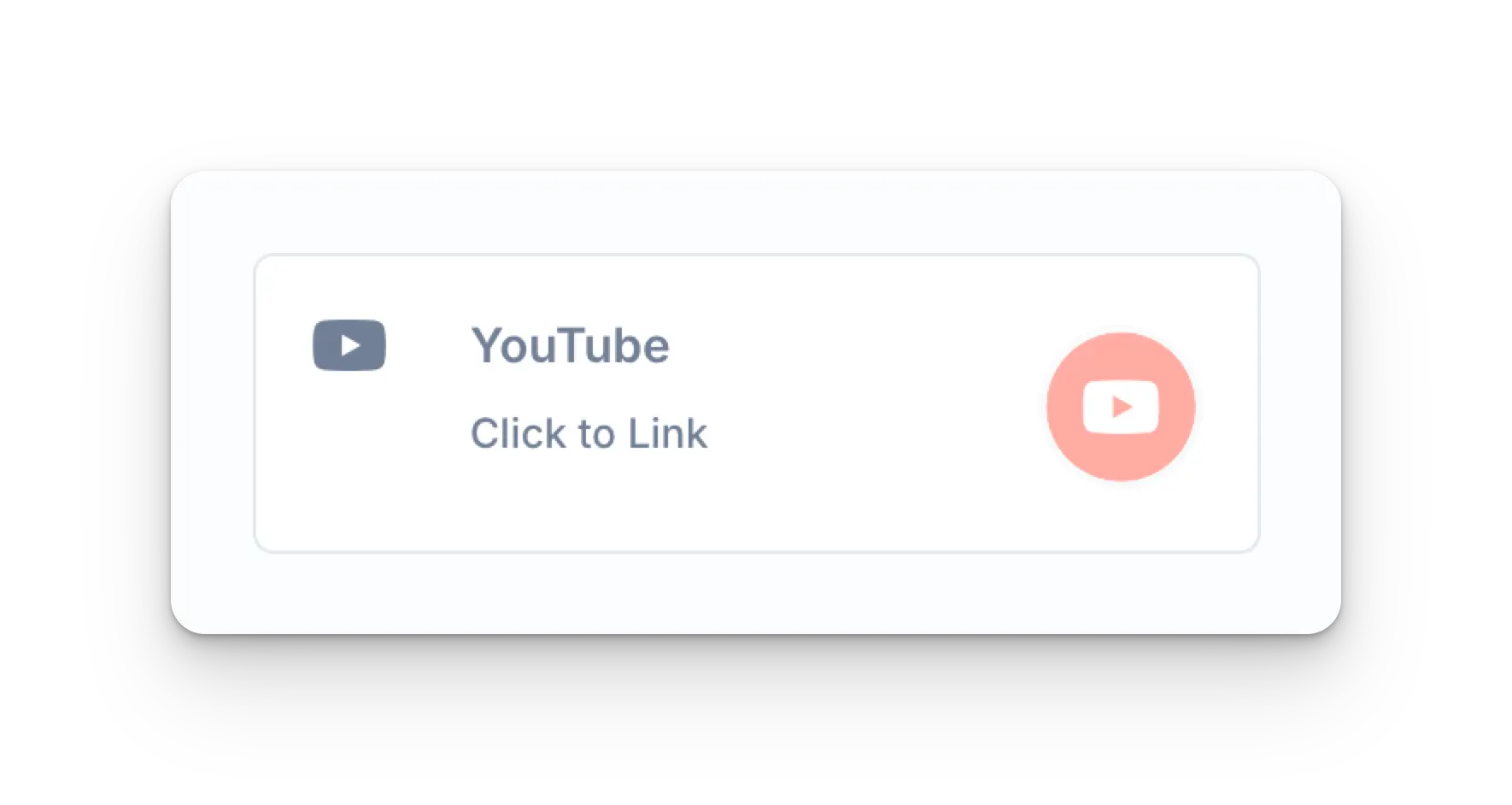 The page will be redirected to either a Google login page or a list of currently logged in Google accounts.
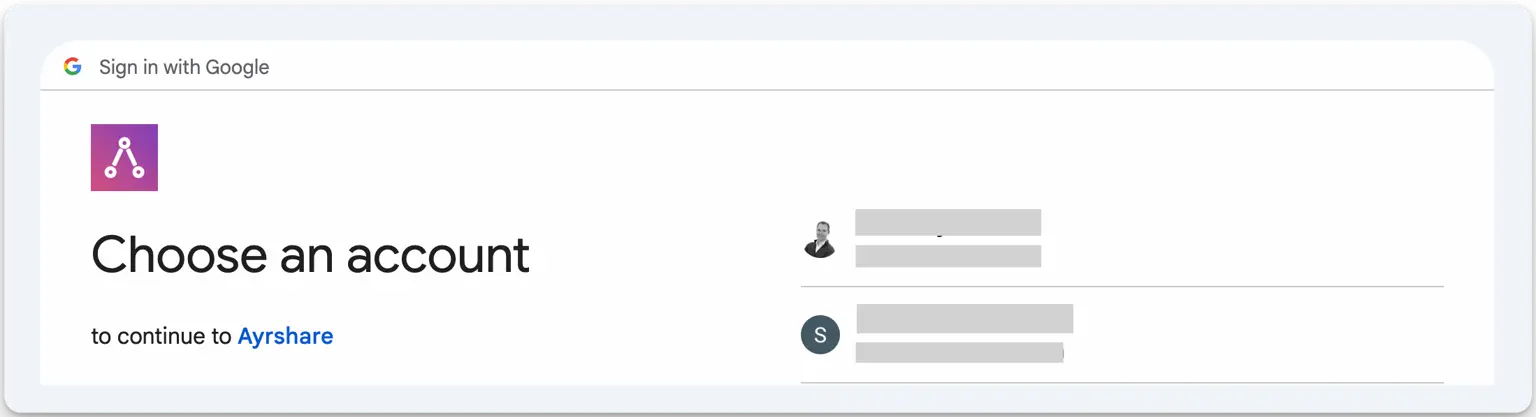 Select a Google account that is associated with the YouTube channel you want to connect.
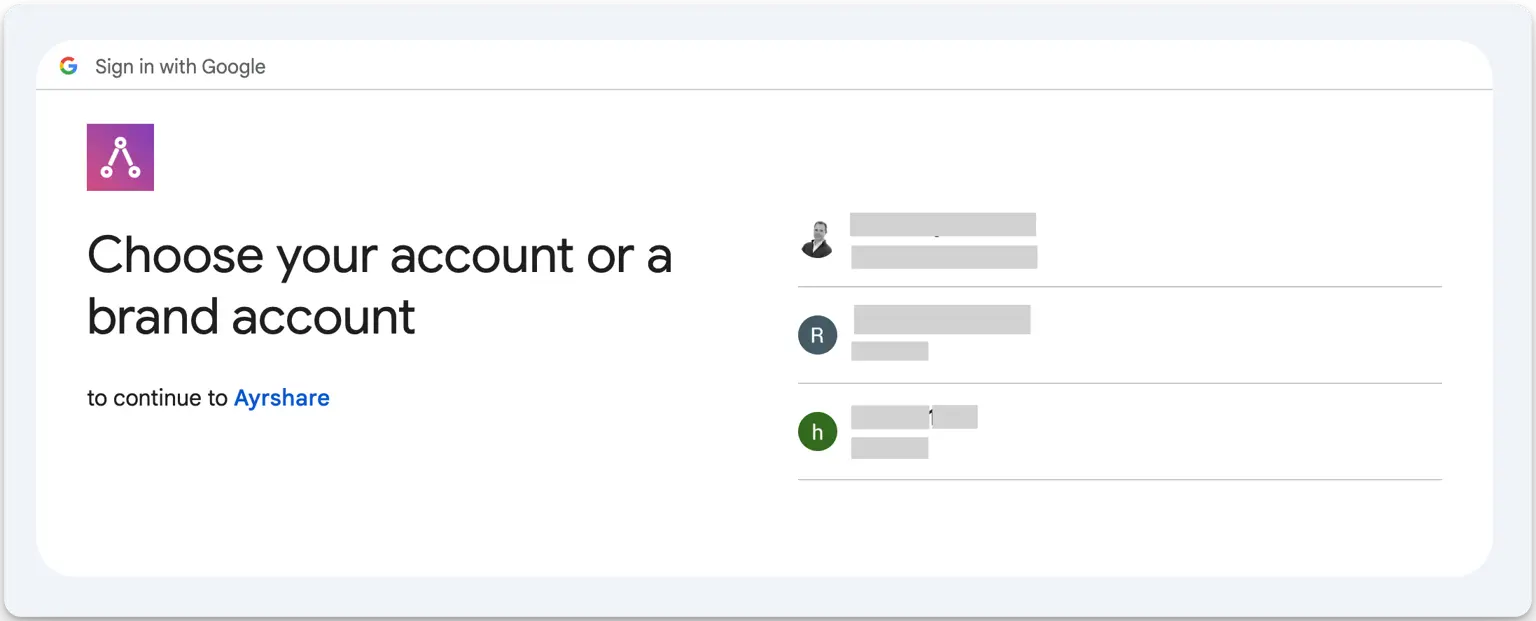 Select the YouTube channel you want to connect.
You may then see one or two screens requesting permissions. Click *Continue* on each screen.
Once complete you will be returned to the Ayrshare social linking page.
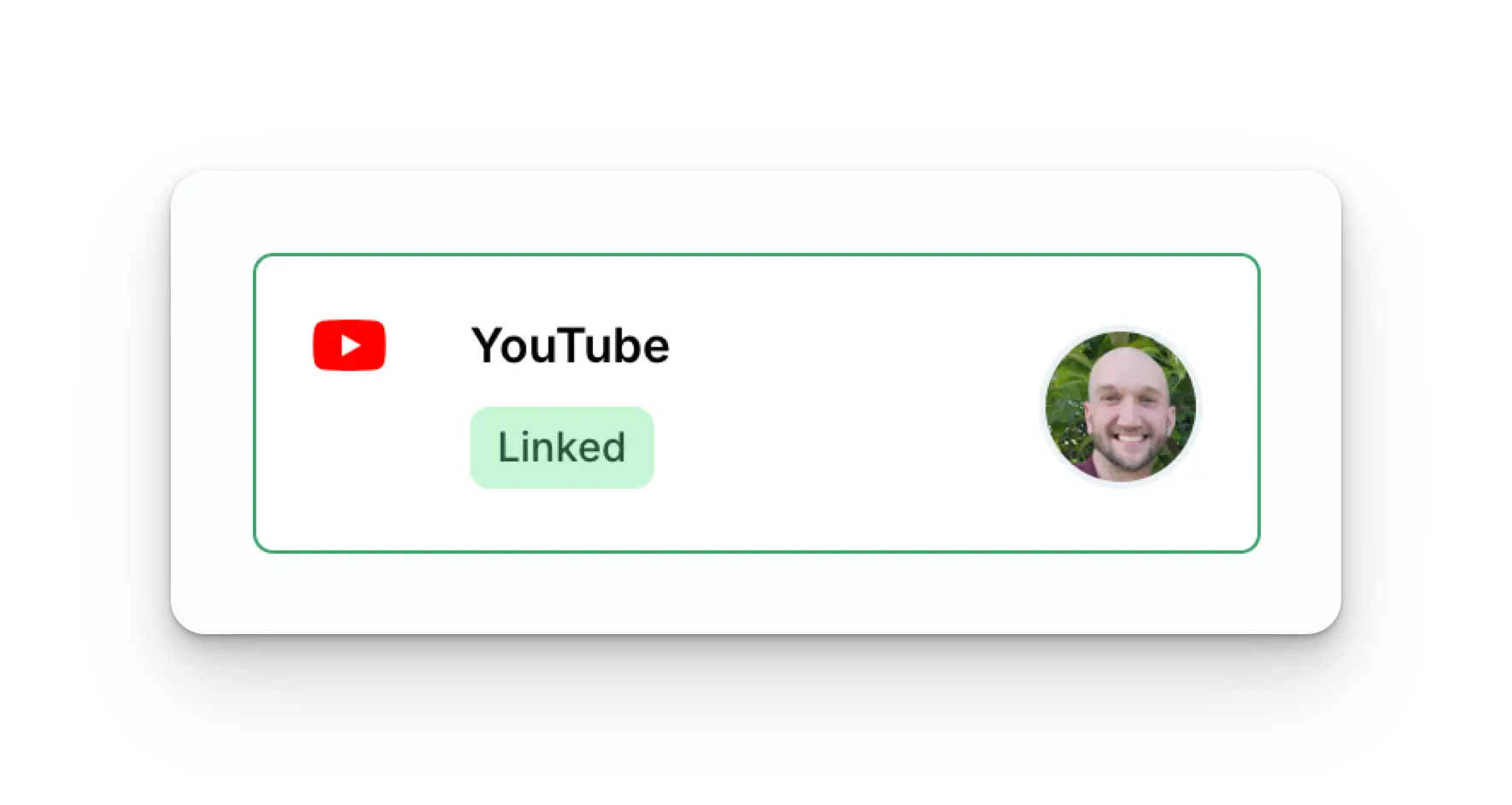
Your Social Accounts page will now be updated with your YouTube account.
Select the YouTube channel you want to connect.
You may then see one or two screens requesting permissions. Click *Continue* on each screen.
Once complete you will be returned to the Ayrshare social linking page.
Your Social Accounts page will now be updated with your YouTube account.
 ## Troubleshooting YouTube Linking
YouTube posting requires your YouTube account to have at least one Channel and be an owner on the Channel.
To create a YouTube Channel, click on your profile in the YouTube Dashboard and choose "Create a Channel".
You may also use this direct link to create a YouTube Channel if one does not exist: [http://m.youtube.com/create\_channel](http://m.youtube.com/create_channel)
If you're having issues viewing YouTube channels please see the [troubleshooting guide](/help-center/technical-support/youtube_channels_not_showing).
## Additional YouTube Information
* Please see here for details on [posting to YouTube](/apis/post/social-networks/youtube), [getting analytics](/apis/analytics/overview), [managing comments](/apis/comments/overview), or [retrieving history.](/apis/history/overview)
* For more information on recommended image sizes, please see:
## Troubleshooting YouTube Linking
YouTube posting requires your YouTube account to have at least one Channel and be an owner on the Channel.
To create a YouTube Channel, click on your profile in the YouTube Dashboard and choose "Create a Channel".
You may also use this direct link to create a YouTube Channel if one does not exist: [http://m.youtube.com/create\_channel](http://m.youtube.com/create_channel)
If you're having issues viewing YouTube channels please see the [troubleshooting guide](/help-center/technical-support/youtube_channels_not_showing).
## Additional YouTube Information
* Please see here for details on [posting to YouTube](/apis/post/social-networks/youtube), [getting analytics](/apis/analytics/overview), [managing comments](/apis/comments/overview), or [retrieving history.](/apis/history/overview)
* For more information on recommended image sizes, please see: