> ## Documentation Index
> Fetch the complete documentation index at: https://www.ayrshare.com/docs/llms.txt
> Use this file to discover all available pages before exploring further.
# Choosing Between Different Meta Accounts | Ayrshare Docs
> Learn how to select the correct Facebook or Instagram (Meta) account when linking to Ayrshare, and how to fix issues when multiple Meta accounts appear.
## How to Link a Different Meta Account to Ayrshare
If you have previously linked a Meta account, such as Facebook or Instagram, to Ayrshare, you may notice that Facebook will not ask you to login again.
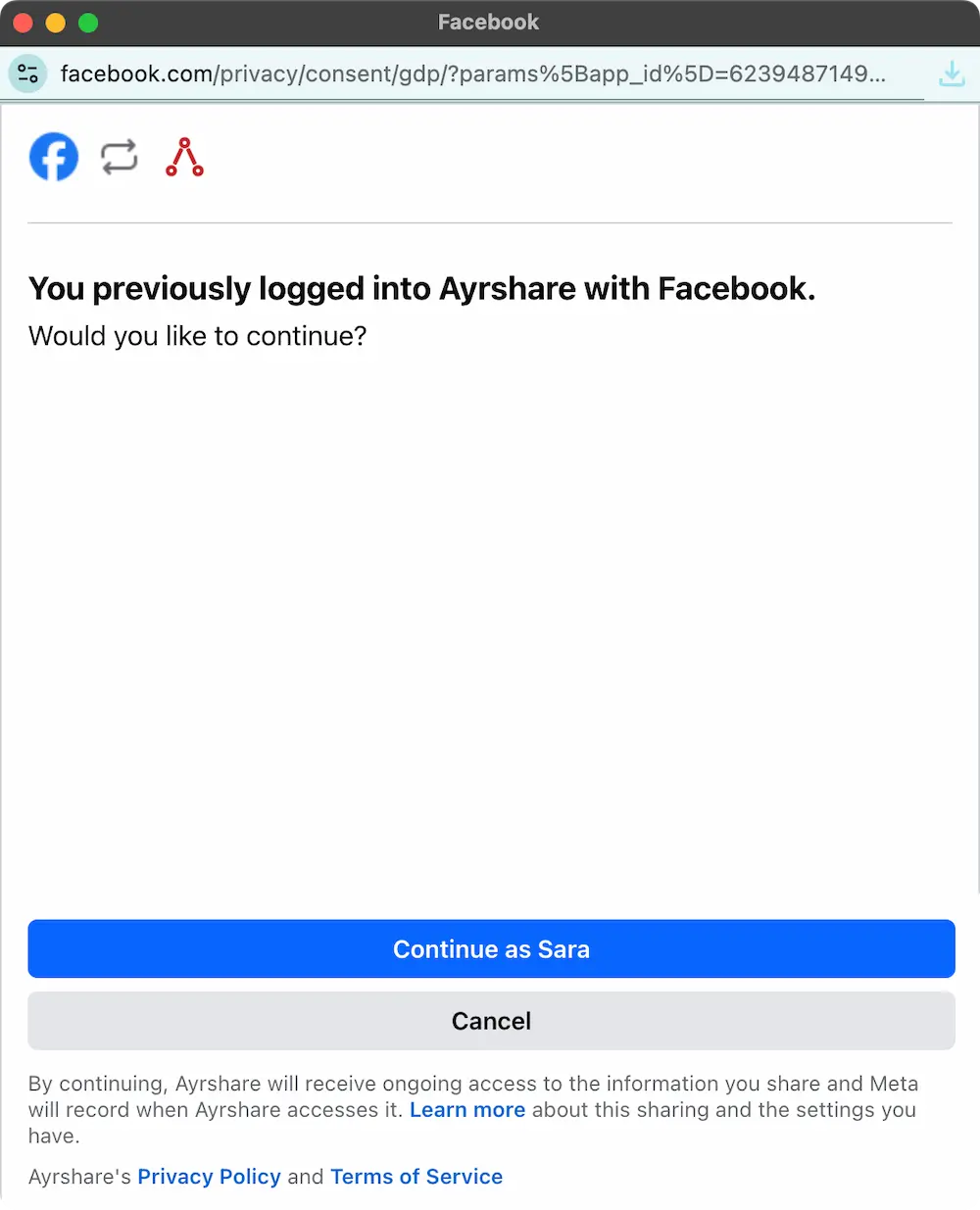 If you want to link a different Instagram or Facebook account to Ayrshare, you can do so by logging out of Facebook/Instagram in the browser - just open facebook.com/instagram.com in a different tab and logout - and then relinking with Ayrshare again.
Meta will ask you to login again and you can then choose the account you want to link to Ayrshare.
This also works for choosing a different X (Twitter) or TikTok account to link to Ayrshare - just
log out of the social network in a different browser tab and then relink with Ayrshare.
If you want to link a different Instagram or Facebook account to Ayrshare, you can do so by logging out of Facebook/Instagram in the browser - just open facebook.com/instagram.com in a different tab and logout - and then relinking with Ayrshare again.
Meta will ask you to login again and you can then choose the account you want to link to Ayrshare.
This also works for choosing a different X (Twitter) or TikTok account to link to Ayrshare - just
log out of the social network in a different browser tab and then relink with Ayrshare.