> ## Documentation Index
> Fetch the complete documentation index at: https://www.ayrshare.com/docs/llms.txt
> Use this file to discover all available pages before exploring further.
# Reddit लिंकिंग
> Ayrshare के साथ Reddit को अधिकृत करना
## Ayrshare के साथ Reddit को कैसे लिंक करें
आप Ayrshare के साथ Reddit खाता लिंक कर सकते हैं।
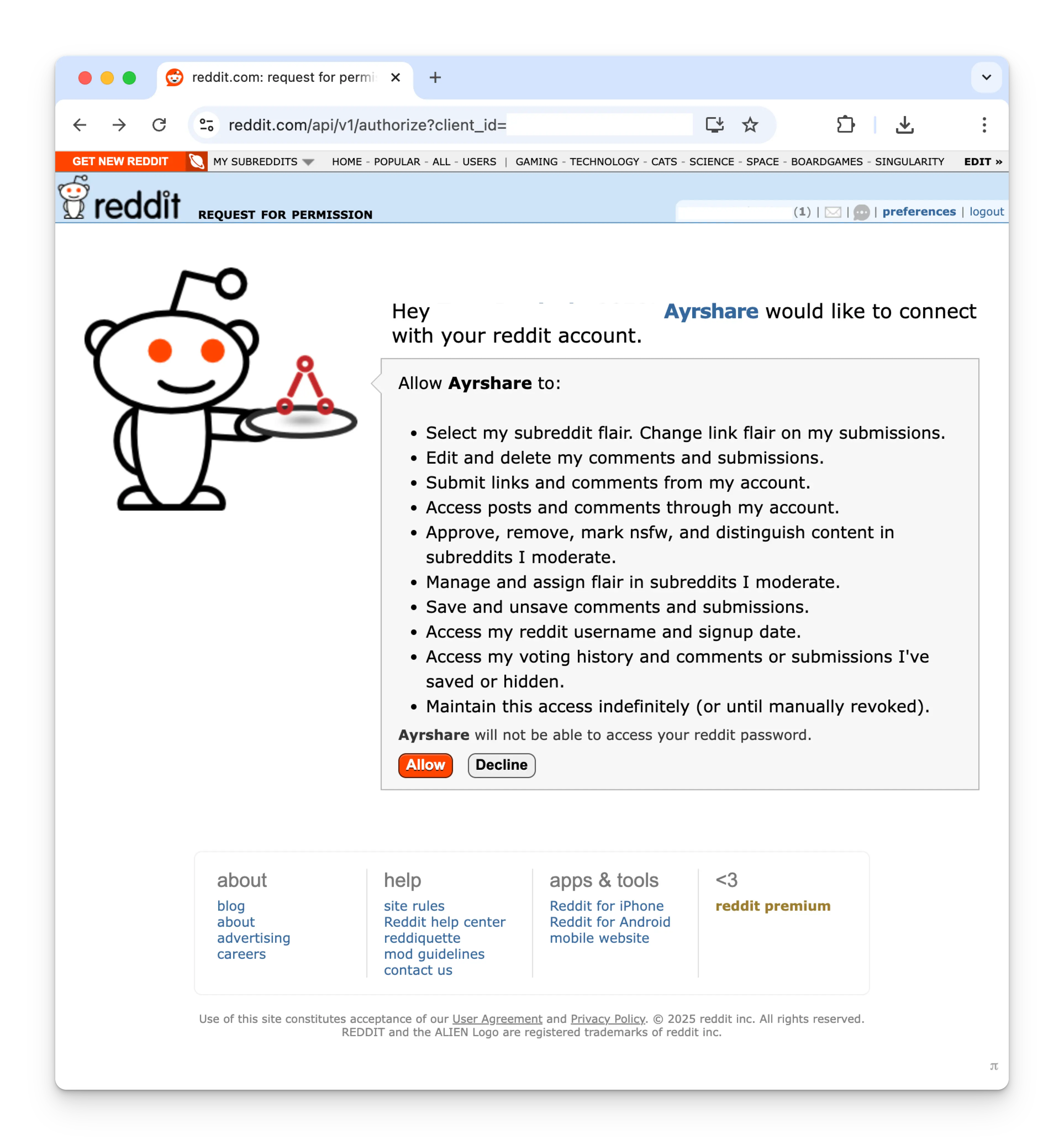
Ayrshare के साथ Reddit को अधिकृत करते समय, आपको लॉगिन करने और Ayrshare को अपने Reddit खाते तक पहुँच अधिकृत करने के लिए Reddit पर पुनर्निर्देशित किया जाएगा।
Social Accounts पृष्ठ पर Reddit आइकन पर क्लिक करें।
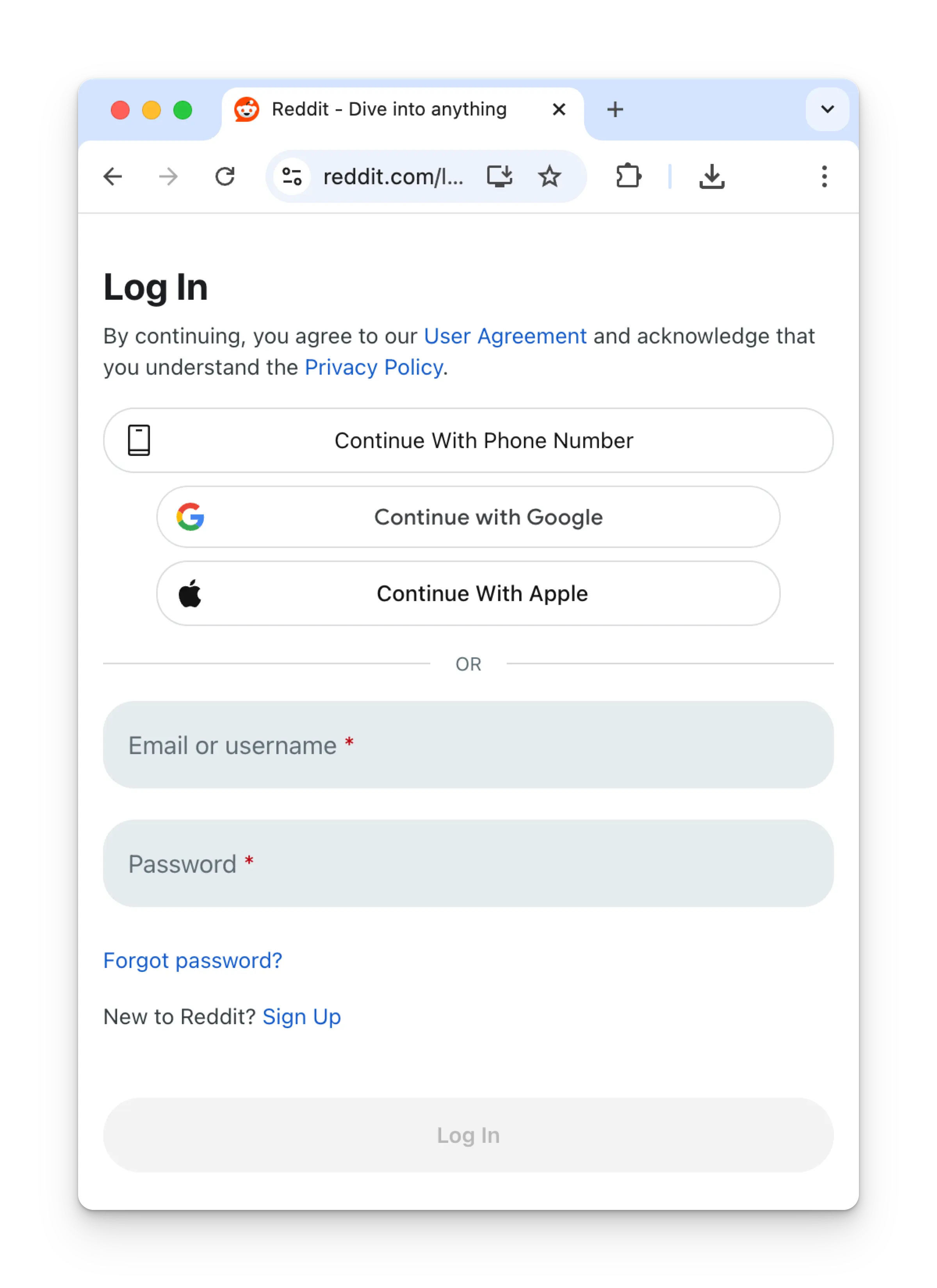
 यदि आप अभी तक लॉग इन नहीं हैं, तो Reddit में लॉग इन करने के लिए अपनी क्रेडेंशियल दर्ज करें और **Log In** पर क्लिक करें।
यदि आप पहले से लॉग इन हैं, तो कृपया अगले चरण पर जाएँ।
यदि आप अभी तक लॉग इन नहीं हैं, तो Reddit में लॉग इन करने के लिए अपनी क्रेडेंशियल दर्ज करें और **Log In** पर क्लिक करें।
यदि आप पहले से लॉग इन हैं, तो कृपया अगले चरण पर जाएँ।
 **Allow** पर क्लिक करके Ayrshare को अपने Reddit खाते से कनेक्ट करने की अनुमति दें।
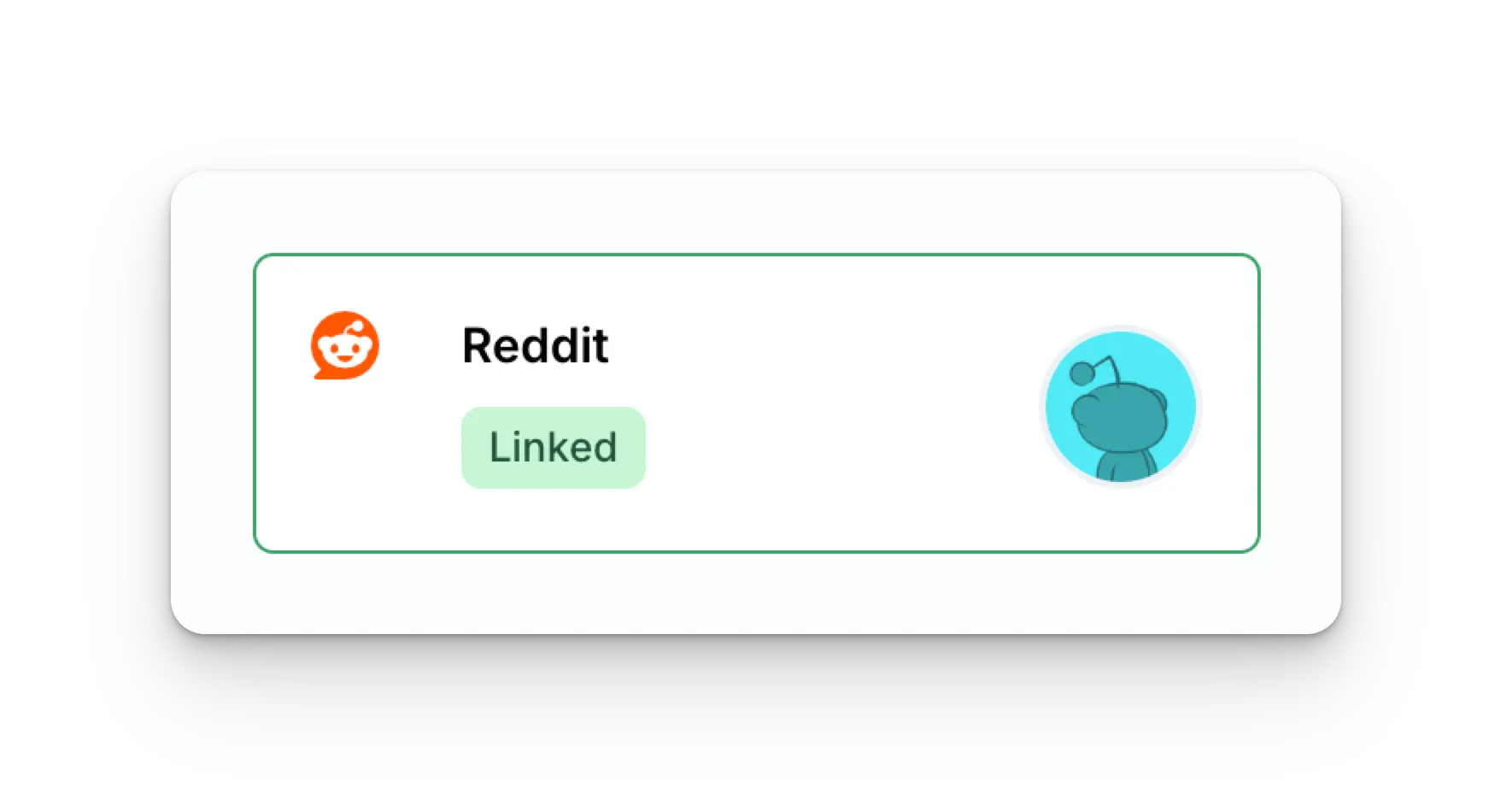
 आपका Social Accounts पृष्ठ अब आपके Reddit खाते के साथ अपडेट हो जाएगा।
 ## अतिरिक्त Reddit जानकारी
* कृपया [Reddit पर पोस्ट करने](/apis/post/social-networks/reddit),
[एनालिटिक्स प्राप्त करने](/apis/analytics/overview),
[टिप्पणियों का प्रबंधन करने](/apis/comments/overview), या
[इतिहास प्राप्त करने](/apis/history/overview) के विवरण के लिए यहाँ देखें।
* अनुशंसित छवि आकारों पर अधिक जानकारी के लिए, कृपया देखें:
## अतिरिक्त Reddit जानकारी
* कृपया [Reddit पर पोस्ट करने](/apis/post/social-networks/reddit),
[एनालिटिक्स प्राप्त करने](/apis/analytics/overview),
[टिप्पणियों का प्रबंधन करने](/apis/comments/overview), या
[इतिहास प्राप्त करने](/apis/history/overview) के विवरण के लिए यहाँ देखें।
* अनुशंसित छवि आकारों पर अधिक जानकारी के लिए, कृपया देखें: