> ## Documentation Index
> Fetch the complete documentation index at: https://www.ayrshare.com/docs/llms.txt
> Use this file to discover all available pages before exploring further.
# X लिंकिंग
> Ayrshare के साथ X को अधिकृत करना
**31 मार्च, 2026 से**, X को Ayrshare के माध्यम से सभी संचालनों के लिए आपकी अपनी API credentials की आवश्यकता होती है। यदि आप API उपयोगकर्ता हैं, तो आप तुरंत अपनी credentials का उपयोग शुरू कर सकते हैं। चरण-दर-चरण निर्देशों के लिए [X BYO Key Setup Guide](/dashboard/connect-social-accounts/x-twitter-byo-keys) देखें।
## Ayrshare के साथ X (Twitter) को कैसे लिंक करें
आप Ayrshare के साथ X, जिसे पहले Twitter के नाम से जाना जाता था, अकाउंट को लिंक कर सकते हैं।
Ayrshare के साथ X को अधिकृत करते समय, आपको लॉगिन करने और अपने X अकाउंट तक Ayrshare को पहुँच प्राप्त करने के लिए अधिकृत करने के लिए X पर पुनर्निर्देशित किया जाएगा।
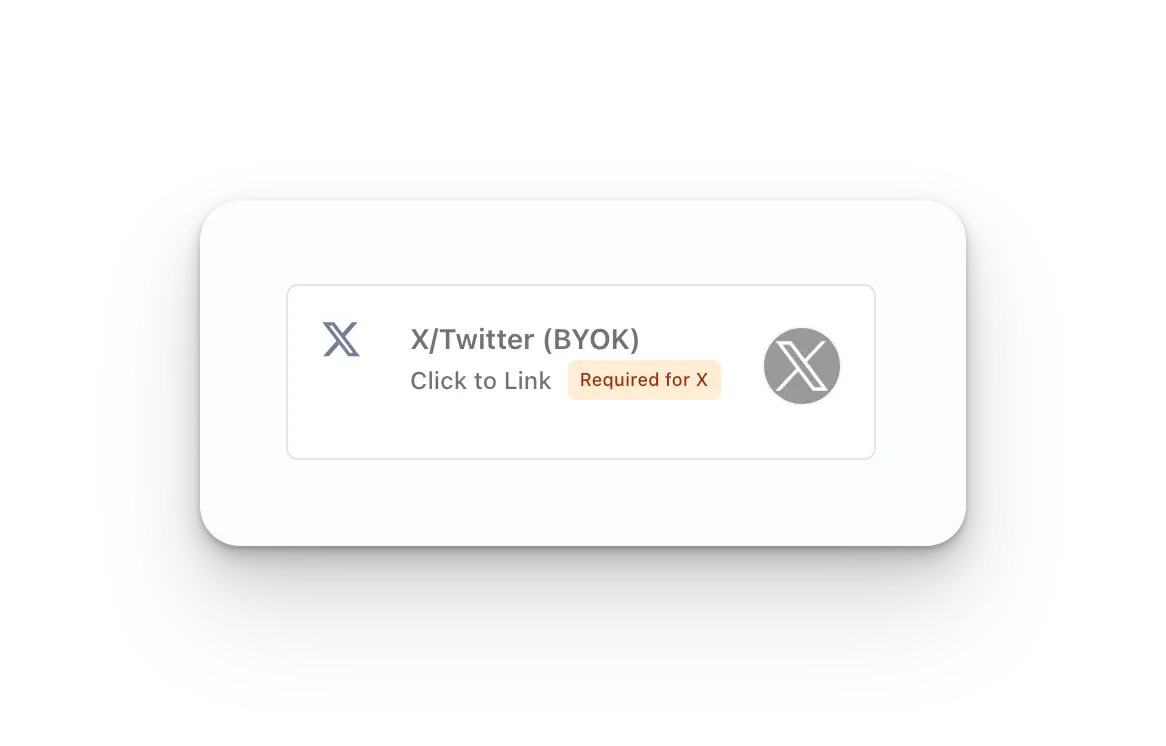
Social Accounts पृष्ठ पर **X/Twitter - Click to Link** बटन पर क्लिक करें।
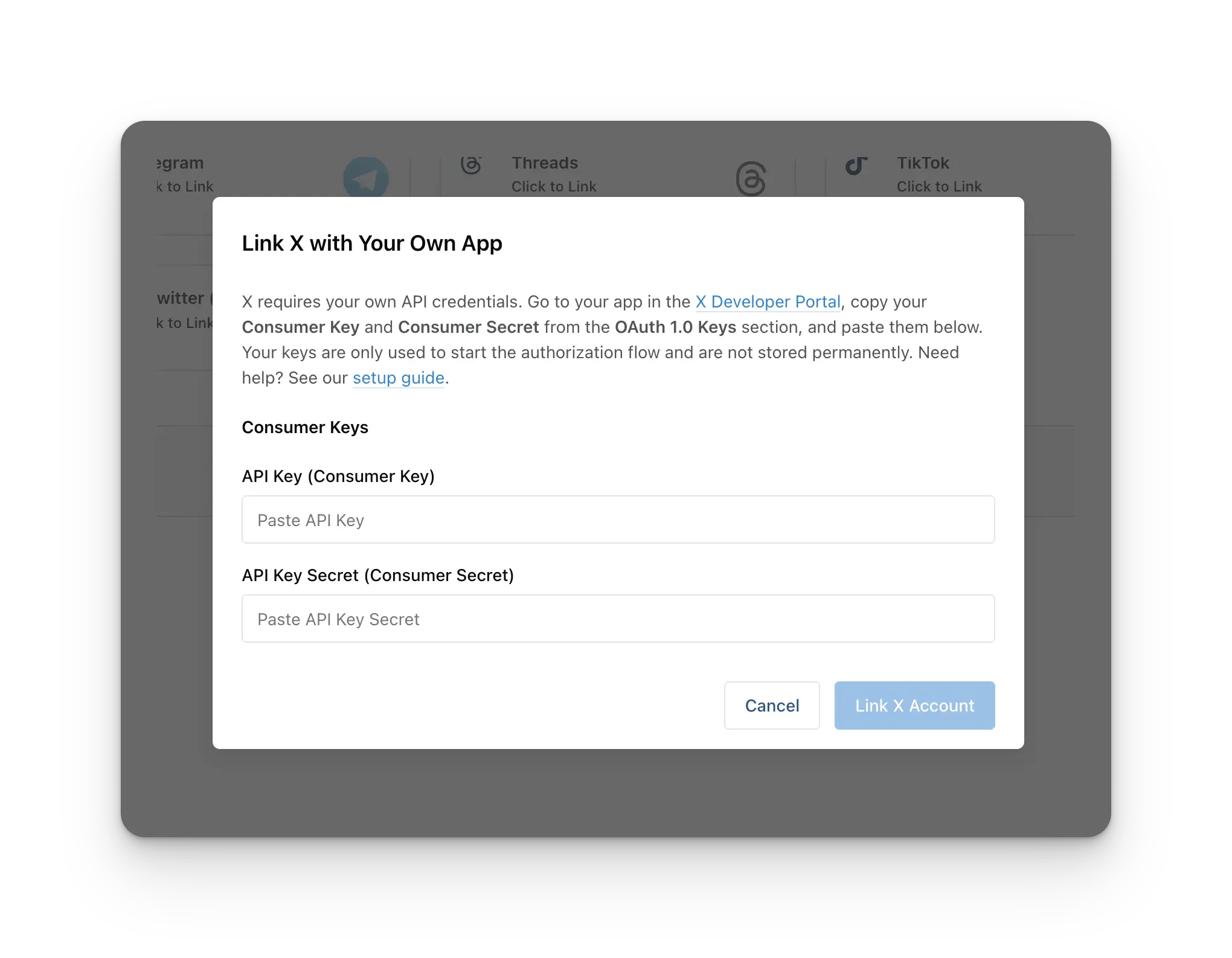
 लिंक करने से पहले, आपको अपनी **X Consumer Key** (API Key) और **X Consumer Secret** (API Secret) दर्ज करने के लिए कहा जाएगा। X अब हर Ayrshare अकाउंट के लिए आवश्यक करता है कि X अकाउंट लिंक करने के लिए एक X Developer App रजिस्टर करें और इसकी API Key और API Secret प्रदान करें।
**प्रति Ayrshare अकाउंट एक बार का सेटअप।** आप अपना X Developer App **एक बार** बनाते हैं, और आगे लिंक किए जाने वाले हर X अकाउंट के लिए वही API Key + API Secret उपयोग किया जाता है, जिसमें कोई भी sub-profiles या end-users शामिल हैं। आप प्रति ग्राहक एक अलग developer app **नहीं** बनाते हैं।
यदि आपके पास अभी तक ये credentials नहीं हैं, तो X Developer App बनाने और अपनी API Key और API Secret प्राप्त करने के लिए [X BYO Key Setup Guide](/dashboard/connect-social-accounts/x-twitter-byo-keys) का पालन करें। दोनों मानों को modal में पेस्ट करें, फिर अपने अकाउंट को लिंक करना जारी रखें।
लिंक करने से पहले, आपको अपनी **X Consumer Key** (API Key) और **X Consumer Secret** (API Secret) दर्ज करने के लिए कहा जाएगा। X अब हर Ayrshare अकाउंट के लिए आवश्यक करता है कि X अकाउंट लिंक करने के लिए एक X Developer App रजिस्टर करें और इसकी API Key और API Secret प्रदान करें।
**प्रति Ayrshare अकाउंट एक बार का सेटअप।** आप अपना X Developer App **एक बार** बनाते हैं, और आगे लिंक किए जाने वाले हर X अकाउंट के लिए वही API Key + API Secret उपयोग किया जाता है, जिसमें कोई भी sub-profiles या end-users शामिल हैं। आप प्रति ग्राहक एक अलग developer app **नहीं** बनाते हैं।
यदि आपके पास अभी तक ये credentials नहीं हैं, तो X Developer App बनाने और अपनी API Key और API Secret प्राप्त करने के लिए [X BYO Key Setup Guide](/dashboard/connect-social-accounts/x-twitter-byo-keys) का पालन करें। दोनों मानों को modal में पेस्ट करें, फिर अपने अकाउंट को लिंक करना जारी रखें।
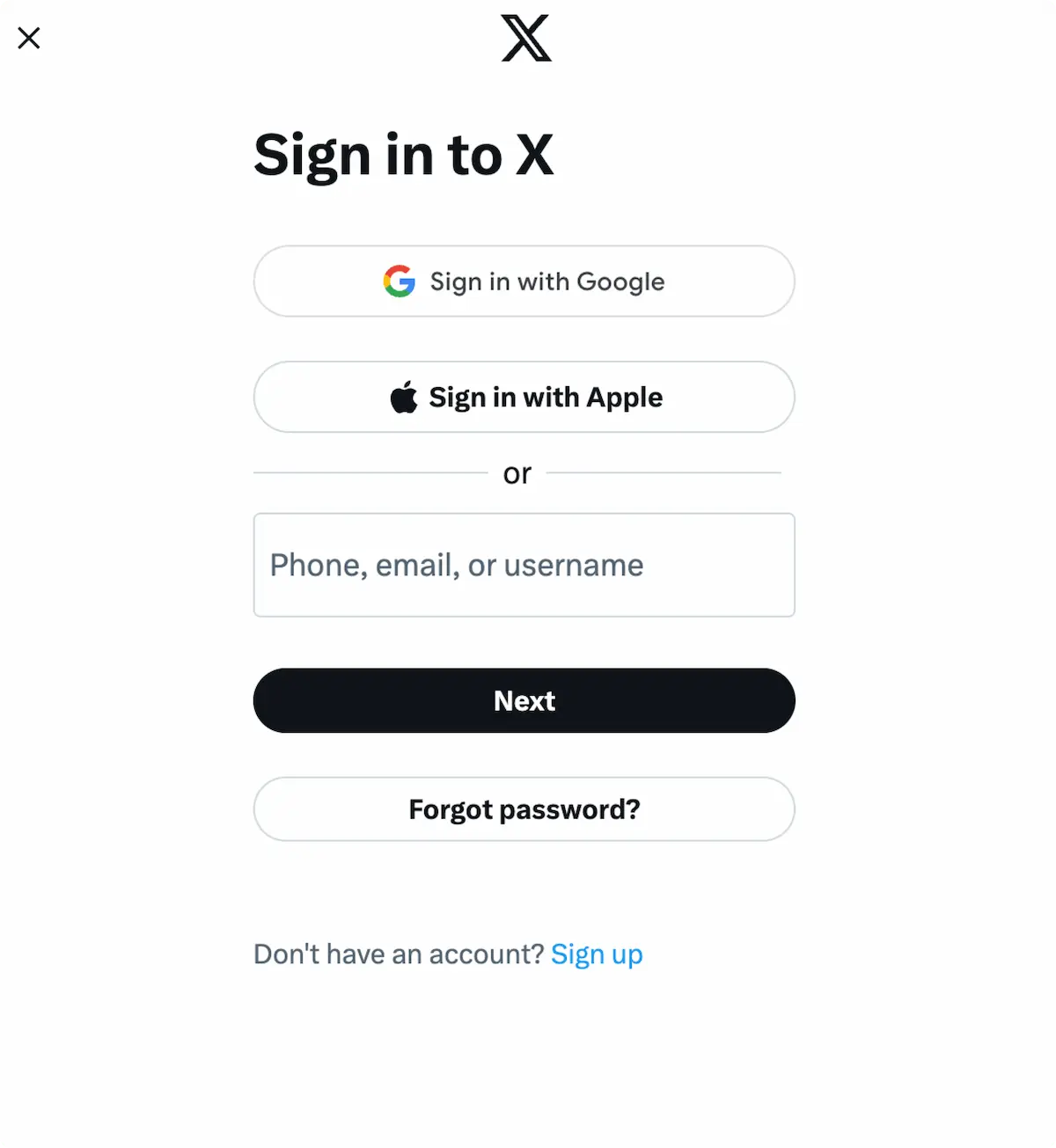
 जब आप Social Accounts पृष्ठ पर X आइकन पर क्लिक करते हैं, तो एक X
sign-in पॉप-अप होगा - *कृपया सुनिश्चित करें कि आप पॉप-अप की अनुमति देते हैं*। यदि आप पहले से
लॉग इन हैं, तो कृपया अगले चरण पर जाएँ।
*Sign In* पर क्लिक करें, निर्देशों का पालन करें, और प्रासंगिक लॉगिन credentials इनपुट करें।
जब आप Social Accounts पृष्ठ पर X आइकन पर क्लिक करते हैं, तो एक X
sign-in पॉप-अप होगा - *कृपया सुनिश्चित करें कि आप पॉप-अप की अनुमति देते हैं*। यदि आप पहले से
लॉग इन हैं, तो कृपया अगले चरण पर जाएँ।
*Sign In* पर क्लिक करें, निर्देशों का पालन करें, और प्रासंगिक लॉगिन credentials इनपुट करें।
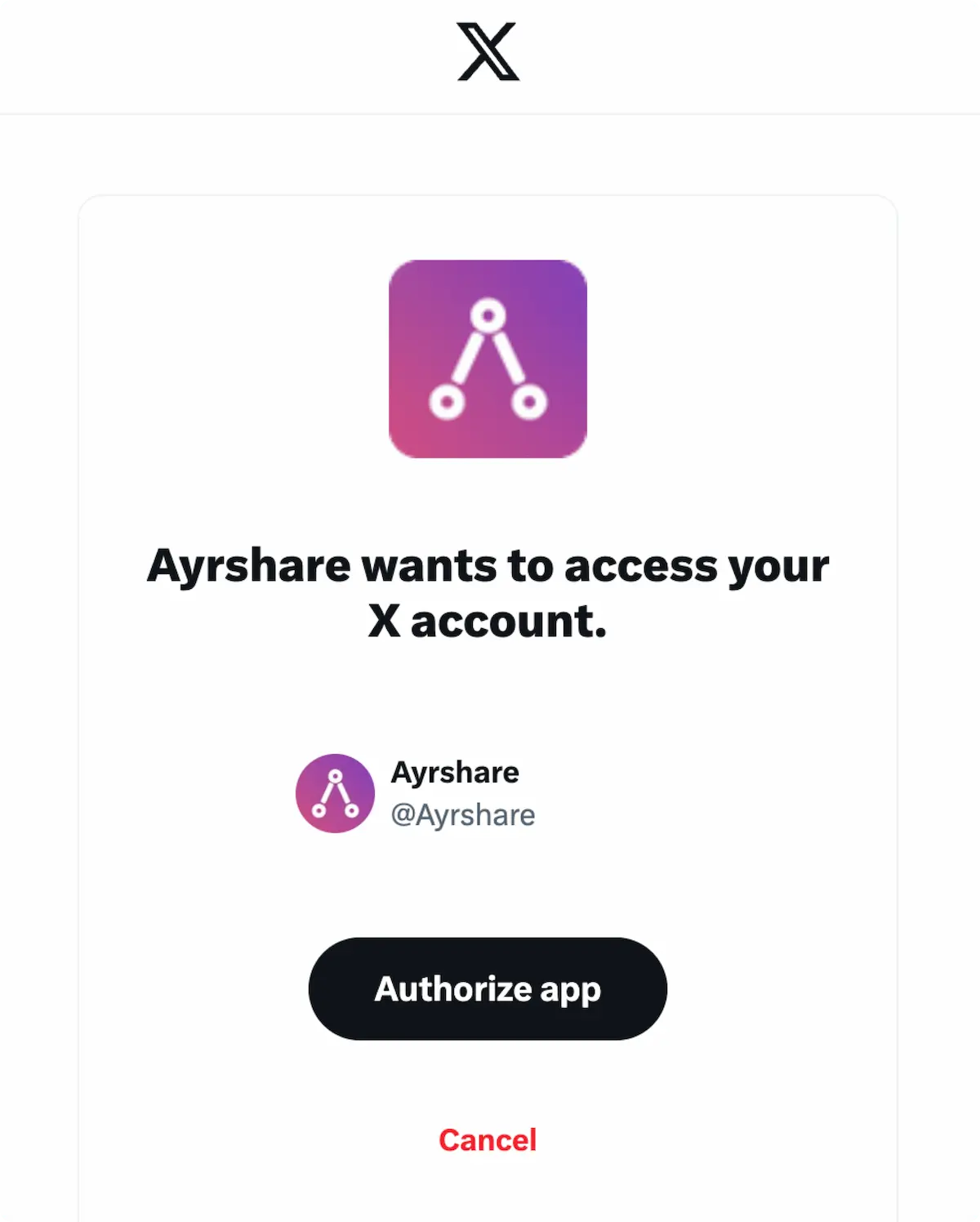
 यदि आप पहले से साइन इन हैं, तो पॉप-अप पर **Authorize app** पर क्लिक करें।
यह Ayrshare को आपके X अकाउंट तक पहुँचने के लिए अधिकृत करेगा।
यदि आप पहले से साइन इन हैं, तो पॉप-अप पर **Authorize app** पर क्लिक करें।
यह Ayrshare को आपके X अकाउंट तक पहुँचने के लिए अधिकृत करेगा।
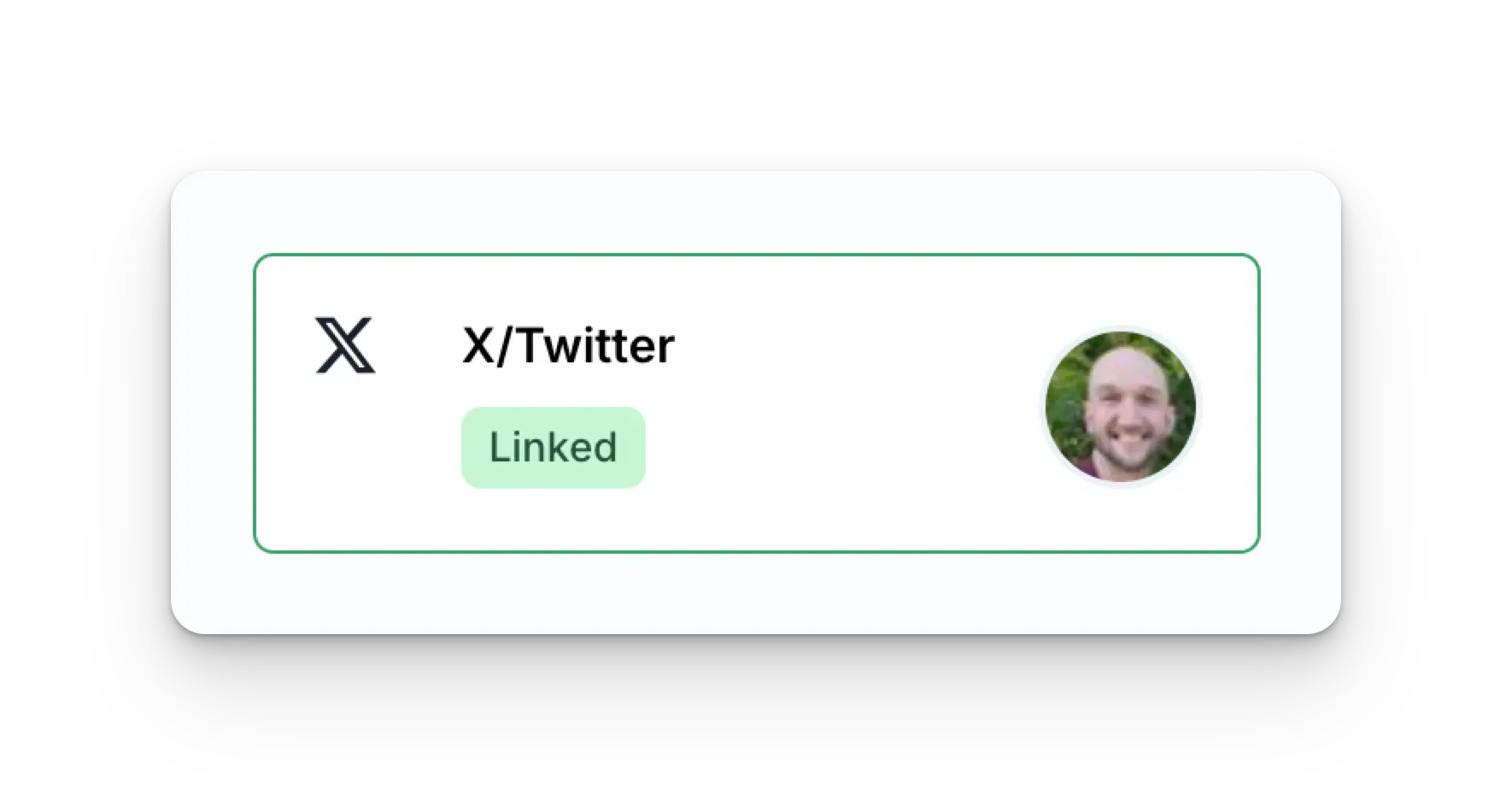
 आपका Social Accounts पृष्ठ अब आपके X अकाउंट के साथ अपडेट हो जाएगा।
 ## अतिरिक्त X जानकारी
* कृपया विवरण के लिए यहाँ देखें
[X पर पोस्ट करना](/apis/post/social-networks/x-twitter),
[एनालिटिक्स प्राप्त करना](/apis/analytics/overview),
[टिप्पणियों का प्रबंधन](/apis/comments/overview), या
[इतिहास पुनः प्राप्त करना।](/apis/history/overview)
* अनुशंसित छवि आकारों पर अधिक जानकारी के लिए, कृपया देखें:
## अतिरिक्त X जानकारी
* कृपया विवरण के लिए यहाँ देखें
[X पर पोस्ट करना](/apis/post/social-networks/x-twitter),
[एनालिटिक्स प्राप्त करना](/apis/analytics/overview),
[टिप्पणियों का प्रबंधन](/apis/comments/overview), या
[इतिहास पुनः प्राप्त करना।](/apis/history/overview)
* अनुशंसित छवि आकारों पर अधिक जानकारी के लिए, कृपया देखें: