> ## Documentation Index
> Fetch the complete documentation index at: https://www.ayrshare.com/docs/llms.txt
> Use this file to discover all available pages before exploring further.
# Liên kết Pinterest
> Uỷ quyền Pinterest với Ayrshare
## Cách liên kết Pinterest với Ayrshare
### Thiết lập Pinterest Board
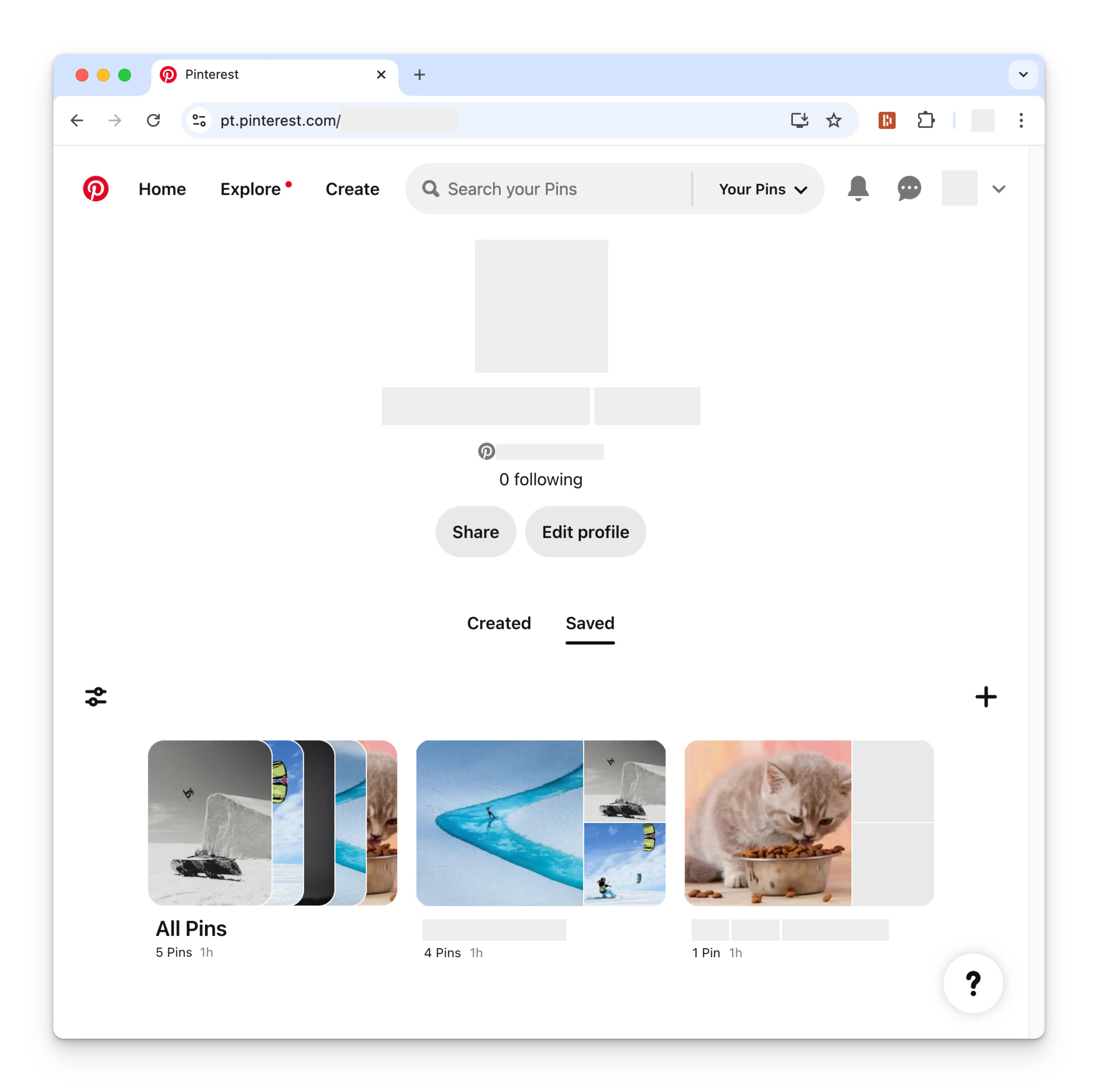
Trước khi liên kết tài khoản Pinterest, bạn phải thiết lập ít nhất một Pinterest
board. Để làm điều đó, hãy vào trang hồ sơ Pinterest và nhấp vào ký hiệu
**+**(cộng). Làm theo hướng dẫn để tạo một board mới.
 ### Liên kết Pinterest
Nhấp vào biểu tượng Pinterest trên trang Social Accounts.
### Liên kết Pinterest
Nhấp vào biểu tượng Pinterest trên trang Social Accounts.
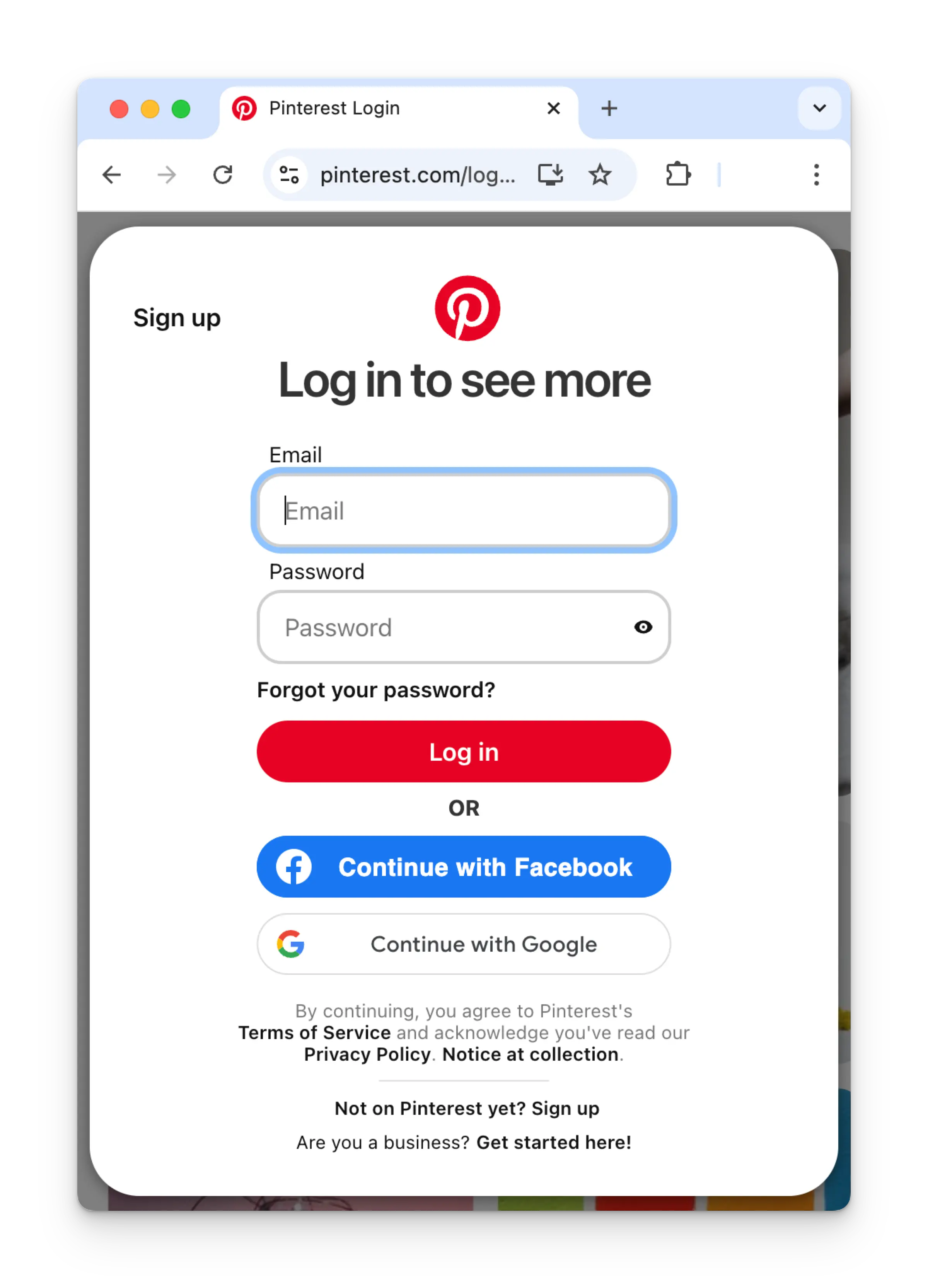
 Nếu bạn chưa đăng nhập, bạn sẽ được chuyển đến trang đăng nhập Pinterest.
Nhập thông tin đăng nhập tương ứng.
Nếu bạn đã đăng nhập, vui lòng chuyển sang bước tiếp theo.
Nếu bạn chưa đăng nhập, bạn sẽ được chuyển đến trang đăng nhập Pinterest.
Nhập thông tin đăng nhập tương ứng.
Nếu bạn đã đăng nhập, vui lòng chuyển sang bước tiếp theo.
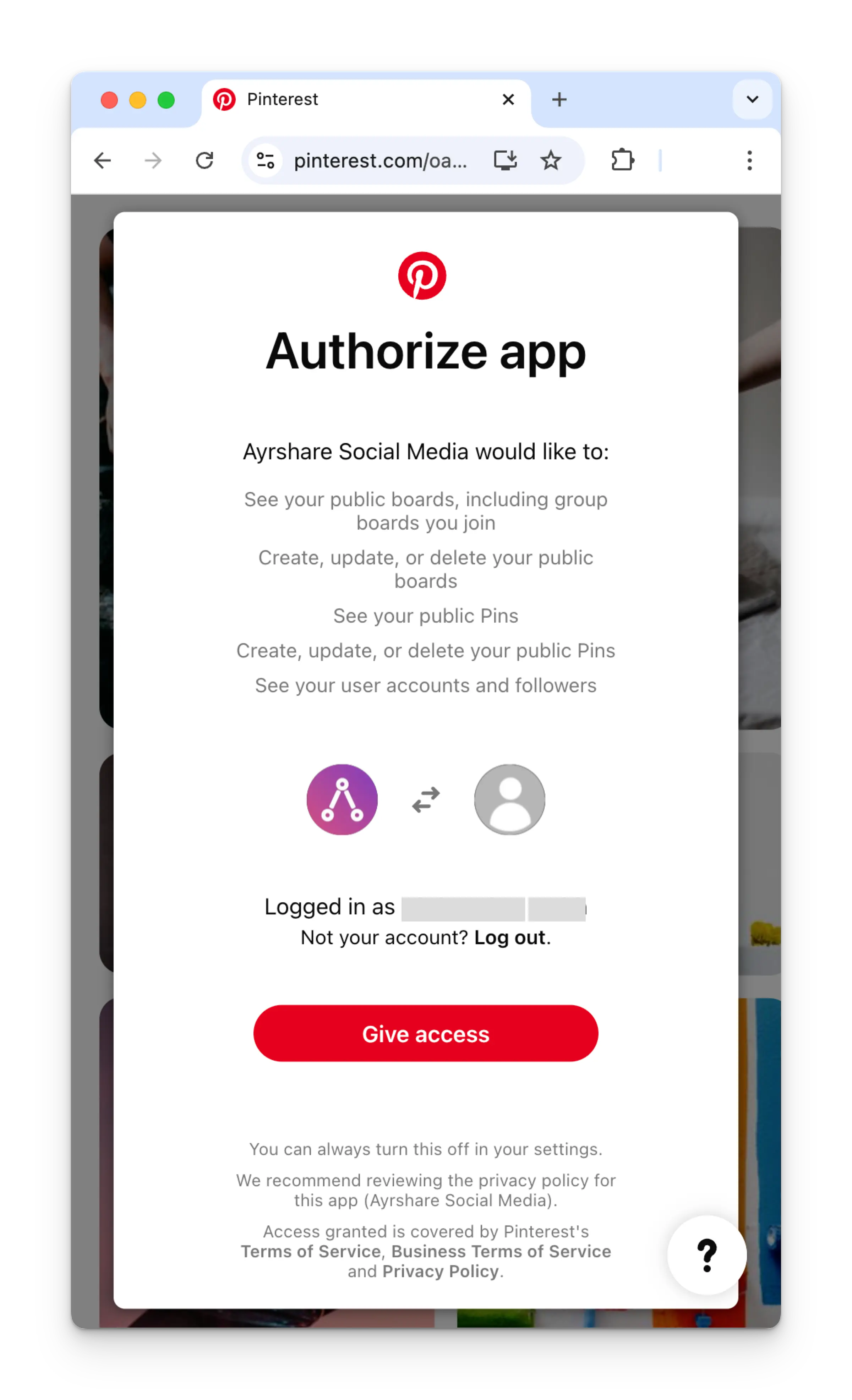
 Nếu đã đăng nhập, nhấp **Give access** trên trang Authorize app.
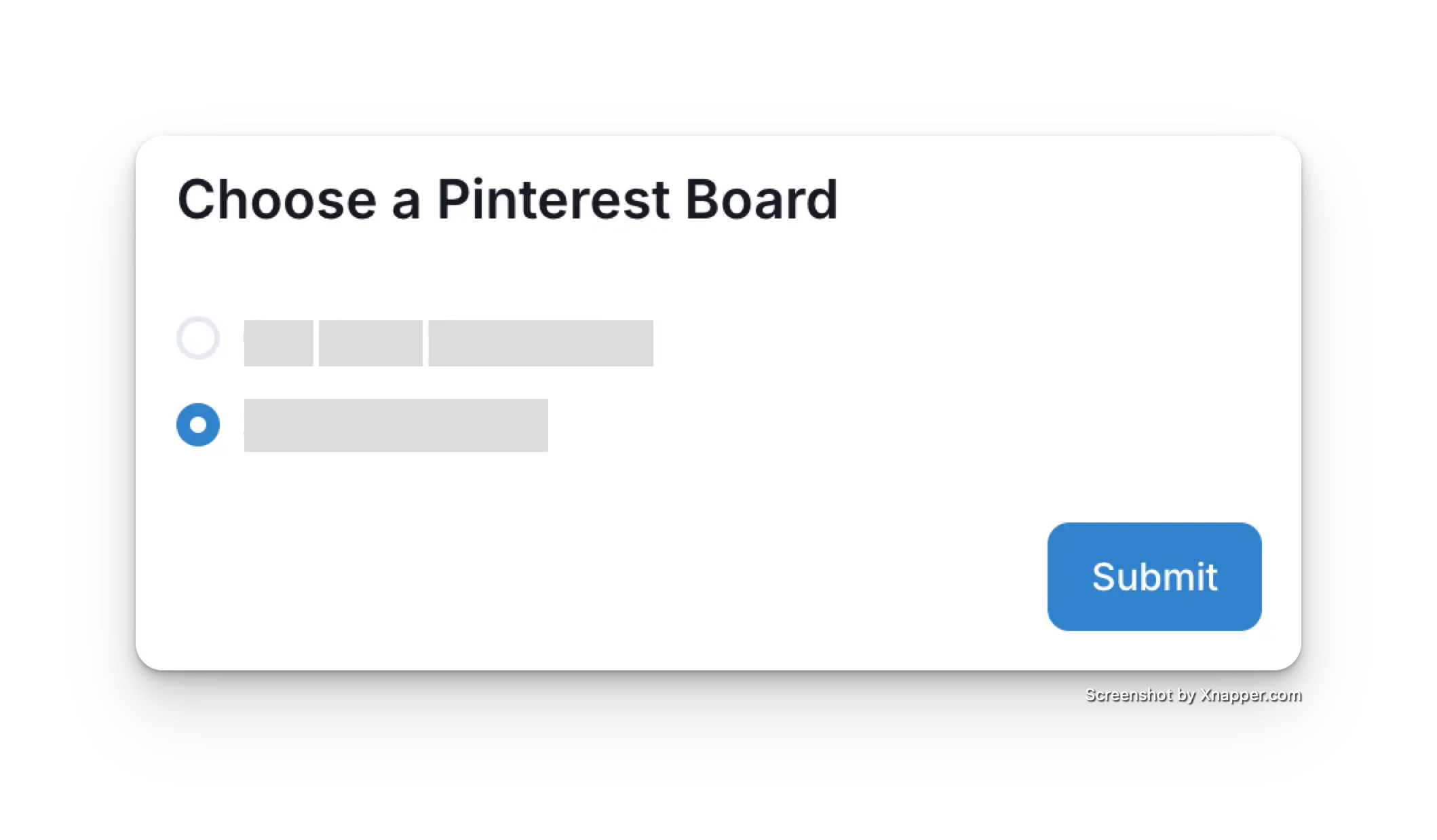
 Khi quay lại dashboard Ayrshare, chọn Pinterest board để liên kết.
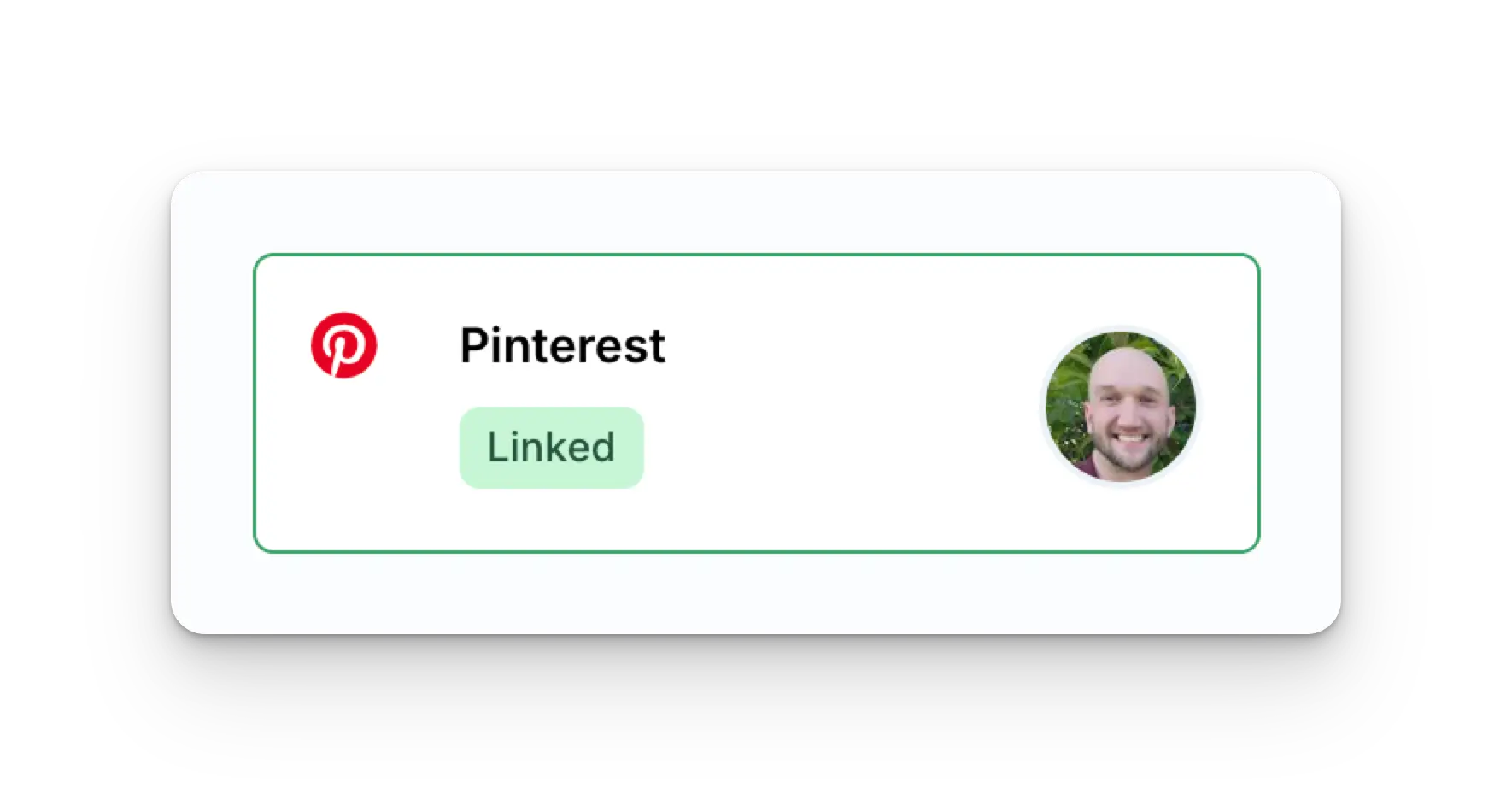
 Trang Social Accounts của bạn giờ đã được cập nhật với tài khoản Pinterest.
 ## Thông tin bổ sung về Pinterest
* Vui lòng xem chi tiết về
[đăng bài lên Pinterest](/apis/post/social-networks/pinterest),
[lấy analytics](/apis/analytics/overview),
[quản lý bình luận](/apis/comments/overview), hoặc
[truy xuất lịch sử.](/apis/history/overview)
* Để biết thêm thông tin về kích thước hình ảnh được khuyến nghị, vui lòng xem:
## Thông tin bổ sung về Pinterest
* Vui lòng xem chi tiết về
[đăng bài lên Pinterest](/apis/post/social-networks/pinterest),
[lấy analytics](/apis/analytics/overview),
[quản lý bình luận](/apis/comments/overview), hoặc
[truy xuất lịch sử.](/apis/history/overview)
* Để biết thêm thông tin về kích thước hình ảnh được khuyến nghị, vui lòng xem: