> ## Documentation Index
> Fetch the complete documentation index at: https://www.ayrshare.com/docs/llms.txt
> Use this file to discover all available pages before exploring further.
# Liên kết X
> Uỷ quyền X với Ayrshare
**Bắt đầu từ ngày 31 tháng 3 năm 2026**, X yêu cầu thông tin xác thực API của riêng bạn cho tất cả các hoạt động thông qua Ayrshare. Nếu bạn là người dùng API, bạn có thể bắt đầu sử dụng thông tin xác thực của riêng mình ngay lập tức. Xem [Hướng dẫn thiết lập X BYO Key](/dashboard/connect-social-accounts/x-twitter-byo-keys) để biết hướng dẫn từng bước.
## Cách liên kết X (Twitter) với Ayrshare
Bạn có thể liên kết tài khoản X, trước đây được gọi là Twitter, với Ayrshare.
Khi uỷ quyền X với Ayrshare, bạn sẽ được chuyển hướng đến X để đăng nhập và uỷ quyền cho Ayrshare truy cập tài khoản X của bạn.
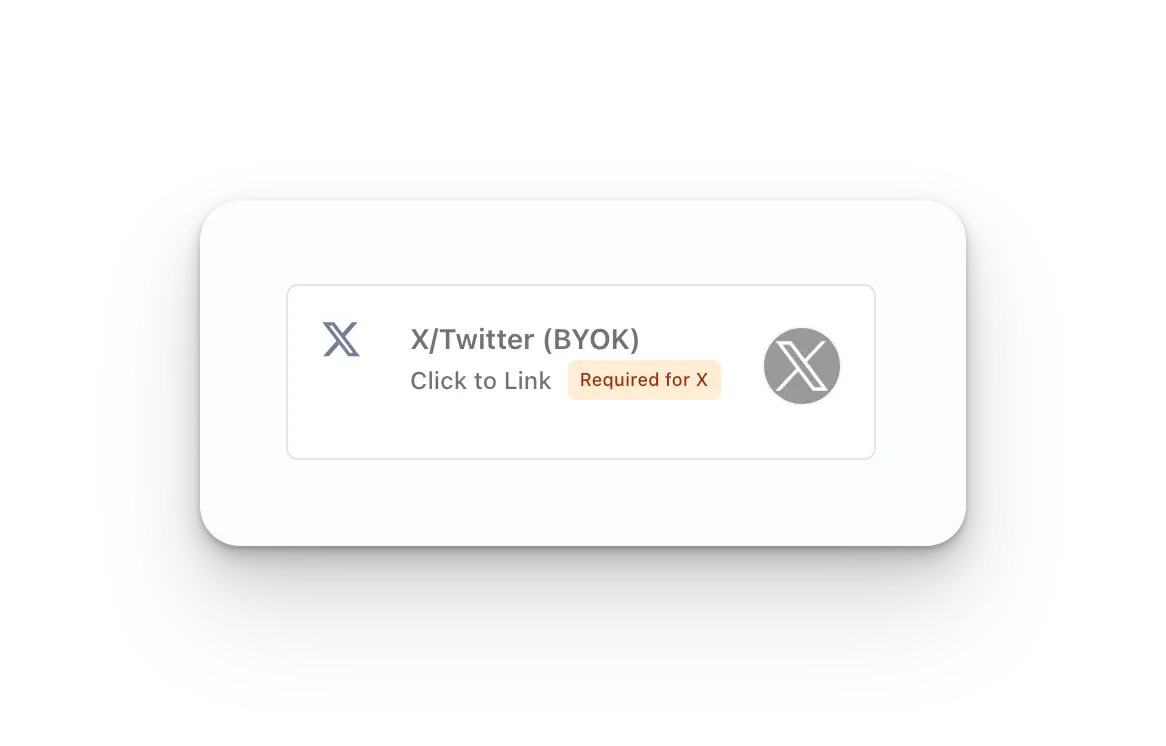
Nhấp vào nút **X/Twitter - Click to Link** trên trang Social Accounts.
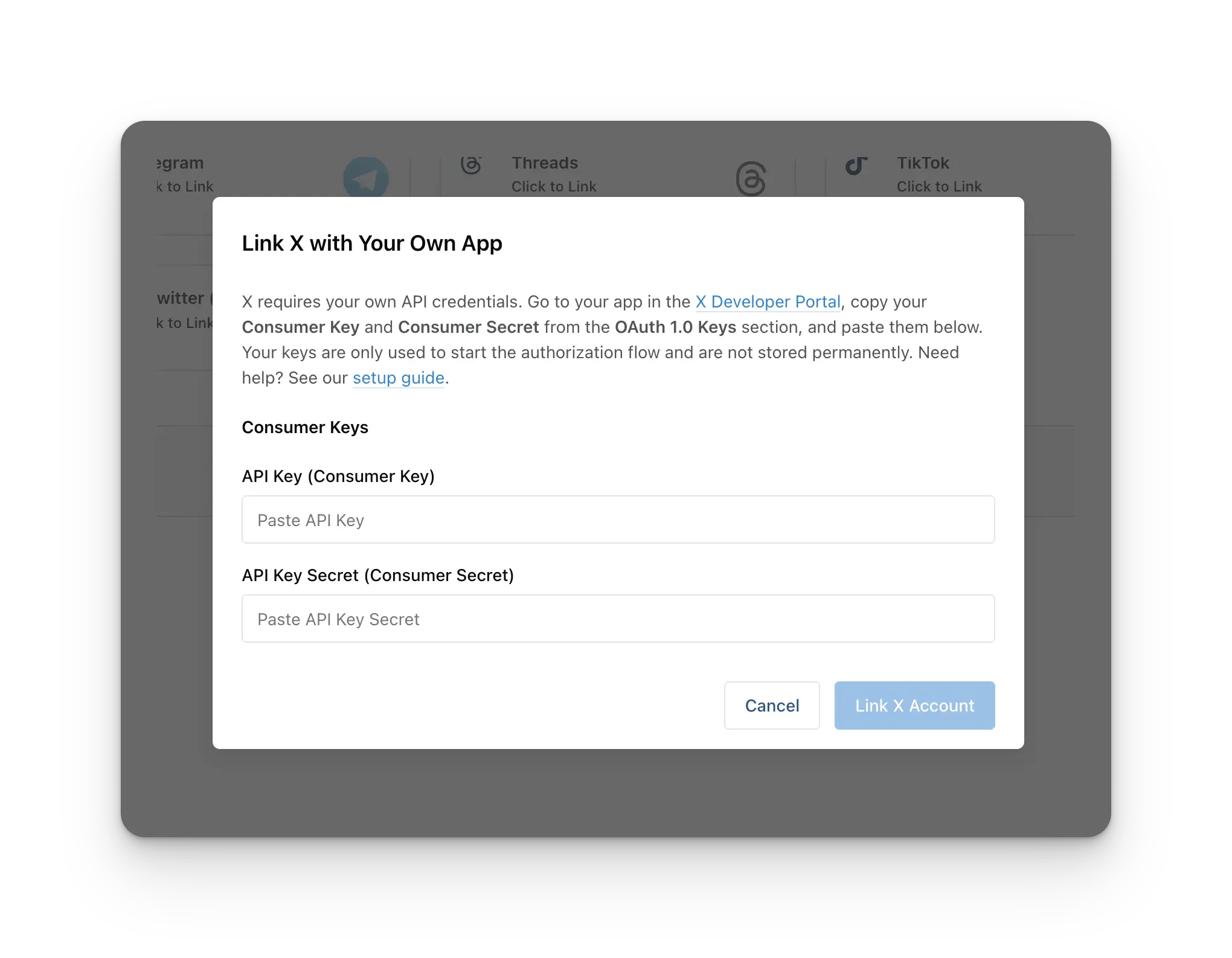
 Trước khi liên kết, bạn sẽ được yêu cầu nhập **X Consumer Key** (API Key) và **X Consumer Secret** (API Secret) của mình. X hiện yêu cầu mọi tài khoản Ayrshare đăng ký một X Developer App và cung cấp API Key cùng API Secret để liên kết tài khoản X.
**Thiết lập một lần cho mỗi tài khoản Ayrshare.** Bạn tạo X Developer App **một lần**, và cùng một API Key + API Secret được sử dụng cho mọi tài khoản X mà bạn liên kết về sau, bao gồm bất kỳ sub-profile hoặc end-user nào. Bạn **không** tạo một developer app riêng cho mỗi khách hàng.
Nếu bạn chưa có các thông tin xác thực này, hãy làm theo [Hướng dẫn thiết lập X BYO Key](/dashboard/connect-social-accounts/x-twitter-byo-keys) để tạo một X Developer App và lấy API Key cùng API Secret của bạn. Dán cả hai giá trị vào modal, sau đó tiếp tục để liên kết tài khoản của bạn.
Trước khi liên kết, bạn sẽ được yêu cầu nhập **X Consumer Key** (API Key) và **X Consumer Secret** (API Secret) của mình. X hiện yêu cầu mọi tài khoản Ayrshare đăng ký một X Developer App và cung cấp API Key cùng API Secret để liên kết tài khoản X.
**Thiết lập một lần cho mỗi tài khoản Ayrshare.** Bạn tạo X Developer App **một lần**, và cùng một API Key + API Secret được sử dụng cho mọi tài khoản X mà bạn liên kết về sau, bao gồm bất kỳ sub-profile hoặc end-user nào. Bạn **không** tạo một developer app riêng cho mỗi khách hàng.
Nếu bạn chưa có các thông tin xác thực này, hãy làm theo [Hướng dẫn thiết lập X BYO Key](/dashboard/connect-social-accounts/x-twitter-byo-keys) để tạo một X Developer App và lấy API Key cùng API Secret của bạn. Dán cả hai giá trị vào modal, sau đó tiếp tục để liên kết tài khoản của bạn.
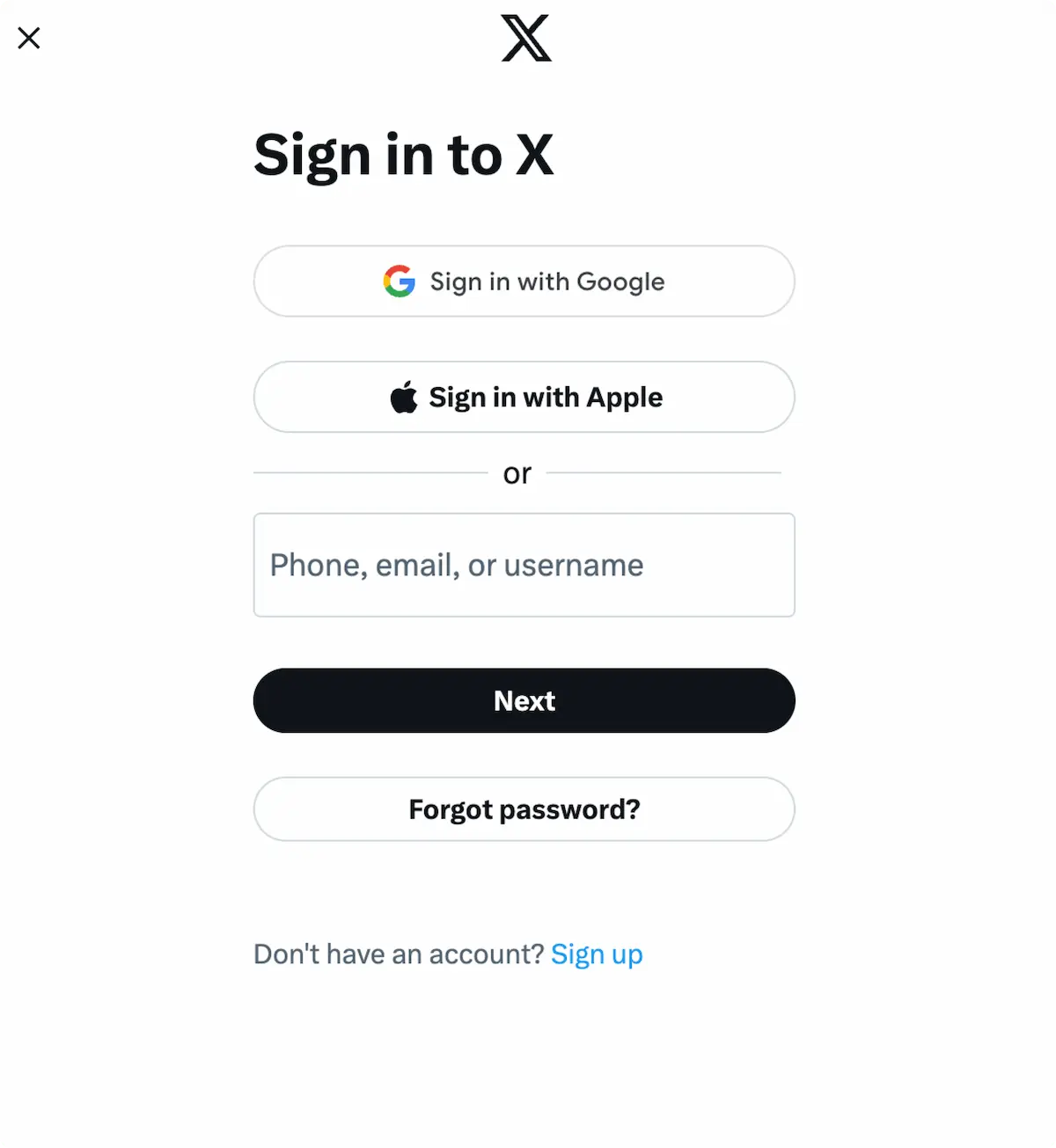
 Khi bạn nhấp vào biểu tượng X trên trang Social Accounts, một cửa sổ đăng nhập X
sẽ hiện lên - *hãy chắc chắn bạn cho phép pop-up*. Nếu bạn đã
đăng nhập, vui lòng chuyển sang bước tiếp theo.
Nhấp *Sign In*, làm theo hướng dẫn và nhập thông tin đăng nhập liên quan.
Khi bạn nhấp vào biểu tượng X trên trang Social Accounts, một cửa sổ đăng nhập X
sẽ hiện lên - *hãy chắc chắn bạn cho phép pop-up*. Nếu bạn đã
đăng nhập, vui lòng chuyển sang bước tiếp theo.
Nhấp *Sign In*, làm theo hướng dẫn và nhập thông tin đăng nhập liên quan.
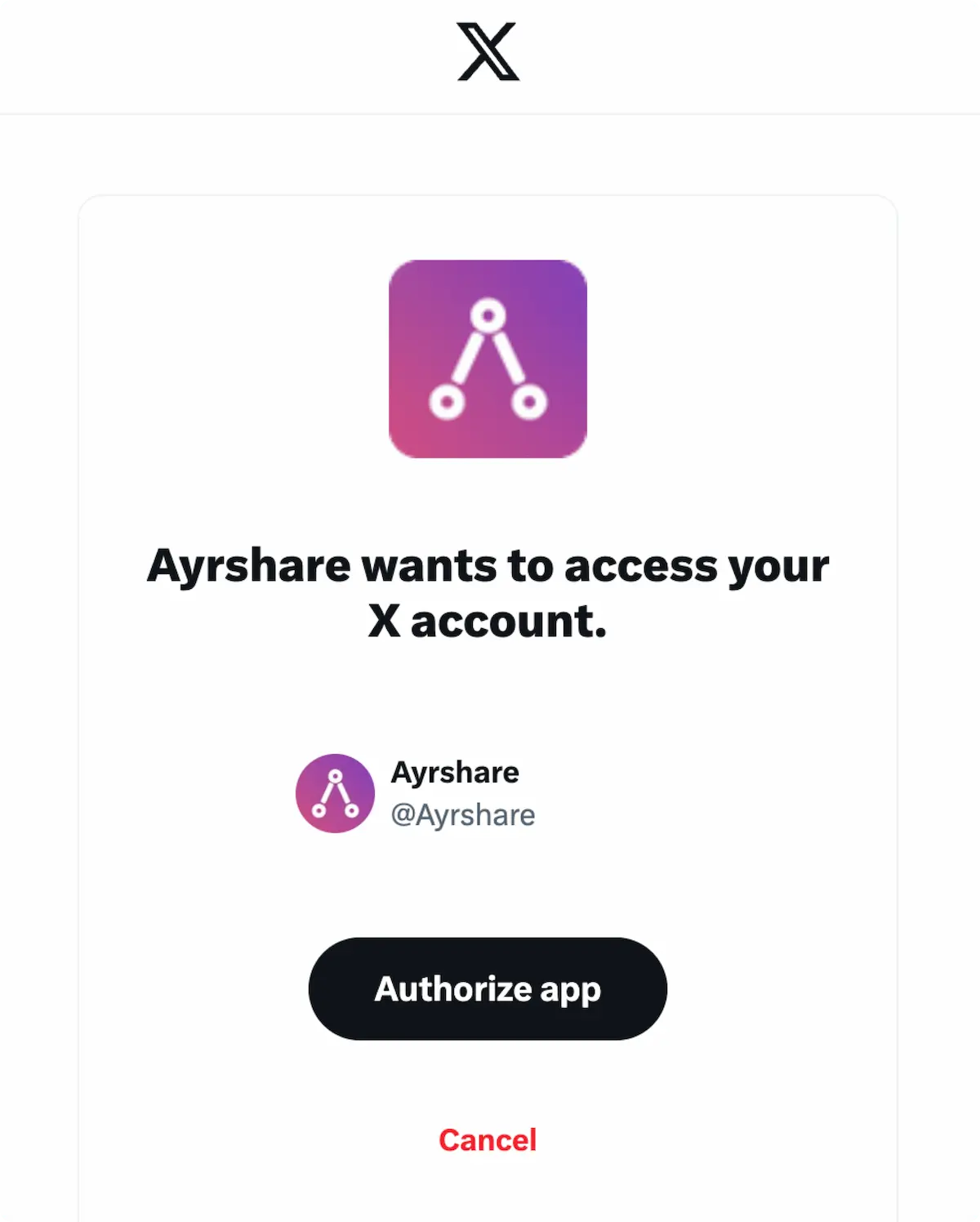
 Nếu bạn đã đăng nhập, nhấp **Authorize app** trên pop-up.
Việc này sẽ uỷ quyền cho Ayrshare truy cập tài khoản X của bạn.
Nếu bạn đã đăng nhập, nhấp **Authorize app** trên pop-up.
Việc này sẽ uỷ quyền cho Ayrshare truy cập tài khoản X của bạn.
 Trang Social Accounts của bạn giờ đã được cập nhật với tài khoản X.
 ## Thông tin bổ sung về X
* Vui lòng xem chi tiết về
[đăng bài lên X](/apis/post/social-networks/x-twitter),
[lấy analytics](/apis/analytics/overview),
[quản lý bình luận](/apis/comments/overview), hoặc
[truy xuất lịch sử.](/apis/history/overview)
* Để biết thêm thông tin về kích thước hình ảnh được khuyến nghị, vui lòng xem:
## Thông tin bổ sung về X
* Vui lòng xem chi tiết về
[đăng bài lên X](/apis/post/social-networks/x-twitter),
[lấy analytics](/apis/analytics/overview),
[quản lý bình luận](/apis/comments/overview), hoặc
[truy xuất lịch sử.](/apis/history/overview)
* Để biết thêm thông tin về kích thước hình ảnh được khuyến nghị, vui lòng xem: