> ## Documentation Index
> Fetch the complete documentation index at: https://www.ayrshare.com/docs/llms.txt
> Use this file to discover all available pages before exploring further.
# Facebook 連結
> 使用 Ayrshare 授權 Facebook
## 如何將 Facebook 與 Ayrshare 連結
僅支援 **Facebook Pages**(Facebook 專頁)。Facebook 不支援個人 Facebook 帳戶。
請確認你是該 Facebook 專頁的管理員,並**授予所有權限**給 Pages 與
各項選項。若未授予,可能導致無法成功發布。
### 連結 Facebook
在 Social Accounts 頁面上點擊 Facebook 圖示。
 Facebook 登入視窗會彈出 - *請確認你允許彈出視窗*。
若你已經將 Facebook 與 Ayrshare 連結過,請直接跳到步驟 4。
Facebook 登入視窗會彈出 - *請確認你允許彈出視窗*。
若你已經將 Facebook 與 Ayrshare 連結過,請直接跳到步驟 4。
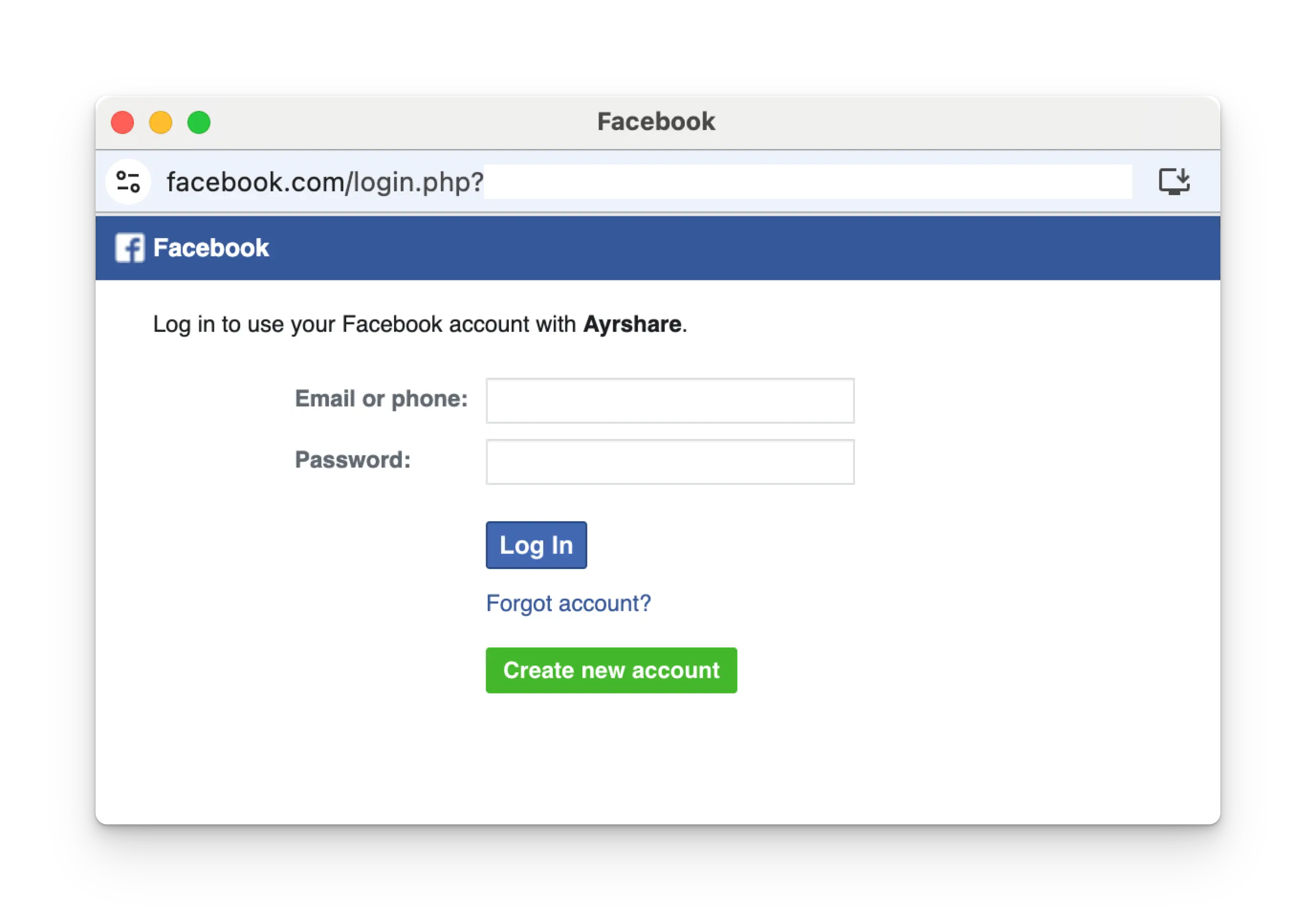 依照指示操作,選擇要連結的 Facebook 專頁。
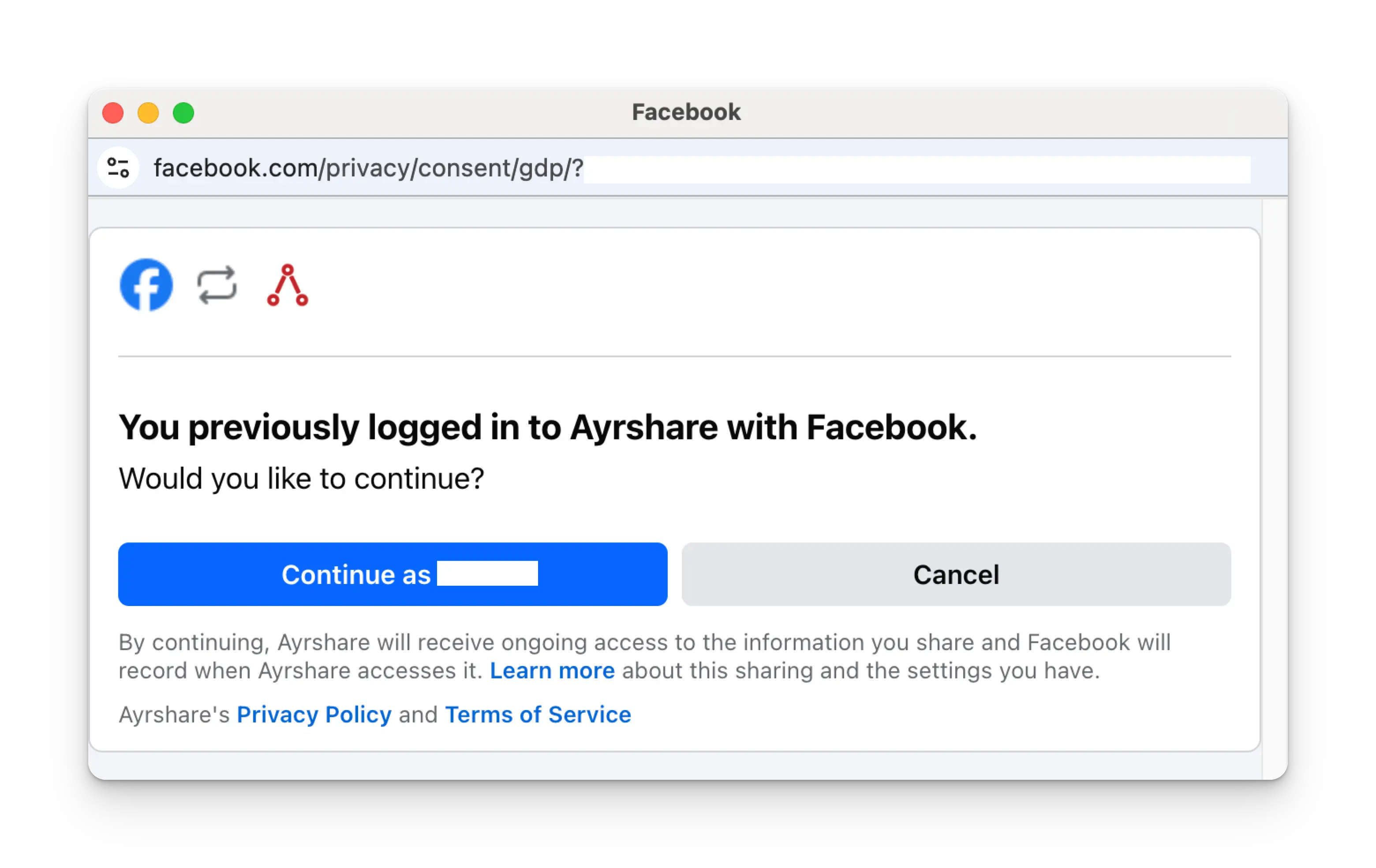
在登入頁面點擊 **Continue as NAME**。
依照指示操作,選擇要連結的 Facebook 專頁。
在登入頁面點擊 **Continue as NAME**。
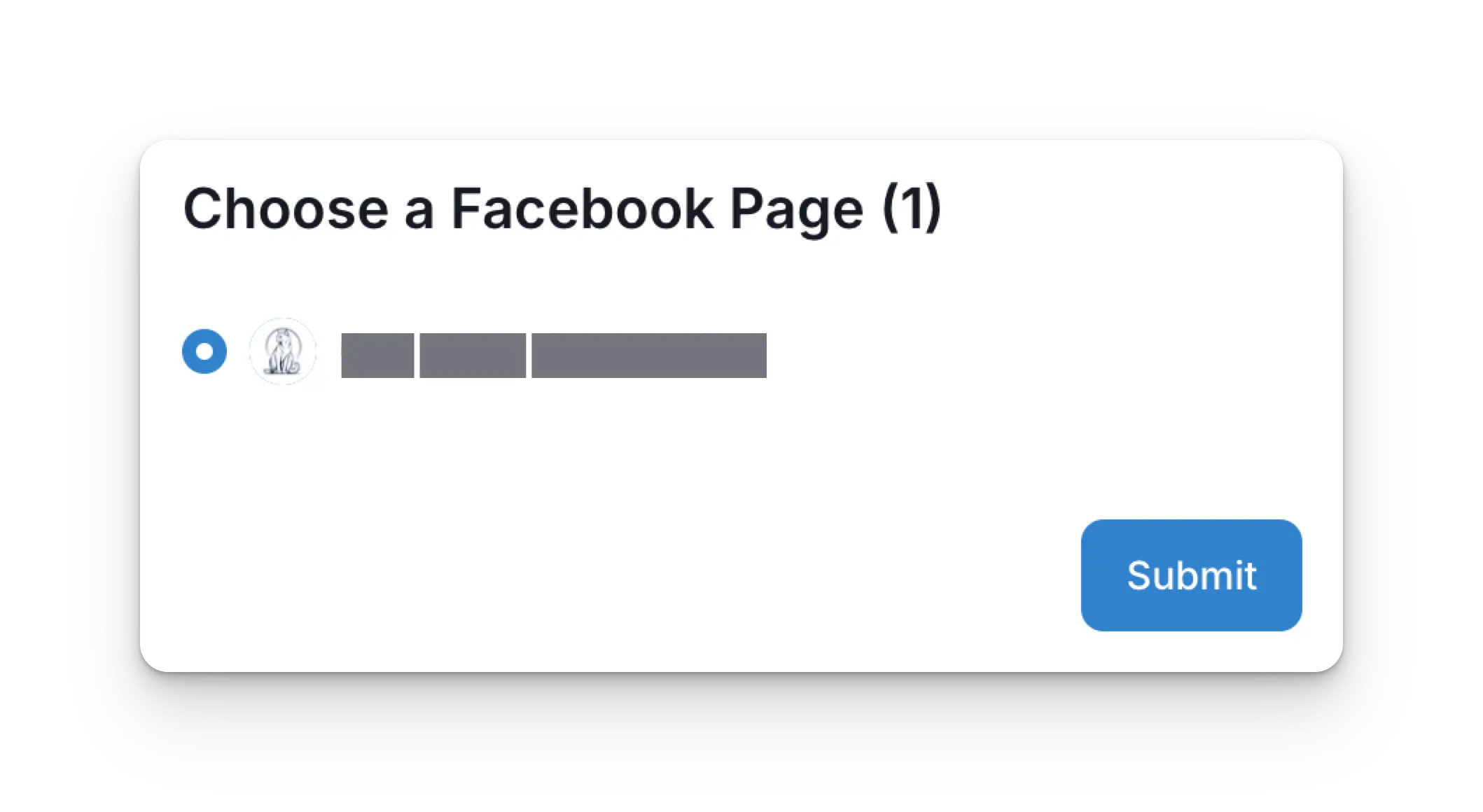
 回到 Ayrshare 儀表板後,選擇要連結的 Facebook 專頁,並點擊 **Submit**。
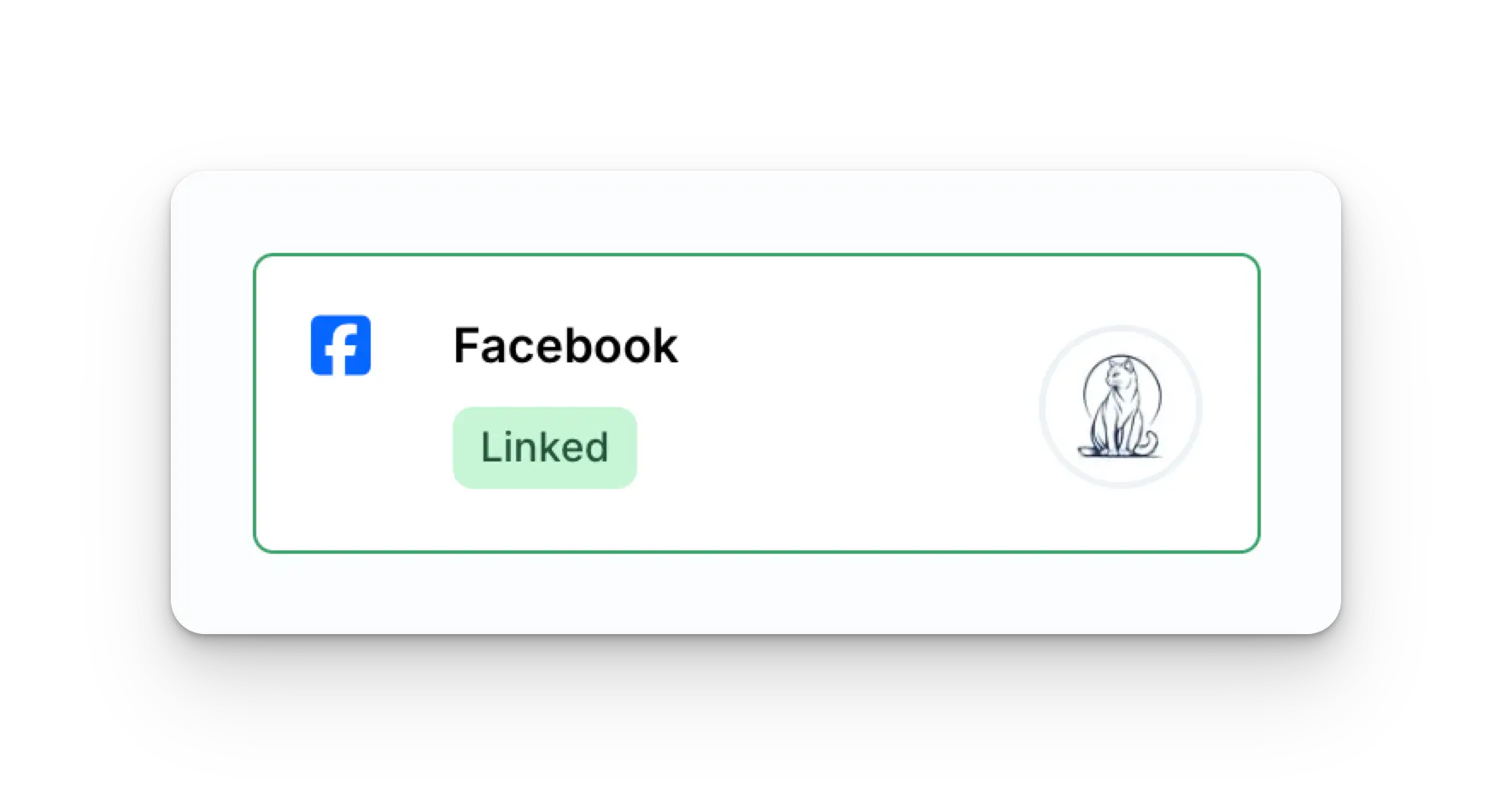
 你的 Social Accounts 頁面現在會更新顯示你的 Facebook 帳戶。
 ## Facebook 疑難排解
若你在 Facebook 遇到問題,請參閱[疑難排解指南](/help-center/technical-support/facebook_or_instagram_linking_issues)。
## 其他 Facebook 資訊
* 詳情請參閱:
[發布到 Facebook](/apis/post/social-networks/facebook)、
[取得分析資料](/apis/analytics/overview)、
[管理留言](/apis/comments/overview),或
[取得歷史紀錄。](/apis/history/overview)
* 如需更多推薦圖片尺寸的資訊,請參閱:
## Facebook 疑難排解
若你在 Facebook 遇到問題,請參閱[疑難排解指南](/help-center/technical-support/facebook_or_instagram_linking_issues)。
## 其他 Facebook 資訊
* 詳情請參閱:
[發布到 Facebook](/apis/post/social-networks/facebook)、
[取得分析資料](/apis/analytics/overview)、
[管理留言](/apis/comments/overview),或
[取得歷史紀錄。](/apis/history/overview)
* 如需更多推薦圖片尺寸的資訊,請參閱: