> ## Documentation Index
> Fetch the complete documentation index at: https://www.ayrshare.com/docs/llms.txt
> Use this file to discover all available pages before exploring further.
# Threads 連結
> 使用 Ayrshare 授權 Threads
## 如何將 Threads 與 Ayrshare 連結
使用 Ayrshare 授權 Threads 非常簡單。在驗證過程中,
你會被要求以 Instagram 帳戶登入,以便使用 Threads 的完整功能。
請參閱以下步驟以了解更多資訊。
## 驗證 Threads
在 Social Accounts 頁面上點擊 Threads 圖示。
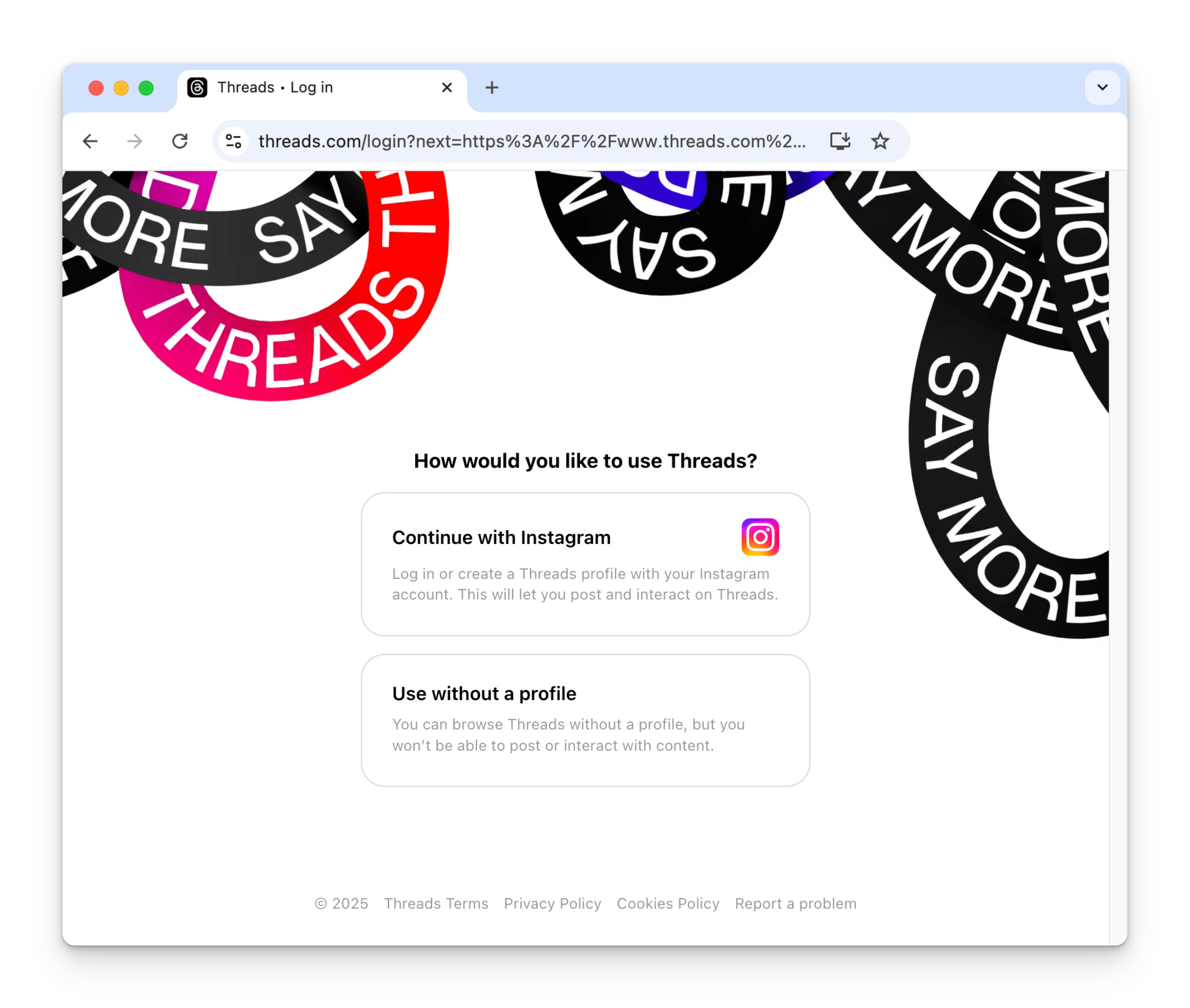
 第一次連結 Threads 時,你會被要求使用 Instagram 帳戶進行驗證。
要發布到 Threads 需要一個 Instagram 帳戶。
若你先前已將 Ayrshare 與 Threads 連結過而未看到此畫面,
請跳到步驟 4。
第一次連結 Threads 時,你會被要求使用 Instagram 帳戶進行驗證。
要發布到 Threads 需要一個 Instagram 帳戶。
若你先前已將 Ayrshare 與 Threads 連結過而未看到此畫面,
請跳到步驟 4。
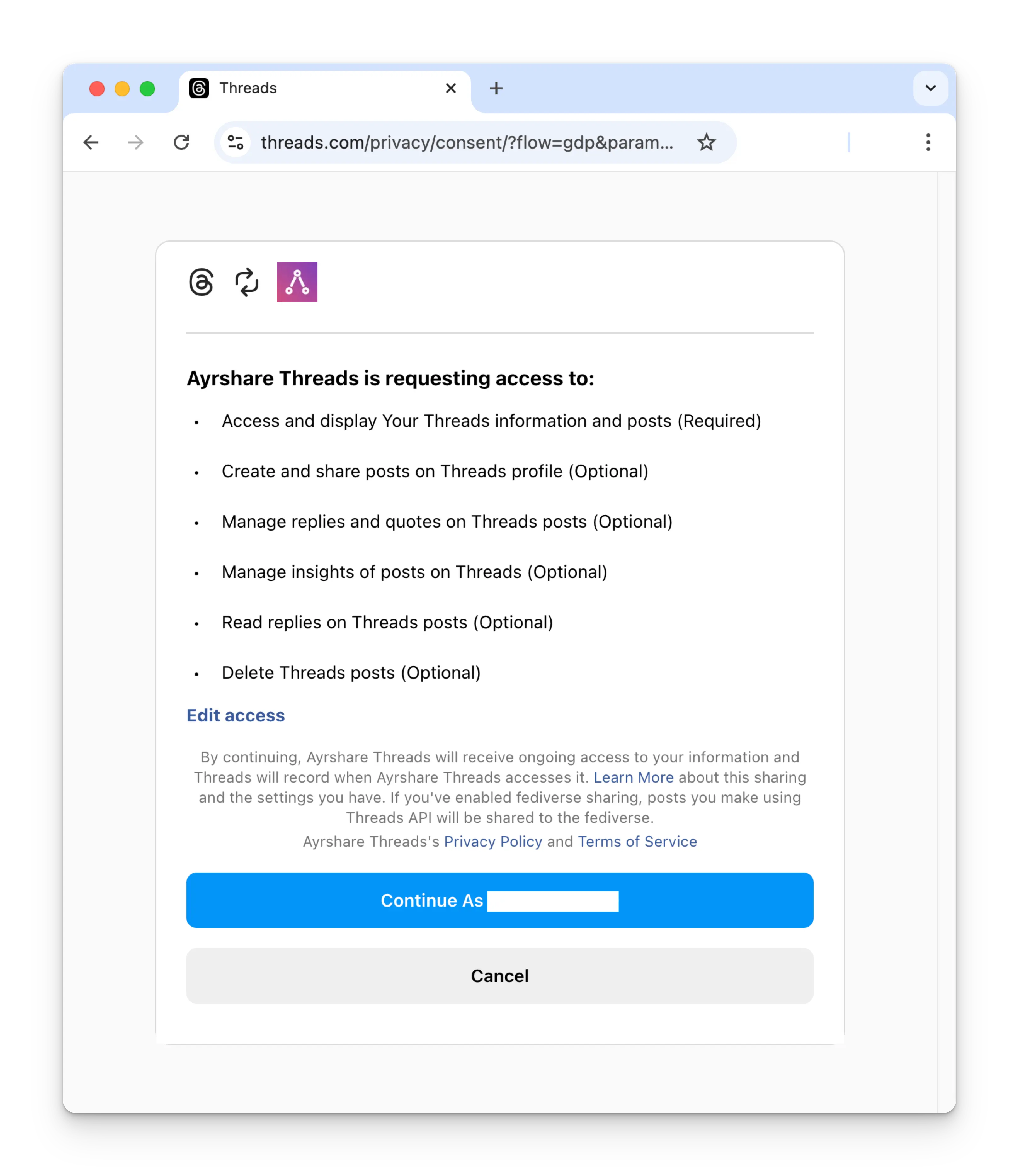
 登入後,你會被要求授予 Ayrshare 對你 Threads 帳戶的存取權。
請授予所有要求的權限以繼續進行。(若必要權限未被授予,
你可以在你的 Threads 設定中的
[Website Permissions Page](https://www.threads.com/settings/website_permissions)
重新啟用)
登入後,你會被要求授予 Ayrshare 對你 Threads 帳戶的存取權。
請授予所有要求的權限以繼續進行。(若必要權限未被授予,
你可以在你的 Threads 設定中的
[Website Permissions Page](https://www.threads.com/settings/website_permissions)
重新啟用)
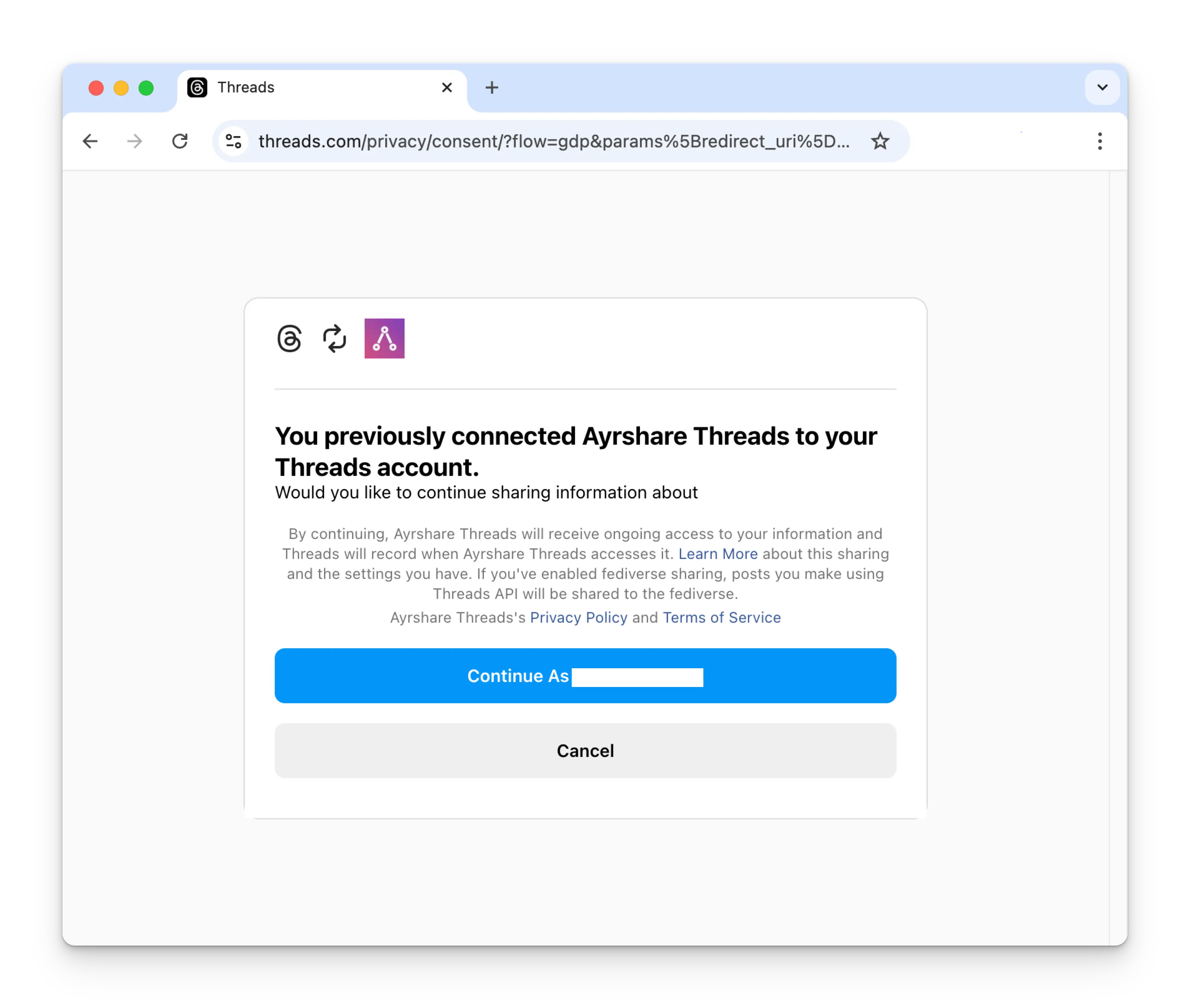
 若你先前已將 Ayrshare 與 Threads 連結,請點擊
Continue 按鈕重新連結你的 Threads 帳戶。
若你先前已將 Ayrshare 與 Threads 連結,請點擊
Continue 按鈕重新連結你的 Threads 帳戶。
 你的 Social Accounts 頁面現在會更新顯示你的 Threads 帳戶。
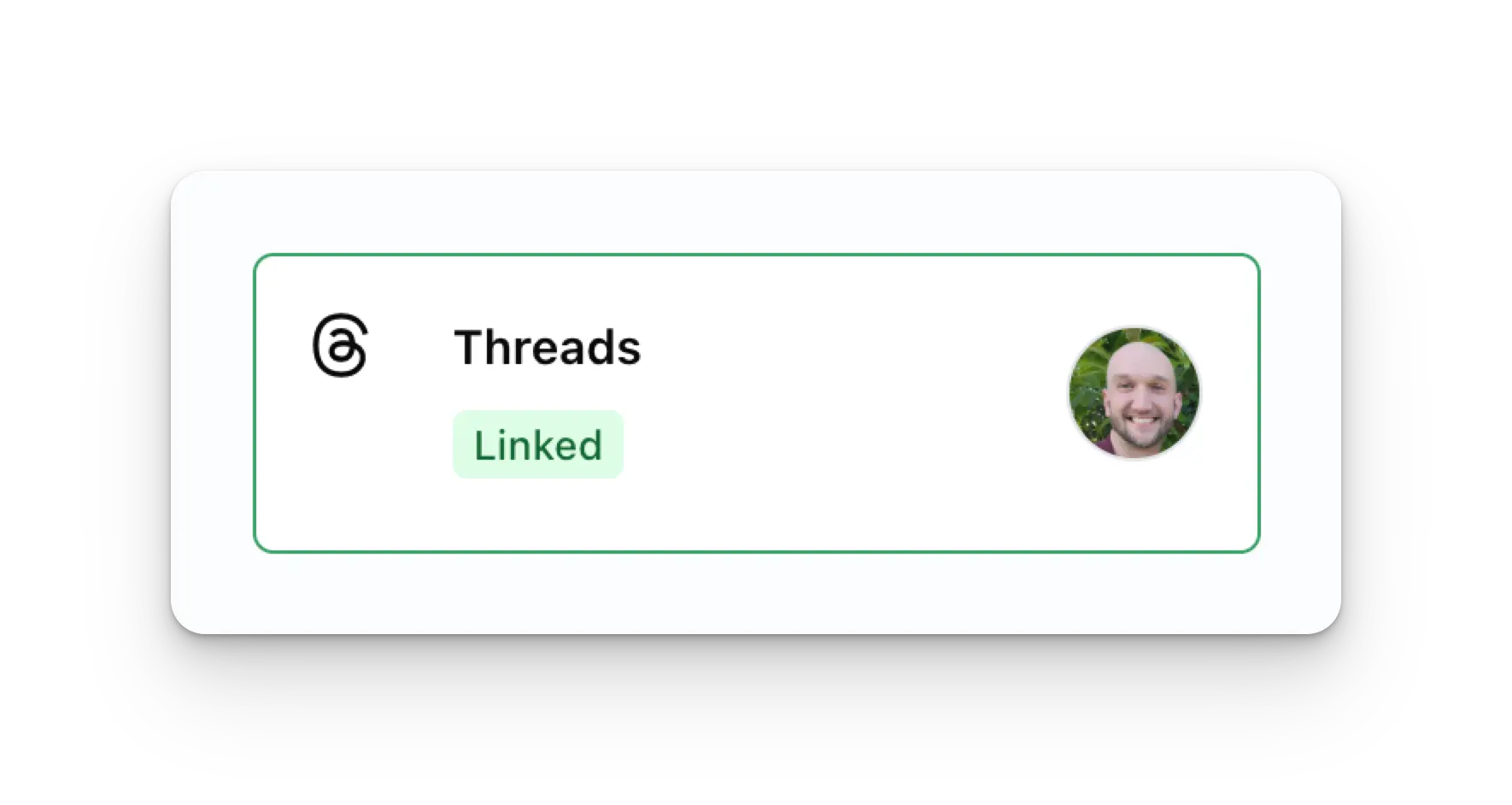 你可以發布 Threads 貼文、取得 Threads 分析資料,以及管理 Threads
留言。
## 其他 Threads 資訊
* 詳情請參閱:
[發布到 Threads](/apis/post/social-networks/threads)、
[取得分析資料](/apis/analytics/overview)、
[管理留言](/apis/comments/overview),或
[取得歷史紀錄。](/apis/history/overview)
* 如需更多推薦圖片尺寸的資訊,請參閱:
你可以發布 Threads 貼文、取得 Threads 分析資料,以及管理 Threads
留言。
## 其他 Threads 資訊
* 詳情請參閱:
[發布到 Threads](/apis/post/social-networks/threads)、
[取得分析資料](/apis/analytics/overview)、
[管理留言](/apis/comments/overview),或
[取得歷史紀錄。](/apis/history/overview)
* 如需更多推薦圖片尺寸的資訊,請參閱: