> ## Documentation Index
> Fetch the complete documentation index at: https://www.ayrshare.com/docs/llms.txt
> Use this file to discover all available pages before exploring further.
# X 連結
> 使用 Ayrshare 授權 X
**自 2026 年 3 月 31 日起**,透過 Ayrshare 進行的所有 X 操作都需要你自己的 API 憑證。若你是 API 使用者,你可以立即開始使用自己的憑證。逐步說明請參閱 [X BYO 金鑰設定指南](/dashboard/connect-social-accounts/x-twitter-byo-keys)。
## 如何將 X(Twitter)與 Ayrshare 連結
你可以將 X(前稱 Twitter)帳戶與 Ayrshare 連結。
使用 Ayrshare 授權 X 時,你會被重新導向到 X 進行登入,並授權 Ayrshare 存取你的 X 帳戶。
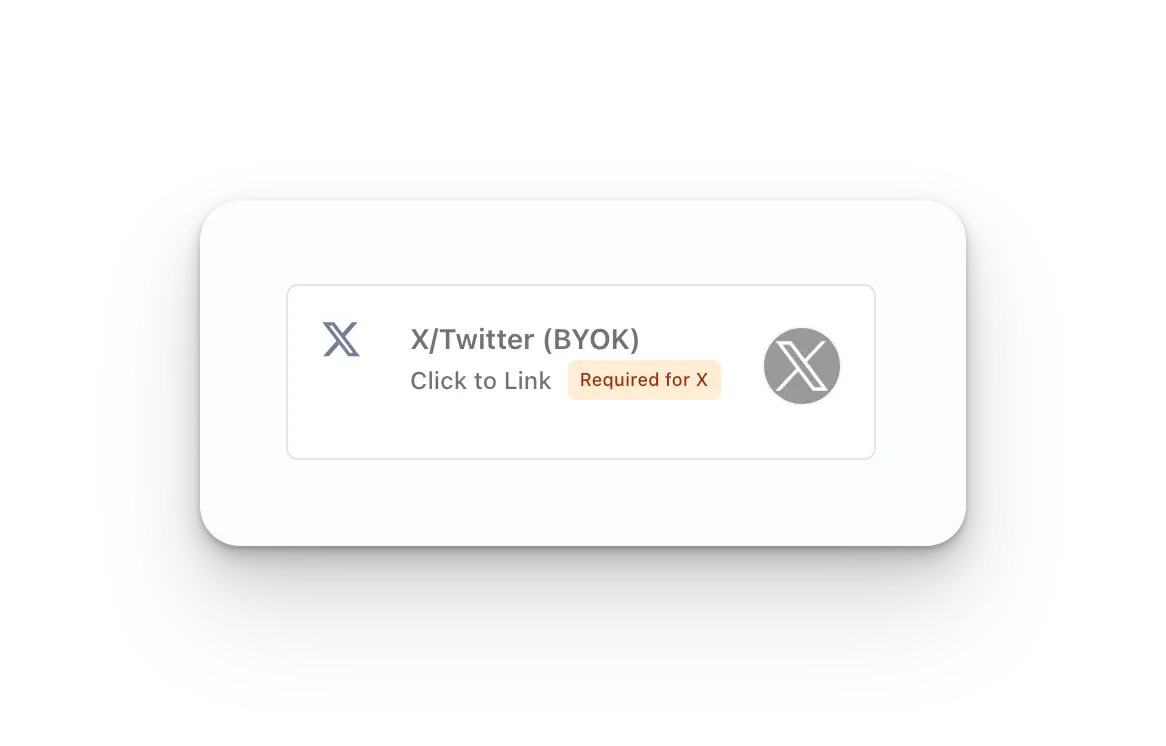
在 Social Accounts 頁面上點擊 **X/Twitter - Click to Link** 按鈕。
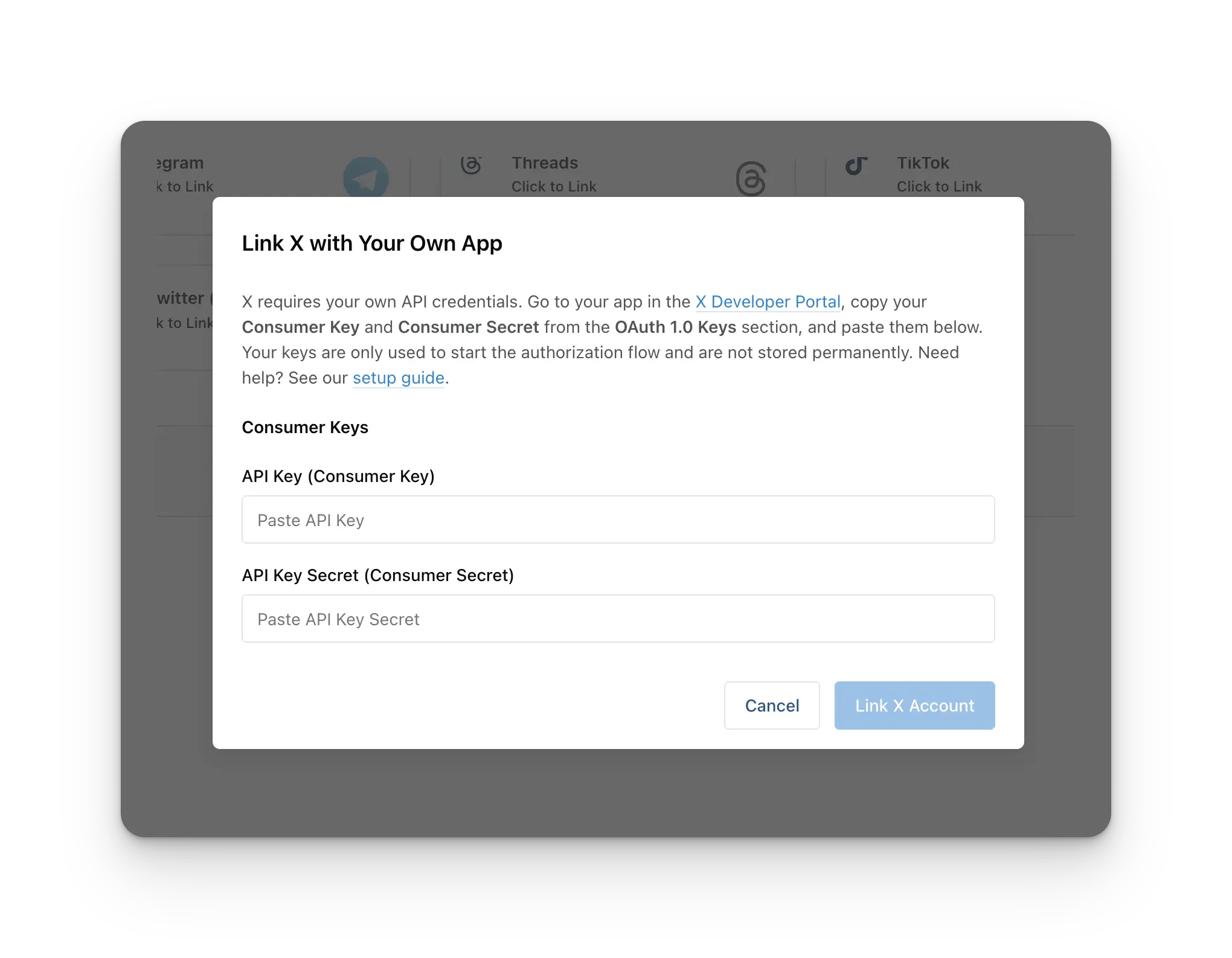
 在連結之前,你會被要求輸入你的 **X Consumer Key**(API Key)與 **X Consumer Secret**(API Secret)。X 現在要求每個 Ayrshare 帳戶都須註冊一個 X Developer App,並提供其 API Key 與 API Secret,才能連結 X 帳戶。
**每個 Ayrshare 帳戶一次性設定。** 你只需要**建立一次** X Developer App,同樣的 API Key + API Secret 會用於你之後連結的每一個 X 帳戶,包括所有子個人資料或終端使用者。你**不**需要為每個客戶另外建立一個 developer app。
若你尚未取得這些憑證,請依照 [X BYO 金鑰設定指南](/dashboard/connect-social-accounts/x-twitter-byo-keys) 建立 X Developer App 並取得你的 API Key 與 API Secret。將兩個值貼到對話框中,接著繼續連結你的帳戶。
在連結之前,你會被要求輸入你的 **X Consumer Key**(API Key)與 **X Consumer Secret**(API Secret)。X 現在要求每個 Ayrshare 帳戶都須註冊一個 X Developer App,並提供其 API Key 與 API Secret,才能連結 X 帳戶。
**每個 Ayrshare 帳戶一次性設定。** 你只需要**建立一次** X Developer App,同樣的 API Key + API Secret 會用於你之後連結的每一個 X 帳戶,包括所有子個人資料或終端使用者。你**不**需要為每個客戶另外建立一個 developer app。
若你尚未取得這些憑證,請依照 [X BYO 金鑰設定指南](/dashboard/connect-social-accounts/x-twitter-byo-keys) 建立 X Developer App 並取得你的 API Key 與 API Secret。將兩個值貼到對話框中,接著繼續連結你的帳戶。
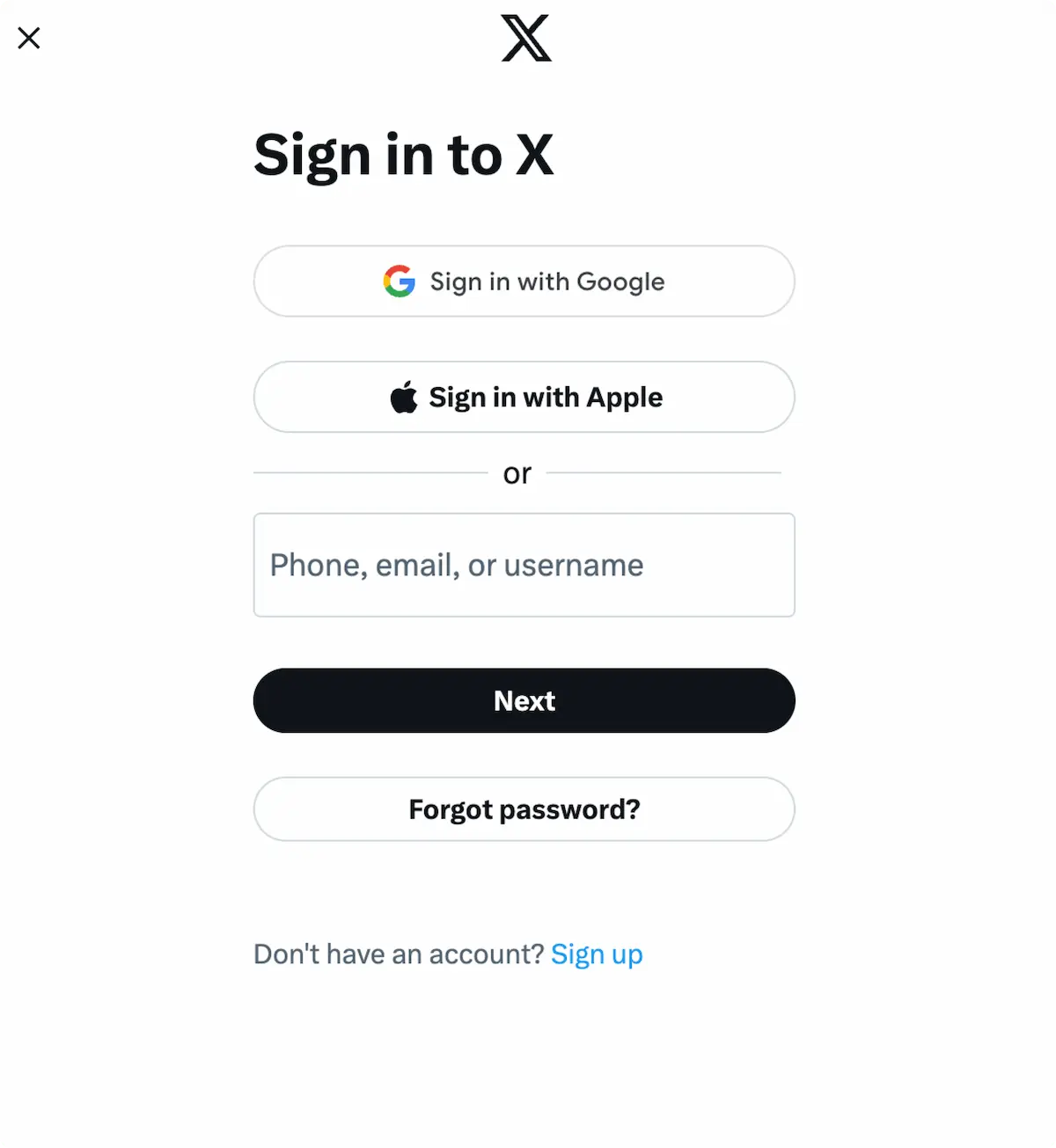
 當你在 Social Accounts 頁面點擊 X 圖示時,會彈出 X
登入視窗 - *請確認你允許彈出視窗*。若你已經登入,
請繼續進行下一步。
點擊 *Sign In*,依指示操作,並輸入相關登入憑證。
當你在 Social Accounts 頁面點擊 X 圖示時,會彈出 X
登入視窗 - *請確認你允許彈出視窗*。若你已經登入,
請繼續進行下一步。
點擊 *Sign In*,依指示操作,並輸入相關登入憑證。
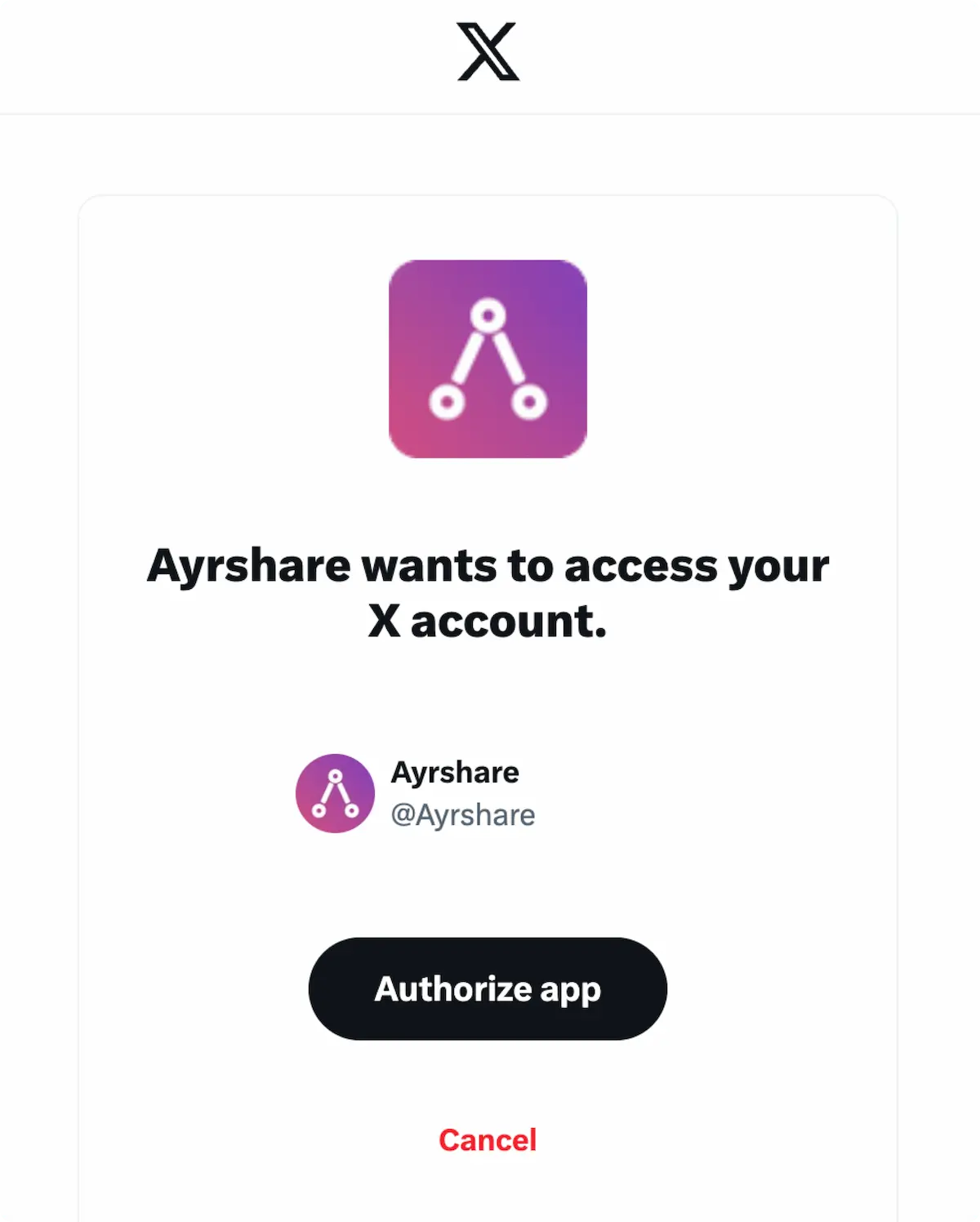
 若你已經登入,請在彈窗中點擊 **Authorize app**。
這將授權 Ayrshare 存取你的 X 帳戶。
若你已經登入,請在彈窗中點擊 **Authorize app**。
這將授權 Ayrshare 存取你的 X 帳戶。
 你的 Social Accounts 頁面現在會更新顯示你的 X 帳戶。
 ## 其他 X 資訊
* 詳情請參閱:
[發布到 X](/apis/post/social-networks/x-twitter)、
[取得分析資料](/apis/analytics/overview)、
[管理留言](/apis/comments/overview),或
[取得歷史紀錄。](/apis/history/overview)
* 如需更多推薦圖片尺寸的資訊,請參閱:
## 其他 X 資訊
* 詳情請參閱:
[發布到 X](/apis/post/social-networks/x-twitter)、
[取得分析資料](/apis/analytics/overview)、
[管理留言](/apis/comments/overview),或
[取得歷史紀錄。](/apis/history/overview)
* 如需更多推薦圖片尺寸的資訊,請參閱: