> ## Documentation Index
> Fetch the complete documentation index at: https://www.ayrshare.com/docs/llms.txt
> Use this file to discover all available pages before exploring further.
# 如何檢視發票 - Ayrshare API 文件
> 從儀表板尋找並下載你的 Ayrshare 帳單發票。本指南說明在何處檢視付款紀錄以及取得發票以供留存。
你可以在儀表板的 Account 頁面查看發票。
如果你擁有付費帳戶,請前往[儀表板](https://app.ayrshare.com),若使用 Business 方案或 Launch 方案,請先在「User Profiles」頁面切換至**主要設定檔(Primary Profile)**,然後前往「Account」頁面。
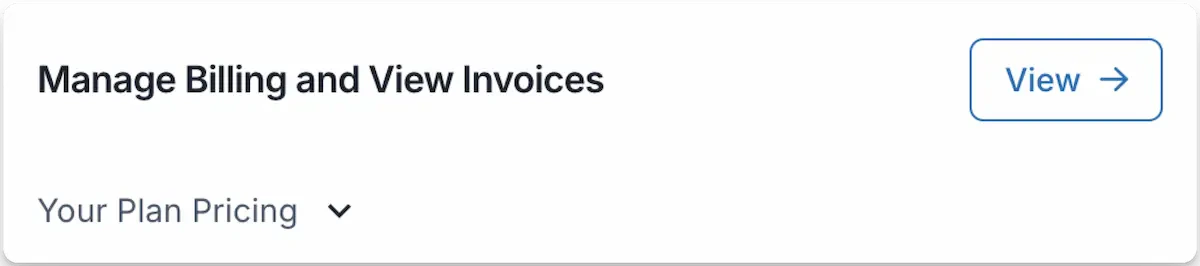
在 Account 頁面點選「View ->」以檢視過往發票、查看即將到期的發票、為未來發票更新稅務編號,或更新帳單詳情。
 由於稽核合規性要求,我們的付款服務供應商不允許修改已完成並處理的發票。
任何帳單詳情的變更都會反映在下一次的發票中。
有關發票金額如何計算的資訊,請參閱發票底部的詳細說明。
由於稽核合規性要求,我們的付款服務供應商不允許修改已完成並處理的發票。
任何帳單詳情的變更都會反映在下一次的發票中。
有關發票金額如何計算的資訊,請參閱發票底部的詳細說明。