> ## Documentation Index
> Fetch the complete documentation index at: https://www.ayrshare.com/docs/llms.txt
> Use this file to discover all available pages before exploring further.
# 在不同的 Meta 帳戶之間選擇 | Ayrshare 文件
> 了解在連結到 Ayrshare 時如何選擇正確的 Facebook 或 Instagram(Meta)帳戶,以及當出現多個 Meta 帳戶時如何修正問題。
## 如何將另一個 Meta 帳戶連結到 Ayrshare
如果你先前已將 Meta 帳戶(例如 Facebook 或 Instagram)連結到 Ayrshare,你可能會發現 Facebook 不會再要求你登入。
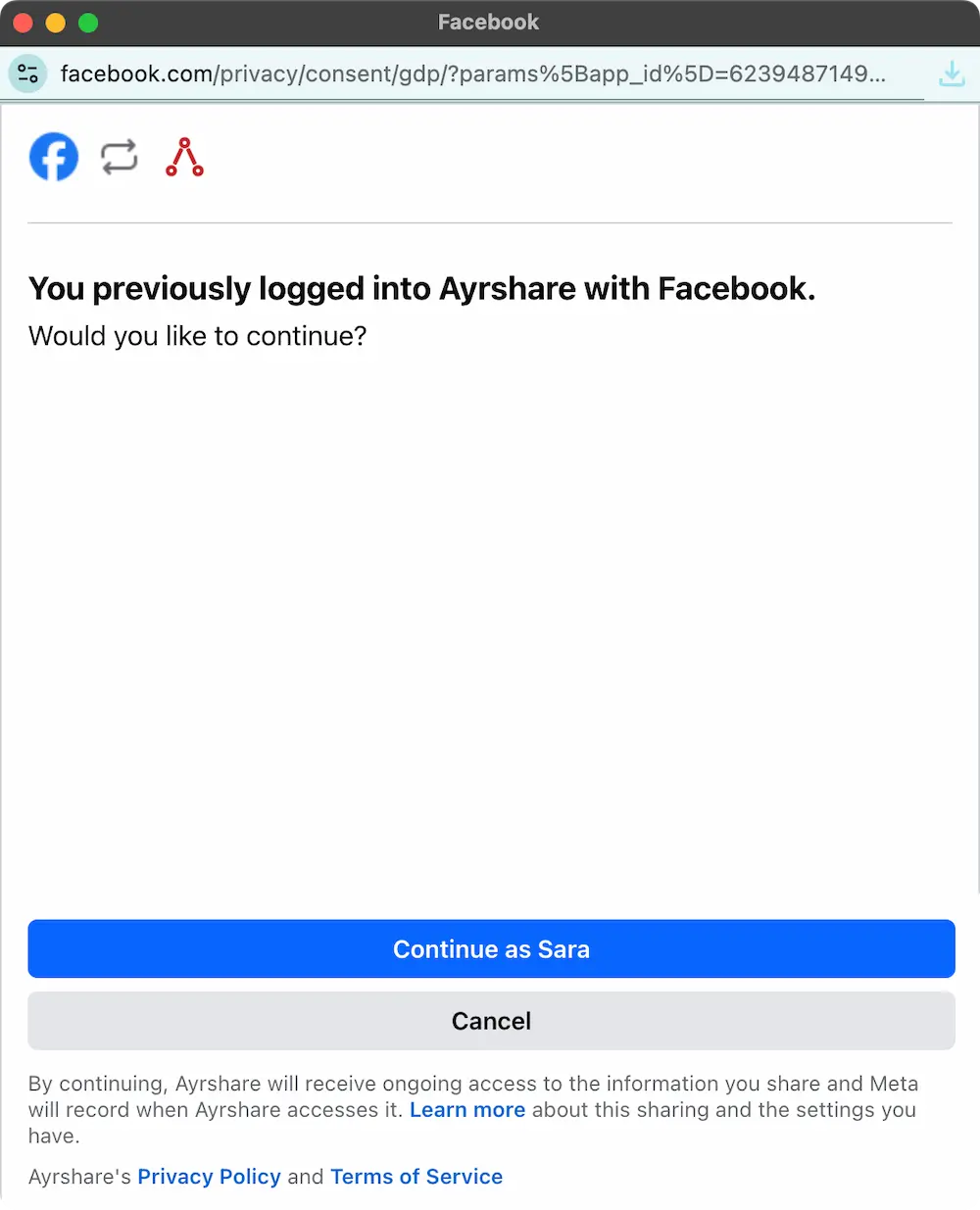 如果你想將另一個 Instagram 或 Facebook 帳戶連結到 Ayrshare,可以先在瀏覽器登出 Facebook/Instagram——只要在另一個分頁開啟 facebook.com 或 instagram.com 並登出——然後再與 Ayrshare 重新連結。
Meta 會要求你再次登入,這時你就能選擇要連結到 Ayrshare 的帳戶。
這個做法同樣適用於選擇要連結到 Ayrshare 的不同 X(Twitter)或 TikTok 帳戶——只要在另一個瀏覽器分頁登出該社群網路,然後
再與 Ayrshare 重新連結即可。
如果你想將另一個 Instagram 或 Facebook 帳戶連結到 Ayrshare,可以先在瀏覽器登出 Facebook/Instagram——只要在另一個分頁開啟 facebook.com 或 instagram.com 並登出——然後再與 Ayrshare 重新連結。
Meta 會要求你再次登入,這時你就能選擇要連結到 Ayrshare 的帳戶。
這個做法同樣適用於選擇要連結到 Ayrshare 的不同 X(Twitter)或 TikTok 帳戶——只要在另一個瀏覽器分頁登出該社群網路,然後
再與 Ayrshare 重新連結即可。