

如何将 Pinterest 与 Ayrshare 关联
设置 Pinterest Board
在关联你的 Pinterest 账号之前,你必须至少已经创建一个 Pinterest board。 方法是:进入你的 Pinterest 个人主页并点击 +(加号) 按提示创建一个新的 board。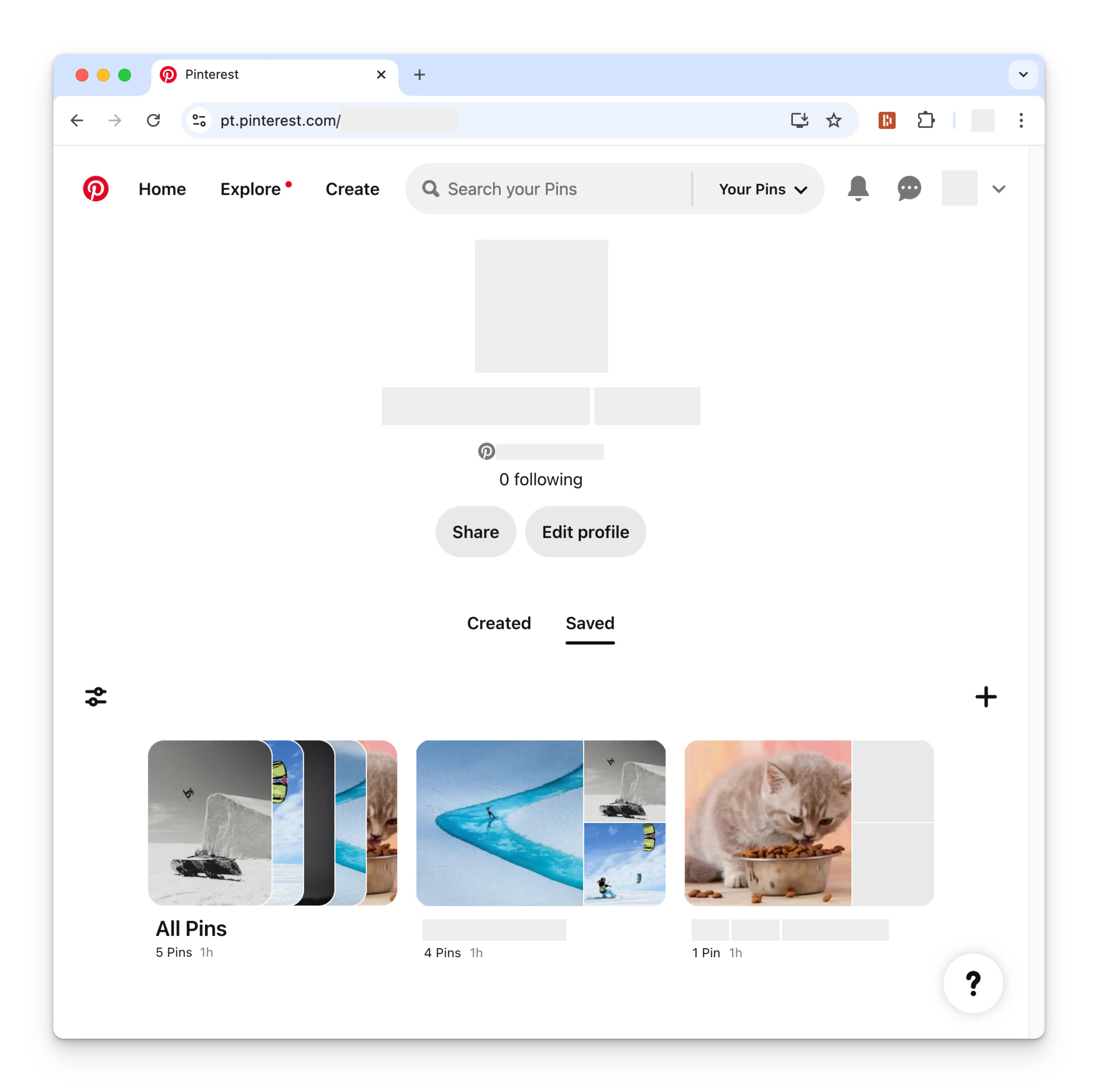
关联 Pinterest
1
点击关联 Pinterest
在 Social Accounts 页面点击 Pinterest 图标。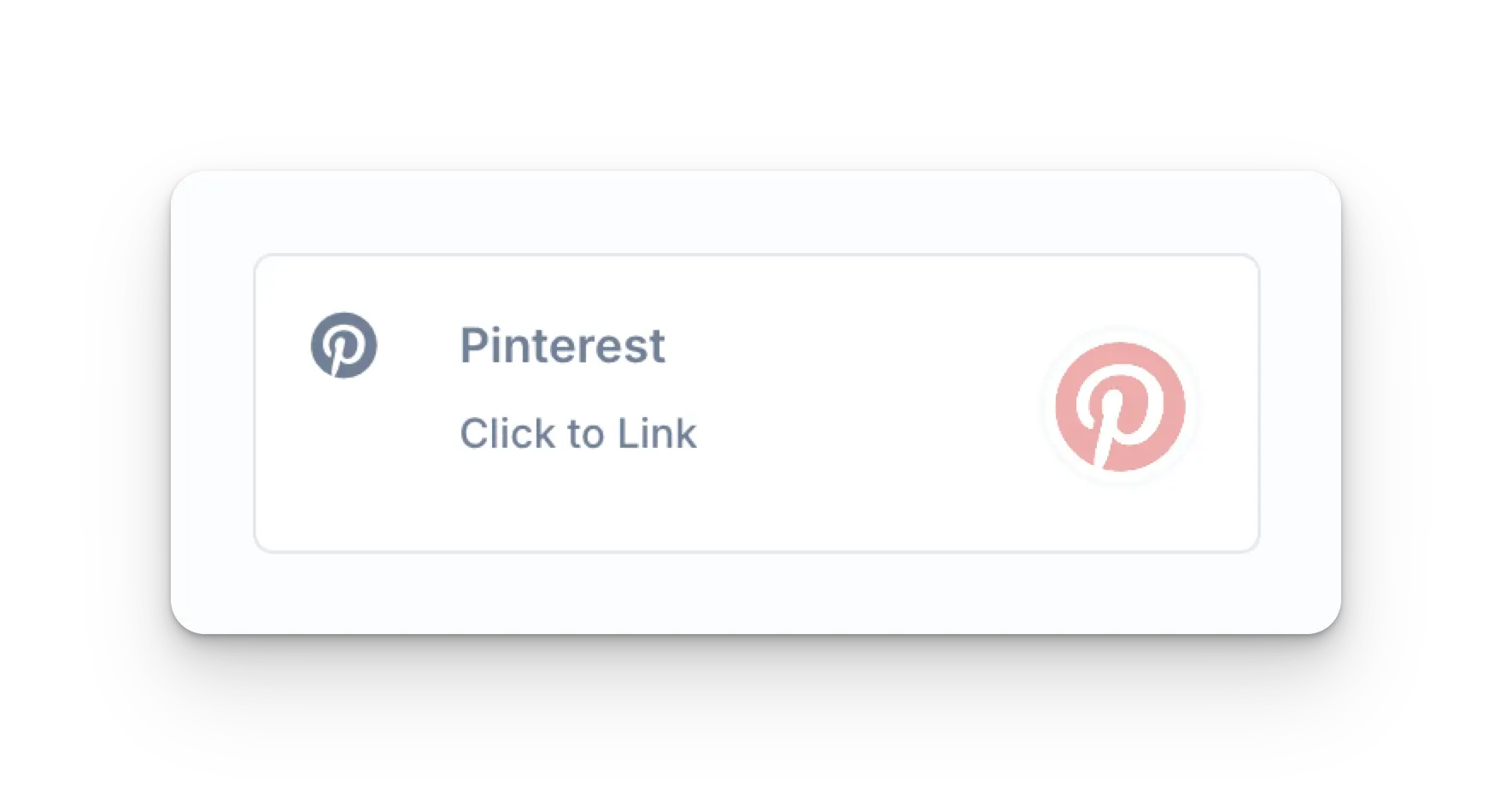
2
首次登录 Pinterest
如果你尚未登录,会进入 Pinterest 登录页。
请相应地输入你的账号凭据。如果你已经登录,请直接进行下一步。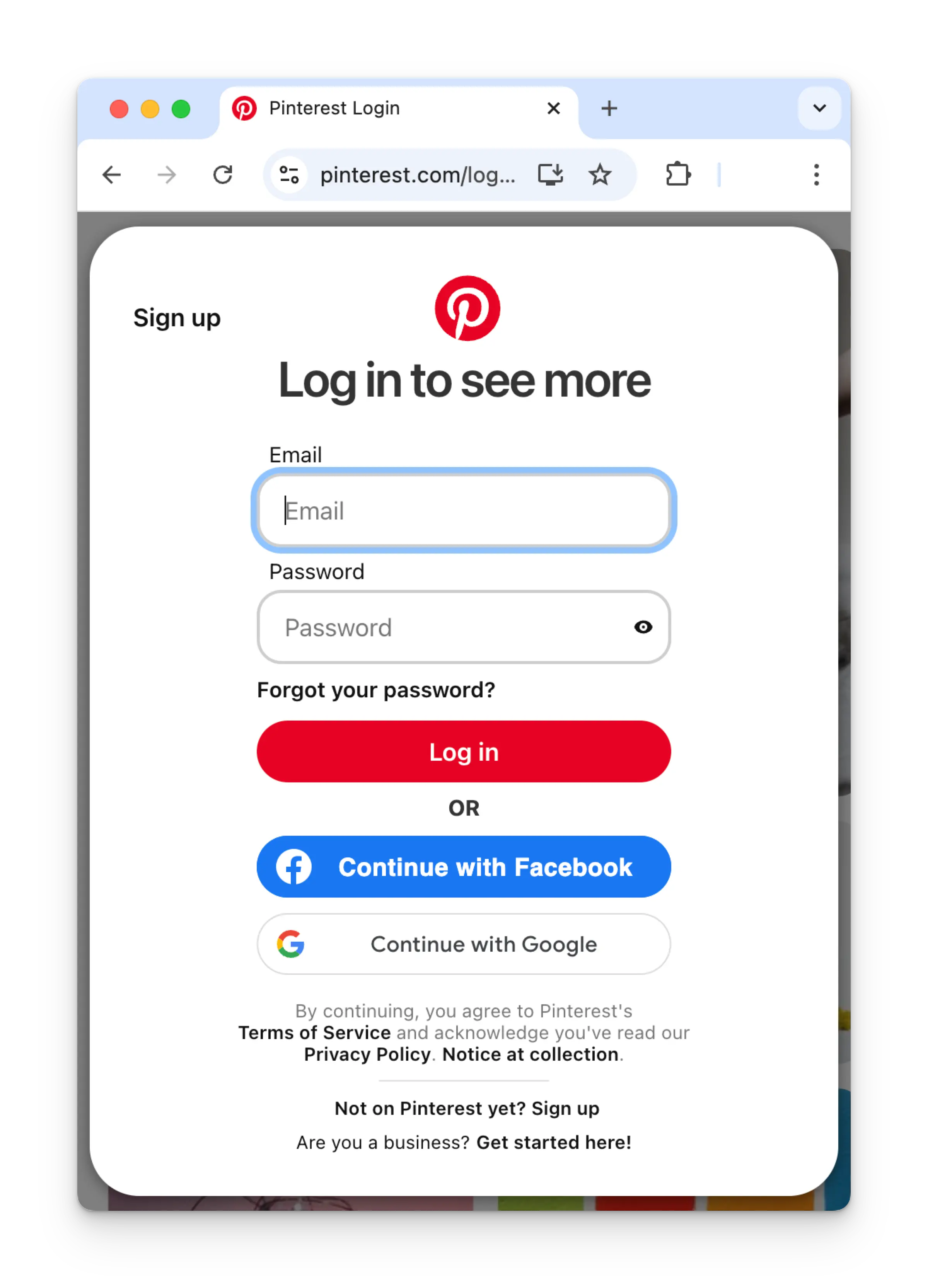
3
授权应用
如果你已登录,请在 Authorize app 页面点击 Give access。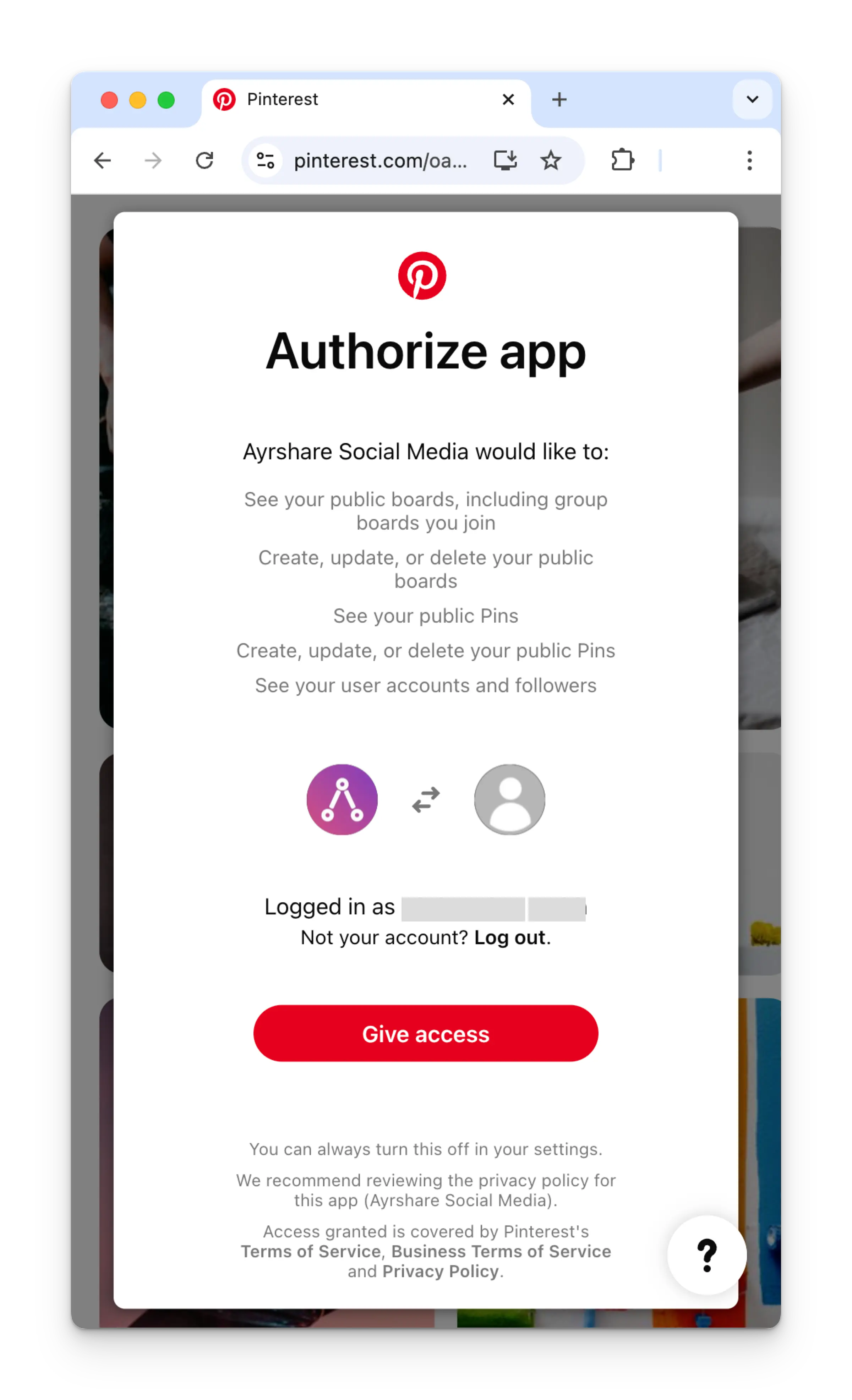
4
选择 Pinterest Board
回到 Ayrshare 控制台后,选择要关联的 Pinterest board。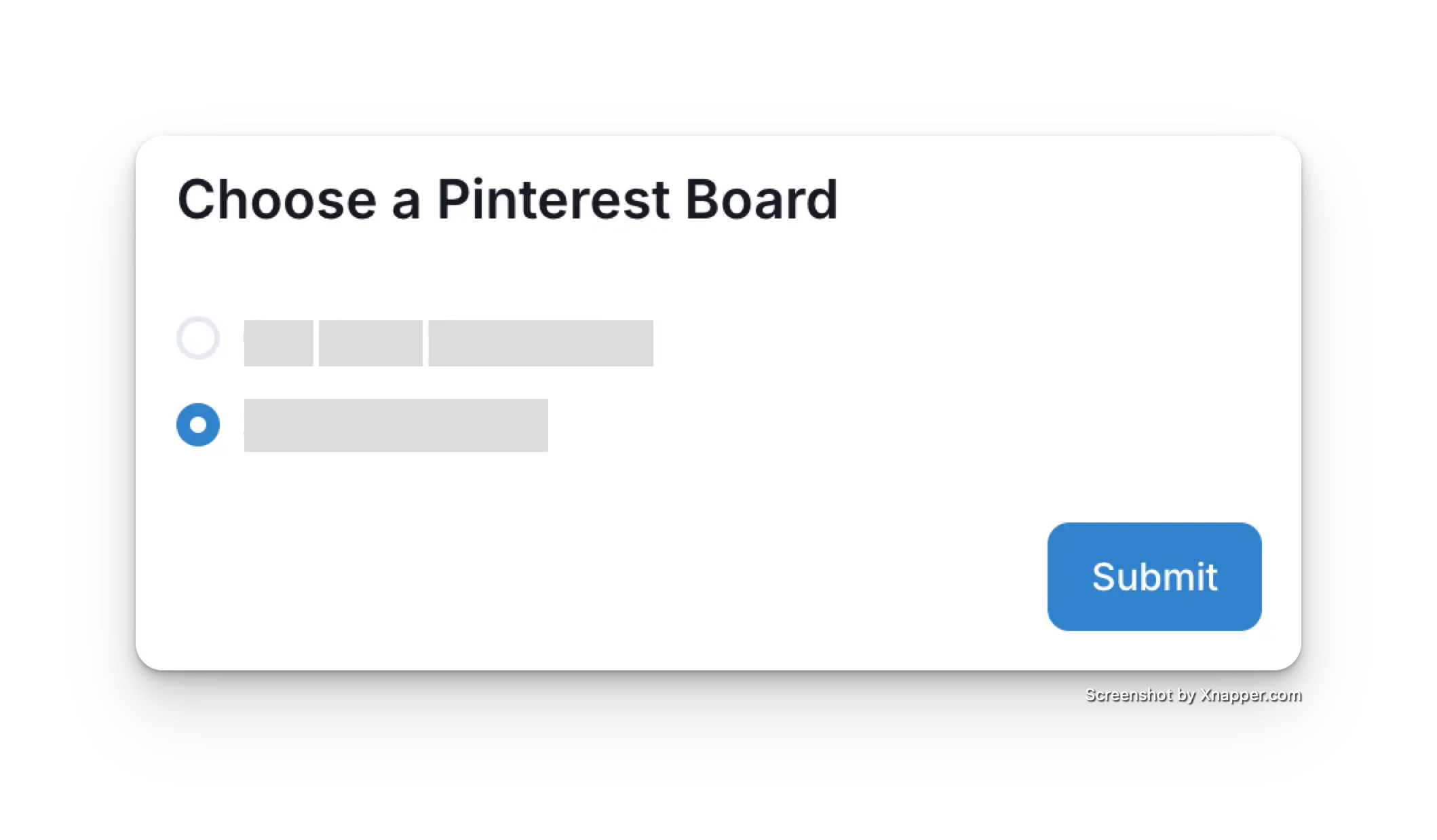
5
确认
你的 Social Accounts 页面现在将显示你的 Pinterest 账号。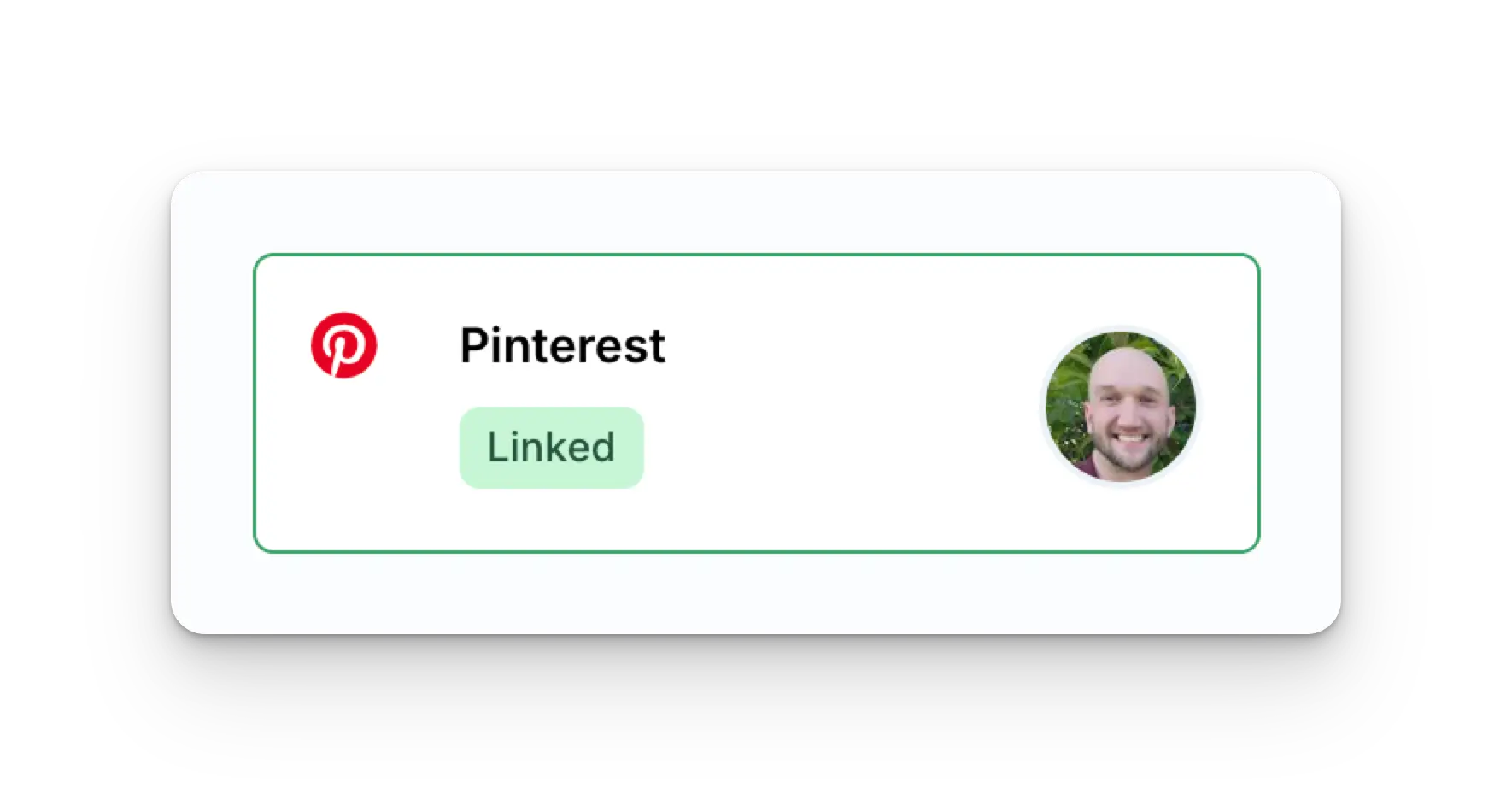
更多 Pinterest 信息
- 请参见以下文档,了解 发布到 Pinterest、 获取分析数据、 管理评论 或 获取历史记录 的详情。
- 关于推荐图片尺寸的更多信息,请参见: