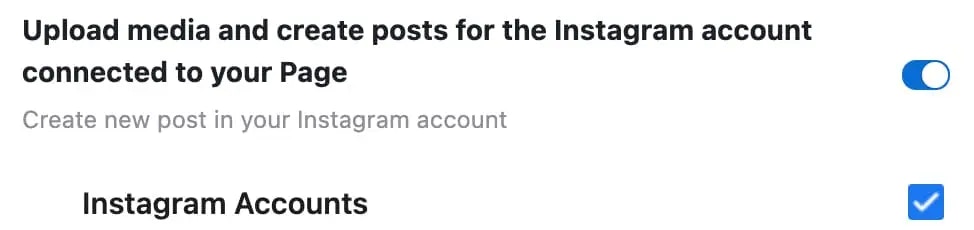
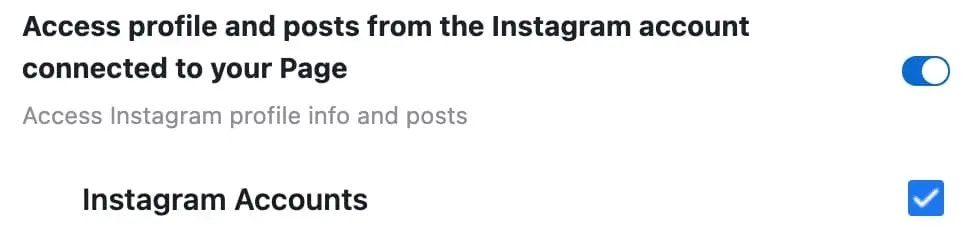
- Unsupported post request. Object with ID [id number] does not exist, cannot be loaded due to missing permissions, or does not support this operation. Please read the Graph API documentation
- There is an issue with your Instagram account type or permissions.
1. 确认你的 Instagram 商业账号仍然连接到某个 Facebook Page
如果你使用的是 Facebook Page 连接方式,请确保你的 Instagram 是 Business 账号,并且已连接到一个 Facebook Page。- 登录 Facebook 并进入你的 Facebook Page。在左侧菜单中点击 ‘Settings’。
- 选择 “Instagram”,确认你的 Instagram 账号已连接,或点击 “Connect Account”。
- 在 Ayrshare 仪表盘的 “Social Accounts” 中解除关联并重新关联你的 Instagram 账号。
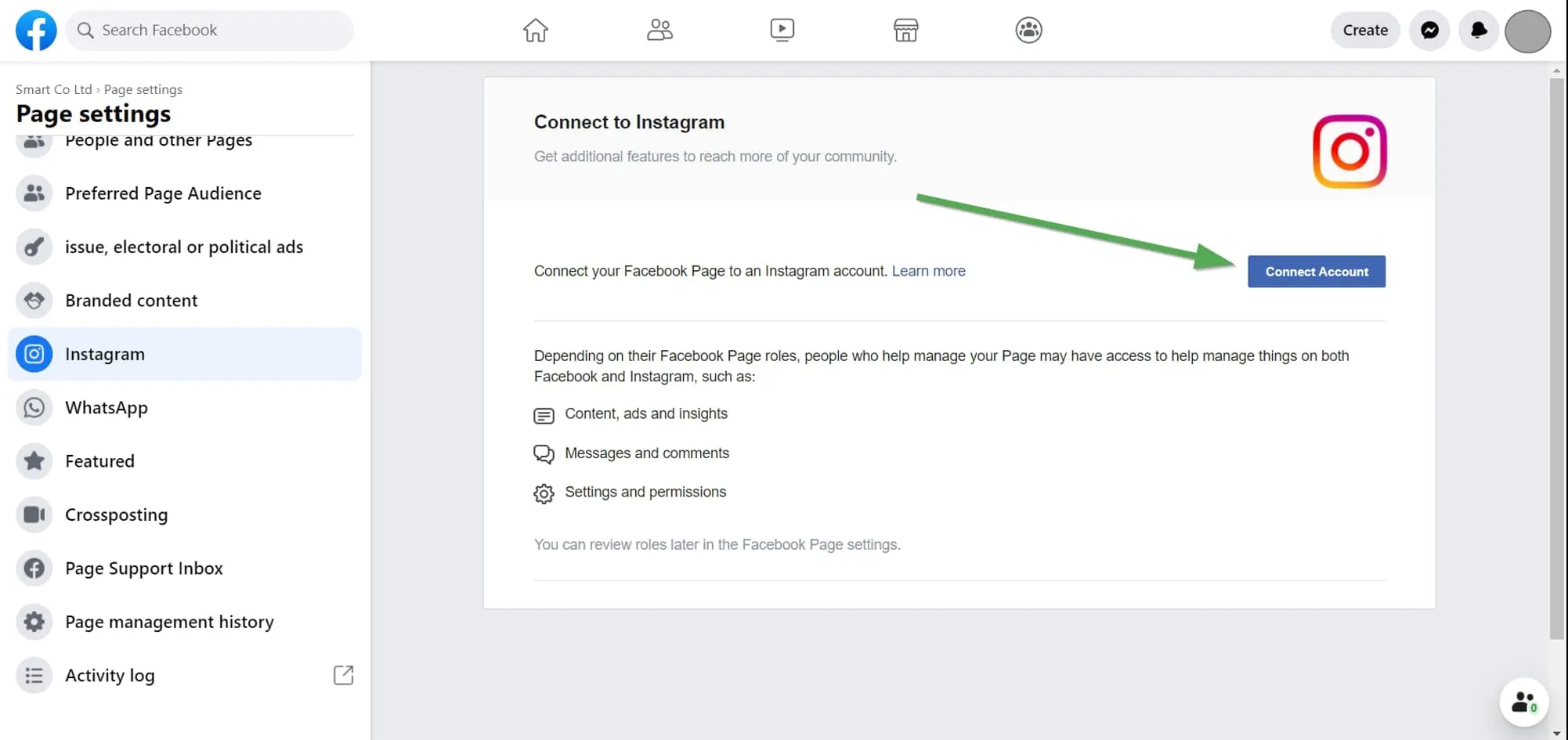
Instagram 关联
2. 检查你的 Instagram 权限
如果问题依旧,请检查你授予 Ayrshare 的权限。 登录 Facebook 后前往 “Setting” -> “Settings & Privacy” -> “Security & Login” -> “Business Integration”。Facebook 设置直达链接
点击这里直达