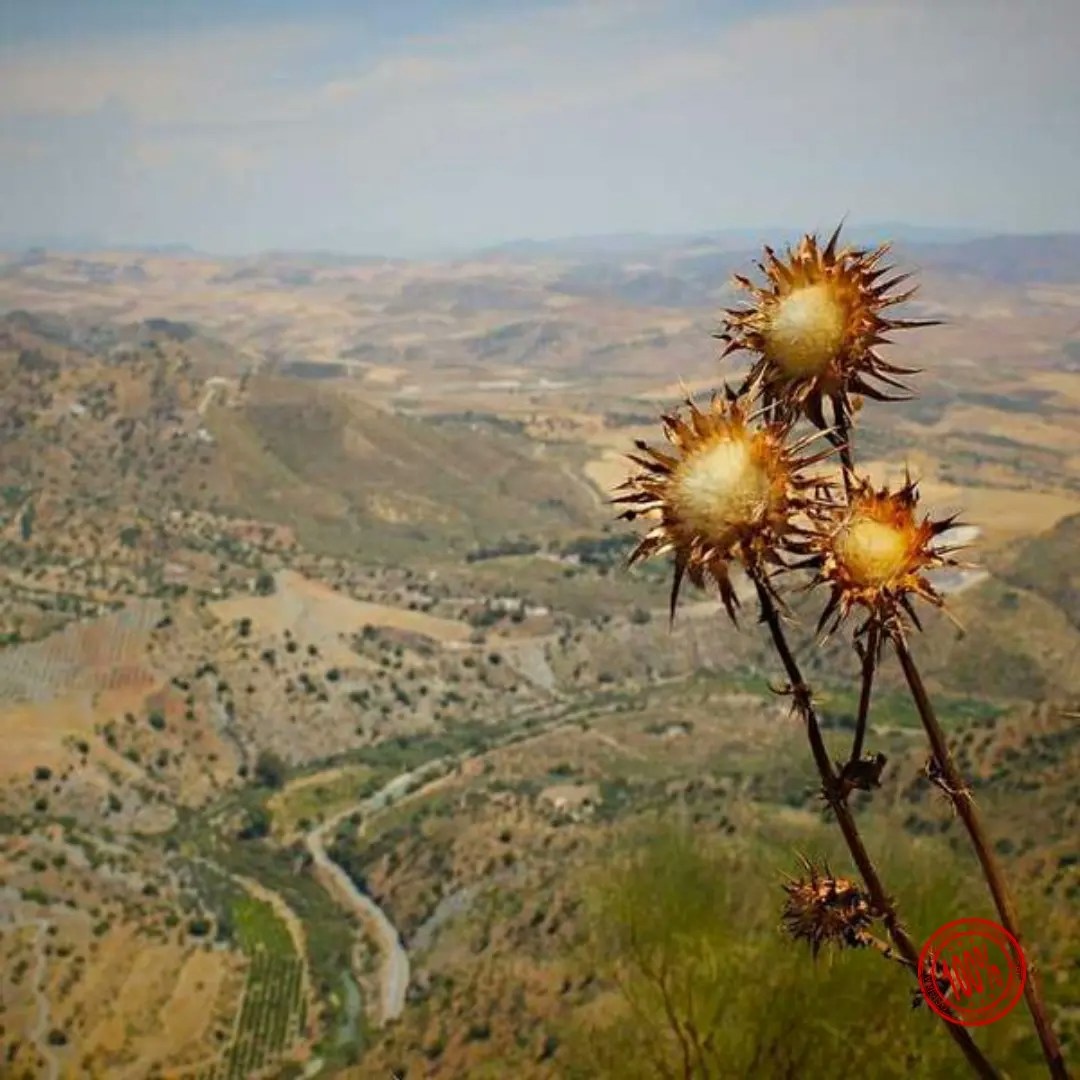
curl \
-H "Authorization: Bearer API_KEY" \
-H 'Content-Type: application/json' \
-d '{"mediaUrl": "https://img.ayrshare.com/012/gb.jpg", "platform": "instagram"' \
-X POST https://api.ayrshare.com/api/media/resize
const API_KEY = "API_KEY";
fetch("https://api.ayrshare.com/api/media/resize", {
method: "POST",
headers: {
"Content-Type": "application/json",
Authorization: `Bearer ${API_KEY}`
},
body: JSON.stringify({
mediaUrl: "https://img.ayrshare.com/012/gb.jpg", // required
platform: "instagram"
})
})
.then((res) => res.json())
.then((json) => console.log(json))
.catch(console.error);
import requests
payload = {'mediaUrl': 'https://img.ayrshare.com/012/gb.jpg',
'platforms': 'instagram'}
headers = {'Content-Type': 'application/json',
'Authorization': 'Bearer API_KEY'}
r = requests.post('https://api.ayrshare.com/api/media/resize',
json=payload,
headers=headers)
print(r.json())
<?php
$curl = curl_init();
$data = array (
"mediaUrl" => "https://img.ayrshare.com/012/gb.jpg",
"platforms" => "instagram"
);
curl_setopt_array($curl, array(
CURLOPT_URL => 'https://api.ayrshare.com/api/media/resize',
CURLOPT_RETURNTRANSFER => true,
CURLOPT_ENCODING => '',
CURLOPT_MAXREDIRS => 10,
CURLOPT_TIMEOUT => 0,
CURLOPT_FOLLOWLOCATION => true,
CURLOPT_HTTP_VERSION => CURL_HTTP_VERSION_1_1,
CURLOPT_CUSTOMREQUEST => 'POST',
CURLOPT_POSTFIELDS => http_build_query($data),
CURLOPT_HTTPHEADER => array(
'Authorization: Bearer API_KEY',
'Accept-Encoding: gzip'
),
));
$response = curl_exec($curl);
curl_close($curl);
echo $response;
using System;
using System.Net.Http;
using System.Text;
using System.Text.Json;
using System.Threading.Tasks;
public class AyrshareApiClient
{
private readonly HttpClient _httpClient;
private readonly string _apiKey;
private const string BaseUrl = "https://api.ayrshare.com/api";
public AyrshareApiClient(string apiKey)
{
_apiKey = apiKey ?? throw new ArgumentNullException(nameof(apiKey));
_httpClient = new HttpClient();
_httpClient.DefaultRequestHeaders.Add("Authorization", $"Bearer {_apiKey}");
}
public async Task<string> ResizeMediaAsync(string mediaUrl, string platform)
{
try
{
var requestData = new
{
mediaUrl = mediaUrl,
platform = platform
};
var content = new StringContent(
JsonSerializer.Serialize(requestData),
Encoding.UTF8,
"application/json"
);
var response = await _httpClient.PostAsync($"{BaseUrl}/media/resize", content);
response.EnsureSuccessStatusCode();
var jsonResponse = await response.Content.ReadAsStringAsync();
return jsonResponse;
}
catch (HttpRequestException ex)
{
throw new Exception($"Failed to resize media: {ex.Message}", ex);
}
}
public void Dispose()
{
_httpClient.Dispose();
}
}
{
"status": "success",
"url": "https://media.ayrshare.com/9abf1426d6ce9122ef11c72bd62e59807c5cc083/8UbyBjHTxgHkAC1I37e6O.jpg",
"platform": "instagram",
"mode": "blur",
"effects": {
"color": "#A020F0"
}
}
{
"action": "resize",
"status": "error",
"code": 312,
"message": "Invalid extension type. Extension: null. Please verify the extension is one of the following: png, jpg, jpeg and the file is accessible."
}
Media
調整圖片大小
將圖片調整為社群媒體尺寸、加入浮水印或裁切
POST
/
media
/
resize
curl \
-H "Authorization: Bearer API_KEY" \
-H 'Content-Type: application/json' \
-d '{"mediaUrl": "https://img.ayrshare.com/012/gb.jpg", "platform": "instagram"' \
-X POST https://api.ayrshare.com/api/media/resize
const API_KEY = "API_KEY";
fetch("https://api.ayrshare.com/api/media/resize", {
method: "POST",
headers: {
"Content-Type": "application/json",
Authorization: `Bearer ${API_KEY}`
},
body: JSON.stringify({
mediaUrl: "https://img.ayrshare.com/012/gb.jpg", // required
platform: "instagram"
})
})
.then((res) => res.json())
.then((json) => console.log(json))
.catch(console.error);
import requests
payload = {'mediaUrl': 'https://img.ayrshare.com/012/gb.jpg',
'platforms': 'instagram'}
headers = {'Content-Type': 'application/json',
'Authorization': 'Bearer API_KEY'}
r = requests.post('https://api.ayrshare.com/api/media/resize',
json=payload,
headers=headers)
print(r.json())
<?php
$curl = curl_init();
$data = array (
"mediaUrl" => "https://img.ayrshare.com/012/gb.jpg",
"platforms" => "instagram"
);
curl_setopt_array($curl, array(
CURLOPT_URL => 'https://api.ayrshare.com/api/media/resize',
CURLOPT_RETURNTRANSFER => true,
CURLOPT_ENCODING => '',
CURLOPT_MAXREDIRS => 10,
CURLOPT_TIMEOUT => 0,
CURLOPT_FOLLOWLOCATION => true,
CURLOPT_HTTP_VERSION => CURL_HTTP_VERSION_1_1,
CURLOPT_CUSTOMREQUEST => 'POST',
CURLOPT_POSTFIELDS => http_build_query($data),
CURLOPT_HTTPHEADER => array(
'Authorization: Bearer API_KEY',
'Accept-Encoding: gzip'
),
));
$response = curl_exec($curl);
curl_close($curl);
echo $response;
using System;
using System.Net.Http;
using System.Text;
using System.Text.Json;
using System.Threading.Tasks;
public class AyrshareApiClient
{
private readonly HttpClient _httpClient;
private readonly string _apiKey;
private const string BaseUrl = "https://api.ayrshare.com/api";
public AyrshareApiClient(string apiKey)
{
_apiKey = apiKey ?? throw new ArgumentNullException(nameof(apiKey));
_httpClient = new HttpClient();
_httpClient.DefaultRequestHeaders.Add("Authorization", $"Bearer {_apiKey}");
}
public async Task<string> ResizeMediaAsync(string mediaUrl, string platform)
{
try
{
var requestData = new
{
mediaUrl = mediaUrl,
platform = platform
};
var content = new StringContent(
JsonSerializer.Serialize(requestData),
Encoding.UTF8,
"application/json"
);
var response = await _httpClient.PostAsync($"{BaseUrl}/media/resize", content);
response.EnsureSuccessStatusCode();
var jsonResponse = await response.Content.ReadAsStringAsync();
return jsonResponse;
}
catch (HttpRequestException ex)
{
throw new Exception($"Failed to resize media: {ex.Message}", ex);
}
}
public void Dispose()
{
_httpClient.Dispose();
}
}
{
"status": "success",
"url": "https://media.ayrshare.com/9abf1426d6ce9122ef11c72bd62e59807c5cc083/8UbyBjHTxgHkAC1I37e6O.jpg",
"platform": "instagram",
"mode": "blur",
"effects": {
"color": "#A020F0"
}
}
{
"action": "resize",
"status": "error",
"code": 312,
"message": "Invalid extension type. Extension: null. Please verify the extension is one of the following: png, jpg, jpeg and the file is accessible."
}
社群網路對社群媒體圖片有特定要求。resize 端點可讓您選擇符合社群網路的圖片尺寸、加入浮水印、變更背景、加入特效、裁切等等。
預設情況下,調整大小會變更圖片尺寸,但不會裁切圖片。您也可以改為裁切圖片。詳細內容請參見下方說明。
您也可以使用
您也可以使用
範例 blur 圖片:
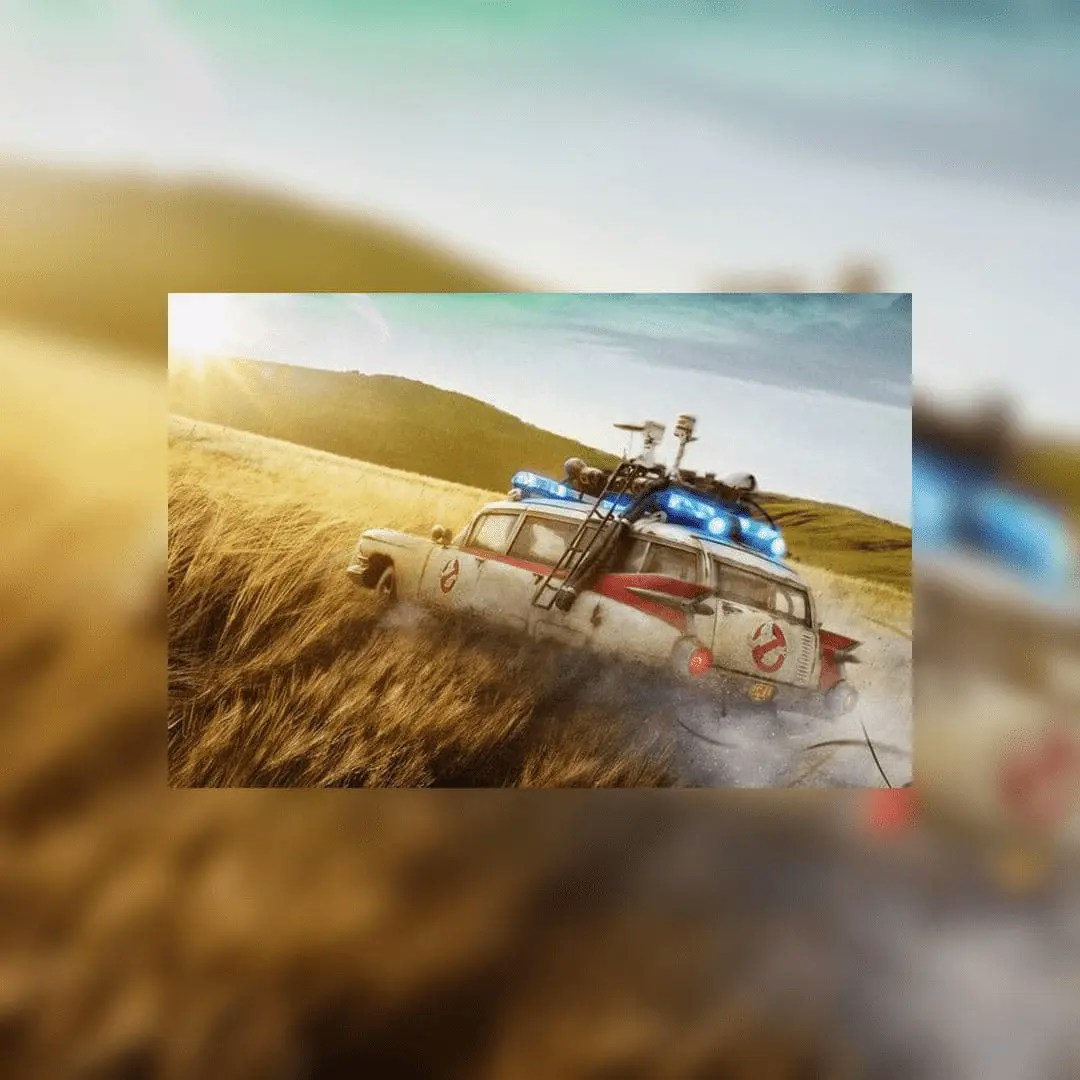
浮水印位於右下角 (southeast) 的範例圖片:
範例背景顏色圖片:
範例 grayscale 圖片:
範例:轉換為 WebP:
標頭參數
主體參數
string
必填
要調整大小的圖片 URL。必須以
https:// 開頭object
以 multipart form-data 物件傳送媒體檔案。若未提供
imageUrl 則為必填。object
指定
width 與 height 的物件,用於調整大小。若進行裁切,可另外指定中心的 x 與 y 座標。
預設為圖片中央。Dimensions
{
"width": 500,
"height": 500,
"xCoordinate": 35, // 裁切模式下為可選
"yCoordinate": 50 // 裁切模式下為可選
}
若未指定平台,則 width 與 height 為必填。
平台選項
以字串指定平台以使用該圖片的預設尺寸,或使用dimensions 欄位自行指定。
例如 "platform": "facebook" 會將圖片尺寸設定為寬 1200px、高 630px。
facebook:寬 1200px,高 630px。instagram:寬 1080px,高 1080px。instagram_landscape:寬 1080px,高 680px。instagram_portrait:寬 1080px,高 1920px。instagram_special:寬 1080px,高 800px。linkedin:寬 1200px,高 627px。pinterest:寬 1080px,高 1920px。tiktok:寬 1080px,高 1920px。twitter:寬 1600px,高 900px。
mode 參數設為 crop,並搭配 dimensions 及 xCoordinate、yCoordinate 欄位。
模式
Resize
Resize 是預設模式,會變更圖片的尺寸並維持其長寬比。 將圖片調整為指定尺寸而不裁切任何內容。 範例 JSON:Resize
{
"mediaUrl": "https://img.ayrshare.com/012/gb.jpg",
"platform": "instagram",
"mode": "resize"
}
dimensions 欄位指定自訂尺寸:
Resize with Dimensions
{
"mediaUrl": "https://img.ayrshare.com/012/gb.jpg",
"mode": "resize",
"dimensions": {
"width": 800,
"height": 600
}
}
platform 或 dimensions 欄位中的 width 與 height 必須至少指定一個。
Crop
Crop 會將圖片「裁切」至指定尺寸。預設會以圖片中央作為中心座標。您也可以自行指定 x/y 座標。 範例 JSON:Crop
{
"mediaUrl": "https://img.ayrshare.com/012/gb.jpg",
"platform": "instagram",
"mode": "crop"
}
dimensions 欄位指定自訂尺寸與可選的裁切座標:
Crop with Dimensions
{
"mediaUrl": "https://img.ayrshare.com/012/gb.jpg",
"mode": "crop",
"dimensions": {
"width": 1080,
"height": 1080,
"xCoordinate": 35,
"yCoordinate": 50
}
}
platform 或 dimensions 欄位中的 width 與 height 必須至少指定一個。
若進行方形裁切,且 width 或 height 小於提供圖片的尺寸,則會採用 width 或 height 中較小者。例如,若圖片是 1200x800、要求的裁切為 1080x1080,則傳回的圖片將是 800x800。
Blur
Blur 特效會將圖片複製為背景並對其進行模糊處理。 範例 blur JSON:Blur
{
"mediaUrl": "https://img.ayrshare.com/012/gb.jpg",
"platform": "instagram",
"mode": "blur"
}
浮水印
浮水印概覽
您可以透過提供 URL(必須以https:// 開頭)與可選的位置,為圖片加上浮水印。
浮水印預設會出現在圖片的右下角 — southeast。
我們建議使用背景透明的 PNG 檔。
範例浮水印 JSON:
Watermark
{
"mediaUrl": "https://img.ayrshare.com/random/photo-13.jpg",
"platform": "instagram",
"watermark": {
"url": "https://img.ayrshare.com/012/100-percent.png",
"position": "northeast" // 可選
}
}
浮水印位置
浮水印的位置可以是下列其中之一:northnortheasteastsoutheastsouthsouthwestwestnorthwestcenter
特效選項
顏色十六進位值
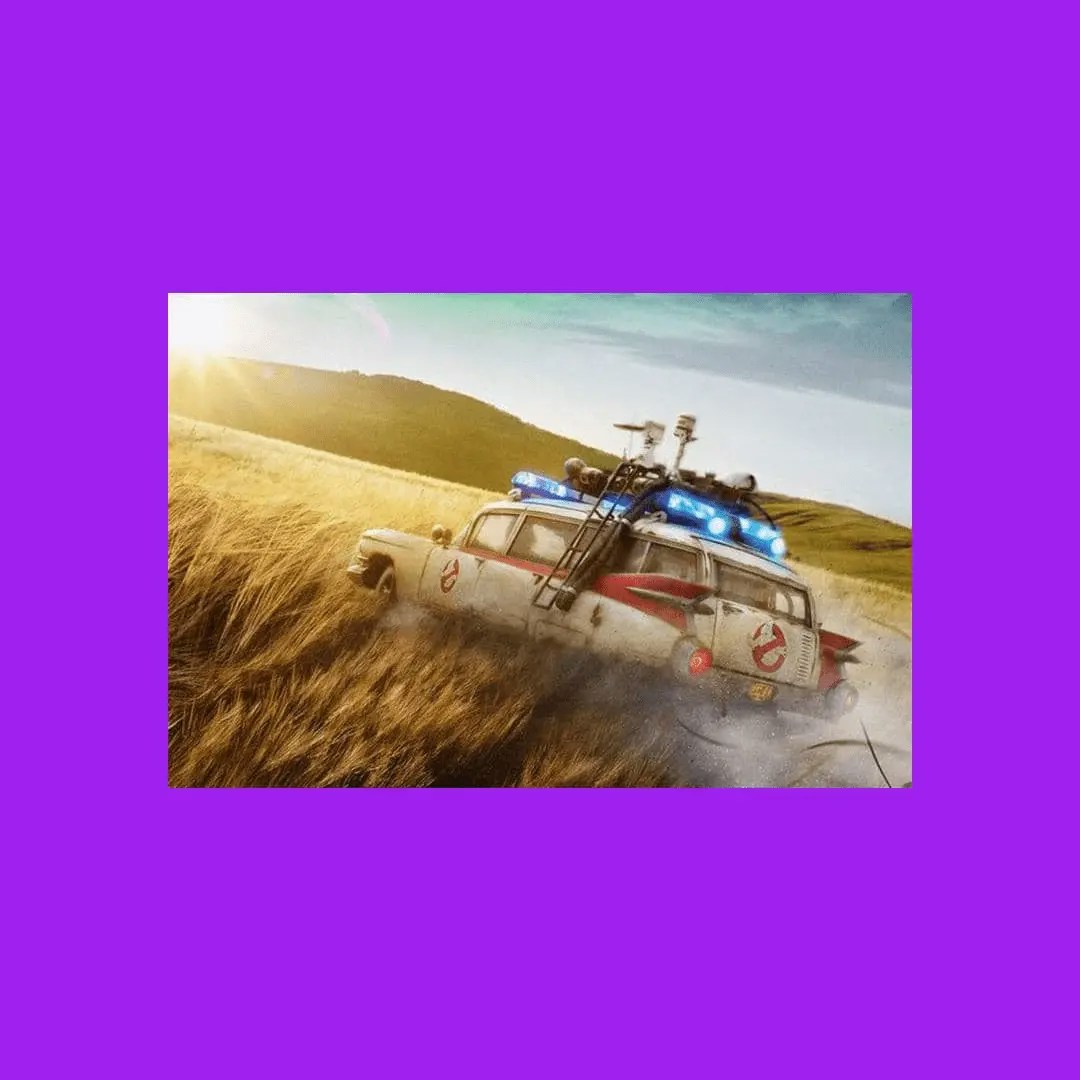
用於 blur 背景顏色的十六進位值。僅適用於"mode": "blur"。字串值,例如 "#A020F0"
範例背景顏色 JSON:
Color Background
{
"mediaUrl": "https://img.ayrshare.com/012/gb.jpg",
"platform": "instagram",
"mode": "blur",
"effects": {
"color": "#A020F0"
}
}
顏色:Grayscale、Sepia、Invert
您可以透過指定grayscale、sepia 或 invert 來變更主圖的顏色。並不需要 "blur": true 欄位,如果不想要背景就不應該使用它。
範例 grayscale JSON:
Grayscale
{
"mediaUrl": "https://img.ayrshare.com/random/photo-13.jpg",
"platform": "instagram",
"effects": {
"color": "grayscale"
}
}
透明度
設定圖片的透明度。數值範圍:0 - 1。 範例透明度 JSON:Opacity
{
"effects": {
"opacity": 0.2
}
}
品質
對於 JPG 或 JEPG 圖片,可指定圖片的品質,或壓縮量。 數字越低,壓縮越高,但圖片品質越低。 數字越高,壓縮越低,但圖片品質越好。數值範圍:0 - 100。 範例品質 JSON:Quality
{
"effects": {
"quality": 20
}
}
轉換為 JPG 或 WebP
convertToJpg 與 convertToWebP 選項可讓您將圖片從原始格式(例如 PNG)分別轉換為 JPG 或 WebP 格式。
預設情況下,轉換後的圖片會使用 75% 的品質設定。
您可以在 effects 物件中使用 quality 參數來自訂壓縮程度。
請注意,如果來源圖片已經是 JPG 且您使用了 convertToJpg,API 會直接將圖片調整為您指定的尺寸,而不會變更格式。
範例:轉換為 JPG:
Convert to JPG
{
"convertToJpg": true
}
Convert to WebP
{
"convertToWebP": true
}
curl \
-H "Authorization: Bearer API_KEY" \
-H 'Content-Type: application/json' \
-d '{"mediaUrl": "https://img.ayrshare.com/012/gb.jpg", "platform": "instagram"' \
-X POST https://api.ayrshare.com/api/media/resize
const API_KEY = "API_KEY";
fetch("https://api.ayrshare.com/api/media/resize", {
method: "POST",
headers: {
"Content-Type": "application/json",
Authorization: `Bearer ${API_KEY}`
},
body: JSON.stringify({
mediaUrl: "https://img.ayrshare.com/012/gb.jpg", // required
platform: "instagram"
})
})
.then((res) => res.json())
.then((json) => console.log(json))
.catch(console.error);
import requests
payload = {'mediaUrl': 'https://img.ayrshare.com/012/gb.jpg',
'platforms': 'instagram'}
headers = {'Content-Type': 'application/json',
'Authorization': 'Bearer API_KEY'}
r = requests.post('https://api.ayrshare.com/api/media/resize',
json=payload,
headers=headers)
print(r.json())
<?php
$curl = curl_init();
$data = array (
"mediaUrl" => "https://img.ayrshare.com/012/gb.jpg",
"platforms" => "instagram"
);
curl_setopt_array($curl, array(
CURLOPT_URL => 'https://api.ayrshare.com/api/media/resize',
CURLOPT_RETURNTRANSFER => true,
CURLOPT_ENCODING => '',
CURLOPT_MAXREDIRS => 10,
CURLOPT_TIMEOUT => 0,
CURLOPT_FOLLOWLOCATION => true,
CURLOPT_HTTP_VERSION => CURL_HTTP_VERSION_1_1,
CURLOPT_CUSTOMREQUEST => 'POST',
CURLOPT_POSTFIELDS => http_build_query($data),
CURLOPT_HTTPHEADER => array(
'Authorization: Bearer API_KEY',
'Accept-Encoding: gzip'
),
));
$response = curl_exec($curl);
curl_close($curl);
echo $response;
using System;
using System.Net.Http;
using System.Text;
using System.Text.Json;
using System.Threading.Tasks;
public class AyrshareApiClient
{
private readonly HttpClient _httpClient;
private readonly string _apiKey;
private const string BaseUrl = "https://api.ayrshare.com/api";
public AyrshareApiClient(string apiKey)
{
_apiKey = apiKey ?? throw new ArgumentNullException(nameof(apiKey));
_httpClient = new HttpClient();
_httpClient.DefaultRequestHeaders.Add("Authorization", $"Bearer {_apiKey}");
}
public async Task<string> ResizeMediaAsync(string mediaUrl, string platform)
{
try
{
var requestData = new
{
mediaUrl = mediaUrl,
platform = platform
};
var content = new StringContent(
JsonSerializer.Serialize(requestData),
Encoding.UTF8,
"application/json"
);
var response = await _httpClient.PostAsync($"{BaseUrl}/media/resize", content);
response.EnsureSuccessStatusCode();
var jsonResponse = await response.Content.ReadAsStringAsync();
return jsonResponse;
}
catch (HttpRequestException ex)
{
throw new Exception($"Failed to resize media: {ex.Message}", ex);
}
}
public void Dispose()
{
_httpClient.Dispose();
}
}
{
"status": "success",
"url": "https://media.ayrshare.com/9abf1426d6ce9122ef11c72bd62e59807c5cc083/8UbyBjHTxgHkAC1I37e6O.jpg",
"platform": "instagram",
"mode": "blur",
"effects": {
"color": "#A020F0"
}
}
{
"action": "resize",
"status": "error",
"code": 312,
"message": "Invalid extension type. Extension: null. Please verify the extension is one of the following: png, jpg, jpeg and the file is accessible."
}