

Which Surface You Want
Three shapes, and the first two are the same integration. This page is the one you build yourself.Direct mode is the third row’s popup without our script. If your page can load the script, the
widget does everything on this page for you — it opens and
watches the popup itself, and it can embed frames as well. Direct mode is what you want when your
page cannot load a third-party script, or the surface is a native app rather than a browser.
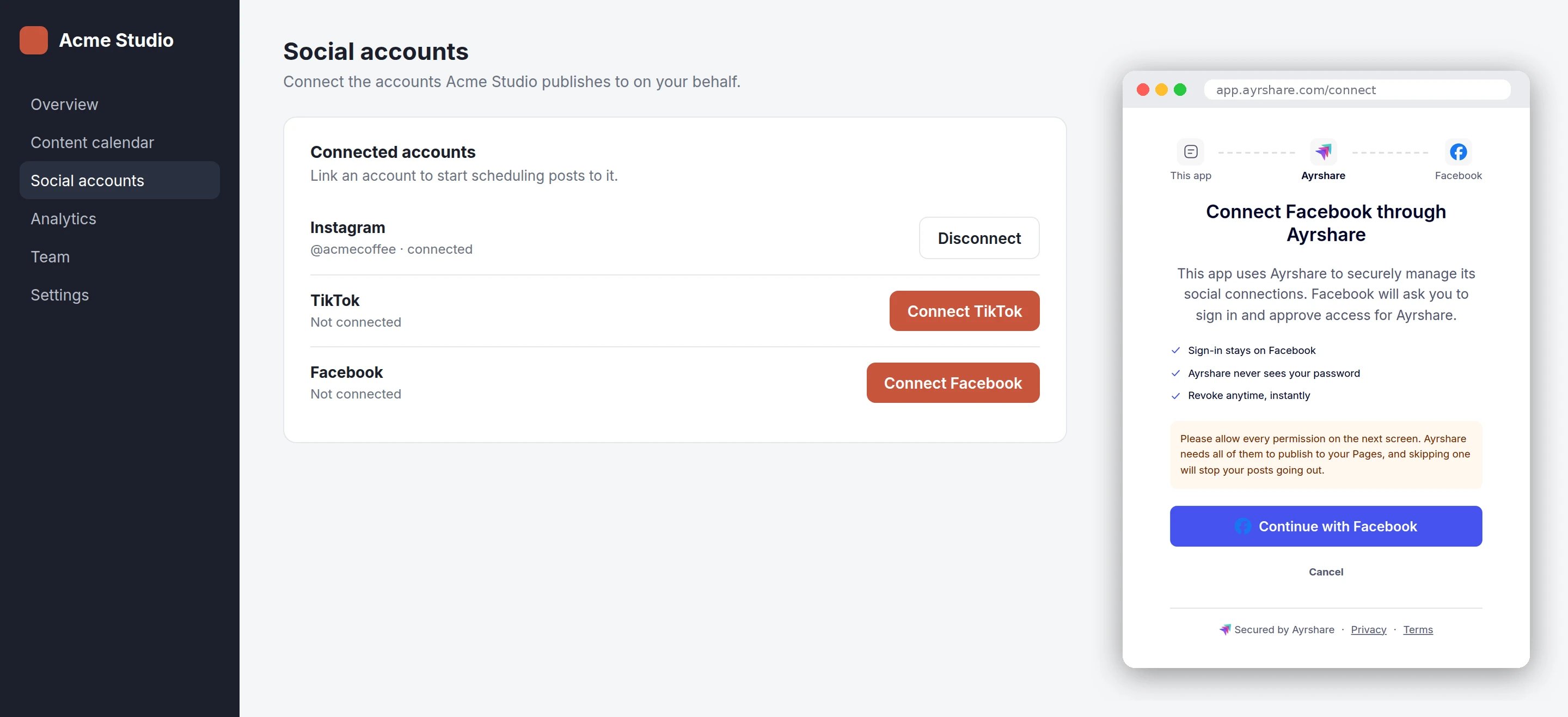
Your button, your page. The popup is the only thing of ours your user sees, and only for as long as the network needs.
What You Build
Four steps. The first is on your server, the rest are in your page.1
Create a session for one network
From your backend, call
Create a Link Session with You get back a
mode: "connect", the
network, and the origin your page runs on.Your backend
url pointing at a single-network connect page, and no token — the token is
inside the URL. Treat the whole URL like a password: it signs your user into their User
Profile.2
Open it in the click handler, synchronously
The popup has to be opened by
window.open in the click handler itself. A browser only
permits a popup while it is still processing your user’s click, and that permission does not
survive an await — so fetching the URL first and opening it in the callback is reliably
popup-blocked.Fetch the URL when you render the button, or when your user hovers it. By click time you
should already have it.Your page
3
Listen for the outcome
Because you passed
origin, the popup posts an event to your page for each thing that
happens in it: connect:success, connect:error, connect:cancelled, and progress events
in between. Exactly one of those three arrives per connection.Link Completion Events has the full event table and a
copy-paste listener — listenForOutcome above is that snippet. Two parts of it are easy to
leave out and both cause real bugs:- Check
event.originagainst the origin of the URL you opened. Any page can post a message to your window, and the origin is the only part of a message that cannot be faked. - Poll
popup.closed, with a short grace window before you conclude anything. A popup your user closed by hand sends nothing at all, and without the grace window a successful connection can be reported as cancelled.
4
Handle each ending
Per-Network Notes
Most networks are one popup and nothing else: your user clicks, authorizes at the network, and the popup closes. These are the exceptions worth knowing before you build.X requires your own API keys
X requires your own API keys
X in direct mode uses your X Developer App credentials, supplied when you create the
session as the
X-Twitter-OAuth1-Api-Key and X-Twitter-OAuth1-Api-Secret headers on
Create a Link Session.A session created for twitter or x without those headers is refused when the popup
opens: your user is told the connection is not available and is shown no form, and your page
receives connect:error with a message and no code. That is deliberate. The missing
credential is yours, not your user’s, and end users must never be asked to type your API keys.Contrast Bluesky, where the app password is the end user’s own credential — that one the
connect page does collect, in a form inside the popup.Bluesky and Telegram show page content, not a redirect
Bluesky and Telegram show page content, not a redirect
Neither sends your user to a network login. The popup renders content instead: a handle and
app-password form for Bluesky, and a code to use for Telegram. The outcome events are the
same either way.X does not belong in this group. With your keys on the session it completes without prompting
your user for anything, and without them it is refused — see above.
Telegram finishes out of band
Telegram finishes out of band
Telegram shows a code rather than redirecting anywhere, and the connection completes when your
user uses that code — after the popup is gone. There is no browser event to wait for, so poll
Get a Link Session and watch
completedNetworks.Facebook Groups cannot be connected this way
Facebook Groups cannot be connected this way
Facebook Groups is not a link target, so
network: "fbg" returns code: 508 when you create
the session.WhatsApp is available in direct mode. It opens Meta’s Embedded Signup in the popup, and the
outcome events are the same as any other network.Native Apps
A native app opens the sameurl, in the system browser, and finds out the result by polling
Get a Link Session. Set origin to your custom scheme
(myapp://connected) so the page has a way back to your app; a custom scheme cannot receive
events, because there is no browser window to post them to.
- iOS —
ASWebAuthenticationSession, orSFSafariViewController. - Android — Chrome Custom Tabs.
What Direct Mode Requires
- The Max Pack. Creating a connect-mode session without it returns
code: 504, whatever else the request says. - An
originon every session. There is no allowlist and no registration step — you send it per call. Omitting it returnscode: 505; a value that is not anhttpsorigin, a custom scheme, orhttp://localhostreturnscode: 506. - A
networkthat your account has enabled. An unrecognized name returnscode: 508; a recognized one your account has not enabled returnscode: 509, which you can fix on your Social Networks page. - Not
allowedSocial. It cannot be combined withnetwork(code: 507) — a single-network session is already its own allowlist.
Next Steps
Link Completion Events
Every event the popup sends, and the listener to receive them.
Related
Create a Link Session
The
mode, origin and network parameters, and the response shapes.Get a Link Session
Poll for completion when you cannot use a popup.