

Which Surface You Want
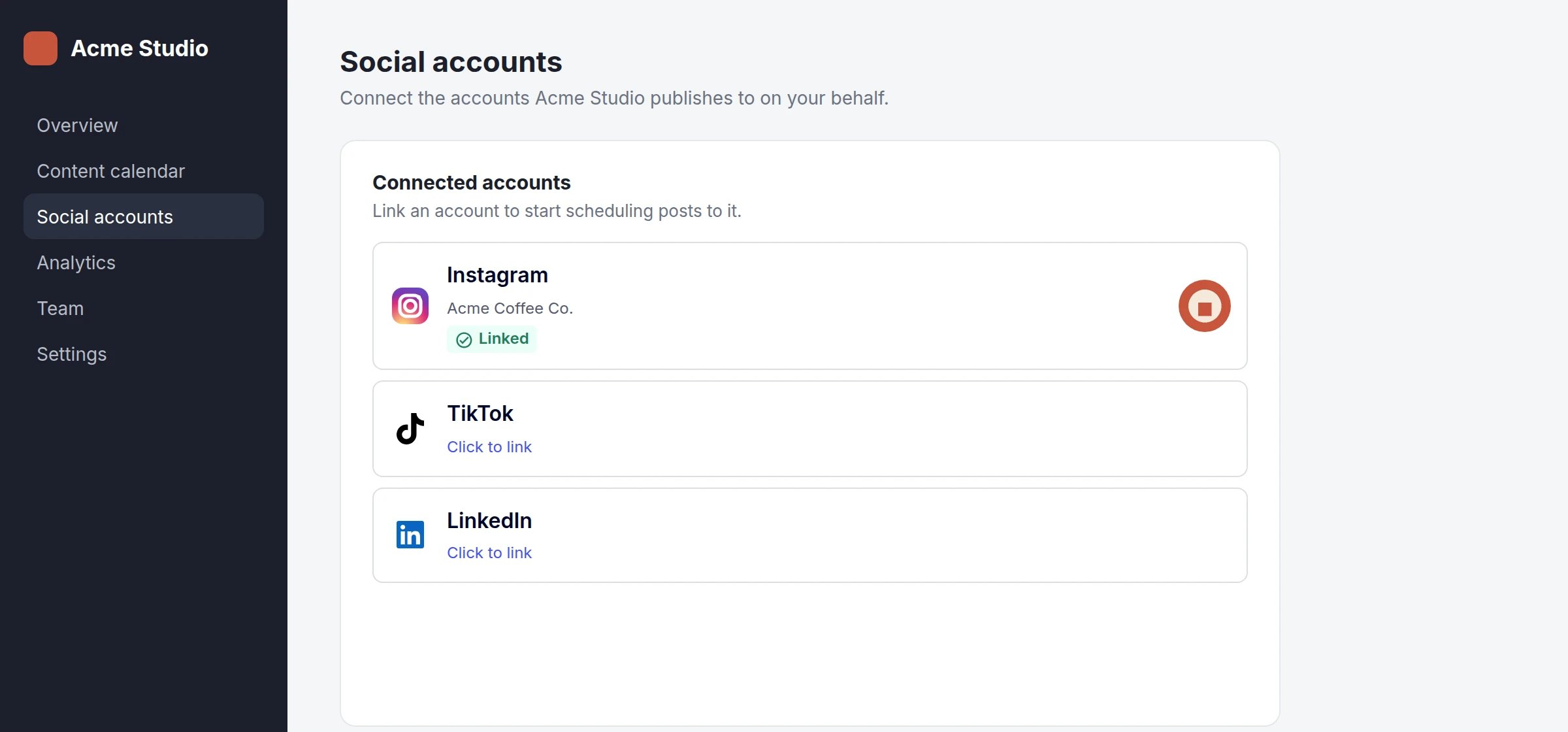
Embedded frames: our tiles rendered inside your own layout, one slot per network or one slot for several.
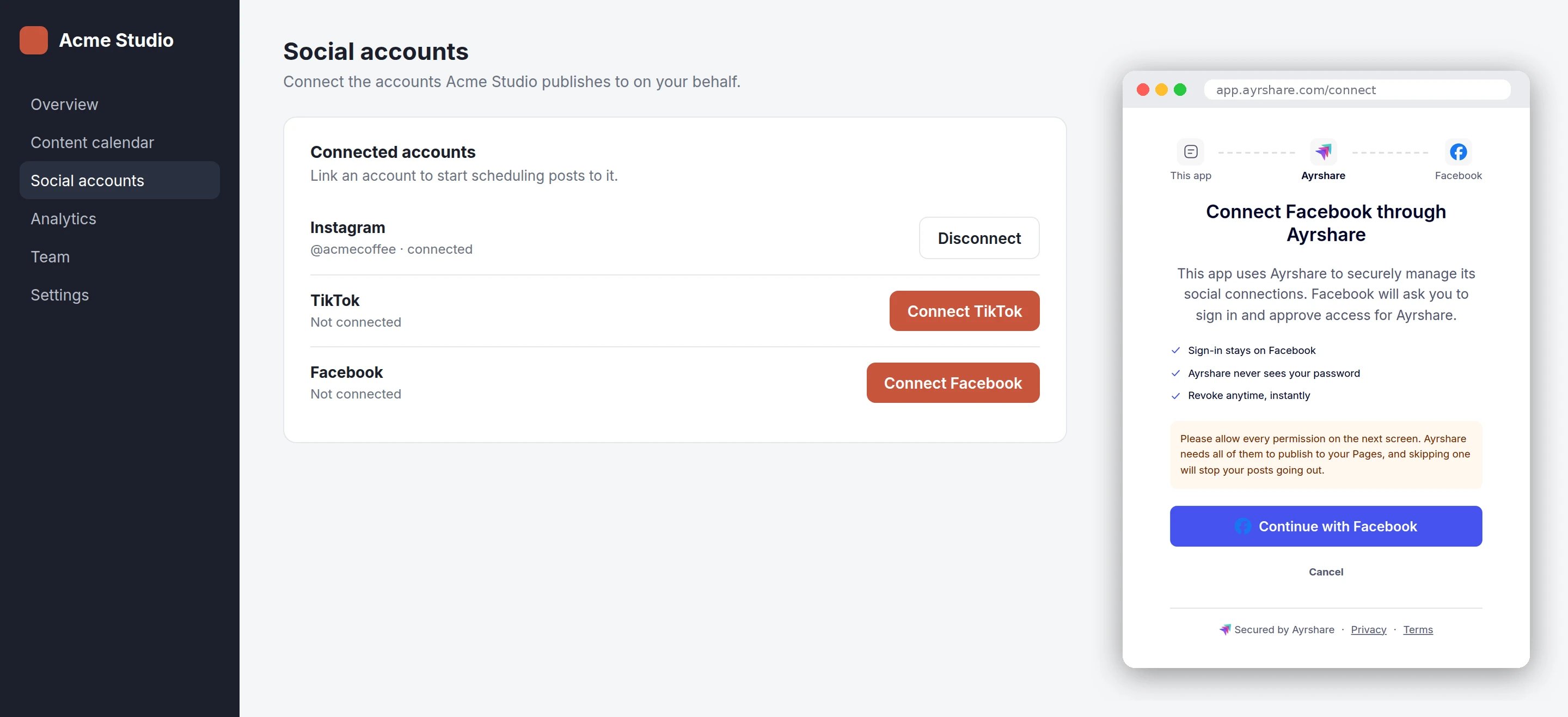
Your own button: you render the button, and one brief popup of ours handles the network.
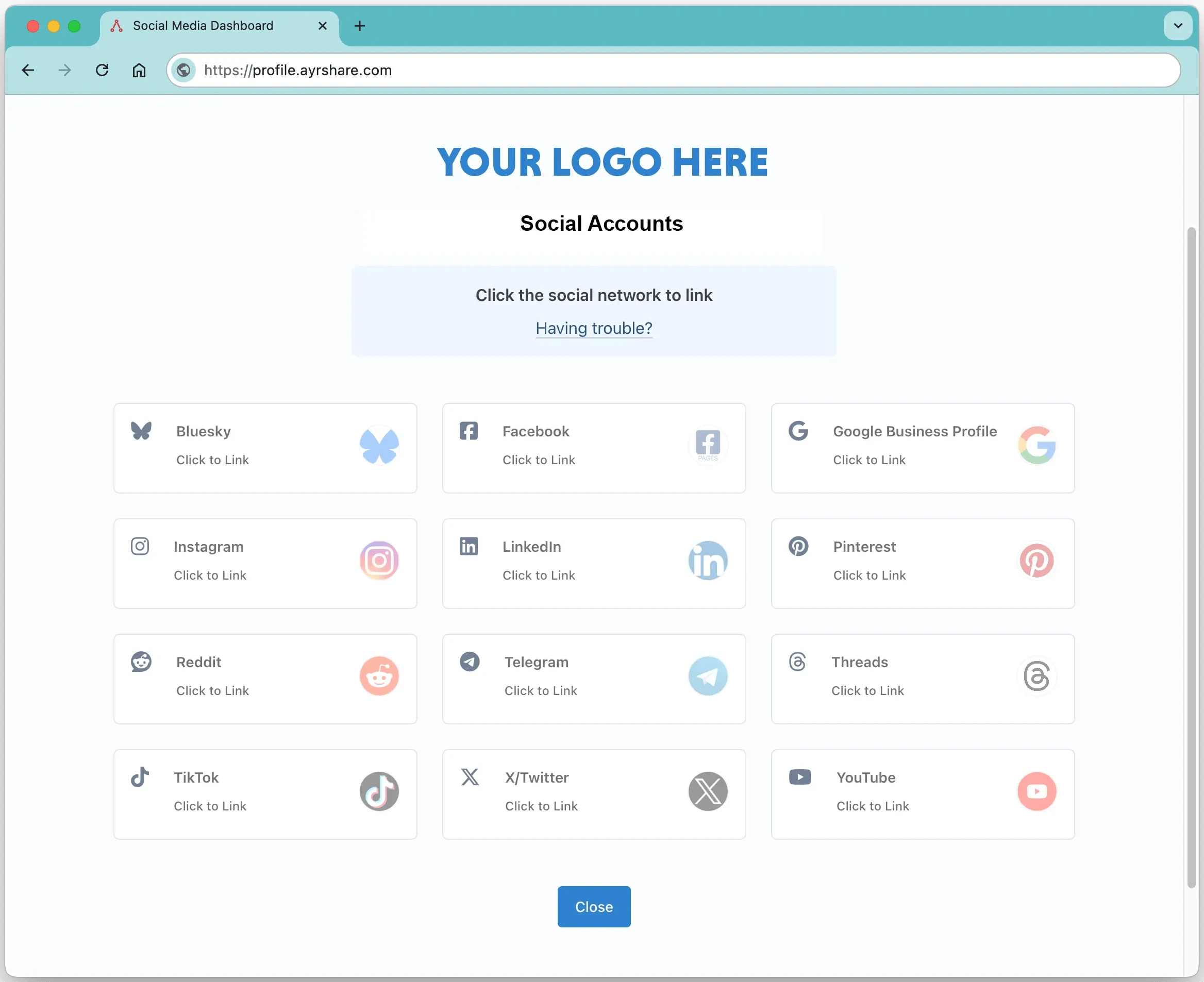
Hosted linking page: a page we host, carrying your logo and colours, that your user leaves your app to use.
The two widget rows are one integration, not two. A single
init gives you both: mount frames
where you want our buttons, and call popup() from your own button everywhere else. They share
one session and report on the same handlers.Direct mode is the same popup without our script — for
a page with a strict Content-Security-Policy, a server-rendered page, or a native app. There you
open and watch the popup yourself.Add the Script
Pin a version and its hash, or track a channel without one. Never both — anintegrity attribute
on a moving URL stops working at our next release, because the file it names has legitimately
changed.
Pinned version
Tracking v1
v1 is the channel to recommend. It picks up fixes but never crosses a breaking change.
latest crosses major versions by definition, so it will eventually hand your page a version whose
behavior you have not reviewed.
Every version’s hash is published in
manifest.json, which also names what
each channel currently serves:
manifest.json
Content-Security-Policy
If your page sends a Content-Security-Policy, it needs two entries, both naming the host you load the script from:connect-src entry for us — our frames reach our API from
inside themselves, not from your page — and no entry for popups, which are top-level windows
your policy does not govern. Both entries were measured: removing script-src blocks the script,
and removing frame-src blocks the frame.
Start an Instance
session is the only required option. It is called once per instance, not once per mount, and
must return your backend’s response to
Create a Link Session with mode: "connect" —
{ sessionId, token, expiresAt } — exactly as it came back.
Your page
Your backend
network — it authorizes every network your account permits, and
which ones appear is decided per mount, in your page. It does carry an origin, which is the one
thing that makes the frames render at all: a frame checks the page embedding it against that value
and refuses to render anywhere else.
We call session again before the token expires, so the widget keeps working on a page left open
all day. A call that rejects, or returns no token, is retried twice more — after 0.5s, then 1s —
before we give up and emit error. So one refresh costs at most three calls to your endpoint.
Mount a Slot
Onemount per slot. Ask for one network, several, or everything the session permits — the
granularity is yours, so a slot can be a single row in an existing table or one panel holding
everything.
mount takes a CSS selector or an element, and returns { unmount, element }. It throws if the
target matches nothing — which is almost always a slot that does not exist yet, so mount after your
markup is in the document.
Each mount is one iframe. It reports its own height to us and we resize it to match, so your layout
reflows as our content changes; past maxHeight the frame scrolls internally instead of running off
your page. The narrowest slot we support is 300px.
Network keys are Ayrshare’s own, and the alias spellings work too: instagram and instagramapi
both mean instagramApi, and x means twitter. A key that is not a network renders no tile.
Your Own Button
A customer who would rather use their own button than one of our frames callspopup instead. It
runs the same flow, on the same session, and reports on the same handlers.
popup returns { close(), network }, and always returns a handle — including after a blocked
popup, where close() does nothing — so your code never has to null-check it before calling
close().
Every network works here, including the ones a frame finishes inside its own panel: Facebook shows
its hand-off explainer in the popup, Bluesky and X show their credential form, and LinkedIn,
Pinterest, YouTube and Google Business go out to the network and come back.
It throws synchronously for the three things that are programming errors — no network, a
destroyed instance, or a session that has not resolved yet. A blocked popup is not one of them:
that emits error with reason: "popupBlocked", because your user did nothing wrong.
At most one popup is open at a time. A second call closes the first and reports cancelled with
reason: "superseded" on it. A popup one of our frames opened is a different thing and is never
touched, so your button cannot cancel a flow running inside a mounted slot.
Whether the session may link a network is the server’s answer, not the script’s. A session
scoped to Bluesky that is asked for LinkedIn gets a refusal rendered in the popup and reported as
error. The script only checks that a network was named at all.React
The script is framework-free, so React needs nothing special from us — but four things about its lifecycle are worth getting right the first time. Load the script once, outside your component tree. In Next.js that isnext/script in your
root layout; in Vite or Create React App it is a tag in index.html. Loading it per component
re-runs it on every mount.
ConnectAccounts.jsx
- In development you will see the session callback fire twice. React’s Strict Mode runs effects mount → unmount → mount, so the instance is created, destroyed and created again. The cleanup above makes that safe; it costs one extra call to your backend in dev and none in production.
- Keep the effect’s dependencies stable. An array literal passed straight into
mountfrom a parent render is a new value every time, so an effect that depends on it tears the widget down and rebuilds it on every render. Memoize it, or keep it constant as above.
Events
Subscribe withon, which returns an unsubscribe function. Handlers receive the event payload and
the mount it came from; off(name, handler) does the same job when you would rather name the
handler.
network except ready, and except the one kind of error that
is not about a network at all — see error has two sources below.
Four of them are endings —
success, unlinked, error and cancelled — and exactly one
arrives per attempt. closed is a lifecycle notice that follows an ending rather than being one.
click fires before any linking work starts, so it reports a click that a blocked popup or a
dead session goes on to refuse. It is the event to use for your own analytics; started is the one
that means an attempt is really running.
Reasons
error Has Two Sources
Only one of them is a link failure, and they carry different fields.
- A link error carries
network,codeand the mount it came from. - A session error — we could not create or refresh your session — carries only
message, because nothing was being linked at the time.
code and network are undefined on the second kind.
state Saves You Polling
state is the data channel rather than a report on an attempt. Every frame emits one per network as
it mounts, carrying that network’s current state and the since timestamp it has held it from, and
another whenever a state changes — including changes that originate on our side, such as a token
dying into relink-required. So you can drive your whole UI from the widget without polling anything.
The values are the same enum
GET /profiles with include=state returns: linked, unlinked,
identityVerificationRequired, restricted, rateLimited, suspended.
Unlinking
Our tiles unlink as well as link. Your user clicks a connected network, confirms, and the account is removed:clickfires withaction: "unlink".unlinkedfires once the removal is saved.
error, and one your user backs out of at the confirm step reports
cancelled. There is no separate unlink-failed event.
Appearance
A customer’s stylesheet cannot reach inside a cross-origin frame, so styling travels as data we apply within it. Passappearance to init as CSS custom properties; each one we do not receive
keeps our default.
appearance at all, every token holds its default and a frame looks like this:
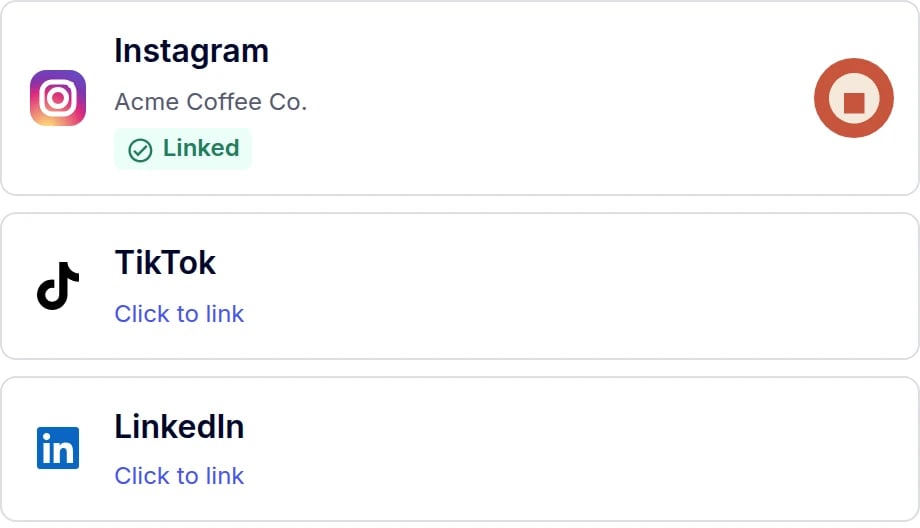
Default tokens: white surfaces, dark navy text, indigo accent, 8px radius.
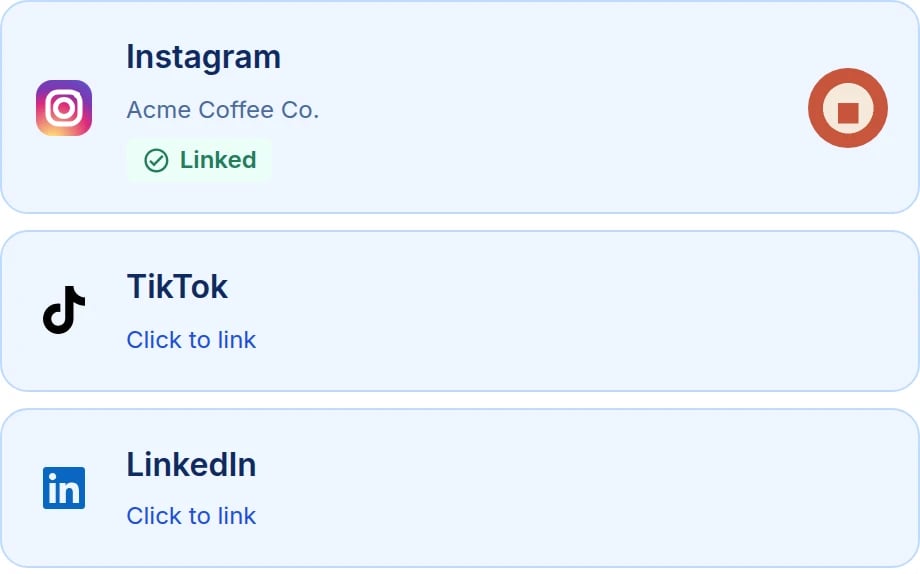
The same three tiles after the tokens above are applied.
prefers-color-scheme, on
purpose — your page’s theme may not match your user’s operating system, and a media query would
silently outvote the colors you chose. A dark dashboard is themed by supplying dark values.
This token list is a supported contract we keep across versions.
The Tokens
A value that is not valid CSS for its token is ignored, with a warning in your console, rather
than applied. That matters more than it sounds: a unitless
8 for --ayr-connect-spacing is a
perfectly innocent string that would invalidate every calculation reading it and collapse the
layout, with no error anywhere. Give lengths a unit.
Your Own Name on the Hand-Off Screen
Before we hand your user to a network, we show a short screen naming who they are connecting through. Two hooks let you make that your own, and both are version-stable.--ayr-connect-partner-name sets the label. It is the one token whose value is text, so it has
to be quoted as a CSS string — an unquoted value is invalid and renders nothing at all:
background-image through css, as above — a token that could fetch an image from inside our
document is not something we accept, so the request comes from a rule you wrote rather than from a
value you passed us.
[data-ayr-connect-partner-mark] and [data-ayr-connect-partner-name] are the exception to
the custom-CSS caveat below: these two selectors are part of the contract and we keep them across
versions.Custom CSS
css takes a string applied inside every frame, for the cases tokens do not cover.
appearance and css exactly as frames do, so your user does not
watch our neutral defaults appear halfway through a flow.
Worth Knowing Before You Ship
A popup whose session has expired reports cancelled, not error
A popup whose session has expired reports cancelled, not error
A popup you opened with
popup() cannot be told why a token was refused — to say so it would
have to trust an origin it has not yet validated, which our security model does not allow. So a
popup carrying a dead token closes and surfaces as cancelled with reason: "popupClosed"
rather than error.In practice this is rare: a popup opened before a silent refresh keeps working, because it
validated its token when it opened. If you see unexplained popupClosed results, check that
your session endpoint is returning a fresh session.One session per instance, not one per mount
One session per instance, not one per mount
Fourteen mounts share one token and cost one call to your backend, not fourteen. If you want
differently scoped slots — a different
allowedSocial on some of them — run a second init
with its own session rather than expecting a mount to narrow it.The frames only render on the origin you declared
The frames only render on the origin you declared
Every session carries the
origin your page runs on, and a frame compares the page embedding it
against that value before rendering anything. A frame embedded somewhere else stays blank and
sends no events. There is no allowlist to register and nothing to configure — send the right
origin when you create the session.Height is handled for you, and is not an event
Height is handled for you, and is not an event
Frames report their height to the script, and the script resizes them. Your layout just reflows.
There is no resize event to subscribe to, and nothing to measure on your side.
Requirements
- The Max Pack. A widget session is a connect-mode session, and
creating one without the Max Pack returns
code: 504. Contact support if you need connect mode enabled on an account without it. - An
originon every session — the exact origin your page runs on. Omitting it returnscode: 505; a value that is not anhttpsorigin, a custom scheme, orhttp://localhostreturnscode: 506. - No
networkon the session. That parameter is what makes a session direct mode instead, and a direct-mode session’s URL is not what the script expects.