這是唯讀的 Documentation MCP(用於搜尋 Ayrshare 的 API 文件)。若要讓 AI 代理程式 驅動 Ayrshare API,請參見 MCP Server(Action MCP)。
- 搜尋 Ayrshare 的 API 文件
- 理解可用的端點與參數
- 產生能正確使用 Ayrshare API 的程式碼
- 在處理 Ayrshare 服務時提供符合上下文的準確建議
如何開始
Ayrshare 的 MCP 伺服器位址為https://www.ayrshare.com/docs/mcp。
Claude Desktop
- 進入 Claude 設定中的 Connectors(連接器)頁面。
- 選擇「Add custom connector」(新增自訂連接器)。
- 將 MCP 伺服器名稱設定為
Ayrshare MCP(或任何你偏好的名稱),並將 MCP 伺服器 URL 設定為https://www.ayrshare.com/docs/mcp。 - 點選「Add」。
- 使用 Claude 時,點選附件按鈕(加號圖示)。
- 選擇你的 MCP 伺服器。
Claude Code
VS Code

- 建立 .vscode/mcp.json 檔案。
- 在 mcp.json 中設定你的伺服器:
Cursor

- 使用 Command + Shift + P(Windows 為 Ctrl + Shift + P)開啟命令面板。
- 搜尋 “Open MCP settings”。
- 選擇「Add custom MCP」(新增自訂 MCP)。這會開啟 mcp.json 檔案。
- 在 mcp.json 中設定你的伺服器:
使用 MCP 伺服器連線
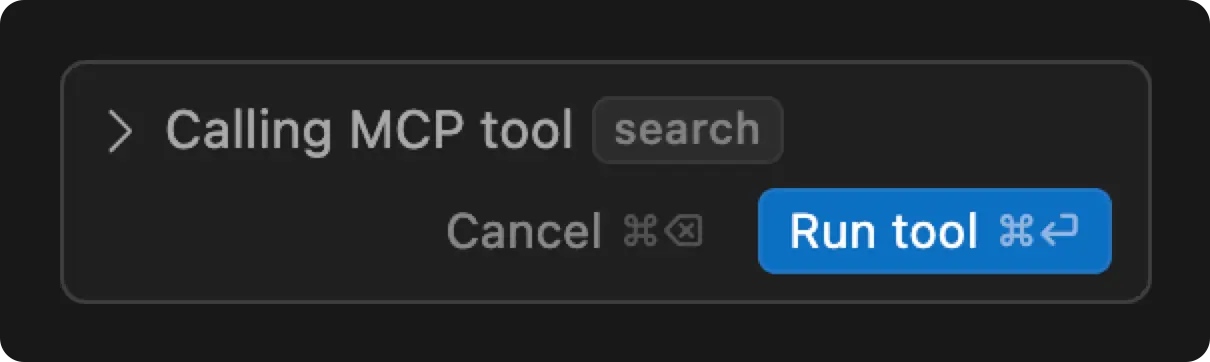
重新啟動應用程式以套用變更。 在 Cursor 中,你可以輸入How do you publish a post in Ayrshare. Use the MCP server. 來測試 MCP 連接器。