

How to Link Instagram
Instagram does not support Personal Facebook accounts, Creator Studio accounts, and publishing to IGTV. See below for details.Linking Instagram Directly
1
Click To Link Instagram
Click the Instagram icon on the Social Accounts page.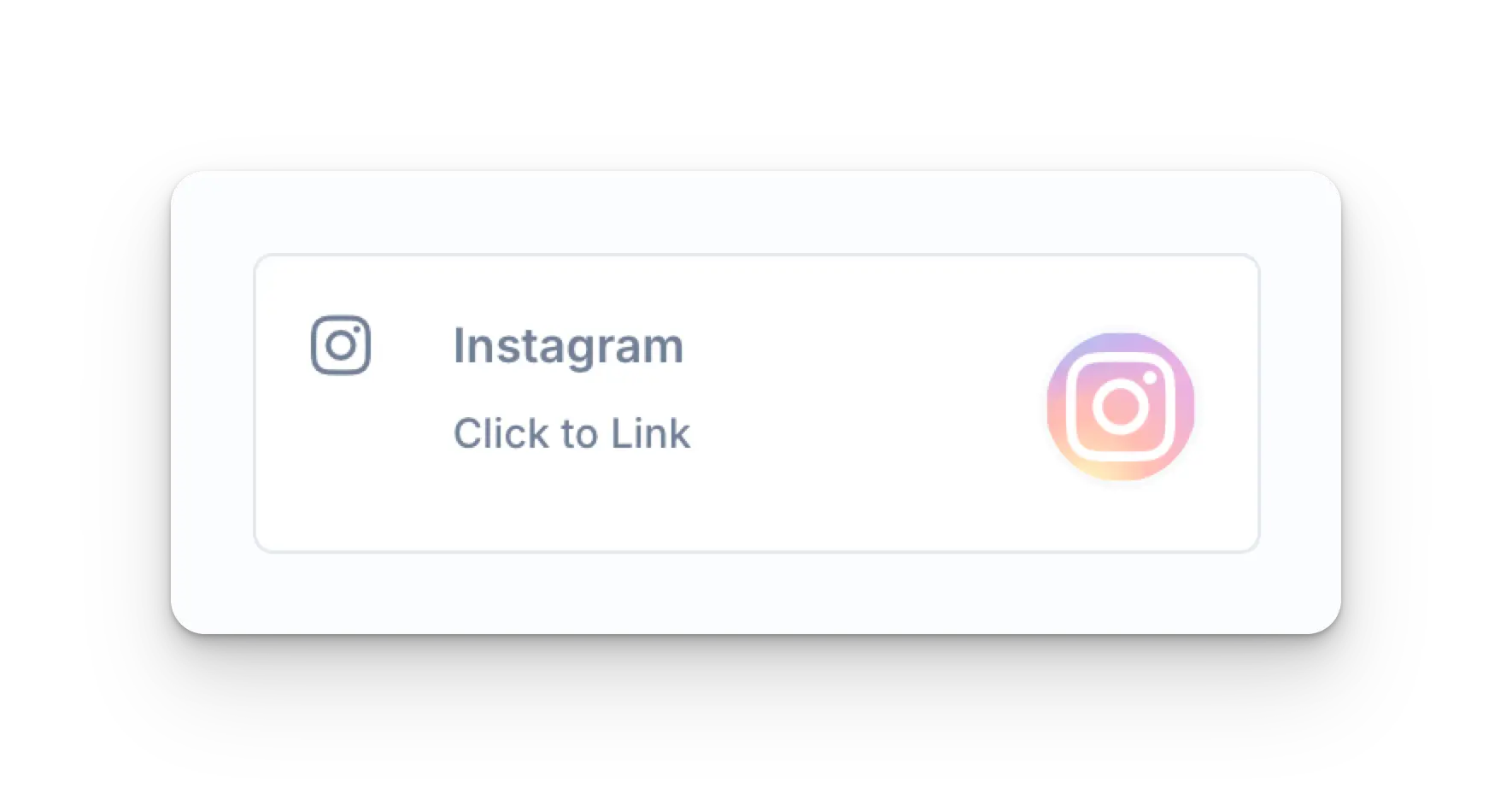
2
Instagram Login
Input your credentials and click Log in.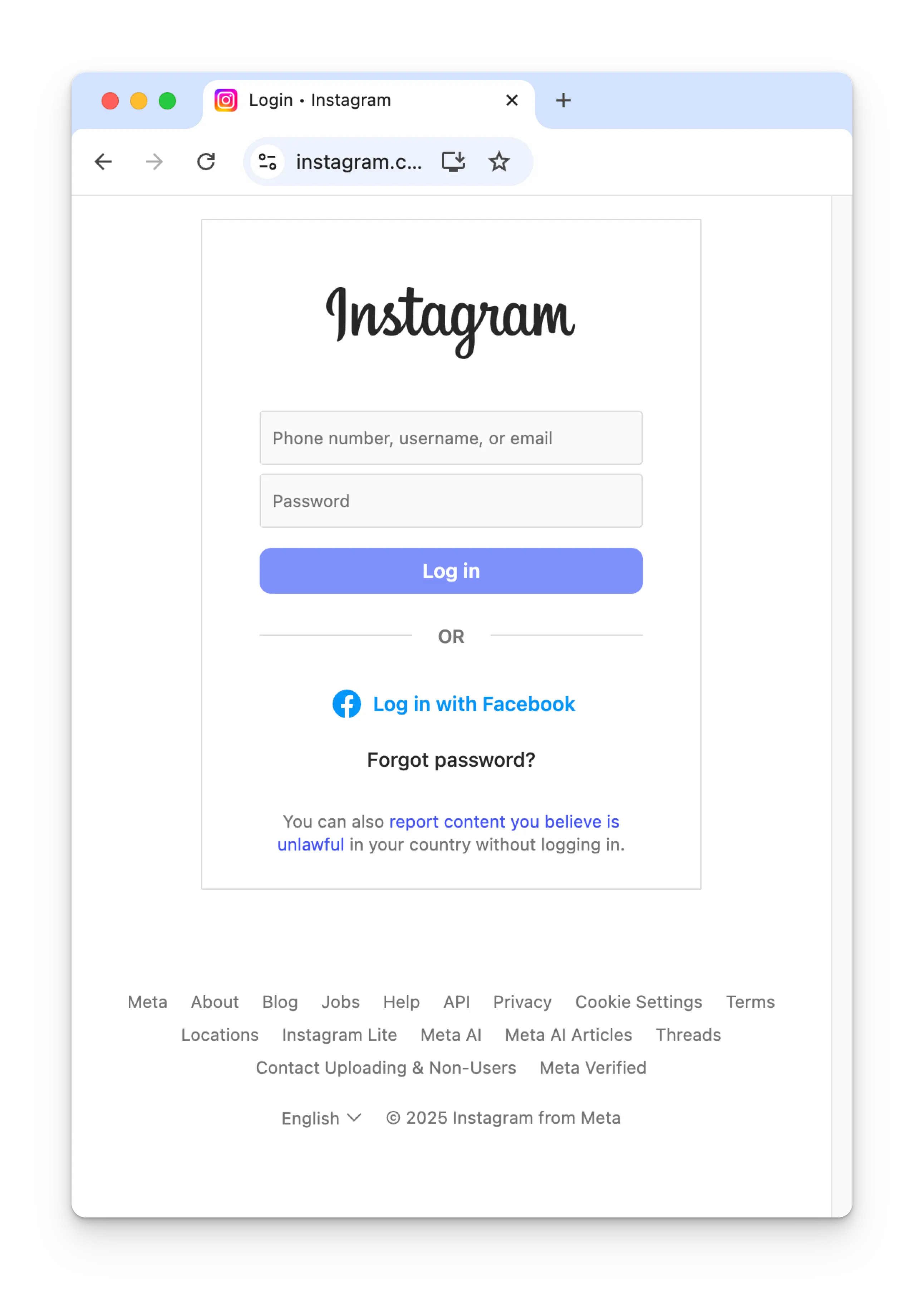
3
Instagram Permissions
Toggle on all permissions for Instagram and click Allow.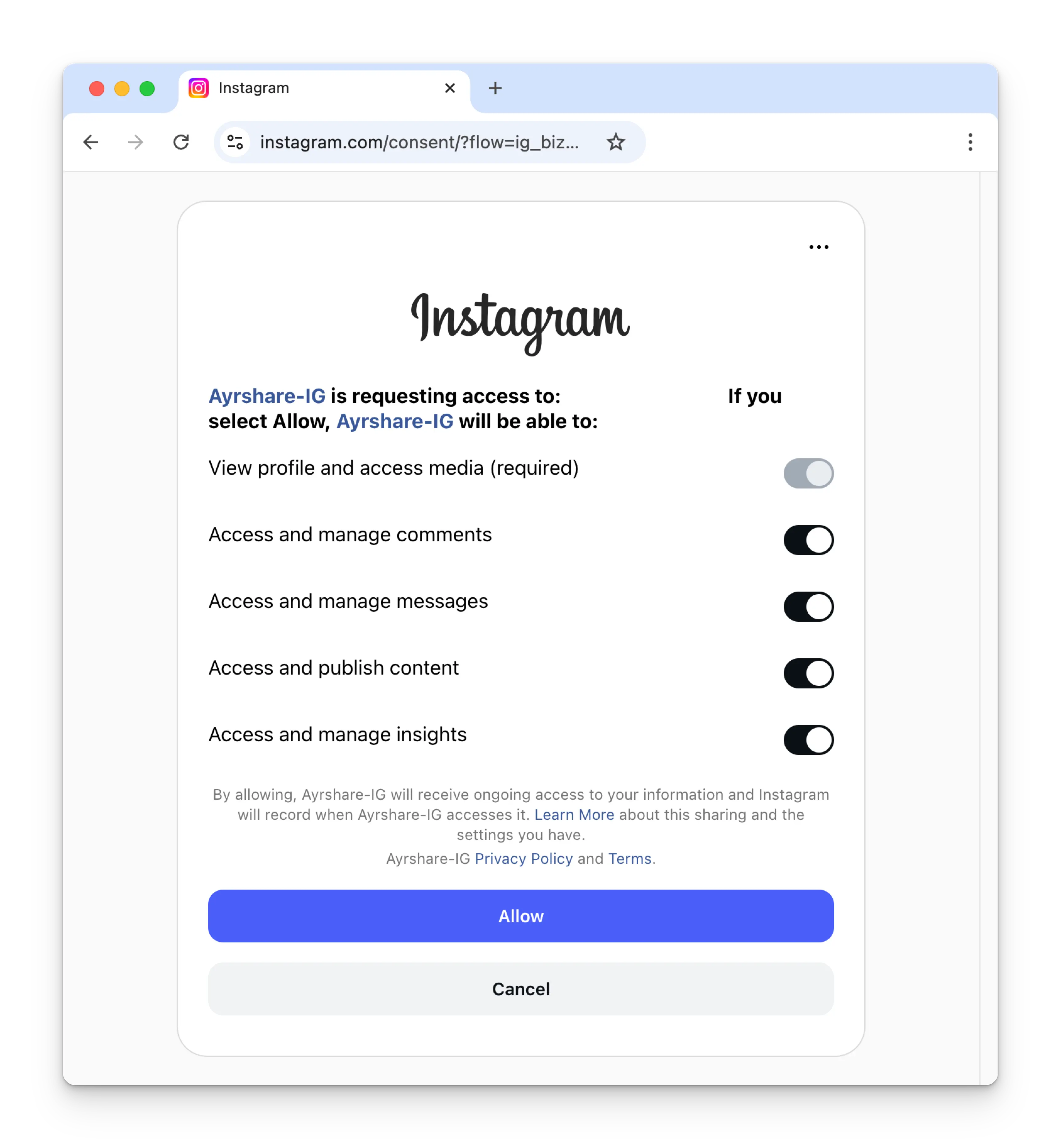
4
Confirmation
Your Social Accounts page will now be updated with your Instagram account.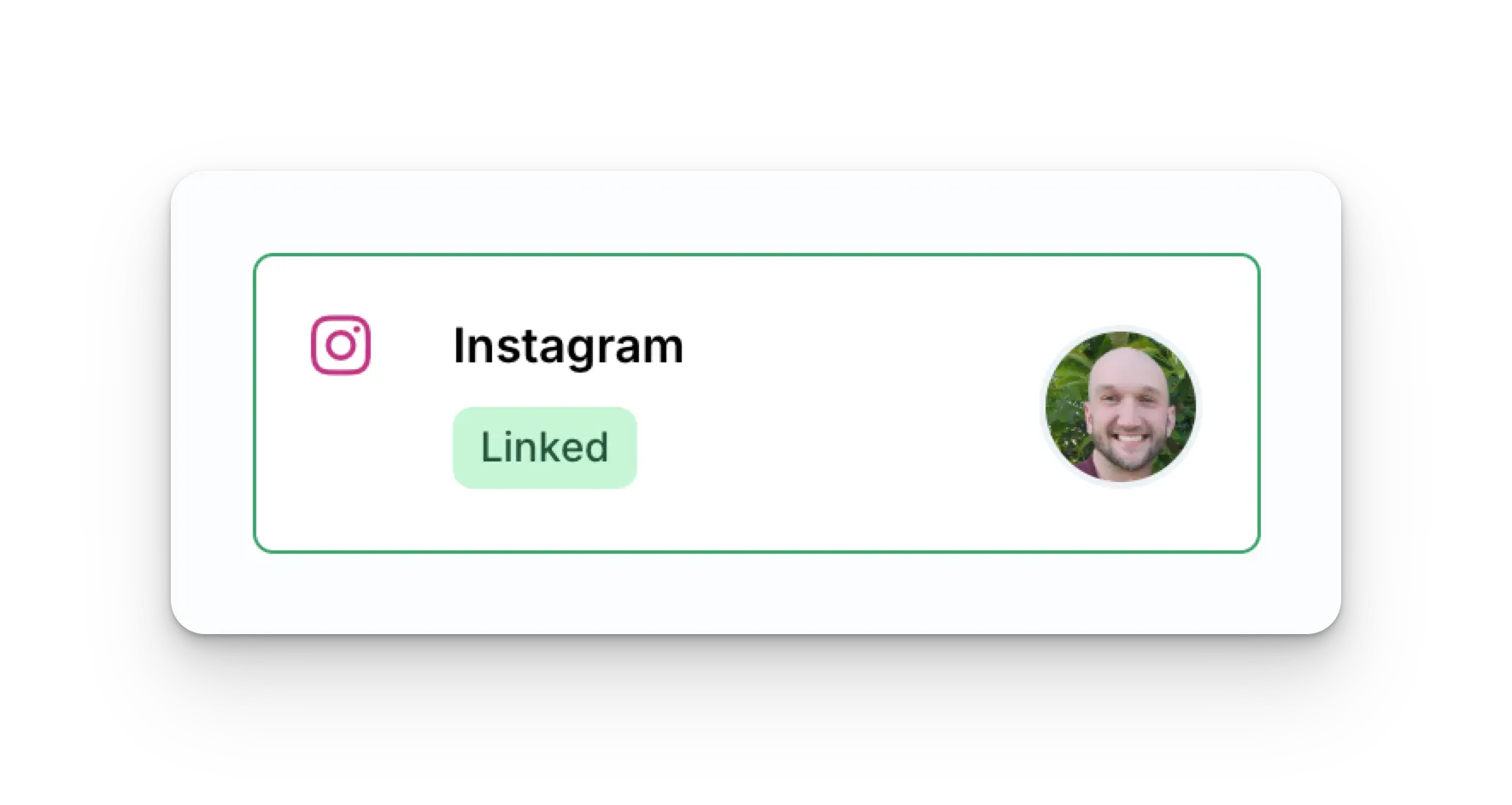
Linking Instagram through Facebook (Facebook Page required)
This Instagram linking process authenticates through Facebook, so when you click the Instagram icon on the Social Accounts page, a Facebook sign-in will pop-up - please be sure you allow pop-ups.1
Click To Link Instagram
Click the Instagram icon on the Social Accounts page.
2
First Time Instagram Linking
The first time you link Instagram, you will be asked to authenticate through Facebook.If you have previously connected Ayrshare with Facebook and don’t see this image, skip to step 3.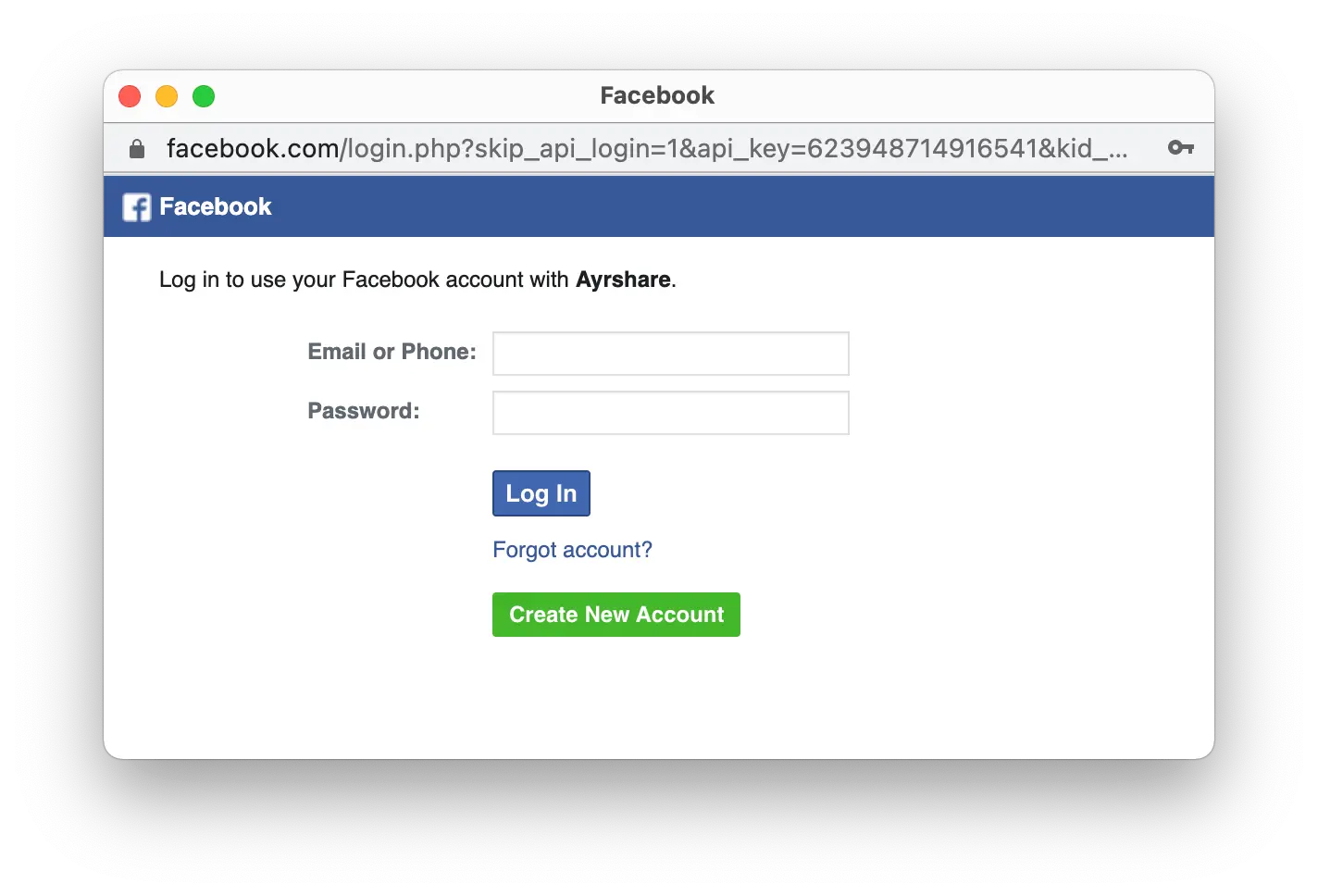
3
Edit Instagram Settings
Click Edit Settings during the initial set up.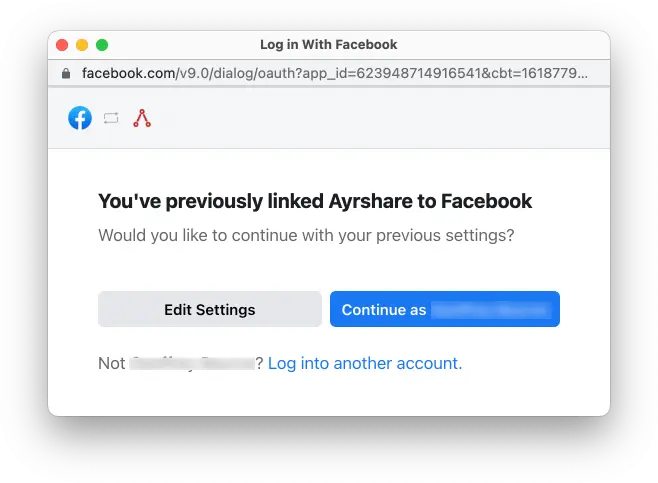
4
Authorize Instagram Business or Creator Accounts
Check all the Instagram Business Accounts or Instagram Creator Accounts. Click Next.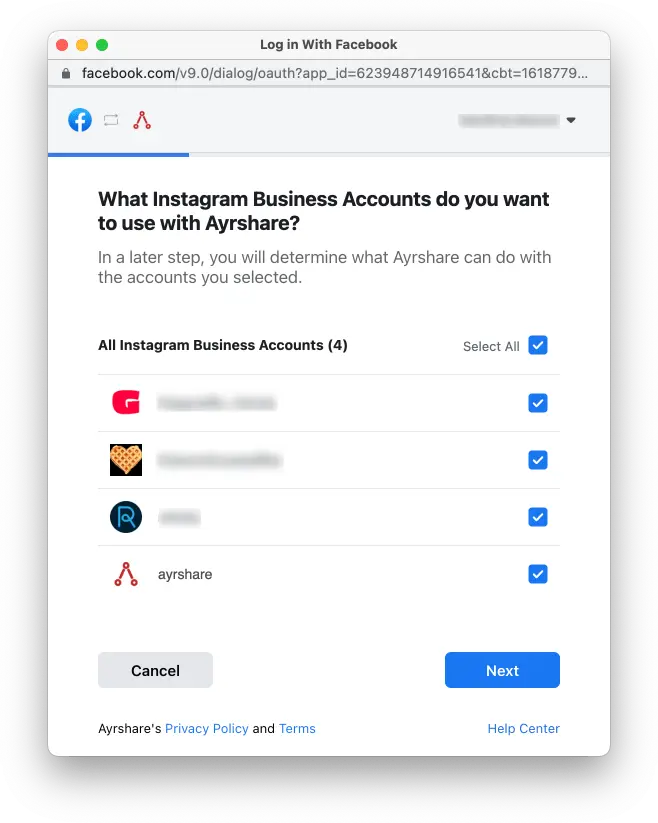
5
Select Facebook Pages
Check all Facebook Pages. Click Next.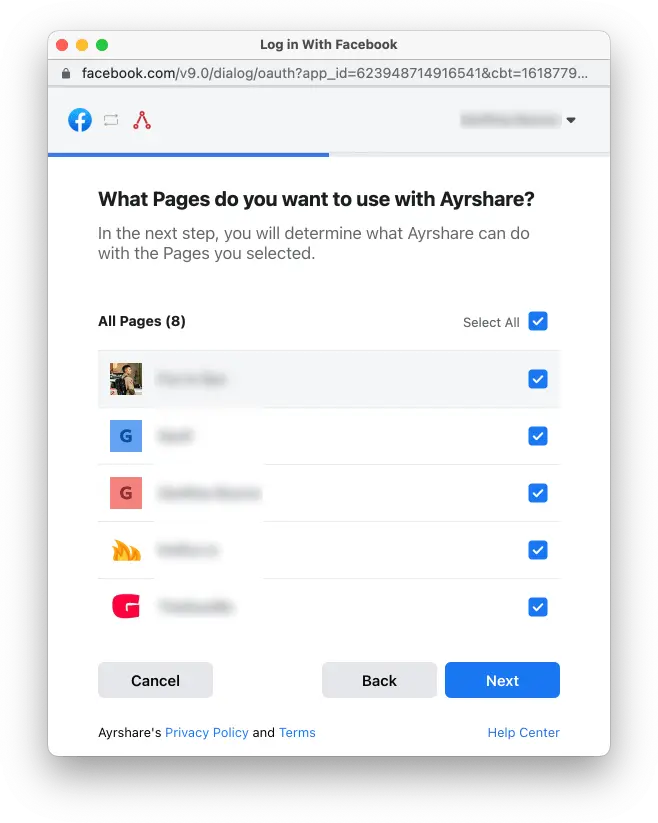
6
Enable Permissions
Turn all permissions to Yes. Click Done. You will then be asked to
select a specific Instagram account to link with Ayrshare. Once selected your
link will be complete and you can start posting to Instagram.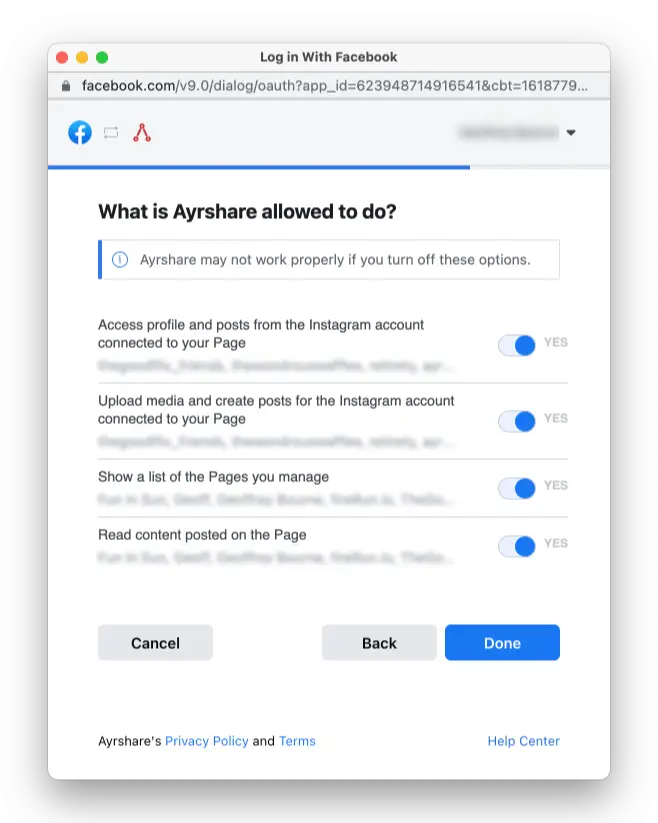
7
Confirmation
Your Social Accounts page will now be updated with your Instagram account.
Enabling an Instagram Business or Creator Account
Instagram requires that your account be an Instagram Business or Instagram Creator account. Learn more about Instagram Business and Creator accounts.Switching from a Personal to Business or Creator Account
If you have a personal Instagram account, open up the Instagram mobile app:- Go to your profile and tap the menu icon ≡ in the upper right corner to go to the Settings and activity page.
- Scroll down to the For professionals section.
- Click Account type and tools.
- Tap Switch to professional account.
- Go through the steps to set up your account and select with Creator or Business.
Switching from a Business to Creator or Vice Versa
If you want to switch from a Business account to a Creator account or vice versa:- Go to your profile and tap the menu icon ≡ in the upper right corner to go to the Settings and activity page.
- Scroll down to the For professionals section.
- Click Creator (or Business) tools and controls.
- Scroll down and tap Switch account type.
- Choose to switch to Creator or Business.
If you do have a Business or Creator account, but when linking Ayrshare you
receive an error saying your account isn’t a Creator or Business, try
switching your Instagram back to Personal and then back to Creator or
Business. This often resets the account type and allows you to link
Ayrshare.
Music Attach Eligibility (Facebook Login required)
This is a restriction Meta places on its Audio API, not an Ayrshare limitation. Meta’s documentation states the API “is only available on the Instagram API with Facebook Login. It is not supported on the Instagram API with Instagram Login.” There is no permission, plan, or setting on the Ayrshare side that changes it.What you need
- An Instagram Business or Creator account. Personal accounts cannot publish through the API at all.
- A Facebook Page connected to that Instagram account. This is what the Facebook Login flow authenticates against.
- Instagram linked to Ayrshare with Instagram Login disabled, so the Facebook Login flow is used.
Setting it up
1
Confirm the account is Business or Creator
See Enabling an Instagram Business or Creator
Account
below. A Personal account cannot be used.
2
Connect a Facebook Page to the Instagram account
In Facebook, switch to the Page, then go to Settings & privacy → Settings → Permissions →
Linked accounts and connect Instagram. The direct link is
facebook.com/settings/?tab=linked_profiles.Full detail in Connect a Facebook Page to
Instagram
below.
3
Disable Instagram Login in Ayrshare
In the Ayrshare dashboard, turn off Instagram
Login. This switches linking to the
Facebook Login flow, which requires the connected Page.
4
Relink Instagram
Unlink the Instagram account in Ayrshare and link it again, following Linking Instagram through
Facebook.
Grant all permissions, including
instagram_content_publish.An account that was already linked with Instagram Login must be relinked. Changing the
dashboard setting alone does not convert an existing connection.5
Verify
Call audio search with any keyword. A
200 with a
status of success confirms eligibility. A 514 means the account is still on Instagram
Login.Instagram Login is the default and is the right choice for most accounts. It is simpler and
needs no Facebook Page. Only switch to Facebook Login if you need the Audio API or another
Facebook-Login-only feature, since relinking interrupts posting until it completes.
Connect a Facebook Page to Instagram
If you already have an Instagram Business or Creator Account and want to connect a Facebook Page, see detailed instructions. Or if you want to create a new Facebook Page.1
Open Linked accounts
Log into Facebook on desktop and switch to the Facebook Page you want to connect (not your
personal profile). Go to Settings & privacy → Settings, then in the left-hand panel find the
Permissions section and click Linked accounts.The direct link is
facebook.com/settings/?tab=linked_profiles
while you have the Page selected.The panel lists Instagram. If a connection already exists it reads
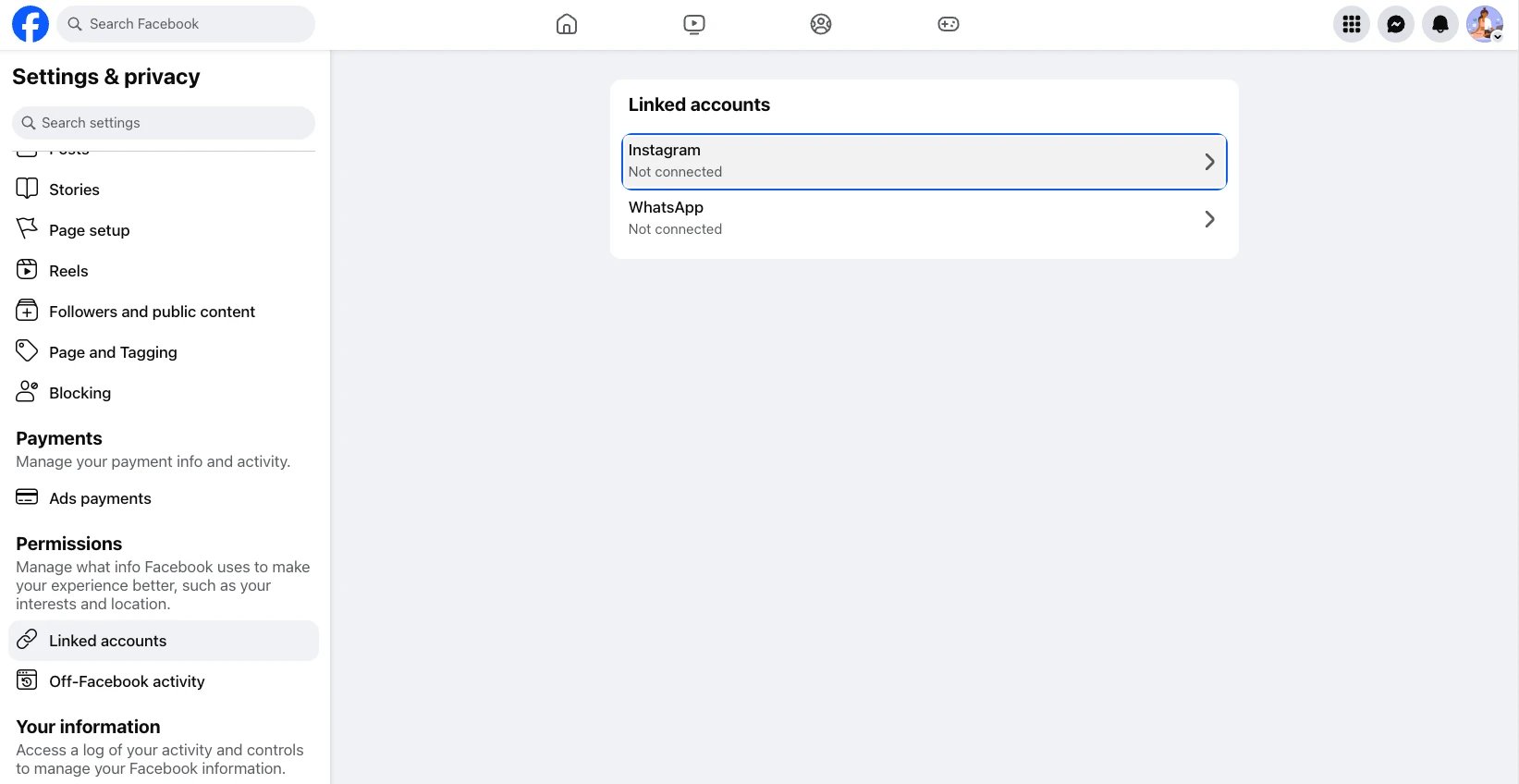
Connected to @yourhandle. If it reads Not connected, click the row.2
Connect the account
Click Connect account and complete the Instagram login prompt.Note Facebook’s own wording here: it connects your Facebook Page to a professional Instagram
profile. A personal Instagram profile is switched to professional as part of connecting, which
is the Business or Creator account type Ayrshare requires.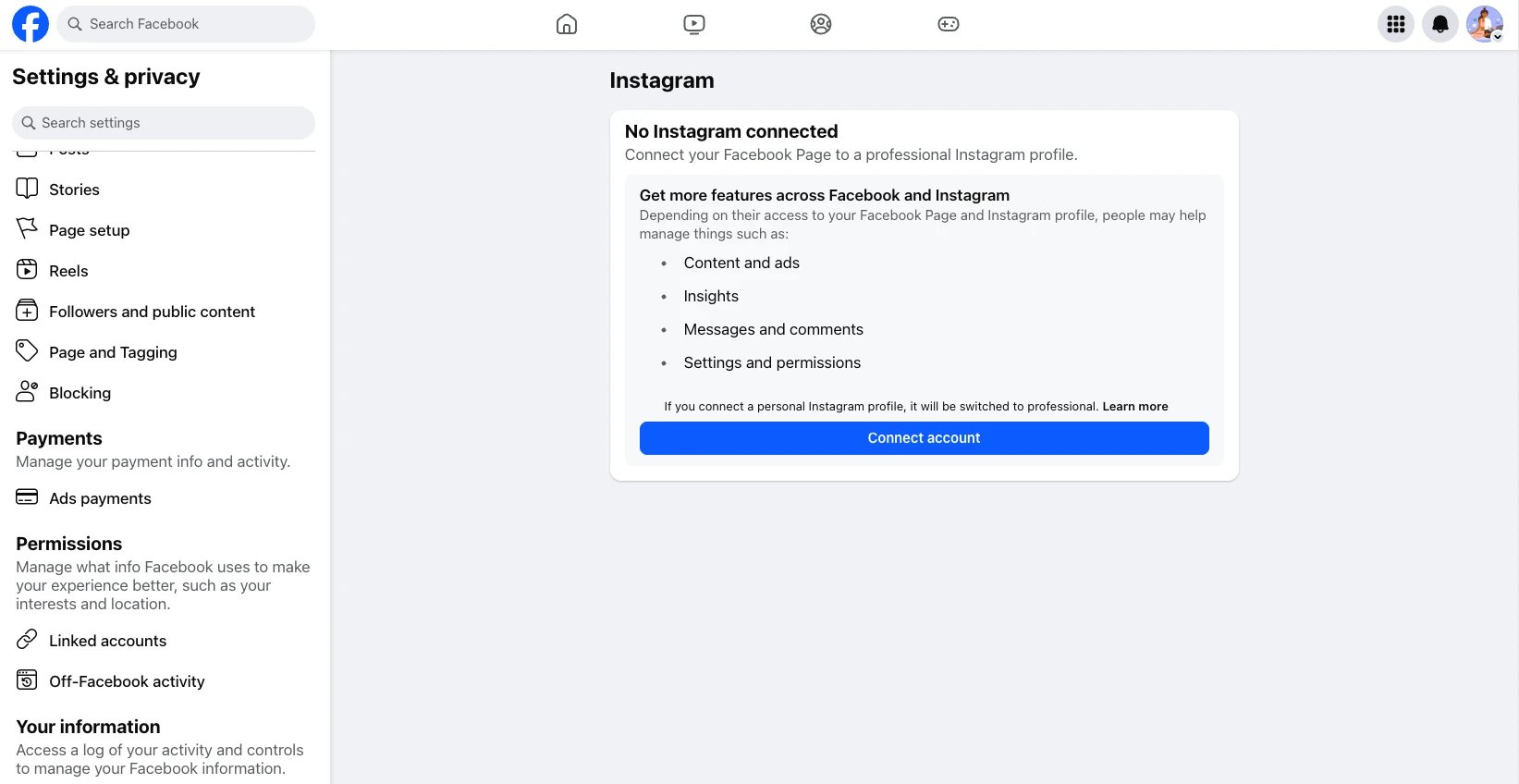
Troubleshooting Instagram
If you’re having issues with Instagram please see the troubleshooting guide.Additional Instagram Information
Instagram has very strict requirements on image sizes. Images must have a width of at least 1080 pixels with an aspect ratio between 1.91:1 and 4:5.Ayrshare will detect if your image size is not correct and respond with an error.
- Please see here for details on posting to Instagram, getting analytics, managing comments, or retrieving history.
- For more information on recommended image sizes, please see: