What are Twitter Fleets and How to Use Them
November 18, 2020
1 min read
Author: Ayrshare Team

Share Article
Ask AI about this article
Opens your AI assistant in a new tab with this article preloaded.
Twitter Fleets are here! They are new. They are exciting. They are innovative. They are…well, kind of a copy of other social networks.
Twitter has entered the ephemeral posting game that players like Snapchat or Instagram stories have been in for a while. They offer a create space to post text, images, videos, or emojis that only stay around for 24 hours. After that, poof, gone.
Why did Twitter create Fleets? Twitter wants to have “healthy conversations” without harassment or nastiness that sometimes happens on Twitter. Hence, Fleets don’t get Retweets, likes, and are not open to public replies. You can only reply to Fleets via DMs (Direct Messages) – the theory being people are nicer in DMs and have better conversations.
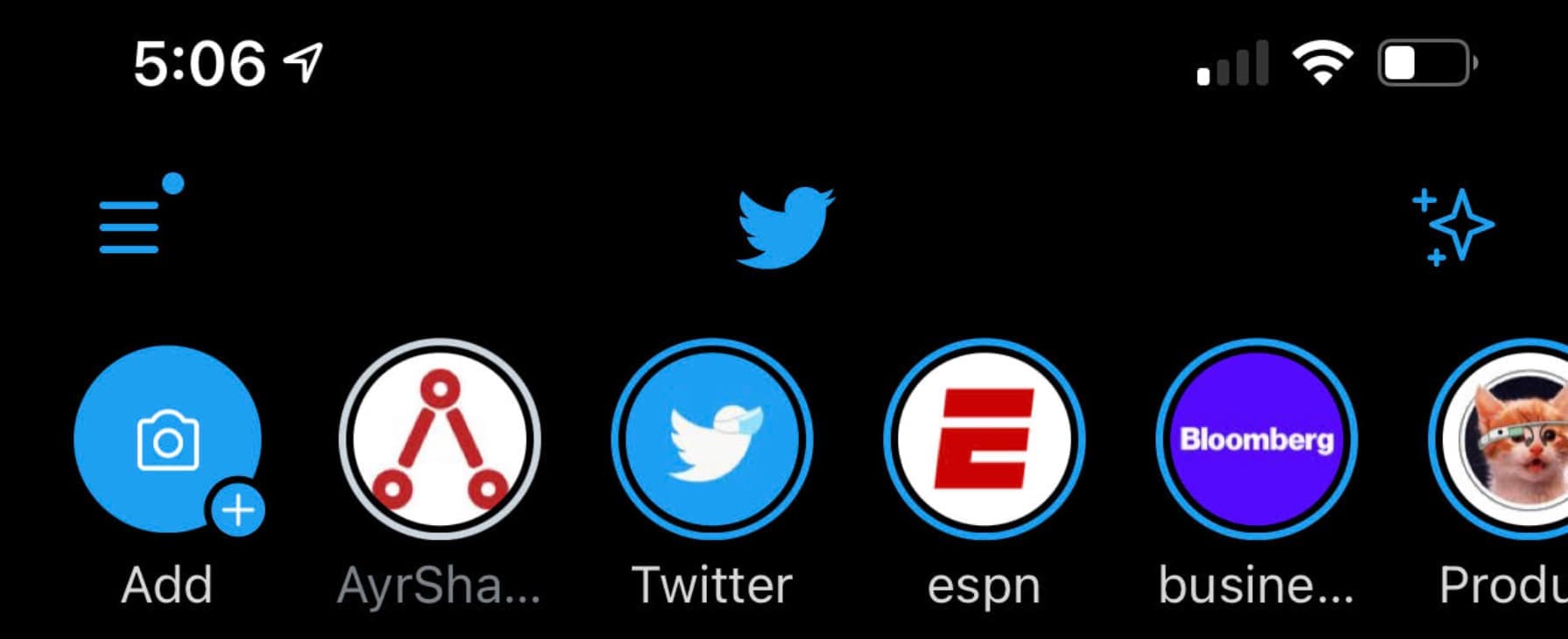
It is a little confusing at first where to create and see Fleets, but head on up to the top of your Twitter feed and you see:
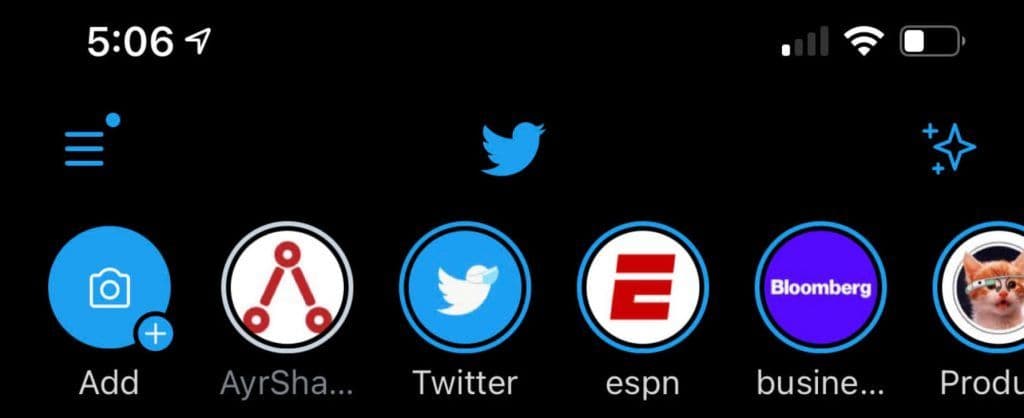
Click the “Add+” icon to create Fleets, you own icon to the right to see your Fleets, or one of you followers to their Fleets.
Check out this video for a run through on creating and sharing a Twitter Fleet.
The jury is out if the Twitter community will embrace Fleets, or if the ephemeral nature of Fleets will prompt people to just add more junk to Twitter.
Any we’re already seeing a bit of humor about the “Fleet”:
Does this new Twitter function work on iPhone because I want to make sure that Fleet would Mac.— Ryan Teague Beckwith (@ryanbeckwith) November 18, 2020
Written by: Ayrshare Team
Guides and stories from the Ayrshare team, the unified social media API trusted by more than 10,000 teams.
Ask AI about this article
Opens your AI assistant in a new tab with this article preloaded.