Social Media APIs for Beginners
February 3, 2022
Updated
11 min read
Author: Ayrshare Team

Article content
Share Article
Ask AI about this article
Opens your AI assistant in a new tab with this article preloaded.
Everything you do online runs on APIs. Booking a flight, paying with PayPal, checking the weather, scheduling an Instagram post: each one is software asking other software for something and getting an answer back.
Social media APIs are a bigger part of that than most people realize. Every time you see a “Log in with Facebook” button, a scheduling dashboard that posts to five networks at once, or an AI agent that drafts and publishes content, a social media API is doing the work underneath.
This guide explains what social media APIs are, how they work, what each major network allows in 2027, and how to publish to every network with a single integration. It’s written for developers, product teams, and marketers who are new to the subject. No prior API experience needed.
What Is an API?
API stands for Application Programming Interface. An API is a set of rules that lets one program ask another program for something and get a predictable answer back. Your weather app doesn’t own a satellite. It asks a weather service’s API for today’s forecast and displays the result.
The classic analogy is a restaurant. You sit down and read the menu. The menu lists what you can order and how to order it. You place your order, the kitchen prepares it, and a waiter brings it back. You never see the kitchen, and you don’t need to know how it works.
The menu is the API: it defines what you can ask for and in what form. The kitchen is the service doing the actual work. Developers use APIs the same way. They don’t need to know how Instagram stores a photo. They need to know which request to send, what it must contain, and what comes back.
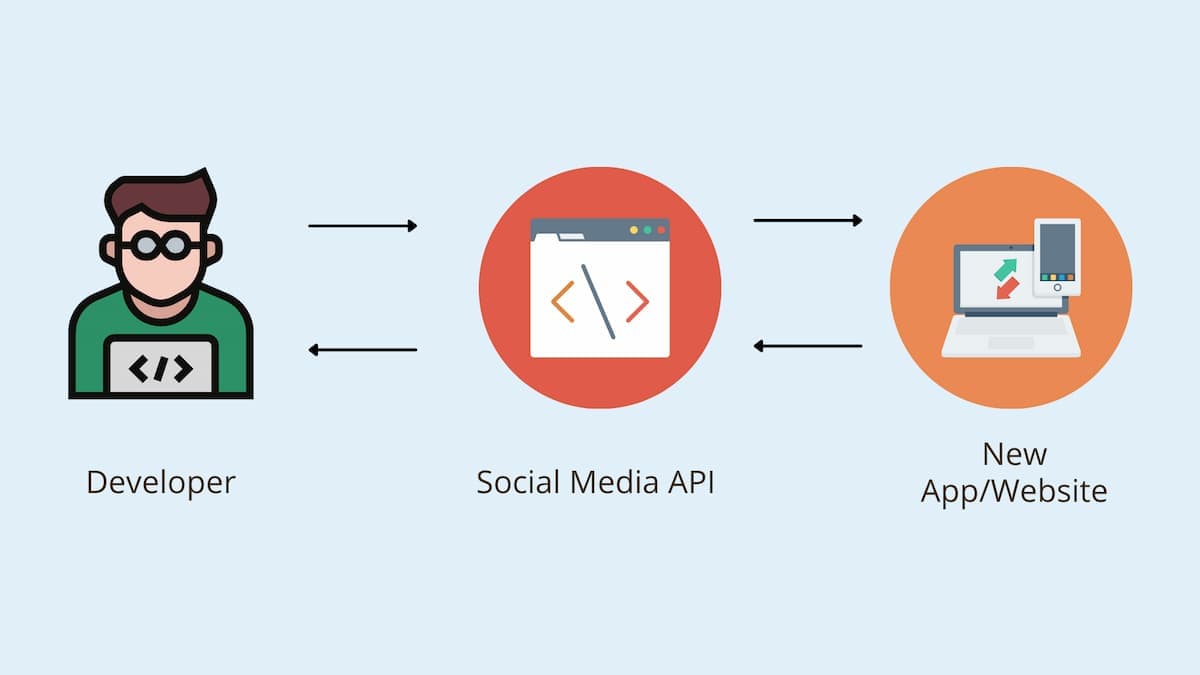
What Is a Social Media API?
A social media API is the interface a social network exposes so outside software can work with it: publish a post, read comments, pull follower counts, send a direct message. Every major network has one. Facebook, Instagram, and Threads share Meta’s Graph API. X (formerly Twitter) has the X API. TikTok has the Content Posting API. LinkedIn, YouTube, Pinterest, Reddit, Snapchat, Bluesky, Telegram, Google Business Profile, and WhatsApp each have their own.
Almost every scheduling app, analytics dashboard, and AI content agent you’ve seen sits on top of these APIs. When a product publishes to five networks from one screen, it’s calling five different APIs behind the scenes. And when a product can’t do something that seems obvious, like scheduling a Story on a particular network, it’s usually because that network’s API doesn’t allow it, or hasn’t approved the app to do it.
What Can You Do With a Social Media API?
The exact list varies by network, but across the major platforms a social media API lets software:
- Publish and schedule content: text, images, videos, Reels, Stories, carousels, and polls, posted now or at a set time.
- Read analytics: impressions, reach, likes, shares, video views, follower growth, and audience demographics.
- Manage engagement: read and reply to comments, and on some networks read and send direct messages.
- Retrieve post history: pull an account’s past posts, including ones published from other apps.
- Run ads: create and report on paid campaigns, mainly through Meta’s Marketing API.
- Authenticate users: the “Log in with Facebook” or “Sign in with Google” flow that saves people from creating another password.
For a marketer, this is why one dashboard can replace logging into six apps. For a developer, this is how you add social features to your own product without rebuilding the network.
How Social Media APIs Work: OAuth, Tokens, and Requests
Three concepts cover most of what a beginner needs to understand.
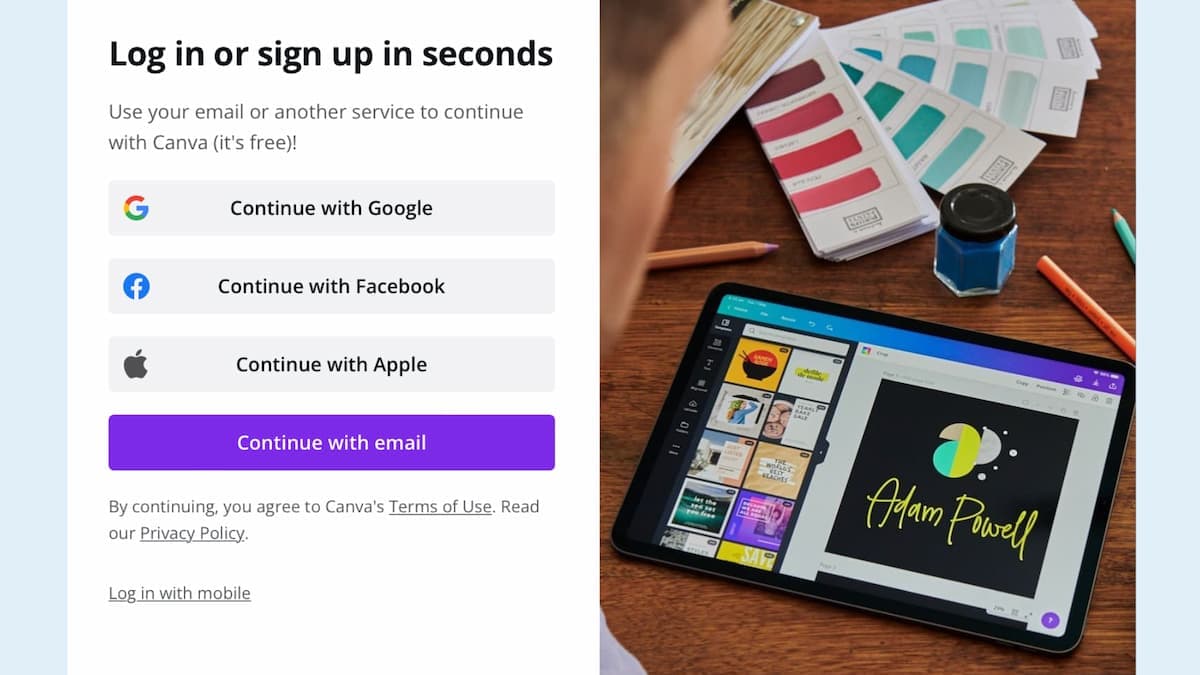
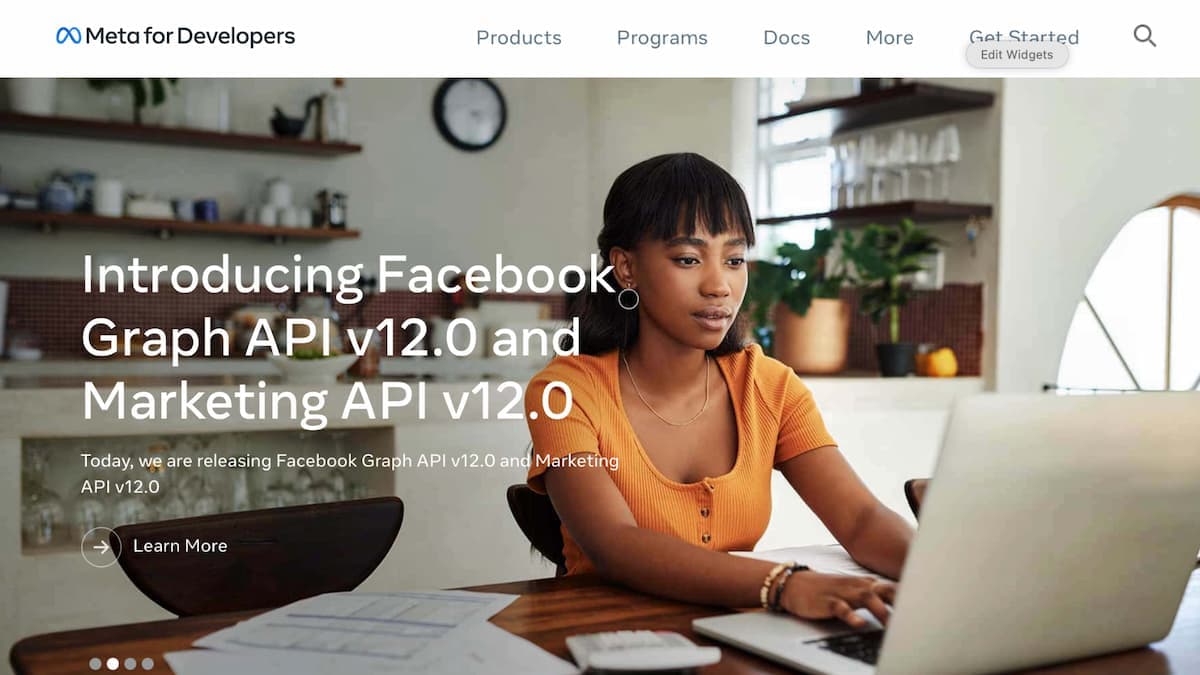
- Authorization (OAuth). Before your software can post to someone’s Instagram account, that person has to grant permission. The standard for this is OAuth. The user is sent to the network, logs in, approves a list of permissions (called scopes), and is sent back to your app. That is exactly what the “Log in with Facebook” screen above is doing.
- Access tokens. After approval, the network hands back an access token: a long string that acts as a key for that account. Every request your code makes carries it. Tokens expire (60 days is typical on Meta), users revoke them, and passwords change, which is where most “my integration stopped working” stories begin.
- Requests and responses. With a valid token, your code sends HTTP requests to the network’s endpoints and receives JSON back. Publishing an Instagram photo, for example, takes two calls: one to create a media container from your image URL, and one to publish that container.
If you can make an HTTP request and read a JSON response, you can use a social media API. The difficulty isn’t the technology. It’s the rules each network attaches to it.
The Major Social Network APIs in 2027
Each network decides who can use its API, what it costs, and what you’re allowed to do with it. Here is where things stand.
Meta Graph API (Facebook, Instagram, Threads)
Free to use, but you need a Meta developer app, a Facebook Page or an Instagram Business or Creator account, and Meta’s App Review before your app can act on other people’s accounts. App Review requires a screencast for each permission you request and can take weeks per submission. Instagram also caps how many posts each account can publish through the API per day.
X API
X is the network that has changed the most. The free tier is gone: in 2026 X moved new developers to pay-per-use pricing, where every post and every read is billed, and enterprise access runs into tens of thousands of dollars per month. Budget for API costs before you build on X.
TikTok Content Posting API
Free, but gated by an audit. New apps start in a sandbox where you can test the full login and upload flow, and until TikTok audits and approves your app, anything it publishes is forced to private visibility.
LinkedIn API
LinkedIn restricts most of its APIs to approved partners. Posting on behalf of members and Pages, and reading Page analytics, requires applying for specific API products and being accepted.
YouTube Data API
Free, with a daily quota. Each project gets 10,000 units per day by default and a single video upload costs 1,600 of them, so a product with many users runs out fast and has to request a quota increase.
Everyone Else
Pinterest, Reddit, Snapchat, Google Business Profile, Telegram, Bluesky (built on the open AT Protocol), and WhatsApp (Meta’s WhatsApp Business Platform) each have their own developer program, approval process, media limits, and rate limits.
For a network-by-network breakdown, see our guide to the top 10 social media APIs for developers.
Why Beginners Struggle With Direct Integrations
Reading the docs is the easy part. The hard part is everything that happens after the first successful post.
- Approval: each network reviews your app separately, on its own timeline, and can reject or revoke you.
- Token upkeep: tokens expire, users disconnect, and accounts change hands. Every linked account needs monitoring and refresh logic.
- Rate limits: each network counts requests differently. Exceed a limit and you get 429 errors, and in the worst case a suspended app. Our guide to handling API rate limits covers the details.
- Media rules: aspect ratios, file sizes, video codecs, durations, and caption lengths differ per network and change without much notice.
- Breaking changes: Meta versions its API and retires old versions on a schedule. X has repriced its API more than once. Someone has to watch for this.
Multiply that by a dozen networks and you’re maintaining a dozen integrations, each one a part-time job for a developer.
The Shortcut: One Social Media API for Every Network
This is the problem the Ayrshare API solves. Ayrshare is a full-stack social media API: one integration that covers publishing, analytics, comments, direct messages, post history, and ads across every major network, rather than a separate integration per platform.
Instead of wiring up each network yourself, your product integrates once with Ayrshare, which handles the OAuth flows, token refresh, media validation, rate limits, and network changes across 14+ social networks: Bluesky, Facebook, Google Business Profile, Instagram, LinkedIn, Pinterest, Reddit, Snapchat, Telegram, Threads, TikTok, X, YouTube, and WhatsApp for messaging.
A first post looks like this:
bash
bash
curl -X POST https://api.ayrshare.com/api/post \ -H "Authorization: Bearer API_KEY" \ -H "Content-Type: application/json" \ -d '{ "post": "Our first post through a social media API.", "platforms": ["instagram", "linkedin", "tiktok"], "mediaUrls": ["https://img.ayrshare.com/012/gb.jpg"] }'
That one call publishes to three networks and returns each network’s post ID, or an error that says exactly what went wrong and on which network. The same API covers scheduling, analytics, comments, direct messages, post history, and Facebook ads, so you don’t add a second vendor when your product needs analytics next quarter.
Two details matter for beginners in particular. Pre-publish validation checks every post against the network’s rules (banned hashtags, duplicate content, posting limits) before it’s sent, so a mistake can’t suspend a customer’s account. And Ayrshare publishes its rate limits, 300 calls per 5 minutes per profile, rather than leaving you to discover them.
You don’t have to write code to use it either. Make and n8n connectors give marketers and no-code builders the same infrastructure through a visual workflow.
Let an AI Agent Do It: the Ayrshare MCP Server
There is now a third path, and it is the one most new projects start with. MCP (Model Context Protocol) is an open standard that lets an AI assistant call outside tools on your behalf. Ayrshare runs an MCP server at api.ayrshare.com/mcp with 27 tools covering publishing, analytics, post history, comments, direct messages, and profile management.
Connect it to Claude, Cursor, or n8n and you can publish a post or pull last month’s engagement by asking for it, with no integration code at all. Every tool call runs through the same Ayrshare API a REST request would, so the same authentication, rate limits, and pre-publish validation apply. An agent posting on your behalf cannot skip the checks that keep an account out of trouble, which matters more when software is posting at volume rather than a person.
In Claude Code, the plugin bundles the server, a setup command, and a confirmation step before anything publishes:
bash
bash
claude plugin marketplace add ayrshare/ayrshare-social-media-api-claude-pluginclaude plugin install ayrshare@ayrshare/ayrshare:setup
There is a second, separate server worth knowing about: a documentation MCP server that gives your assistant the Ayrshare docs while it writes code, so it looks up the right parameter instead of guessing at one.
Where to Start
- Pick one use case. “Publish to Instagram and LinkedIn from our app” is a better first project than “integrate every network.”
- Decide between direct and indirect. If you need one network and have a developer to maintain it, going direct is fine. If you need several networks, or you’d rather not own token refresh and app reviews, a single social media API is the faster path.
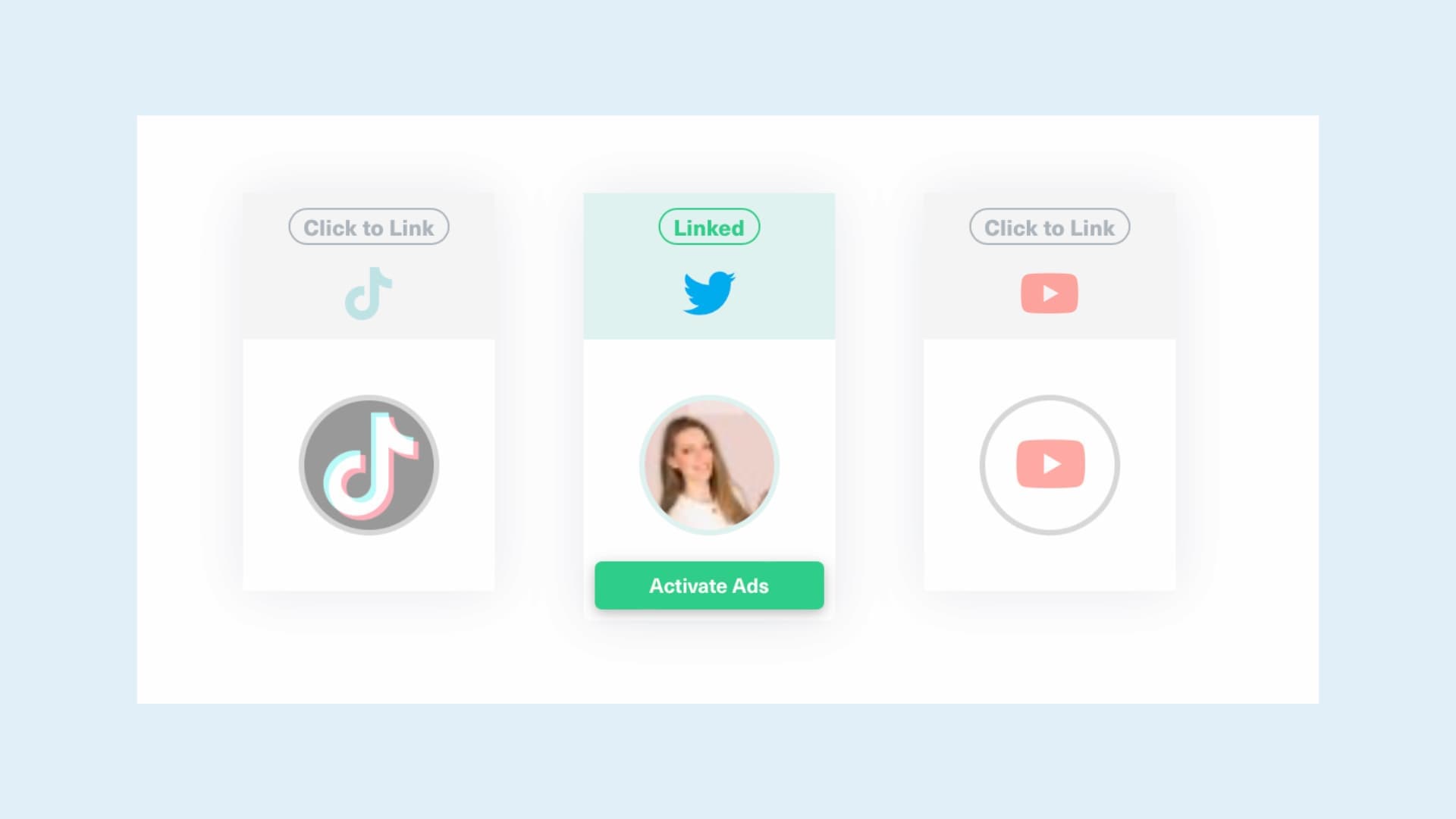
- Send your first post. With Ayrshare, the quickstart walks you from signup to a published post in a few minutes: link a social account in the dashboard, copy your API key, and send the request above.
- Add analytics next. Once posting works, pull post and account analytics so you can see what the content actually did.
Conclusion
A social media API is the menu a social network hands to software: a defined set of things you can ask for and the format the answers come back in. Every scheduling dashboard, analytics report, and AI content agent is built on them.
The networks’ own APIs are free or cheap to start with, but each comes with its own approval process, token lifecycle, rate limits, and media rules, and those rules change. Understanding that much puts you ahead of most people evaluating social features, whether you plan to build directly or start from a single API that covers every network.
Written by: Ayrshare Team
Guides and stories from the Ayrshare team, the unified social media API trusted by more than 10,000 teams.
Ask AI about this article
Opens your AI assistant in a new tab with this article preloaded.
Frequently Asked Questions
A social media API (Application Programming Interface) is the interface a social network exposes so outside software can work with it. Through the API a program can publish and schedule posts, read analytics, manage comments and direct messages, retrieve past posts, and authenticate users, without a person logging into the network.
It depends on the network. Meta’s Graph API (Facebook, Instagram, Threads), TikTok’s Content Posting API, and YouTube’s Data API are free but require app review or an audit and enforce quotas or rate limits. X retired its free tier in 2026 and charges per use. LinkedIn limits most of its APIs to approved partners. The real cost of a direct integration is usually the developer time to get approved and keep it running, not the API fee.
To call an API directly, yes, you need to write code that sends HTTP requests. Marketers and no-code builders can use the same APIs indirectly through connectors such as Make and n8n, or through products built on top of them. The Ayrshare API supports both paths: a REST API for developers, and Make, n8n, and MCP integrations for everyone else.
A scheduling app such as Buffer or Hootsuite is a finished product with its own interface, built on top of the networks’ APIs, for a team managing its own accounts. A social media API is infrastructure for building your own product: your users link their social accounts inside your app, and your software posts, reads analytics, and manages engagement on their behalf. Your users never see the API provider.
Yes. Ayrshare runs an MCP server at api.ayrshare.com/mcp exposing 27 tools for publishing, analytics, history, comments, direct messages, and profiles. Connect it to an AI client such as Claude, Cursor, or n8n and the assistant can publish and report on posts without you writing integration code. Every call goes through the same API as a REST request, so authentication, rate limits, and pre-publish validation still apply.
Ayrshare supports 14+ social networks through one integration: Bluesky, Facebook, Google Business Profile, Instagram, LinkedIn, Pinterest, Reddit, Snapchat, Telegram, Threads, TikTok, X (formerly Twitter), and YouTube for publishing, plus WhatsApp through the Messaging API. Analytics, comments, direct messages, post history, and Facebook ads are covered by the same API.