
In-App Social Connections, Embedded in Your UI
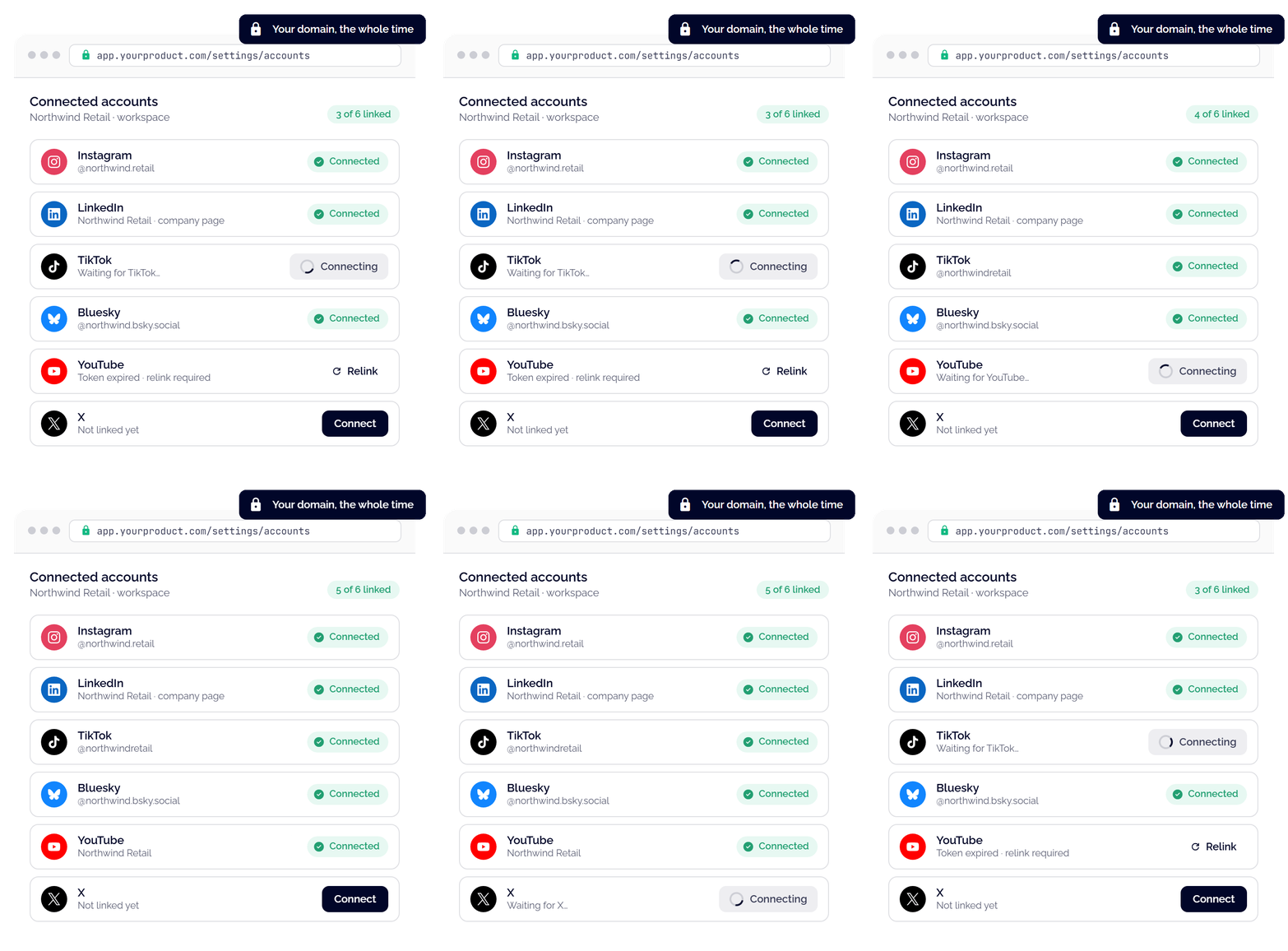
Let your users link Instagram, LinkedIn, TikTok, and 14+ networks without ever leaving your product. We manage the entire OAuth lifecycle and background token refreshes, requiring only a single script and backend call to get your dashboard connected effortlessly.
>99.99%
API uptime
30M+
API calls per day
14+
Social media networks
AI-Native
Native MCP server
>99.99%
API uptime
30M+
API calls per day
14+
Social media networks
AI-Native
Native MCP server
Keep Account Connections In‑App
Prevent onboarding drop-offs with Ayrshare Connect. Keep the account linking process entirely on your screen, in your layout, and completely native to your product.
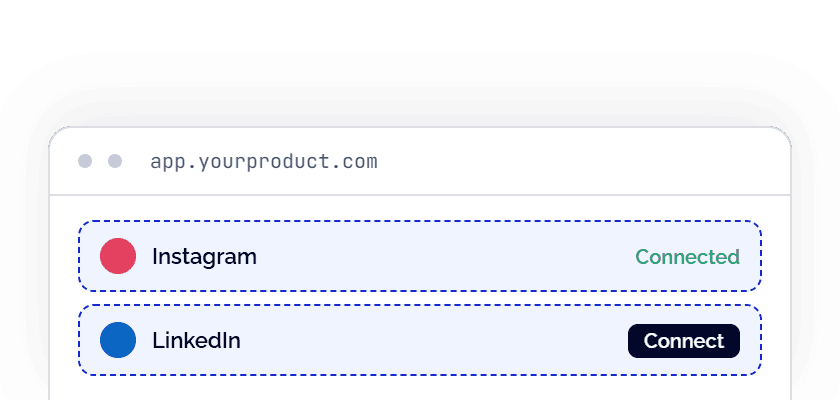
Embedded frames
Our tiles render inline in your layout and already show which accounts are linked. The only popup is the network's own login. Pick this when your settings page has a row per network and you want linking to happen in place.
Business plan with the Max Pack
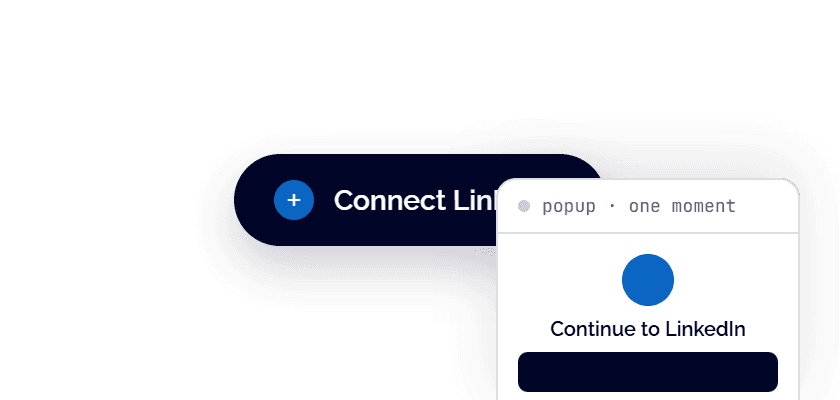
Your own button
Keep your own button and styling. A click opens one brief popup of ours that inherits your appearance, then closes. Pick this when you want nothing of ours in your layout.
Business plan with the Max Pack
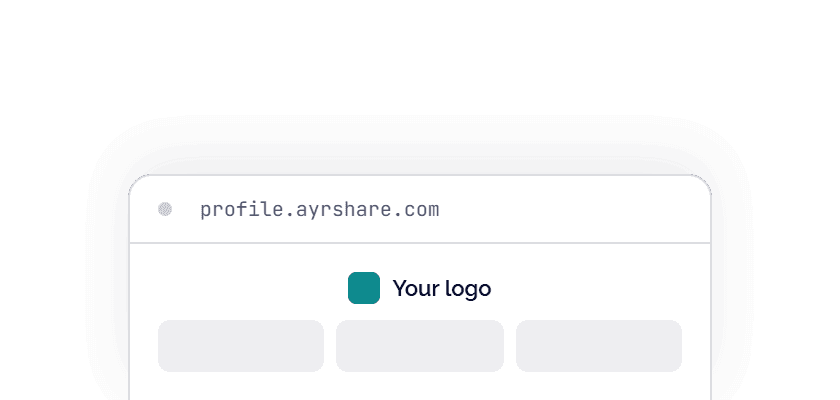
Hosted linking page
A page we host with your logo and colours. Your user leaves your app to use it. Pick this when you want a single link to send, or you onboard by email. Nothing to build.
Need it without our script? Direct mode gives you the same popup from a URL, for strict Content-Security-Policy pages, server-rendered apps and native apps.
Business plan. No Max Pack needed
Secure Integration in Three Steps
You can let users connect their social accounts directly inside your app in three simple steps while keeping your security keys safely hidden on your server.
Step 1Add the script
Add a single line of code to your website to load Ayrshare Connect. It updates automatically.
<script src="https://app.ayrshare.com/ayrshare-connect/v1/widget.js" crossorigin="anonymous"></script>
Step 2Create a secure session
Have your backend securely request a connection session for the signed-in user. You only need one call to cover all social networks, and it is strictly locked to your website's address for security.
app.get("/my-api/ayrshare-session", async (req, res) => { const response = await fetch("https://api.ayrshare.com/api/profiles/link-sessions", { method: "POST", headers: { "Content-Type": "application/json", Authorization: `Bearer ${process.env.AYRSHARE_API_KEY}`, "Profile-Key": profileKeyFor(req.user), }, body: JSON.stringify({ mode: "connect", origin: "https://app.example.com" }), }); res.json(await response.json());});
Step 3Choose your layout
Use that secure session on your frontend to display flexible connection tiles or a simple popup button. The connections auto-renew in the background, adapt to fit your layout, and work with any framework. Full guide in the docs.
const connect = AyrshareConnect.init({  session: () => fetch("/my-api/ayrshare-session").then(r => r.json()),});
// Embedded frames in your layoutconnect.mount("#instagram-slot", { network: "instagram" });connect.mount("#the-rest", { networks: ["linkedin", "tiktok", "x"] });
// Your own button: call popup() inside the click handlerlinkedInButton.addEventListener("click", () => {  connect.popup({ network: "linkedin" });});
Real-Time Events, Directly to Your Backend
Send every click, success, failure, and state change directly to your codebase. Forward events to your own analytics to track onboarding behavior, and drive real-time UI updates without ever needing to poll.
Every failure comes with a specific reason, like a blocked popup or a declined permission, so your support team can resolve issues in one reply.
Full event tableconnect.on("success", ({ network, displayName }) => refreshRow(network, displayName));connect.on("cancelled", ({ network, reason }) => track(network, reason));connect.on("error", ({ network, code, reason }) => report(code, reason));connect.on("state", ({ network, state }) => setStatus(network, state));
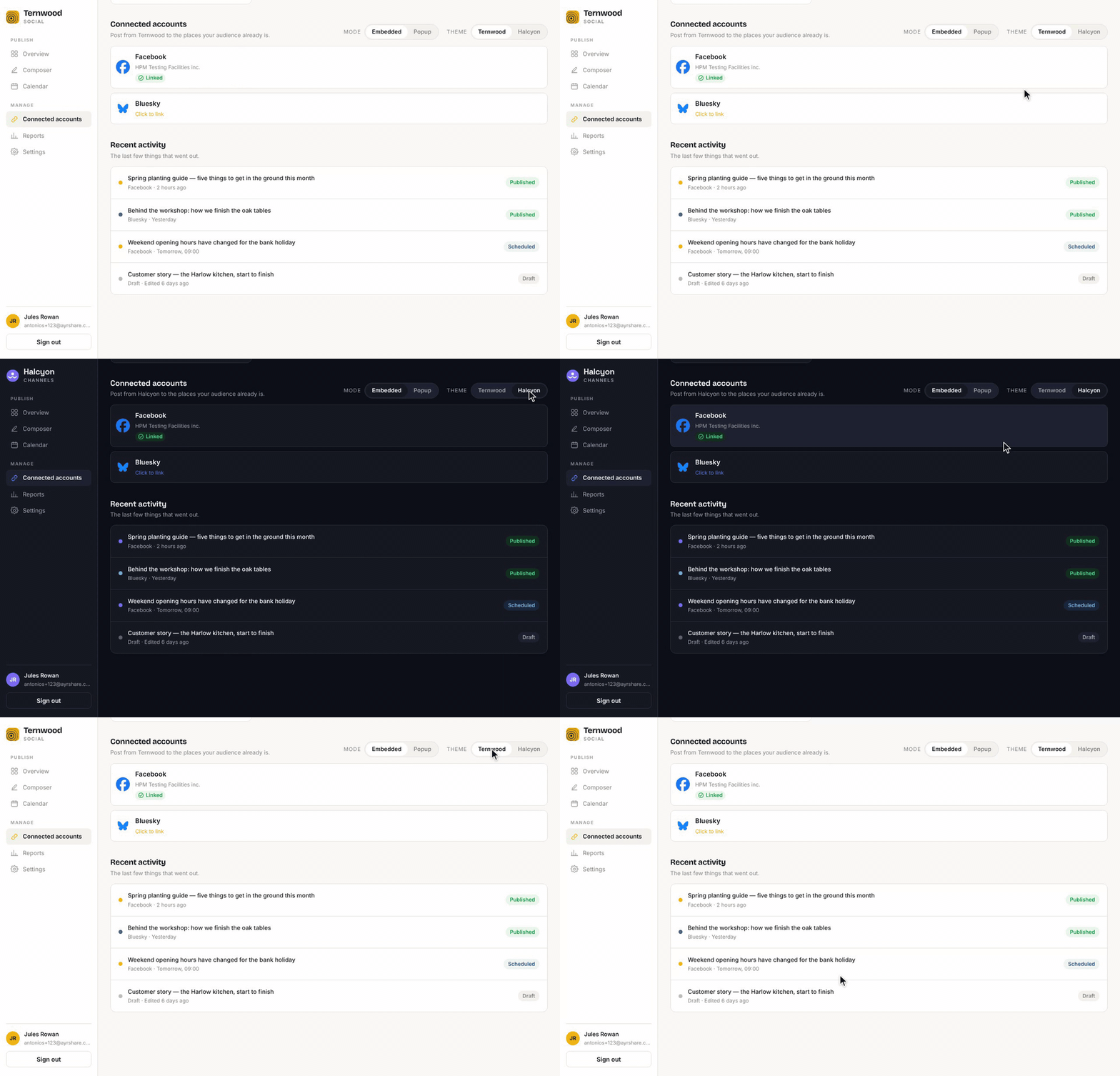
Fully Branded, Top to Bottom
Maintain user trust with a completely white-labeled experience. Style the connection flow to match your app perfectly by passing design tokens at initialization to customize fonts, colors, and spacing. Add your logo and product name so the hand-off screen carries your brand, ensuring users never feel like they left your platform.
New Native UI, Same Powerful Backend
Zero Credential Liability
Users authenticate directly with the social networks. Passwords never touch your servers, keeping your platform completely secure and out of scope. Ayrshare is GDPR compliant, with a signed Data Processing Agreement available for your own compliance review.
Automated Token Management
Ayrshare automatically refreshes OAuth tokens in the background. Secure, short-lived sessions handle user sign-ins effortlessly so you never have to manage expirations.
Locked to Your Origin
Frames render exclusively on the domains you declare during session creation. Embedded anywhere else, they remain safely blank, with no complex allowlists to manage.
Zero-Maintenance Updates
When social networks update their APIs, we deploy the fixes instantly within our frames. Your integration stays pristine without requiring a single code redeploy.
Platform Quirks, Handled
We smooth out complex network requirements, like Meta's mandatory extra click, by seamlessly guiding users through the process natively under your own brand and logo. Ayrshare is an official, approved partner of the social networks, so your users connect through our already-approved apps and you skip each network's app review.
Built for Multi-Tenant Apps
The ideal self-serve onboarding flow for SaaS products, AI content tools, and agencies that need end-users to securely link their own social profiles directly inside your platform.
Common Technical Questions
Yes. The script is framework-agnostic. Load it once outside your component tree, mount inside an effect, and call destroy() on cleanup. The docs include a complete React component.
Two entries, both naming https://app.ayrshare.com: script-src and frame-src. No connect-src entry, because our frames reach our API from inside themselves.
Yes. A native app can't load the web widget, so you use direct mode instead. Your backend creates a link session as usual, and your app opens the link it gets back in the phone's own browser. It has to be the real browser, not a web view inside your app, because the social networks block logins from web views. When the user is done, your app calls Get a Link Session to see which accounts were connected.
No. Everything you have built keeps working. Posting, analytics, and the rest of the Ayrshare API are unchanged, and the hosted linking page and generateJWT stay fully supported with no removal date. Ayrshare Connect is an addition, not a replacement. It uses the same link session you already create, shown inside your app instead of on our hosted page. If you later want to move from generateJWT to link sessions, it is a small change: send your API key and the user's Profile-Key to the new endpoint, and read url from the response where you used to read token.
Ayrshare Connect requires the Max Pack on the Business plan. The hosted linking page is included in Business without the Max Pack. See pricing.
Test it in your app today
Generate a session on your backend, mount a single slot, and run it right alongside your current UI. Your onboarding can stay exactly as it is.